
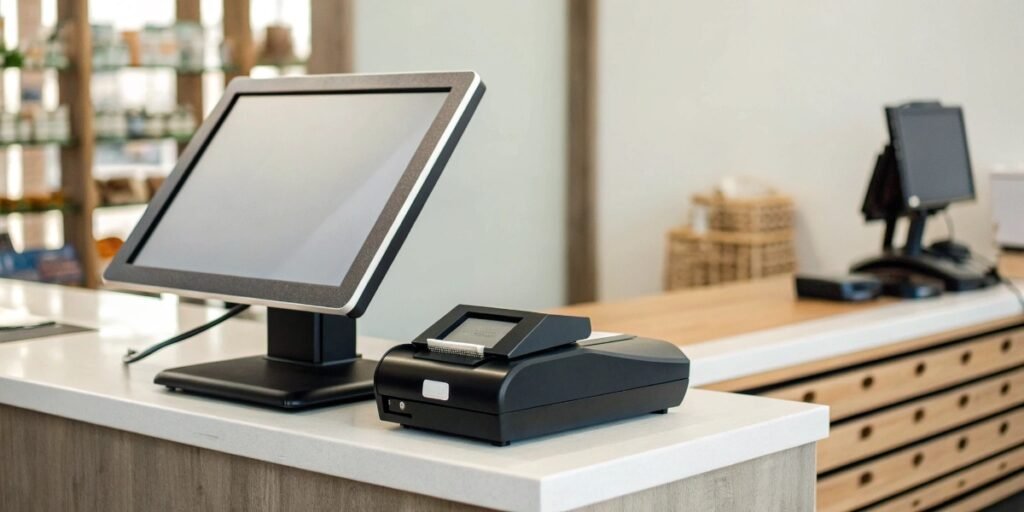
Worried about your business stopping when the internet goes out? A cloud POS is great, but a dropped connection during a rush is a real problem. Non-cloud systems can help.
Yes, non-cloud based POS systems, also called on-premise or traditional systems, are still available. They store your business data locally on your own servers. This makes them perfect for businesses with unreliable internet or very strict data privacy needs.
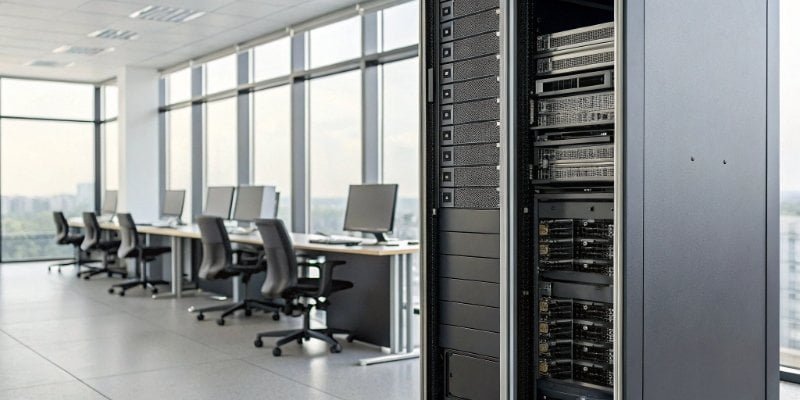
Choosing the right Point of Sale (POS) system is a big decision. I've spent nearly two decades in this industry, building weighing systems that often integrate with these POS platforms. I've seen firsthand how the right choice can make a business run smoothly, while the wrong one can cause constant headaches. It's not just about processing sales; it's about inventory, customer data, and security. Let's look deeper into the options available today so you can find the perfect fit for your specific needs.
What are the 4 types of POS systems?
Feeling overwhelmed by all the POS options out there? With so many choices, it's hard to know which is right for you. Understanding the four main types makes it easier.
The four main types of POS systems are on-premise (traditional), cloud-based (SaaS), mobile POS (mPOS), and hybrid systems. Each type has different benefits for cost, flexibility, data storage, and internet needs.
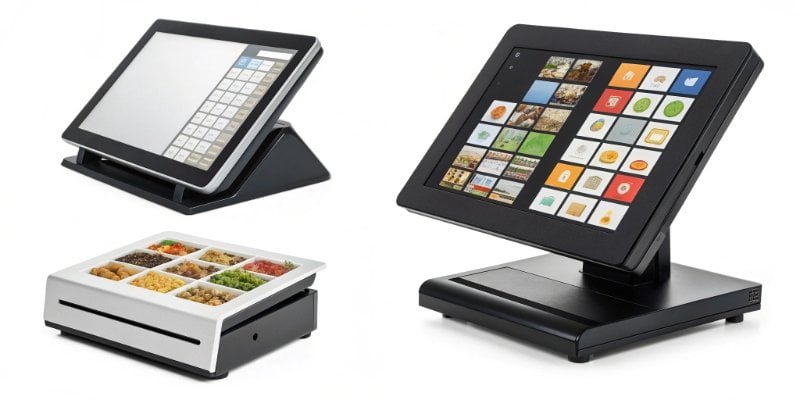
In my 19 years of manufacturing industrial equipment, I've seen how crucial it is to match the technology to the environment. The same is true for POS systems. Let's break down these four types so you can see which one aligns with your business goals1.
1. On-Premise POS (Legacy Systems)
These are the traditional systems. All your data is stored on a local server, usually a computer in your back office. You buy the software license upfront and it’s yours. This model is great for businesses that want total control over their data and don't want to rely on an internet connection for basic operations.
2. Cloud-Based POS (SaaS)
This is the most popular type today. Your data is stored on the provider's servers (the "cloud") and you access it through the internet. You typically pay a monthly subscription fee2. It's flexible, you can access your data from anywhere, and the provider handles all the updates and maintenance.
3. Mobile POS (mPOS)
This is a subtype of cloud POS that runs on a tablet or smartphone. It's perfect for businesses on the go, like food trucks, or for line-busting in a busy retail store. They are affordable and very easy to set up.
4. Hybrid POS
A hybrid system is a mix of on-premise3 and cloud. It stores data locally but also syncs it to the cloud when an internet connection is available. This gives you the best of both worlds: the reliability of an on-premise system with the flexibility of the cloud.
| Feature | On-Premise | Cloud-Based | Mobile (mPOS) | Hybrid |
|---|---|---|---|---|
| Data Storage | Local Server | Vendor's Cloud | Vendor's Cloud | Local & Cloud |
| Cost Model | High Upfront Cost | Monthly Subscription | Low Upfront Cost | Upfront + Subscription |
| Internet Need | Not for sales | Required | Required | Works Offline |
| Best For | Stable, large businesses | Small to medium businesses | Mobile businesses | Businesses needing reliability & flexibility |
Can a POS system work without internet?
The internet goes down during your busiest hour. Can you still process sales, or is your business just stopped? Some POS systems are designed to handle this exact problem.
Yes, a POS system can work without the internet. On-premise systems work offline naturally. Many cloud-based systems also have an "offline mode" that syncs data once the connection is back, so you never miss a sale.
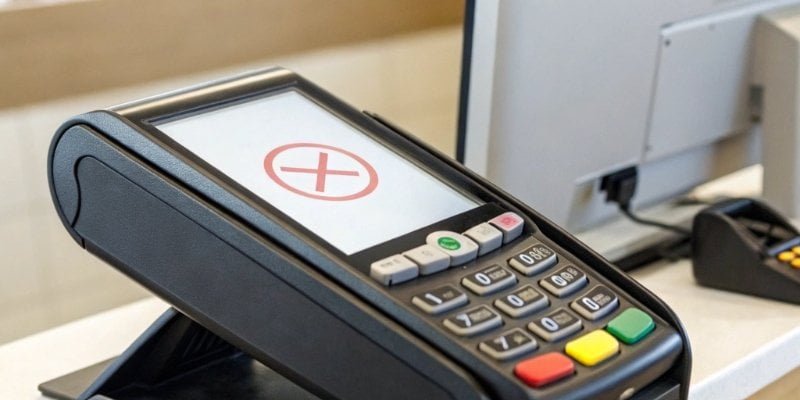
The ability to operate without the internet is a critical feature for many businesses. From our experience at Weigherps, especially in industrial settings where connectivity can be unstable, uptime is everything. A POS system that stops when the Wi-Fi does is not a professional tool.
How On-Premise Systems Work Offline
On-premise systems are the champions of offline work. Since the software and data are all stored on a local server at your location, the system doesn't need the internet to find product information, process a cash sale, or manage inventory. The entire network is self-contained. You only need an internet connection for things like processing credit card payments or sending emails. For core operations, it is completely independent.
Cloud POS and "Offline Mode"
Modern cloud-based systems have a smart solution for this called "offline mode4". When the internet goes out, the POS app can continue to ring up sales and save the transaction data directly on the device, like your iPad or computer. It essentially creates a temporary, local storage. Once the internet connection is restored, the app automatically syncs all the saved transactions to the cloud. This prevents you from losing sales, but it's important to know there are some limits. You might not be able to process credit cards in real-time and your inventory levels won't be updated across all devices until you're back online.
What is the difference between cloud POS and on premise POS?
"Cloud" versus "on-premise" can sound like a technical argument. It's hard to see how it really affects your daily operations and your money. Let's break down the real, practical differences.
The biggest difference is where your data is stored. On-premise POS stores data on a local server you own. Cloud POS stores data on remote servers you access online. This one difference changes everything about cost, access, and maintenance.
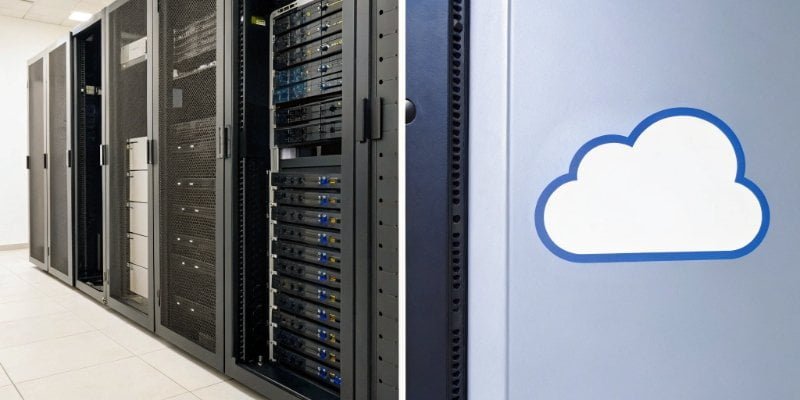
As someone who helps businesses build custom weighing solutions, I always start with one question: where and how will you use this? The same logic applies to choosing a POS. The choice between on-premise and cloud depends entirely on your business environment5 and goals.
Here’s a clear breakdown of the key differences:
| Feature | On-Premise POS | Cloud POS |
|---|---|---|
| Cost Structure | A large, one-time purchase for software and hardware. | A smaller monthly or annual subscription fee (SaaS). |
| Data Storage | On your own server, in your building. You control it. | On the provider's remote servers. They manage it. |
| Accessibility | You can only access data from your business location. | You can access your data from anywhere with the internet. |
| Maintenance & Updates | You or your IT team are responsible for all maintenance, security, and updates. | The provider handles all updates, security, and maintenance for you. |
| Security | Security is your responsibility. It's as good as your IT setup. | The provider manages security with professional teams. |
| Scalability | Adding new terminals or locations can be complex and expensive. | Easy to add new users, terminals, or locations through your subscription. |
Choosing one over the other is a strategic business decision. On-premise gives you ultimate control but requires a big investment and technical knowledge. Cloud POS is flexible and affordable to start, but you are depending on the provider and your internet connection. We often advise clients to think about their five-year plan. If you plan to grow and open new locations, the scalability6 of a cloud system is a huge advantage.
Are POS systems cloud-based?
Everyone is talking about the cloud these days. Does this mean all modern POS systems are online now, and you have no other choice? Not all of them, but the trend is very strong.
While not all POS systems are cloud-based, the majority of new and popular systems are. This shift is because of lower startup costs, great flexibility, and ease of use. But, on-premise and hybrid options are still vital for certain industries.
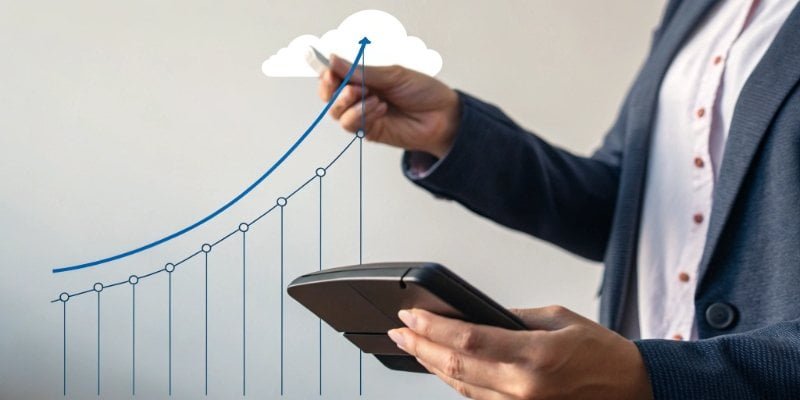
The move to the cloud has been a huge change in the industry. For most small and medium-sized businesses, it’s a clear winner. Instead of a huge upfront cost (Capital Expenditure), you pay a predictable monthly fee (Operational Expenditure), which is much easier on cash flow. The ability to check sales reports from your phone or manage inventory from home is a powerful advantage that business owners love. Automatic software updates mean you always have the latest features and security patches without having to do anything yourself.
However, it's a mistake to think cloud is the only answer. At Weigherps, we create custom weighing systems for manufacturing plants, agricultural facilities, and logistics centers. In these places, internet can be unreliable or non-existent in certain areas. More importantly, many of these companies have extremely strict rules about data security. They cannot risk having sensitive production data on a third-party server. For them, a non-cloud, on-premise solution is not just an option; it's a requirement. This is why on-premise and hybrid systems continue to be developed and supported. The best system is the one that fits your specific operation, not just the one that is most popular.
Conclusion
Both cloud and non-cloud POS systems have a place in today's market. The right choice depends on your specific business needs for internet reliability, data security, and budget.
- Explore strategies to choose a POS system that aligns with your specific business objectives. ↩
- Find out how subscription fees work for cloud POS systems and their financial implications. ↩
- Learn about on-premise POS systems and how they can provide reliability and control for your business. ↩
- Discover how offline mode works in POS systems and its importance for uninterrupted sales. ↩
- Explore how your business environment influences the choice of POS system for optimal performance. ↩
- Learn about the importance of scalability in POS systems for future business growth. ↩

Comments (0)