
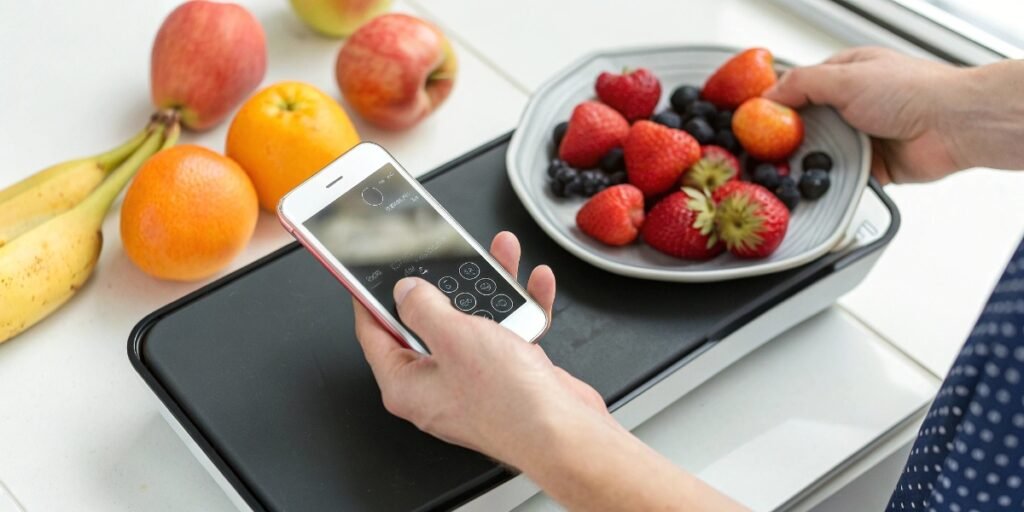
You need to weigh something small, but your scale is nowhere in sight. It's frustrating when you just need a quick, simple measurement. You glance at your phone and wonder.
Yes, some smartphones can function as a basic scale. Phones with pressure-sensitive screens, like certain iPhones with 3D Touch or newer Android flagships, can use apps to estimate the weight of small objects. However, this method has significant limitations in accuracy and capacity.
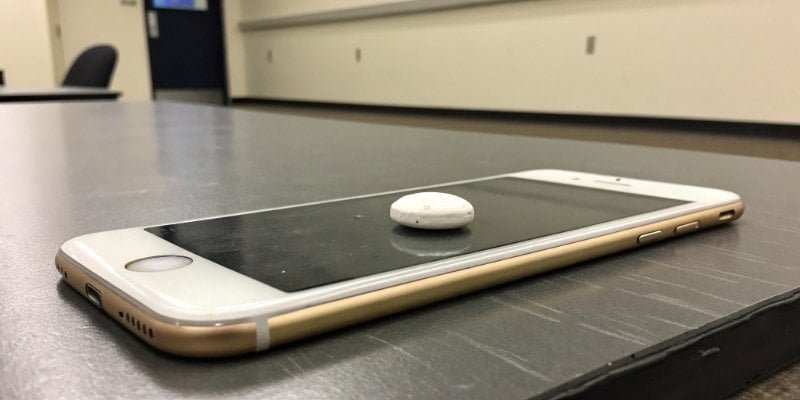
It sounds almost like a trick, using a communication device to measure weight. As someone who has spent nearly two decades in the industrial weighing1 industry, I was fascinated when this technology first appeared. It's a clever use of existing hardware. But the big question is, how well does it actually work, and can you rely on it? Let's explore the details behind turning your phone into a scale, what its real-world limits are, and what to do when you need a more reliable option.
Can I use my phone as a weighing scale?
You're trying a new recipe that calls for 10 grams of spice, but your kitchen scale is broken. Your phone is right there. Can it actually save your dinner?
Yes, you can use a phone with a pressure-sensitive display as a makeshift scale. By downloading a "touch scale" app, you can place a light object on the screen, and the phone's sensors will provide an estimated weight. It's a handy trick for emergencies.
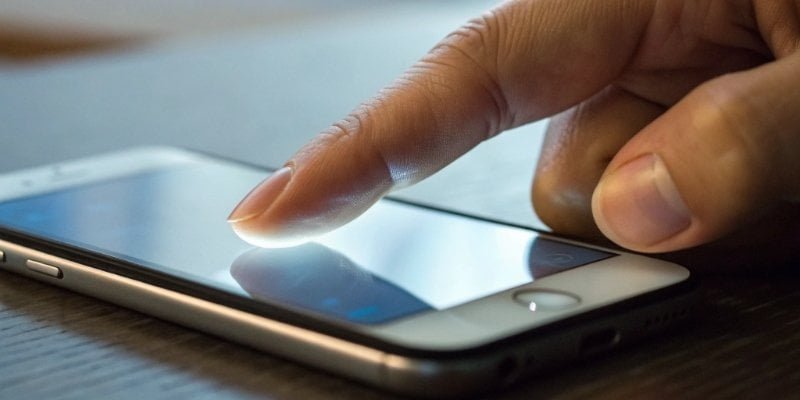
The technology behind this is quite interesting. Certain phones have pressure sensors2 integrated into their screens. These sensors are not originally designed for weighing. Their main purpose is to enable user interface features, like the "peek and pop" previews on older iPhones. An app can access the data from these sensors to translate the amount of force applied into a weight measurement. However, there are serious limitations. The accuracy3 is often within a range of ±2 grams, which is not very precise. These phone-scales also have a very limited capacity, typically working best for objects between 5 and 500 grams. Factors like a screen protector or a phone case can easily throw off the reading. From my experience building precision instruments, I can tell you that the sensors in a phone are fundamentally different from the dedicated load cells4 we use in our industrial scales. A phone scale is a cool gadget, but it's not a true measuring instrument.
| Feature | Phone Scale | Professional Digital Scale |
|---|---|---|
| Technology | Screen Pressure Sensors | Dedicated Load Cell |
| Accuracy | Low (e.g., ±2g) | High (e.g., ±0.01g) |
| Capacity | Very Low (up to 500g) | Varies (Low to Very High) |
| Reliability | Low; affected by cases | High; built for consistency |
| Best Use | Fun, emergency estimates | Kitchen, lab, industrial use |
Is it possible to use an iPhone as a scale?
iPhone users often hear about hidden features. The rumor of a built-in scale is one of the most persistent. Is this just a tech myth, or can your premium device actually weigh things?
Absolutely. iPhones from the 6s to the XS series contain a hardware feature called 3D Touch, making this possible. You can visit specific websites in your browser that use this feature to turn your iPhone into a temporary scale for small items.
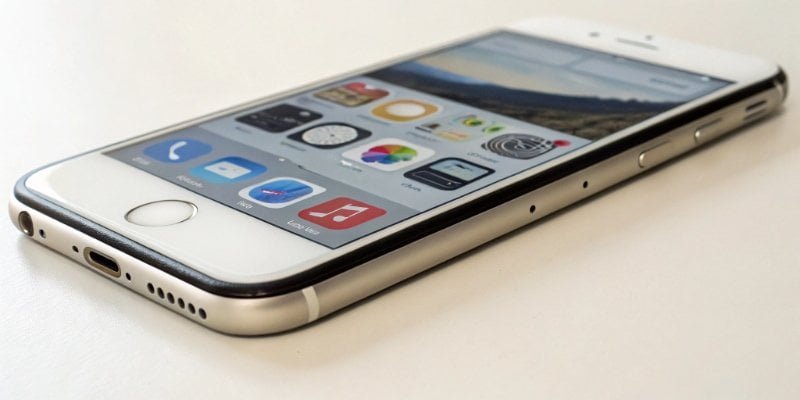
The key here is "3D Touch5." This was Apple's name for its pressure-sensitive screen technology. I remember when it was first announced. In our R&D department at Weigherps, we got our hands on one and tested its capabilities immediately. It was impressive for a consumer device. However, Apple discontinued 3D Touch in favor of "Haptic Touch6" starting with the iPhone 11 and iPhone XR. Haptic Touch works based on the duration of a press, not the force, so newer iPhones cannot be used as a scale in this way. If you have an older, compatible iPhone, the process is simple. Find a "touch scale" website, place a conductive object (like a spoon) on the screen to activate it, and then place the item you want to weigh on the spoon. It's often helpful to calibrate it first using an object of known weight, like a coin. It’s a great party trick, but the inconsistency we found during our tests is exactly why you'd never see this technology used in a professional setting where profit and safety depend on accuracy3.
Can my phone really measure weight?
It feels a bit unbelievable. Your phone, a device for calls, texts, and browsing, could also measure grams and ounces. You are right to be skeptical. So, let's get to the bottom of this claim.
Yes, your phone can provide a weight estimation, but it doesn't measure weight with true accuracy. It uses either screen pressure sensors or camera-based AI algorithms, both of which are designed for other purposes and lack the precision of a dedicated scale.
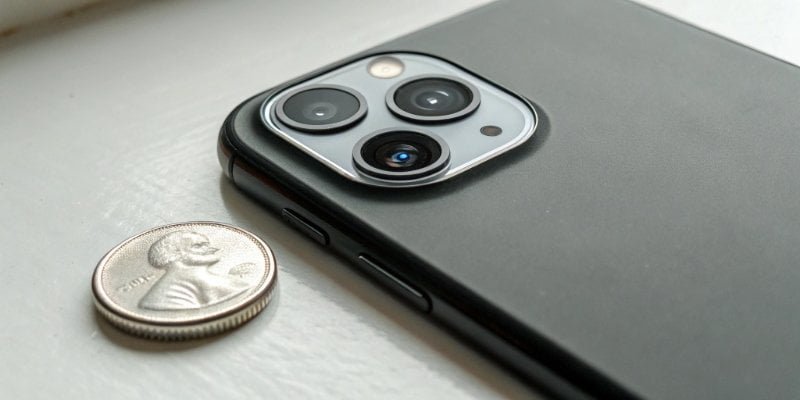
We've already talked about pressure-sensitive screens7. But there is another method some apps claim to use: camera and Artificial Intelligence (AI). This works by you taking a picture of the object next to a reference item, usually a standard coin. The app's AI then analyzes the image. It estimates the volume of your object based on its size relative to the coin. Then, by referencing a database of material densities, it guesses the weight. As you can imagine, this method is even less reliable than using pressure sensors. The accuracy depends heavily on the camera angle, lighting conditions, and the app correctly identifying the material. In my 19 years in the weighing industry, I can state with confidence that true measurement, or metrology, is about quantifying a physical force. Estimating weight from a picture is a fun software puzzle, but it is not a substitute for accurate measurement. It's a clever idea, but a long way from the reliable data our clients need to run their businesses.
| Method | How It Works | Pros | Cons |
|---|---|---|---|
| Pressure Sensor | Measures force applied to the screen | More direct measurement | Limited to specific phones, low accuracy |
| Camera / AI | Estimates volume from a photo and guesses density | Works on any phone with a camera | Extremely inaccurate, highly variable |
What can I use instead of a scale?
You need to weigh something right now, but you don't have a scale. Your phone doesn't have the right features. Don't give up. There are some clever, old-school methods you can use.
If you don’t have a scale, you can build a simple balance beam. Use a clothes hanger, some string, and two small cups. You can then compare your item’s weight against an object with a known weight, like a can of food or a measured volume of water.
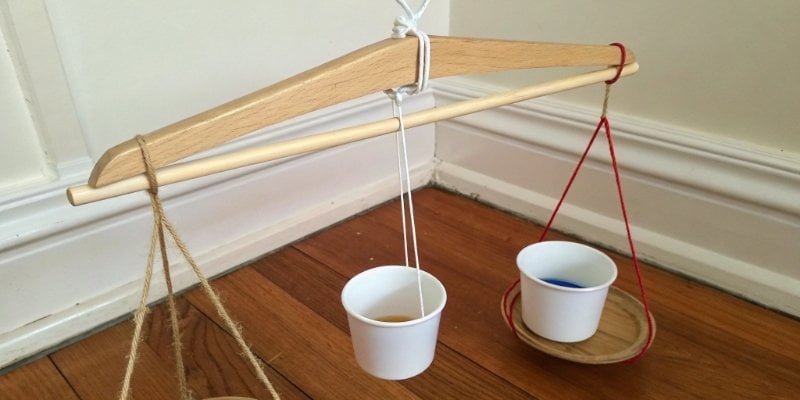
This is a fantastic trick for when you're in a bind. Just hang a clothes hanger from a doorknob or hook so it can pivot freely. Tie strings to each end and attach a small cup or plastic bag to each string, making sure they hang at the same height. Now you have a balance. In one cup, place the item you want to weigh. In the other, add materials with a known weight until the hanger is perfectly level. You can use money, as coins have standardized weights. You can also use water, since 1 milliliter of water weighs exactly 1 gram. It's an imprecise method, but it's great for comparing if one thing is heavier than another or getting a rough estimate. These DIY solutions8 are great for home emergencies. However, for any business, accuracy and consistency are vital. This is why professional scales, like the customizable weighing solutions we've been engineering for nearly two decades, are essential. They remove the guesswork and protect your profits.
Conclusion
A phone can act as a makeshift scale, but it's inaccurate. For anything beyond a cool trick, DIY methods or, ideally, a dedicated digital scale are far more reliable choices.
-
Learn about the latest advancements in industrial weighing technology and their applications. ↩
-
Learn about pressure sensors and their various applications, including in smartphone technology. ↩
-
Discover the accuracy differences between smartphone scales and professional weighing instruments. ↩ ↩
-
Gain insights into load cells, the technology behind professional scales, and their importance. ↩
-
Explore the capabilities of 3D Touch technology and its applications beyond weighing. ↩
-
Discover the differences between Haptic Touch and 3D Touch in iPhones and their functionalities. ↩
-
Understanding pressure-sensitive screens can help you grasp how smartphones can estimate weight. ↩
-
Explore creative DIY solutions for weighing items when you don't have a scale available. ↩



Comments (0)