
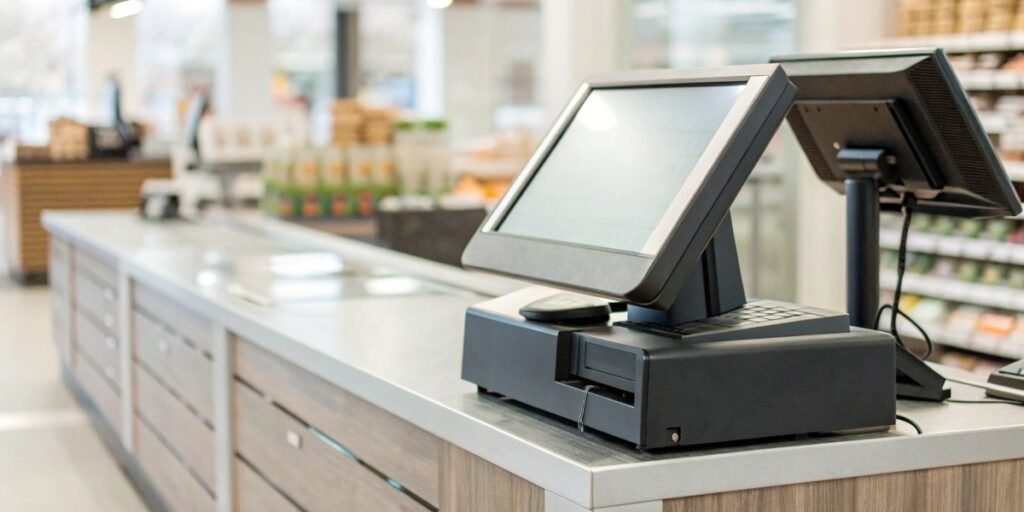
Struggling with messy sales records and slow checkouts? This chaos can cost you money and customers. A cash register system brings order and efficiency to every single transaction.
A cash register system is a tool businesses use to calculate and record sales transactions. It combines hardware like a cash drawer and scanner with software to manage payments, track inventory, and generate sales reports, streamlining the entire checkout process.
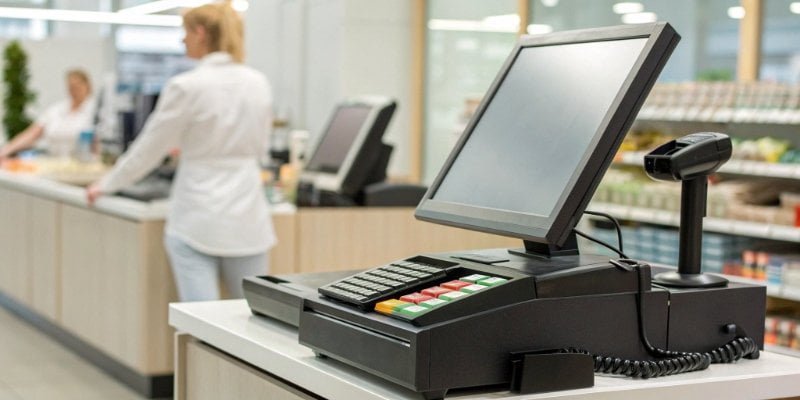
That's the basic idea, but it's just the starting point. These systems have evolved a lot over the years. In my 19 years of manufacturing industrial weighing equipment, I've seen them transform from simple calculators into the brains of a business. Understanding the different types and how they work is key to choosing the right one for your specific needs. Let's explore this further.
What are the different types of cash register systems?
Choosing a system feels overwhelming with so many options. The wrong choice can mean wasting money on features you don't need or getting a system that can't grow with you.
Cash register systems range from basic Electronic Cash Registers (ECRs) for simple transactions to advanced Point of Sale (POS) systems. POS systems can be terminal-based, cloud-based, or even run on mobile devices like tablets and smartphones for ultimate flexibility and power.
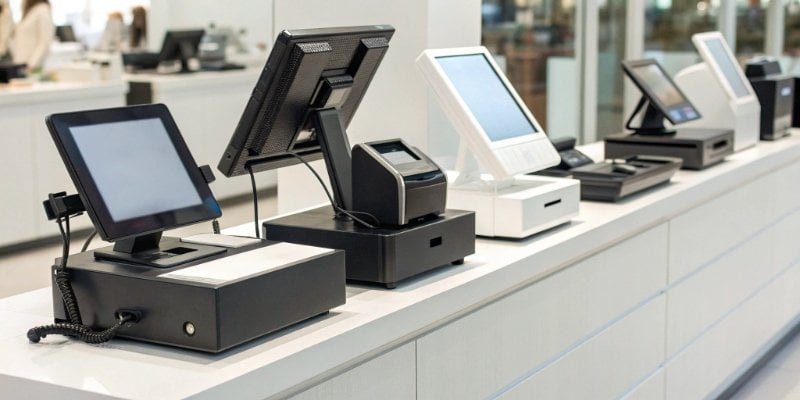
Over my career, I've watched the market shift dramatically. What started as simple machines for holding cash have become complex ecosystems. The basic Electronic Cash Register, or ECR, is the simplest form. It does the fundamentals: calculates sales, holds money, and prints receipts. It's durable but limited. Then you have the Point of Sale (POS) system, which is where things get interesting for technology providers. A POS is part hardware, part software. It not only handles transactions but also manages inventory, tracks customer data, and generates detailed reports. As a hardware manufacturer, we now create devices designed to integrate seamlessly with these systems. For instance, our latest supermarket scales are a complete system combining a weighing scale, AI product recognition, and a computer that connects directly to the store's central POS software. This allows for a much smoother and more powerful checkout experience.
Comparing System Types
To make it clearer, here is a simple breakdown of the main types you'll encounter.
| System Type | Key Features | Best For | Integration Level |
|---|---|---|---|
| ECR | Basic calculation, cash drawer1, simple receipt printing. | Small shops, food stalls, businesses with simple needs. | Very Low |
| Terminal POS | Advanced software, inventory management2, reporting, card processing. | Restaurants, retail stores, established businesses. | Medium to High |
| Cloud-based POS | Runs on internet browsers or apps, data accessible anywhere. | Multi-location businesses, pop-up shops, modern retail. | High |
| Mobile POS | Uses tablets or smartphones with a card reader. | Food trucks, market vendors, service professionals on the go. | High |
How do you describe a cash register?
Describing a cash register seems simple, but its components are crucial. Overlooking key parts can lead to an incomplete understanding of its capabilities and limitations, especially for software integration.
A cash register is best described as a business machine that records sales. Its key components include a keyboard for input, a display for the cashier and customer, a cash drawer for securing money, and a printer for issuing receipts.
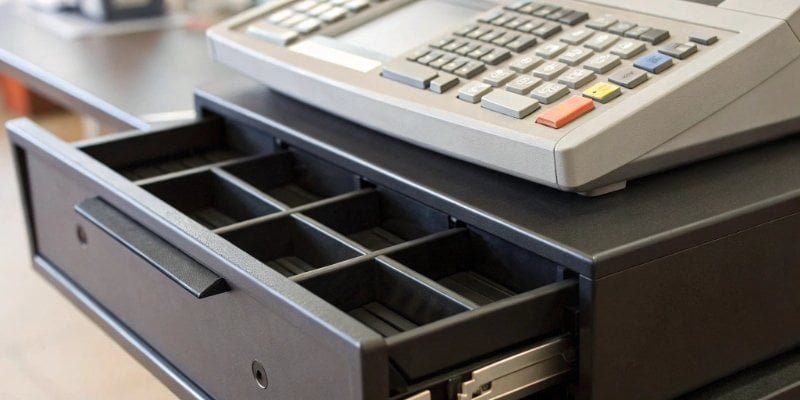
When a client asks me to describe one of our weighing systems, I don't just talk about the scale. I talk about the whole package. The same applies to a cash register. It's more than just a box that holds money. It’s an assembly of critical parts working together. The hardware is the body, and the software is the brain. As a manufacturer, we focus heavily on the quality of each hardware component because we know that if one part fails, the whole system is useless. For a software vendor, understanding this is critical. Your powerful software needs reliable hardware to run on. If the scanner is slow or the printer jams, the customer blames the entire system, including the software. That’s why we build our products to be robust and dependable, providing a stable foundation for our partners’ software solutions.
Key Hardware and Software Components
Let's break down the essential parts.
- Hardware (The Body):
- Input Device: This is usually a keyboard or a touchscreen. It's how the cashier enters product codes or navigates the system.
- Display Screen: Shows the transaction details. Most modern systems have one screen for the cashier and a smaller one for the customer.
- Barcode Scanner: This automates product entry, making checkouts faster and reducing errors.
- Cash Drawer: A secure drawer for storing cash, coins, and checks. It usually opens automatically when a cash sale is completed.
- Receipt Printer: Prints a paper record of the transaction for the customer.
- Software (The Brain):
- This is the program that runs the whole operation. It looks up prices, calculates taxes, processes payments, and records all the sales data.
How does a cash register work?
The process from scanning an item to printing a receipt seems instant. But without understanding the steps involved, troubleshooting issues or integrating new software becomes difficult for technical teams.
A cash register works by first identifying a product, usually via a barcode scan or manual entry. The system then retrieves the price from its database, calculates the total with taxes, processes the payment, and finally records the sale and prints a receipt.

The workflow of a modern cash register is a perfect example of hardware and software working in harmony. I find this process fascinating because it’s where our customized solutions truly shine. Let's take the supermarket insight I mentioned earlier. A customer places apples on one of our AI-powered scales. The camera identifies the product as "Granny Smith Apples." The scale weighs them and calculates the price based on the weight. All this information—item name, weight, and price—is sent instantly to the POS software. The cashier doesn't have to look up a code or type anything. This single step, powered by our integrated hardware, eliminates errors and speeds up the entire checkout line. For software vendors, this integration is a massive value-add. Your software can leverage our advanced hardware capabilities to offer a superior, more efficient solution to the end-user.
The Transaction Lifecycle
Here is a step-by-step look at what happens during a typical sale.
- Item Input: The cashier scans a barcode or manually enters a product code. In advanced systems like ours, this could be an automatic identification via a camera or scale.
- Price Lookup: The software instantly finds the item in its database and pulls up the correct price.
- Calculation: The system adds the price to the running total. It continuously calculates the subtotal, adds any applicable taxes, and shows the final amount due.
- Payment Processing: The customer pays with cash, a credit/debit card, or a mobile payment method. The system securely processes the payment.
- Transaction Finalization: The cash drawer opens if it’s a cash payment. The receipt printer3 produces a record of the sale for the customer.
- Data Recording: The software logs the entire transaction. This data is used to update inventory levels, track sales figures, and generate business reports.
What is the description of a cash register roll?
That little paper roll seems insignificant. But running out mid-transaction or using the wrong type can halt business, create a poor customer experience, and cause operational headaches.
A cash register roll is a roll of paper used in a cash register's printer to create a physical record of transactions for both the customer (receipt) and the business (audit trail). They come in different types, like thermal or bond paper.
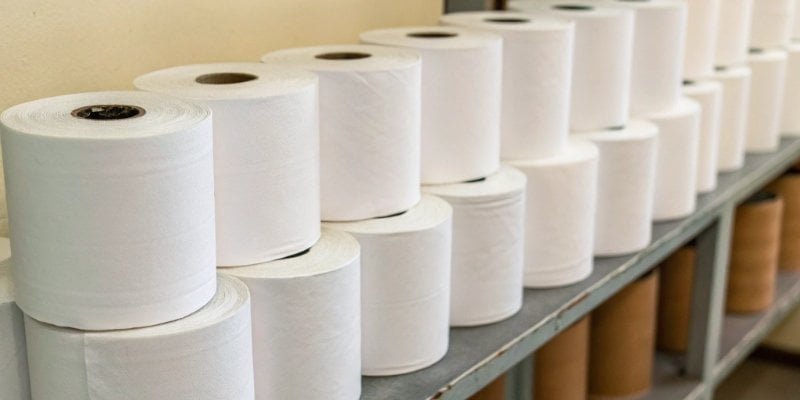
It might seem like a small detail, but in our business, details matter. We ensure the printers integrated into our weighing systems are compatible with standard, widely available paper rolls. Why? Because we've seen clients struggle with proprietary or hard-to-find supplies. It creates unnecessary friction. The goal is to make the entire system as reliable and easy to operate as possible. A reliable paper supply is part of that. There are two main types of paper, and choosing the right one depends on the environment. For a busy retail checkout, thermal paper4 is great because it's fast and quiet. But for a hot restaurant kitchen, you might need impact paper because thermal paper can turn black from the heat. We advise our clients on these small but critical choices to ensure their operations run smoothly from day one.
Thermal vs. Bond Paper Rolls
Understanding the difference is key to keeping a register running smoothly.
| Feature | Thermal Paper | Bond/Impact Paper |
|---|---|---|
| How it Works | Uses heat to create an image. No ink or ribbon needed. | Requires an ink ribbon to print, like a typewriter. |
| Print Speed | Very fast and quiet. | Slower and noisier due to the physical impact. |
| Cost | Paper can be more expensive, but there's no ribbon cost. | Paper is cheaper, but you must buy ink ribbons. |
| Print Durability | Fades over time, especially when exposed to heat or sunlight. | Lasts much longer, less sensitive to the environment. |
| Common Use | Retail receipts, credit card terminals. | Kitchen printers, audit trail logs that need to be archived. |
Conclusion
A cash register system is more than a money box; it's a vital business tool. Understanding its types, components, and processes helps you make the best choice for efficiency.
- Understand the importance of a cash drawer in securing cash and improving transaction efficiency. ↩
- Explore how cash register systems help businesses track inventory levels and manage stock effectively. ↩
- Discover the different types of receipt printers and their roles in providing transaction records. ↩
- Understand why thermal paper is preferred for retail receipts and its advantages. ↩


Comments (0)