
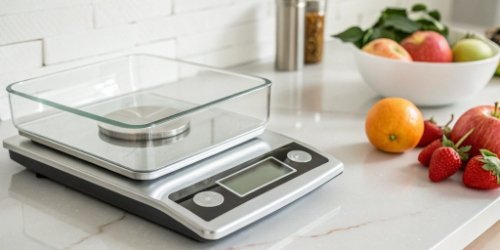
Manual date labeling leads to costly errors and waste. A simple mistake can cause recalls. Our smart scales automate this process, ensuring accuracy and saving you money.
Yes, modern industrial scales can automatically calculate and print "Best Before" or "Use By" dates. They use internal software that combines the current date with a pre-set shelf life for each specific product, then sends this information to an integrated label printer.
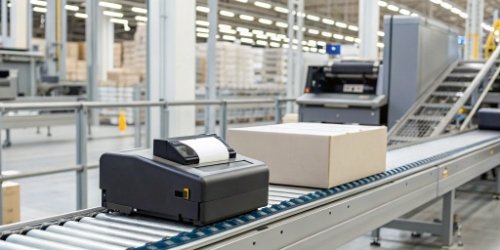
It sounds straightforward, but there’s powerful technology making it happen. These scales are more than just weighing machines; they are intelligent data processors. They solve a critical problem in the food, pharmaceutical, and manufacturing industries. But you might be wondering how this process actually works behind the scenes. Dive in, and I'll explain the details of how we make this happen for our clients.
How Do Scales Automatically Determine and Print "Best Before" Dates?
Your team manually sets dates, risking human error. This inconsistency can damage your brand's reputation. Let technology ensure every label from your production line is perfect.
Scales determine dates using an internal clock and product-specific data. You input a product's shelf life (e.g., 14 days). The scale adds this to the current date and time. It then sends this calculated date to an integrated printer for the label.
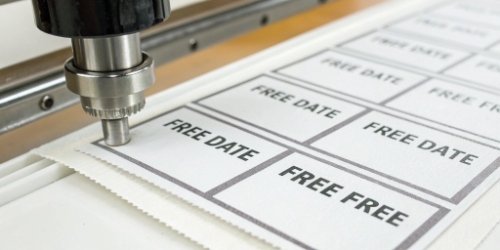
At its heart, this process breaks down into a simple formula: Current Date + Shelf Life = "Best Before" Date. The magic lies in how our scales manage this data reliably and efficiently. From my 19 years of experience, a system's reliability is only as strong as its weakest link. That's why we build every component for industrial-grade performance.
The Core Components: Clock, Database, and Logic
The entire operation relies on three key internal parts working together. The first is a Real-Time Clock (RTC)1, just like the one in a computer, which provides the accurate current date and time. The second is a product database, often called a Product Look-Up (PLU) file2. This is where we store the unique shelf life for each of your products. The third is the scale's processing unit3, which runs the software logic to perform the calculation.
| Component | Function | Why It's Important for You |
|---|---|---|
| Real-Time Clock (RTC) | Provides the current, accurate date and time. | Forms the baseline for all calculations. Reliability is key. |
| Product Database (PLU) | Stores product codes, names, and shelf life data. | This is where your system's intelligence lies. |
| Processing Unit (CPU) | Runs the software that executes the calculation. | The "brain" of the scale for fast, reliable operation. |
| Integrated Printer | Receives the final data and prints the label. | Seamless integration prevents errors and simplifies hardware. |
This combination ensures that when your operator selects "Product A," the scale knows to add exactly 10 days, while for "Product B," it adds 30 days, all without any manual calculation.
What Features Allow Scales to Calculate "Use By" Dates Automatically?
You need a flexible system, but many scales are rigid. You're stuck with limited options, unable to adapt. We provide scales with programmable features for complete customization.
Key features include a programmable Product Look-Up (PLU) database, user-friendly interfaces for data entry, network connectivity for central management, and an integrated printer. These elements work together to allow for completely automated and accurate date calculations for different products.
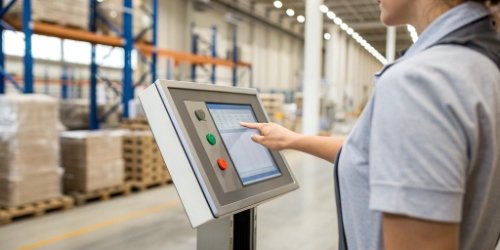
Having the right features is what turns a basic scale into a powerful business tool. As a software vendor, you understand that hardware is only half the story; the software and its capabilities are what truly unlock value. We design our scales with this philosophy in mind.
Programmability and Data Management
The most crucial feature is a robust Product Look-Up (PLU) database. Our scales can store thousands of product profiles. Each profile contains not just the shelf life but also names, codes, pricing, and ingredients. Crucially, our scales come with network connectivity4 (Ethernet and Wi-Fi). This means you can manage a whole fleet of scales from a single, central computer. You can update product information, add new items, or change shelf-life rules across your entire factory floor without touching a single scale individually. This is the kind of system integration we know is vital for our clients.
User Interface and Hardware Integration
A system is only effective if people can use it easily. That's why we offer intuitive touchscreen interfaces5. This makes it simple for operators to select products and for managers to configure settings directly on the device. The hardware is also tightly integrated. We use high-speed thermal printers6 that are built directly into the scale's housing. This eliminates messy cables, saves space, and ensures the printer is always ready to go. The labels themselves are also customizable, so you can design them to include your company logo, barcodes, and any other information your business or your customers require.
How Can a Scale Be Configured to Print "Best Before" Dates on Labels?
Complex configuration is a nightmare. Your team wastes hours on setup instead of production. Our scales are designed for simple, intuitive configuration, getting you running faster.
Configuration is done through the scale's interface or via connected software. You create a new product entry, input its name, assign a PLU code, and then simply enter the shelf life in days or hours. Save it, and the scale is ready to go.

I remember a client who managed 50 separate production lines. Before they worked with us, their supervisor had to walk to each of the 50 old scales to manually update the date settings for a new product. It took half a day and was prone to error. We replaced their system, and now they can do the same job from their office in two minutes.
On-Device Configuration Steps
For single-scale setups or quick adjustments, you can do everything on the device. The process is straightforward:
- Enter the administrator menu using a secure password.
- Navigate to "Product Management" or "PLU settings."
- Choose to "Add New Product."
- Use the touchscreen or keypad to enter the name, a unique code, and other details.
- In the "Shelf Life" field, simply input the number of days (e.g., "15").
- Save the new product profile.
That's it. From that moment on, whenever an operator weighs that product, the scale will automatically calculate and print the correct "Best Before" date.
Centralized Configuration for Scale Networks
For larger operations, like the client I mentioned, on-device configuration is not practical. This is where network capabilities become essential. You can connect our scales to your company's network. Using software on a central PC, you can manage a single master database of all your products. You can prepare updates in a simple CSV file, and with one click, push the new data to every scale in your facility. This ensures 100% consistency, eliminates human error in setup, and gives you a single source of truth for all your product data. This is how modern factories maintain quality and efficiency.
What Technologies Enable Automatic "Use By" Date Calculation and Printing on Scales?
Yesterday's technology can't solve tomorrow's problems. You feel stuck with outdated systems. We are embedding cutting-edge tech like IoT and AI into our scales today.
Core technologies include embedded systems with real-time operating systems (RTOS) and networking stacks (TCP/IP). More advanced scales use IoT for remote management and cloud integration. Now, we are adding AI and machine vision to automatically identify products without manual selection.
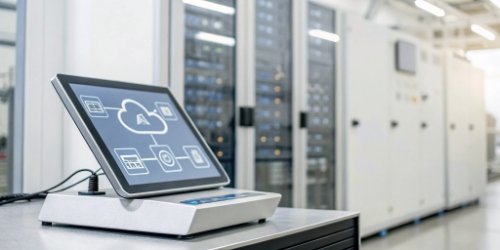
This is where things get really exciting for me and my team. We are not just making scales; we are building intelligent endpoints for your production network7. The technology inside is what empowers your business to become more efficient, agile, and profitable. As a software provider, the technologies we are implementing open up huge opportunities for integration with your own platforms.
The Foundation: IoT and Cloud Connectivity
We build our scales as Internet of Things (IoT) devices. This means each scale can have its own IP address and communicate securely over the internet. This enables you to collect data not just about dates, but about weights, throughput, and operational status in real-time. Imagine a dashboard, perhaps one you build for your customers, that shows live production data from every scale in the world. You can perform remote diagnostics, predict maintenance needs, and provide powerful business intelligence. This transforms a simple scale into a rich source of data.
The Future: AI-Powered Product Recognition
Here's the insight I'm most proud to share. The single biggest source of error left was the operator selecting the wrong product from the menu. We are now solving this with AI. By integrating a small camera with the scale, we can use machine vision8 to identify the product being placed on it.
| Feature | Traditional Smart Scale | AI-Enabled Scale |
|---|---|---|
| Product Selection | Manual (operator must choose from menu) | Automatic (camera identifies product) |
| Error Potential | Medium (wrong product can be selected) | Extremely Low |
| Throughput | Slower (operator action required) | Faster (seamless, no-touch operation) |
| Flexibility | One product type per run | Multiple, mixed products on one line |
For example, on a line packaging different types of meat, the AI can tell the difference between a tray of chicken and a tray of beef. It automatically tells the scale which product it is, and the scale applies the correct shelf life and prints the correct label, all without the operator touching a button. This one innovation eliminates a major bottleneck and source of error, allowing a single production line to handle mixed products with perfect accuracy. This is the future we are building.
Conclusion
Yes, our scales automatically print dates. Using smart software, IoT, and AI, they connect to your systems, eliminate errors, and boost efficiency, helping your business achieve a quantum leap.
-
Understanding RTC can help you appreciate the accuracy of automated systems. ↩
-
Discover how PLU files enhance product management and operational efficiency. ↩
-
Learn about the technology that powers accurate calculations in scales. ↩
-
Understanding connectivity can help you optimize your production processes. ↩
-
Discover how user-friendly interfaces can improve operational efficiency. ↩
-
Learn how these printers can enhance your labeling process and reduce downtime. ↩
-
Understanding network dynamics can help you optimize your manufacturing processes. ↩
-
Learn how machine vision can reduce errors and improve efficiency in operations. ↩


Comments (0)