
Getting inaccurate readings from your scale? Using the wrong button can ruin your measurements, costing you time and money. I'll show you how to get perfect results every time.
Use the Tare function to subtract a container's weight and measure only the net weight of what's inside. Use the Zero function only to reset the scale to its true zero point when the weighing pan is completely empty.
This simple difference is a game-changer for accurate weighing. In my 18 years in the industrial scale business, I've seen how mastering this basic concept improves efficiency tenfold. But there's more to it than just that. Understanding why and when to use each function separates the amateur from the pro. Let's dive deeper to make sure you are always making the right choice for your weighing needs.
What is the real difference between the tare and zero functions on a scale?
Do the Tare and Zero buttons on your scale seem to do the same thing? This confusion can easily lead to measurement errors. I'll clarify their very distinct jobs for you.
The Zero function establishes the scale's absolute zero point when nothing is on it. The Tare function creates a temporary, relative zero point with a weight (like a container) already on the scale, measuring only what you add next.
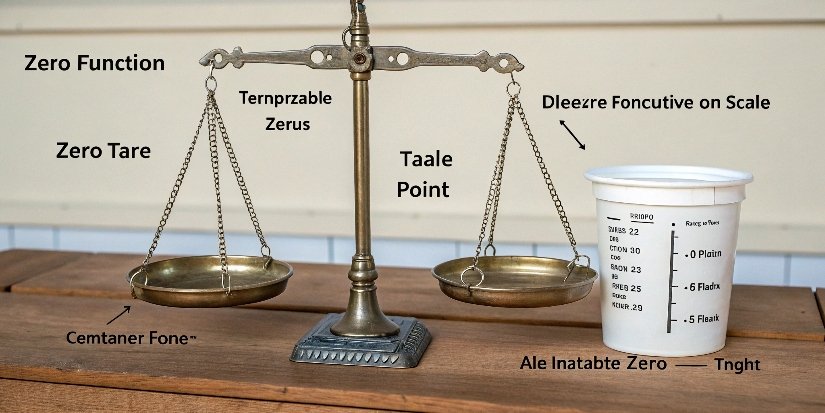
Let me break this down further. Think of the Zero and Tare function1s as two different tools for two different jobs. Both are essential, but you can't use a hammer to turn a screw.
The Job of the Zero Function
The Zero function2 is a calibration tool. It communicates directly with the scale's internal load cell sensor. When you press "Zero", you are telling the scale, "The weighing pan is completely empty. Whatever electrical signal you are sensing right now should be considered absolute zero." You should only use this when the scale shows a small value like "0.5g" or "-0.2g" even with nothing on it. This can happen due to temperature changes or small vibrations and is known as zero-point drift3.
The Job of the Tare Function
The Tare function is a convenience tool. It's essentially a smart subtraction feature. When you place a bowl on the scale and press "Tare," the scale does two things: it weighs the bowl and stores that value in its memory. Then, it subtracts that stored value from the total weight on the display, making the screen read '0.0'. It doesn't change the scale's true zero point. It just hides the container's weight so you can easily measure what's inside.
Here is a simple table to show the difference:
| Feature | Zero Function | Tare Function |
|---|---|---|
| Purpose | Recalibrates the scale's true zero point | Subtracts container weight for net weighing |
| When to Use | When the scale is empty but not reading '0' | When weighing items inside a container |
| Effect | Sets a permanent new zero point (until drift) | Sets a temporary zero point for one task |
| Platform State | Must be empty and clean | Has a container or packaging on it |
What is the purpose of the tare button, and how do you use it correctly?
Need to weigh ingredients for a recipe without including the bowl's weight? Guessing or doing math by hand is slow and very inaccurate. The Tare button solves this problem instantly.
The tare button’s purpose is to ignore a container's weight, allowing you to measure only the net weight of its contents. To use it, place your empty container on the scale, press "Tare," and then add your item to see its precise weight.
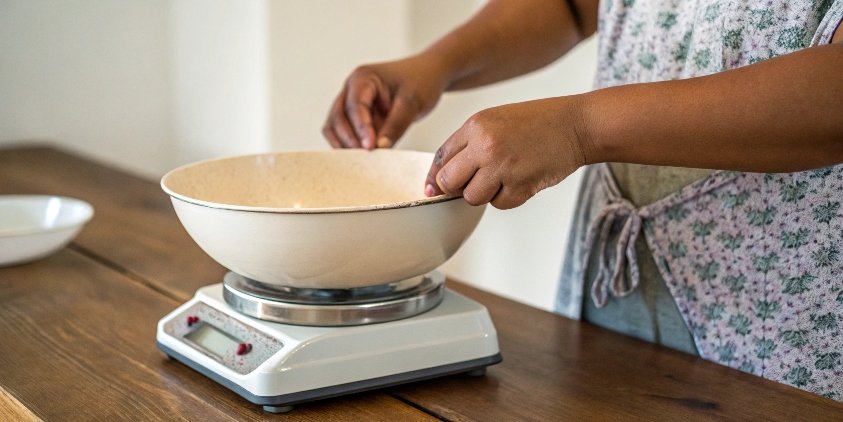
The Tare function is probably the most-used feature on any digital scale4, from a kitchen to a high-tech factory floor. Here at Weigherps, we design our industrial scales5 with highly responsive and durable Tare buttons because we know they are pressed hundreds of times a day in busy environments. Using it correctly is simple but vital for efficiency and accuracy.
Step-by-Step Taring
Follow these simple steps for a perfect measurement every time.
- Turn on your scale and wait for it to display "0.0".
- Place your empty container (e.g., a bowl, box, or bag) in the center of the weighing pan.
- Press the "Tare" button. The display will return to "0.0".
- Now, add the material you want to weigh into the container.
- The weight displayed on the screen is the net weight of the material, not including the container.
A Common Taring Mistake
A frequent error I see is when someone removes the tared container from the scale. When you do this, the scale will show a negative value. This number is the weight of the container you just removed. This isn't a malfunction. The scale is simply showing that the weight it was told to ignore (the container) is now gone. Just place the container back on the scale to return to '0.0' or press Tare/Zero again with an empty pan to reset it.
How do you weigh items in a container without including the container's weight?
Are you frustrated by the old method of weighing a container, then weighing the item in the container, and then doing subtraction? This manual process wastes time and invites errors.
This is the exact reason the tare function exists. Just place the empty container on the scale and press "Tare." The scale’s display resets to zero, effectively ignoring the container. Now, you can add your items to get their precise net weight instantly.
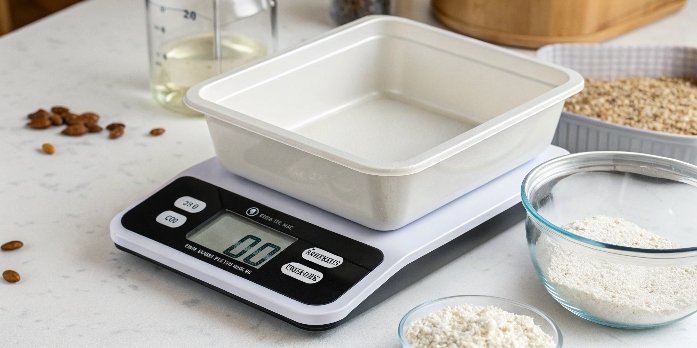
This process is fundamental in almost every industry. It allows for fast, repeatable, and accurate measurements, which are crucial for quality control and cost management. Let's explore how this simple function powers complex operations.
Net Weight vs. Gross Weight
Understanding these terms is key.
- Gross Weight: This is the total weight of everything on the scale—the container plus its contents.
- Net Weight: This is the weight of the contents only. The Tare function is your direct path to finding the net weight.
In shipping and logistics, for example, knowing the net weight of a product is essential for pricing and customs, while the gross weight is needed for calculating shipping costs.
Advanced Taring: Recipe Making and Batching
The Tare function is even more powerful than single-use weighing. You can use it sequentially to measure multiple ingredients in the same container. This is a huge time-saver.
- Place your bowl on the scale and press Tare. The display shows '0.0'.
- Add 200g of flour. The display shows '200.0'.
- Press Tare again. The display returns to '0.0', ignoring the flour's weight.
- Add 100g of sugar. The display shows '100.0'.
This "accumulative weighing" is standard practice in food production, chemical mixing, and pharmaceuticals. For our clients who are software vendors, this is where it gets interesting. Our Weigherps IoT scales can send each tared measurement to a software system, creating a digital record of the recipe for perfect batch consistency6 and traceability.
When is it appropriate to zero out a scale versus taring it?
Your empty scale shows a small, lingering number. Pressing Tare might seem to fix it, but that's just a temporary patch. Knowing when to Zero is key to maintaining true accuracy.
Zero out a scale ONLY when the platform is completely empty and does not read "0.0". This recalibrates the true starting point. Tare a scale when you place a container on it and want to measure only what you add to that container.
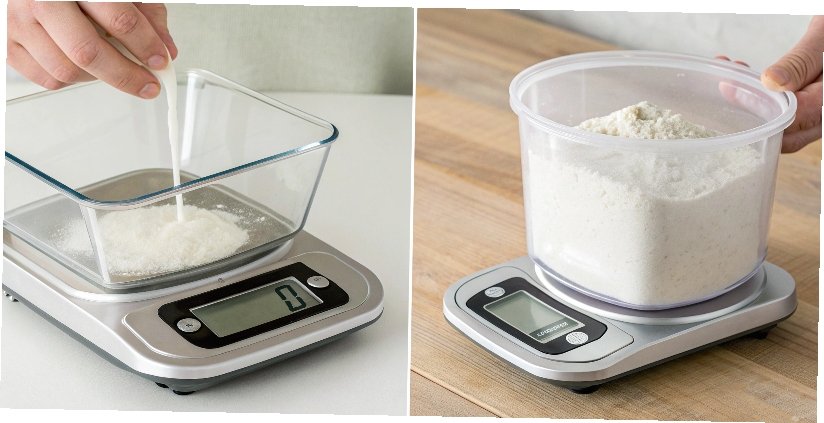
After 18 years of manufacturing scales, my best advice is this: prioritize using the Tare function and use the Zero function only when necessary. Think of them as your daily driver and your specialist mechanic.
Your Go-To Button: Tare
For 99% of your daily weighing tasks, the Tare button is the one you need. It is designed for the workflow of adding a container and measuring what's inside. It is flexible, fast, and the core of efficient weighing operations. Whether you're packing products for sale, mixing ingredients, or counting parts by weight, the Tare function will be your most-pressed button.
The Specialist Button: Zero
The Zero button is for maintenance, not for daily tasks. You should only press it when the scale pan is completely empty, clean, and still shows a non-zero reading. This corrects for drift. It is very important to perform this in a stable environment. Avoid air drafts from vents, vibrations from nearby machinery, or sudden temperature changes, as these can affect the load cell's calibration and give you a false zero.
Best Practices Table
| Scenario | Correct Action | Why? |
|---|---|---|
| Weighing coffee beans in a bag. | Place empty bag, press Tare, add beans. | To measure only the net weight of the coffee. |
| Scale shows "0.8g" with nothing on it. | Clear the pan, press Zero. | To correct for sensor drift and set a true zero. |
| Adding multiple chemicals to a beaker. | Place beaker, press Tare, add chemical 1, press Tare, add chemical 2... | To measure each ingredient's weight individually in one container. |
| Scale shows a negative value. | You likely removed a tared container. Place it back or press Zero with an empty pan. | The scale is showing the absence of the tared weight. |
Finally, remember that while Zero and Tare maintain daily accuracy, we recommend having your industrial scales professionally calibrated every 1-2 years to ensure the internal sensor remains reliable long-term.
Conclusion
Master Tare for subtracting containers and Zero for recalibrating an empty scale. This simple knowledge is the key to ensuring your weighing accuracy and efficiency in every single task.
-
Understanding the Tare function is crucial for accurate measurements, making it essential for anyone using a scale. ↩
-
The Zero function is vital for calibrating scales, ensuring accurate readings in various applications. ↩
-
Understanding zero-point drift helps in maintaining scale accuracy and preventing measurement errors. ↩
-
Digital scales offer precision and ease of use, making them ideal for various weighing tasks. ↩
-
Explore the applications of industrial scales in various industries for improved efficiency. ↩
-
Batch consistency is key for quality control in food production, ensuring uniformity in products. ↩



Comments (0)