
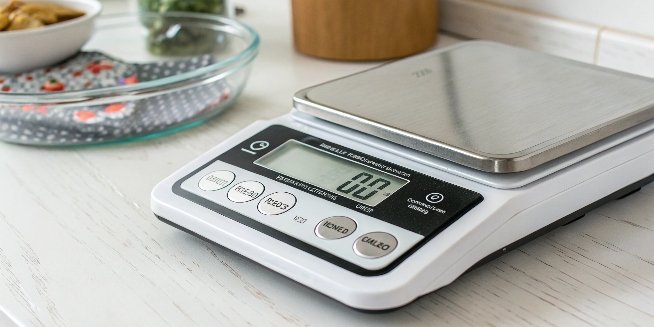
Your digital scale seems accurate, but is it? Inaccurate readings can compromise your entire process. Regular calibration is the simple, necessary step to ensure complete measurement reliability.
Yes, you absolutely have to calibrate a digital scale. Over time, factors like temperature changes and general wear cause sensors to drift. Calibration corrects these small errors, ensuring your measurements remain precise and reliable, which is critical for both quality control and compliance with industry standards.
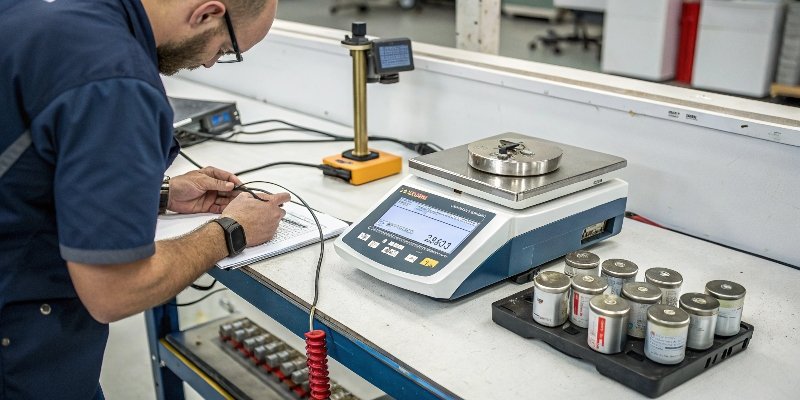
So, we've established that calibration isn't just a good idea—it's essential. But this might bring up more questions for you. Perhaps you're wondering what the actual steps are, or how you can even tell if your scale is off in the first place. These are exactly the kinds of practical concerns we deal with every day as manufacturers. Let's break down the process and demystify it, so you can feel confident in every measurement you take. It's simpler than you might think.
How do you calibrate digital scales?
Need to calibrate your scale but feeling unsure where to start? Don't let fear of a complex process stop you. Calibration is a simple, guided procedure you can master quickly.
To calibrate, you first enter the scale's calibration mode, usually by holding a 'CAL' or 'Mode' button. The scale will then prompt you to place a specific, known standard weight on it. It automatically adjusts itself to that weight and signals 'PASS' when complete.
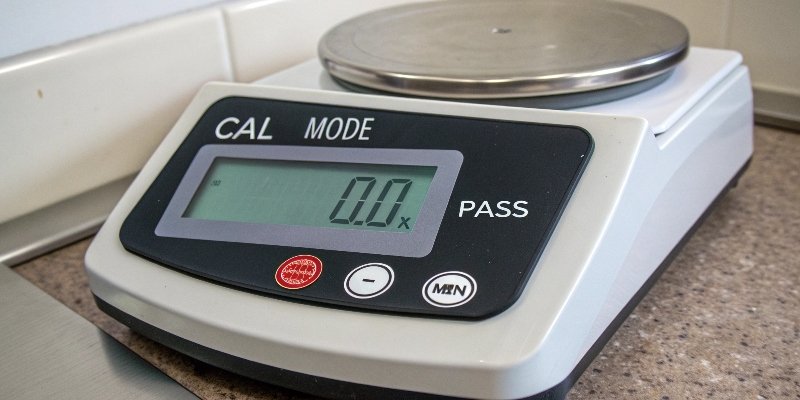
Calibrating a scale is a systematic process. The key is to follow the instructions for your specific model, but the general principles are universal. It all starts with having the right tools.
Preparing for Calibration
Before you even touch the scale, you need a standard calibration weight. This isn't just any heavy object; it's a weight certified to be a precise mass. Using an incorrect weight will just calibrate your scale incorrectly. The rule of thumb is to use a weight that is about 70-80% of the scale's maximum capacity for the best results.
Step-by-Step Calibration
Here’s a typical workflow you can expect. Remember to check your scale's user manual for specific key combinations.
| Step | Action | What You'll See on the Display |
|---|---|---|
| 1. Enter Mode | Turn on the scale, let it zero out. Press and hold the 'CAL' or 'Mode' key. | 'CAL' or '0' will start flashing. |
| 2. Place Weight | The display will show a specific weight value. Place that exact weight on the platform. | The numbers will stabilize, then may show '----'. |
| 3. Confirmation | The scale performs its internal adjustment. Wait for the confirmation signal. | 'PASS', 'END', or the stable weight value will be displayed. |
| 4. Finish | Remove the weight. The scale will return to normal weighing mode, now calibrated. | '0.0' or '0.00'. |
This process resets the scale’s internal reference point, ensuring that what it measures is what is truly there. It's a quick procedure that has a huge impact on measurement integrity.
How do I know if my digital scale is accurate?
You get a reading from your scale, but how can you trust it? This doubt can affect your work. Thankfully, a quick and easy test can confirm its accuracy.
To check your scale's accuracy, use an object with a known weight, like a calibration weight. If the reading matches the known weight, it's accurate. If not, it needs calibration. For consistency, weigh the same item multiple times; the results should be identical.
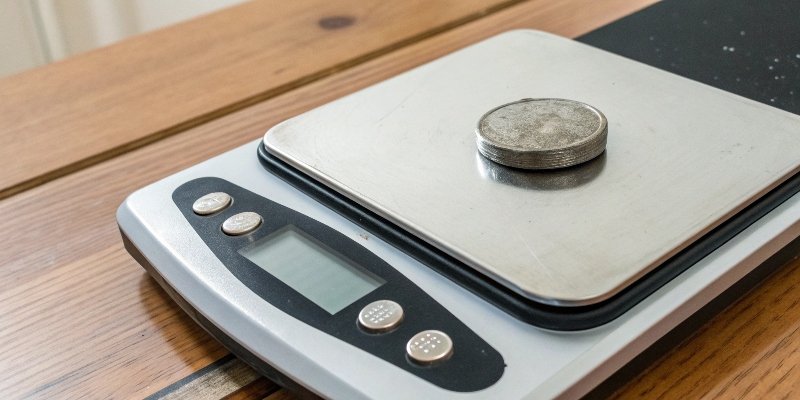
Knowing if your scale is accurate goes beyond a single check. While a quick test with a known weight1 is a great start, a truly reliable scale must perform well across its entire weighing range. As an industrial scale manufacturer, we look at several performance indicators.
Simple Accuracy Checks
You don't always need a certified weight for a quick check. You can use everyday items with a standard weight, like a coin. A U.S. nickel, for instance, weighs exactly 5 grams. This is a good way to spot major errors.
Deeper Performance Tests
For business and industrial settings, you need more rigor. Here are two key tests we perform:
| Test Type | What It Is | Why It's Important |
|---|---|---|
| Repeatability | Weighing the exact same object multiple times in a row. | A good scale should show the exact same weight every time. Fluctuations indicate an unstable load cell or electronics. |
| Linearity | Checking accuracy at different points across the scale's capacity. | Some scales are accurate at 1kg but inaccurate at 10kg. Testing with multiple weights ensures accuracy is consistent. |
If your scale fails these tests—showing different readings for the same object or being inaccurate at different weights—it's a clear sign that calibration is overdue. It might also signal a more serious hardware issue that needs professional attention.
Do digital scales calibrate themselves?
Modern scales seem smart, so you might think they calibrate themselves. This assumption can be risky. Knowing what your scale does automatically is crucial for maintaining real accuracy.
Most standard digital scales do not calibrate themselves. Some high-end laboratory or industrial scales feature internal, automatic calibration, but this is a premium feature. The 'auto-zero' function, often confused with calibration, doesn't correct measurement inaccuracies.
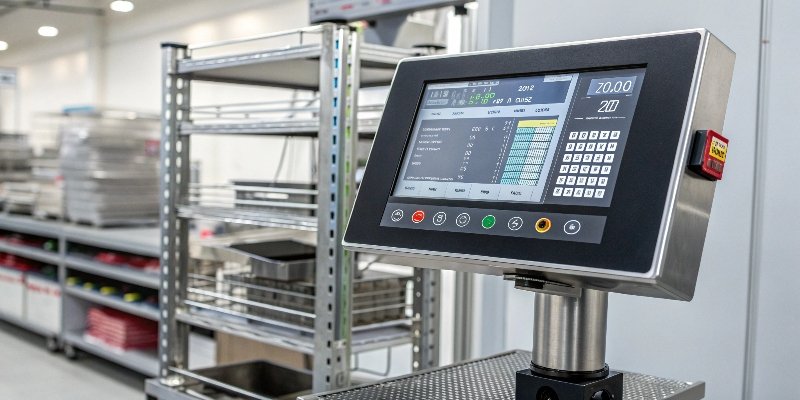
The idea of a self-maintaining scale is appealing, but it's important to separate marketing features from true functions. In my 18 years in this industry, I've seen this confusion cause real problems for businesses.
Auto-Zero vs. Auto-Calibration
Your typical scale has an 'auto-zero2' or 'tare' feature. This simply sets the current reading to zero. It's useful for ignoring a container's weight, but it does not fix an accuracy problem. If your scale is off by 2%, taring won't change that.
The Technology of Self-Calibration
True automatic calibration is a feature in advanced, professional-grade scales. These scales have a built-in motor and a reference weight stored inside the machine.
| Scale Type | Calibration Method | Typical Use Case | Cost |
|---|---|---|---|
| Standard Digital Scale | Manual process with external weights. | Home, retail, general industrial. | Low to Medium |
| Auto-Calibrating Scale | Internal, motorized weight applies itself automatically. | Pharmaceutical labs, high-tech manufacturing. | High |
The self-calibrating models can be programmed to calibrate themselves at set intervals or when they detect a temperature change. This technology offers incredible reliability but comes at a higher cost. For most users, manual calibration is perfectly sufficient and cost-effective.
Can I calibrate my own scale?
Facing an inaccurate scale? The idea of costly service calls can be frustrating. The good news is, for most digital scales, you can easily perform the calibration yourself.
Yes, you can calibrate most digital scales yourself. The process is designed to be user-friendly. By following the manual, entering calibration mode, and using a standard weight, you can restore your scale's accuracy. However, for certified industrial scales, professional calibration is often required.
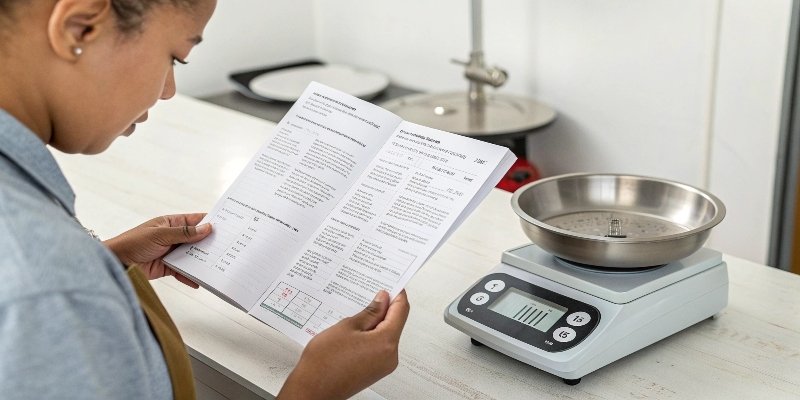
Empowering our customers is a core part of our philosophy. We believe you should have control over your equipment whenever possible, and calibration is a perfect example. Doing it yourself saves you time and money and puts you in charge of your own quality control3.
Your Best Friend: The User Manual
The single most important tool for DIY calibration4 is the user manual. As a manufacturer, we write these manuals to guide you through the exact steps for your model. If you've lost the manual, a quick search on the manufacturer's website will usually turn it up.
When to Calibrate Yourself vs. When to Call a Professional
This is a key decision for any purchasing manager or technical director. Here's a simple guide:
| Scenario | DIY Calibration Recommended? | Why? |
|---|---|---|
| Kitchen or simple bench scales | Yes | The process is simple, and the risk is low. |
| Scale moved or shows minor drift | Yes | This is routine maintenance you can handle in-house. |
| Legally certified scale for trade | No | Requires a certified technician to maintain its legal-for-trade status. |
| High-precision lab or medical scale | No | These require specialized weights and procedures to meet strict standards. |
| Scale is damaged or shows an error | No, after one attempt | If calibration doesn't fix it, it's likely a hardware failure. |
For most business applications, regular in-house calibration is the most efficient path. It keeps your operations running smoothly without unnecessary delays.
Conclusion
In short, yes, digital scales need calibration. It's a simple process you can often do yourself to ensure accuracy, though some applications may require professional service. Always stay calibrated.
-
Using a known weight is key to verifying your scale's accuracy during calibration. ↩
-
Explore the auto-zero feature to understand its role in maintaining scale accuracy. ↩
-
Quality control ensures product consistency and compliance with industry standards. ↩
-
Learn how to calibrate your scale yourself to save time and ensure accuracy. ↩



Comments (0)