

Production halted by a cryptic scale error? You're losing time and money trying to guess the fix. We can help you decode these messages and get back to work.
Most scale error codes signal simple issues like overload ("OL"), calibration ("CAL ERR"), or instability. Check for excess weight, ensure a stable environment, and run a recalibration. If these fail, a hardware check might be needed. This guide will walk you through the steps.
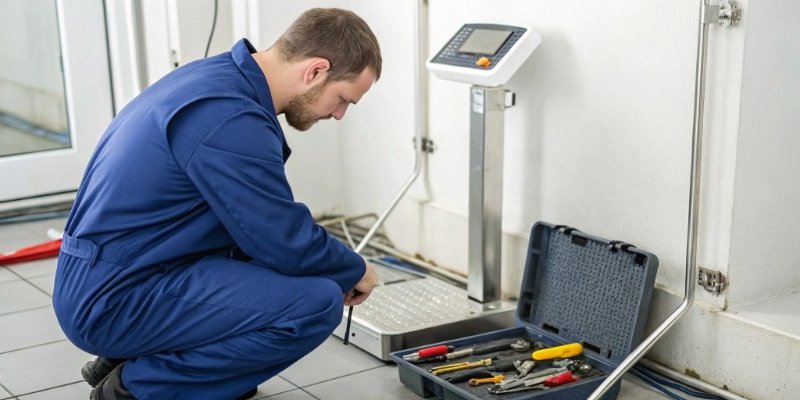
Error codes can seem like a foreign language, but they're the scale's way of telling you what's wrong. Understanding them is the first step to a quick fix. We've spent 18 years building and troubleshooting scales, so we've seen it all. Let's delve into some of the most common errors you'll encounter and what they really mean. This knowledge will empower you to solve problems quickly without waiting for a technician.
What Does a General Error Code on a Weighing Scale Mean?
An "E4" or "Error 4" code pops up, but what does it mean? These generic error messages can be confusing and stop your workflow dead in its tracks.
An "Error 4" or similar numeric code often points to a calibration data or programming issue. It can mean the scale's internal memory is corrupted or lost its settings. The first step is always to try a full power cycle and then attempt a recalibration.
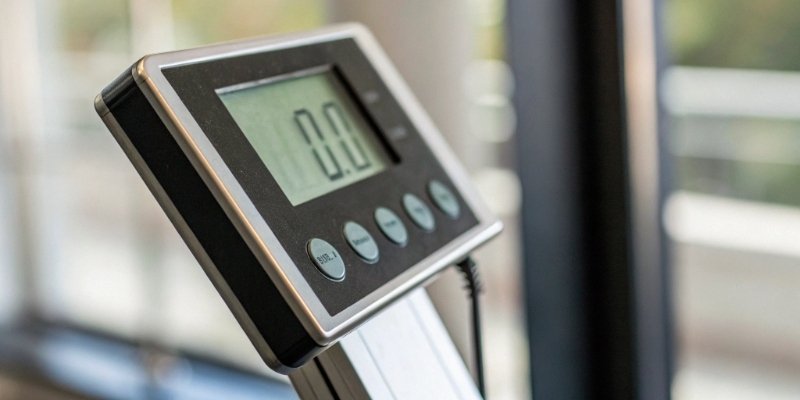
As a manufacturer, we define our own error codes for our scales. While some codes overlap between brands, an 'Error 4' on a Weigherps scale might mean something different on another. Often, these numeric codes relate to the Analogue-to-Digital (A/D) converter. This component translates the physical weight into a digital signal. A problem here can be triggered by a power surge, internal component failure, or corrupted calibration1 data. When you see a numeric error, think of it as the scale's brain telling you it's confused. We can sort the potential causes into a simple table to guide your actions.
| Cause Category | Specific Problem | First Action |
|---|---|---|
| Data Corruption | Calibration settings lost | Power cycle and recalibrate |
| Component Issue | A/D converter fault | Contact technical support2 |
| Connection Problem | Load cell cable loose/damaged | Inspect all physical connections |
In our experience, 9 times out of 10, a simple recalibration after a full restart solves the issue. But if the error persists, it's a strong indicator of a deeper hardware problem that needs professional attention.
How Can You Fix a Scale That Just Says 'Error'?
Your scale simply displays "error," with no code. You're stuck without any clue where to start. This vague message can be the most frustrating of all.
For a generic "error" message, start with the basics. Power cycle the scale. Check for overloading ("OL") or underloading. Ensure it's on a stable, level surface away from drafts, and then try recalibrating it with standard weights. These steps resolve most non-specific errors.
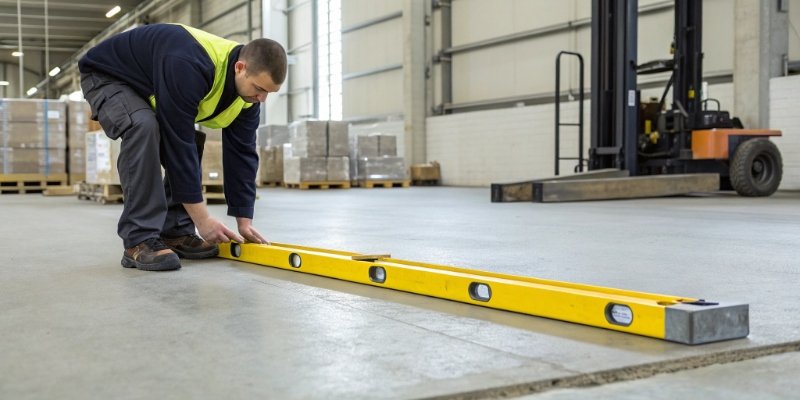
When an error pops up on one of our scales, we guide our clients through a simple checklist. Before you even think about calling for service, run through these steps. It could save you hours of downtime. I've personally seen these simple checks solve what seemed like major failures. First, look at the scale's surroundings. Is it level? Is there a draft from a fan or an air conditioner? We call this an unstable environment, which can cause reading fluctuations and trigger an error. Also, look under and around the weighing pan. A small piece of debris can obstruct the mechanism's movement. Another common issue is overload3. Many scales will show "OL" or "EEEE," but some just show "Error." Remove the weight and see if the message clears. Then, check the power. If it is battery-powered, are the batteries fresh? If it uses an adapter, make sure it is the correct one and is plugged in securely. A loose power connection can cause all sorts of strange problems.
How Do You Decode and Handle Common Error Messages?
"CAL ERR," "OL," or "UNSTABLE" flashing on your display? These specific codes are clues. Knowing what they mean is key to a fast, effective solution.
These codes are your friends. "OL" or "EEEE" means it's overloaded, so remove weight. "UNSTABLE" points to vibrations or drafts—find a calmer spot. "CAL ERR" means calibration failed; simply try again, ensuring you use the correct procedure and standard weights.
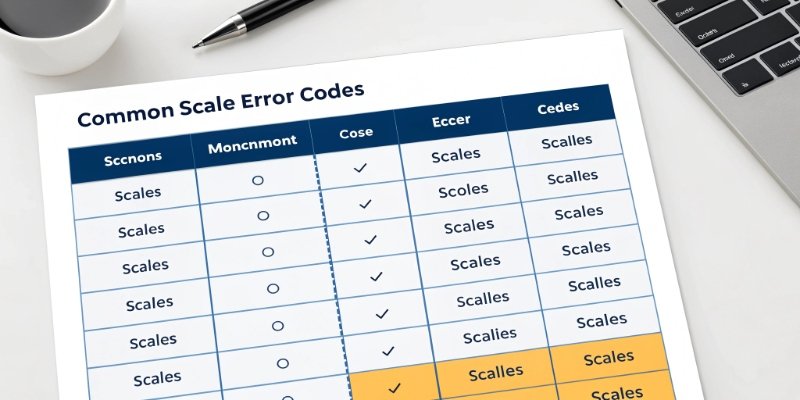
After 18 years in this business, we've learned that most errors fall into a few common categories. These codes are designed to guide you, not confuse you. To make it easier, we have compiled a quick-reference table based on the most common messages you will see on industrial scales. This table breaks down the code, what it likely means, and what you should do about it. Think of this as your first-response guide to getting your operations back on track.
| Error Code | Meaning | Immediate Solution |
|---|---|---|
| "OL" / "EEEE" | Overload | Remove excess weight from the platform. Restart scale if needed. |
| "CAL ERR" | Calibration Error | Re-run the calibration process using correct standard weights. |
| "UNSTABLE" | Unstable Reading | Move the scale to a vibration-free, draft-free location. |
| "HARDWARE ERR" | Sensor/Component Failure | Power cycle. If it persists, contact technical support for service. |
The key is to always try the simplest solution first. Overload and instability are user-correctable. Calibration errors often just mean you need to re-do the procedure carefully. However, a persistent "HARDWARE ERR" or a numeric code that doesn't clear after recalibration is a clear sign. It means it is time to contact a professional. Trying to fix a sensor or mainboard yourself can void your warranty and cause more damage.
Can Routine Maintenance Prevent Most Scale Errors From Happening?
Constantly fixing scale errors is a drain on resources. What if you could prevent them from even occurring? Proactive care is far better than reactive repair.
Yes, absolutely. Regular cleaning to prevent debris buildup, avoiding consistent overloading, and storing the scale in a dry, stable environment can prevent over 90% of common errors. A simple maintenance schedule is your best defense against unexpected downtime.

We always tell our clients that a weighing scale is a precision instrument. Treating it like one is the secret to its long life and reliability. It's not just about fixing errors; it's about creating an environment where they don't happen in the first place. My team and I have developed a simple maintenance protocol that we share with all our partners. First, keep it clean. Dust, dirt, and stray materials are the enemy. They can get into the load cell mechanism and cause friction or blockages, leading to errors. A gentle wipe-down daily and a more thorough cleaning weekly goes a long way. Second, respect the limits. Every scale has a maximum capacity. Constantly overloading it puts stress on the load cell and can lead to permanent damage. Third, control the environment. Temperature swings, high humidity, and electrical interference can all affect a scale’s electronics. Store and operate your scales in a controlled, stable space.
Conclusion
Understanding common scale errors and performing routine maintenance are key. These simple steps will maximize uptime, ensure accuracy, and save you from the cost of unnecessary service calls.


[…] do about it. For our more advanced clients, especially those in the software and IoT space, these error codes7 are more than just a message. We design our IoT-enabled weighing systems to transmit these codes […]