
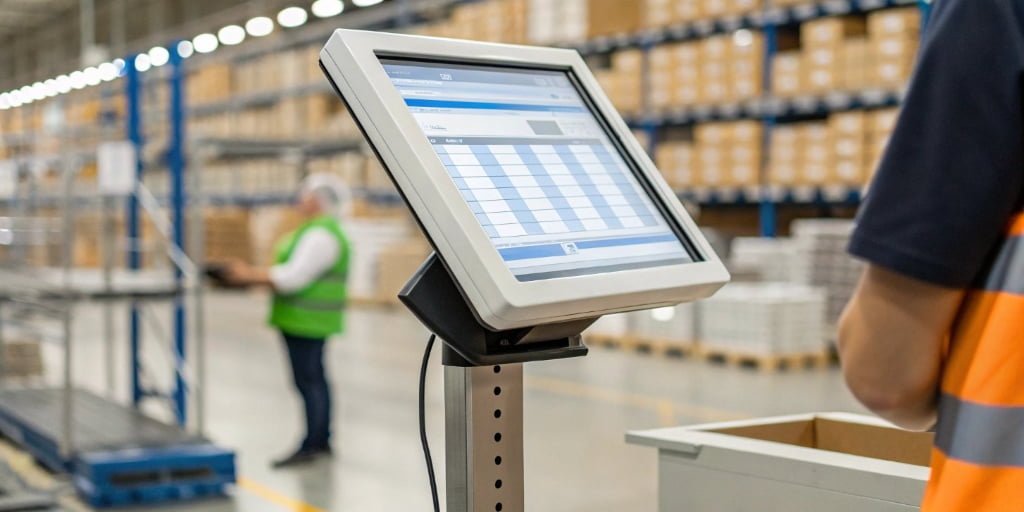
Tired of manual data entry errors? Inaccurate inventory costs you time and money. Let's fix this by directly linking your scale to your system for perfect, instant net weight updates.
To transfer net weight data, connect a digital scale with a communication port (RS232, Bluetooth, Wi-Fi) to your computer. Use specialized software or an API to capture the tared weight output directly into your inventory management system. This automates data entry and ensures accuracy.
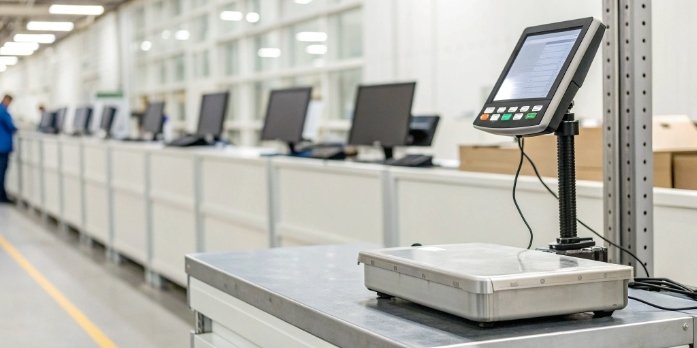
That's the short answer, but making it work smoothly involves a few key decisions. As a manufacturer of industrial scales1 for 18 years, I've helped hundreds of clients build this exact bridge between their physical weighing process and their digital inventory records. It's about getting the right hardware to talk to the right software. Automating this process isn't just a convenience; it's a fundamental step toward a more efficient and error-proof operation. Let's walk through exactly how you can set this up.
How can I connect a digital scale to a PC to automate data entry?
Struggling with messy cables and confusing setups? A bad connection means lost data and headaches. Let's explore the simple, reliable ways to connect your scale to a PC effortlessly.
You can connect a scale to a PC using a wired RS232 or USB port for maximum stability. For more flexibility, use a wireless connection like Bluetooth or Wi-Fi. Just plug in the cable or pair the device, and you're ready to automate your data entry.
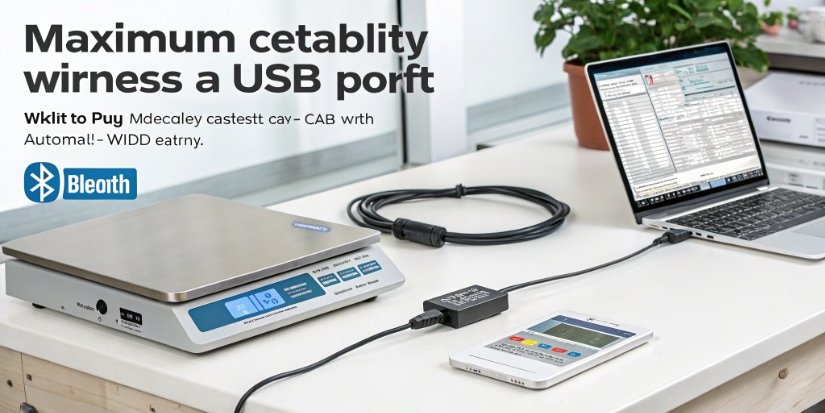
At Weigherps, we equip our scales with various communication options because we know one size doesn't fit all. Your choice depends heavily on your factory or warehouse environment. I've helped countless clients make this decision based on their specific needs.
Wired vs. Wireless Connections
Wired connections like RS2322 and USB are the workhorses. RS232 is an industrial favorite because it is very reliable over long distances and resistant to electronic noise. USB is simpler for modern PCs, often working right out of the box with the drivers we supply. A wired connection is your best bet when the scale and PC are in a fixed location.
Wireless options like Bluetooth3 and Wi-Fi4 offer incredible flexibility. Bluetooth is perfect for short-range communication, which gets rid of cable clutter at a workstation or on a mobile cart. Wi-Fi-enabled scales can join your company network, pushing data directly to a server from anywhere in your facility. This is especially powerful for large-scale operations where running cables isn't practical.
Here's a quick comparison to help you choose:
| Connection Type | Best For | Pros | Cons |
|---|---|---|---|
| RS232 | Harsh industrial environments, long distances | Very reliable, noise resistant | Requires serial port or adapter, older tech |
| USB | Simple PC connection at a workstation | Plug-and-play, common | Shorter cable length, less robust |
| Bluetooth | Cable-free setups, mobile applications | Flexible, no wires | Shorter range, potential interference |
| Wi-Fi | Large facilities, network integration | Long range, central data collection | Requires network setup, higher power use |
What software is needed to capture weight from a scale into an application?
Your scale is connected, but the data isn't flowing into your application. Without the right software bridge, you're stuck. Let's explore the tools that make data capture seamless.
You'll need software that listens to the scale's communication port. This could be simple "wedge" software that inputs weight data like a keyboard. Or, you can use middleware or custom scripts that directly feed the data into your specific inventory application or database.

As a partner to many software providers, this is a question I discuss weekly. The scale sends a stream of raw data, usually in a simple text format. You need a "translator" to make that data useful for your application. There are generally two paths you can take, and the best one depends on your technical resources and goals.
Simple Solution: Keyboard Wedge Software
This is the fastest way to get started. A "keyboard wedge" is a small utility program. It runs on your PC, listens to the data coming from the scale's port (like RS232 or USB), and automatically types the weight into the active window, just as if you typed it on a keyboard. You can point your cursor to a cell in Excel or a form in your inventory software, and the weight appears. It's simple, effective, and works with almost any program without any custom coding. Many of my clients start here.
Advanced Solution: Middleware and Direct Integration
For a more seamless and powerful solution, you'll want middleware or a direct software integration. This is a more advanced piece of software that communicates directly with your inventory system's database or API5. It captures the weight, can perform checks (like ensuring the weight is stable), and then sends the clean data to the right place—all without user intervention. This option eliminates the risk of an operator clicking on the wrong window. It requires more setup, but it's what we help our larger clients and software partners implement using our clear documentation and technical support.
Which types of digital scales support direct data output to a computer?
Unsure which scale is right for data integration? Choosing the wrong one means you're stuck with manual work. Let's identify the features that make a scale ready for automation.
Most modern industrial scales, including bench scales, platform scales, and floor scales, support data output. The key is to check the product specifications for a communication port like RS232, USB, Ethernet, or wireless options like Bluetooth/Wi-Fi. Any scale with these features is ready for integration.
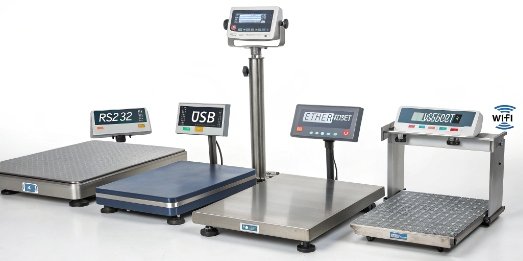
In my 18 years of manufacturing industrial scales, I’ve seen connectivity evolve from a special feature to a core requirement. Today, you can find data output capabilities across a wide range of scale types. As your weighing expert, let me assure you that having options is a good thing.
Scales Built for Connectivity
Almost any professional-grade scale can be configured for data output. You are not limited to a single type or size. Here are the most common ones we produce at Weigherps that are ready for connection:
- Bench Scales: These are the workhorses of any production line, lab, or shipping station. Our models come standard with an RS232 port, making them instantly ready to connect to a PC or printer for things like parts counting or quality assurance logging.
- Platform and Floor Scales: For receiving docks and warehouse logistics, these scales are a must. We integrate them with RS232, Ethernet, and even wireless options. This allows direct communication with your Warehouse Management System (WMS) to track inventory from the moment it arrives.
- IoT Weighing Scales6: Our newest line of products features built-in Wi-Fi and Bluetooth. They are designed specifically for the modern, connected factory, pushing data directly to the cloud or your internal systems with minimal setup.
The most important takeaway is this: always verify the specifications before you buy. Look for terms like "Interface," "Communication Port," or "Data Output" on the product datasheet. We make this information prominent for every scale we sell to ensure you get the connectivity you need.
How can I use an API to pull net weight data from a scale into an inventory system?
Want a truly automated workflow? A simple data dump isn't enough. Without an API, you can't build advanced integrations, leaving you with limited control and efficiency. Let's unlock full automation.
Use the scale manufacturer's API or Software Development Kit (SDK). Your developers write code to connect to the scale's communication port, send a command to tare it, and then request the stable net weight. This data is then directly inserted into your inventory system's database.
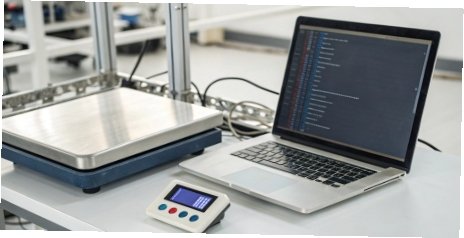
As a manufacturer that serves many software companies, providing a robust API and development support is a top priority for us. This is how you create a truly intelligent weighing solution. An API allows your inventory system to not just receive data, but also to control the scale. Here’s how my most successful clients implement this.
The API Integration Workflow
- Connect and Handshake: Your application, using our provided SDK (Software Development Kit) and documentation, establishes a communication link with the scale over its designated port (e.g., a serial port or a network socket). This handshake confirms the two systems are ready to talk.
- Command the Scale: This is the magic of an API. Your software can send commands. For instance, your user interface could have a "Tare" button that, when clicked, sends the tare command directly to the scale to zero it out with a container on it.
- Pull the Net Weight: After the product is placed on the scale, your application sends a "Request Weight" command. Our scales are programmed to respond with a clean data string containing the stable net weight, often including the unit of measurement. This ensures you never record an unstable, incorrect reading.
- Update Your System: Your application parses this response, extracts the net weight value, and posts it directly into your inventory database. This entire process happens in seconds, without any manual typing, creating a closed-loop system that is both fast and foolproof.
Conclusion
Connecting your scale to your inventory system automates data entry, eliminates errors, and boosts efficiency. With the right hardware and integration strategy, a fully automated workflow is easily achievable.
-
Industrial scales are essential for many businesses; discover their uses. ↩
-
RS232 is a common interface; knowing its function can help in setup. ↩
-
Explore Bluetooth's advantages for wireless scale connections. ↩
-
Wi-Fi can enhance connectivity; discover its potential for your operations. ↩
-
APIs enable advanced integrations; understanding them is essential for automation. ↩
-
IoT scales can revolutionize data collection; find out how they operate. ↩
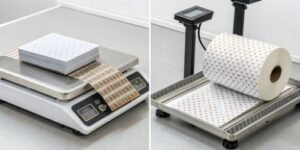


[…] measurements. This data can be sent directly to your Warehouse Management System5 (WMS) via an API6, dramatically increasing throughput and […]