
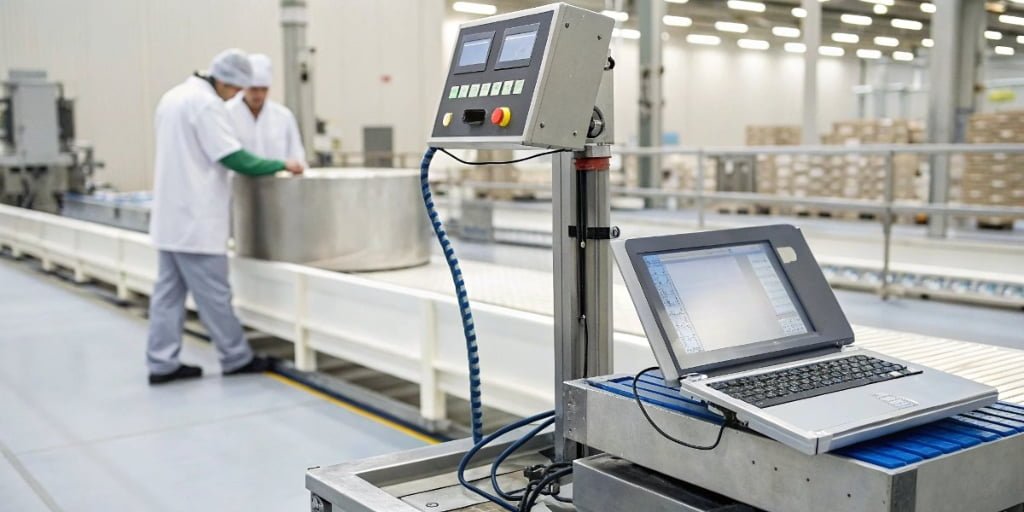
Manual data entry from your scales is creating errors and slowing you down. These mistakes are costing your business time and money. Integrating a data logging system automates this process.
Integrate your scale using ports like RS-232, USB, or Ethernet. The right software captures weight data and sends it directly to your database or ERP system, automating record-keeping and eliminating errors.
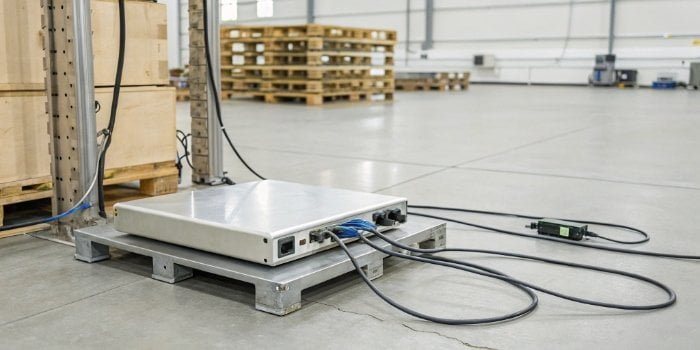
It sounds straightforward, but making that connection seamless requires understanding a few key details. The truth is, a modern industrial scale is much more than a simple weighing device; it's a powerful data collection tool1. Let's break down how you can unlock its full potential, starting with the most basic connection.
How do I connect my weighing scale to my computer?
Your scale has the data, but your computer can't access it. This communication gap forces you to rely on manual data entry, which is slow and full of errors.
Use a serial, USB, or Ethernet cable to physically link your scale and computer. After installing drivers, use software to capture the data. Some scales even mimic a keyboard, typing data directly into your programs.
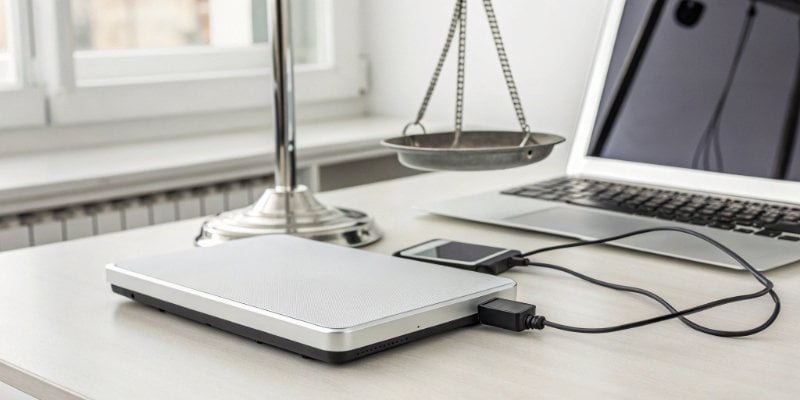
Connecting your scale to a PC isn't a one-size-fits-all process. The method depends on the scale's output and your system's input. I've helped countless clients navigate this. The most common methods are physical connections.
Common Connection Interfaces
| Connection Type | Best For | Key Considerations |
|---|---|---|
| RS-2322 (Serial) | Legacy systems, reliable data transfer over short distances. | Requires a serial port or a USB-to-serial adapter. It's a very stable, old-school method. |
| USB3 | Modern PCs, plug-and-play simplicity. | Look for scales with HID (Human Interface Device) support. This makes the scale act like a keyboard, inputting data directly into any active field. |
| Ethernet4/Wi-Fi | Networked environments, remote data access. | Allows multiple PCs to access the scale's data. Ideal for larger facilities where monitoring needs to happen from a central office. |
At Weigherps, we ensure our scales offer multiple output options. We can even customize the data string to perfectly match what your software expects, removing the integration headache completely. A client of mine, a software vendor, needed a specific data format for their warehouse management system. We configured the scale's firmware to send the weight data exactly as their system required, saving them weeks of development time.
What is the purpose of data logging in industrial automation?
Your production line generates tons of data, but you're not capturing it. Without this information, you're blind to inefficiencies, quality issues, and compliance gaps. Data logging provides total visibility.
Data logging automatically captures and stores process data. Its main purpose is to create a digital record for quality control traceability, process optimization, compliance verification, and detailed historical analysis in industrial environments.
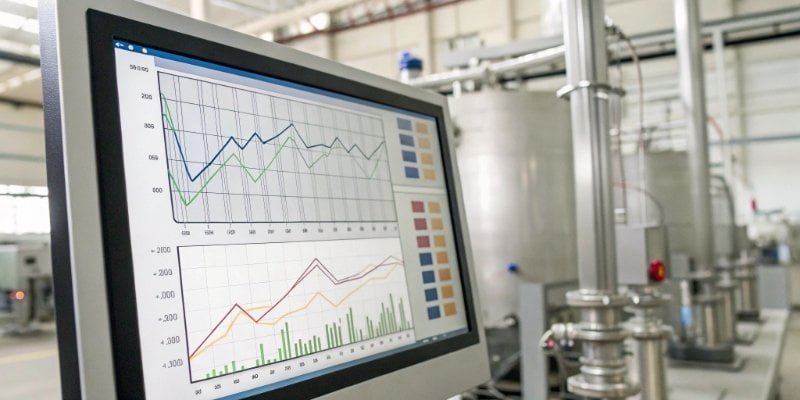
Data logging is the backbone of any smart factory. It is not just about collecting numbers; it is about creating a story of your production process. From my experience, clients who embrace data logging see transformative results.
Key Benefits of Data Logging
- Traceability and Quality Control: Imagine a product recall. With logged weight data, you can instantly pinpoint the exact batches that were affected, down to the specific time and station. This is impossible with paper records. It's a level of security your customers will appreciate.
- Process Optimization: Are you consistently over-filling packages? Is one production line slower than another? Logged data reveals these patterns, allowing you to make data-driven decisions5 to reduce waste and improve efficiency.
- Compliance and Auditing: For industries like food, pharmaceuticals, or chemicals, proving compliance is non-negotiable. Automated data logs provide an unchangeable, time-stamped record that makes audits simple and stress-free. Your data is secure and ready for inspection.
This is precisely why we build our IoT scales6. They don't just weigh; they log, process, and transmit data to make these benefits a reality in your business.
How to use PCs on a scale?
A regular scale just gives you a weight. It can't run your software or manage complex tasks, forcing you to use a separate PC, which adds complexity and cost.
This means the scale has a built-in computer, usually with a touch screen. It lets you run custom software, connect to networks, and manage weighing tasks directly on the device itself. No separate PC is needed.
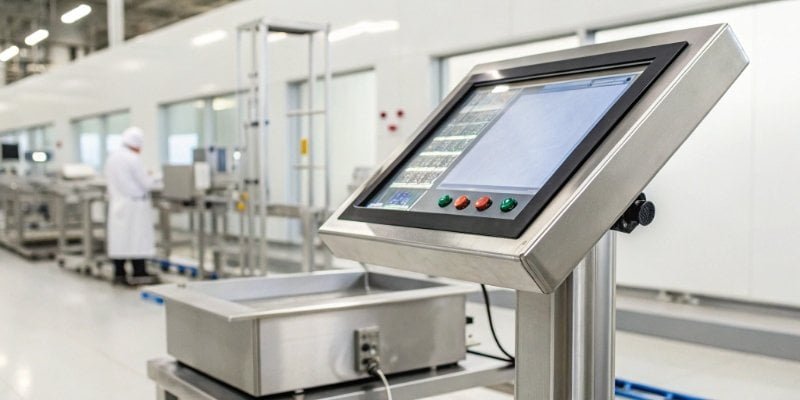
This is where modern weighing technology truly shines, and it’s a concept I am very passionate about. Instead of seeing the scale and computer as separate items, we merge them into one powerful unit. Think of it as a specialized industrial computer that also happens to be an incredibly accurate scale.
Advantages of a PC-Integrated Scale7
A scale with a built-in PC becomes the central hub of a workstation.
- Dedicated Platform: For you as a software provider, this is a perfect host for your application. You are not competing for resources on a shared office PC. The device is dedicated to running your software and performing the weighing task efficiently.
- Reduced Footprint: In a busy production environment, space is precious. I remember visiting a client's lab where every inch of counter space was critical. Combining the scale and PC into one unit saved them valuable room and reduced cable clutter.
- Simplified Architecture: With an integrated system, you eliminate compatibility issues between a separate scale and PC. We can pre-load and configure your software on our scales, so they arrive at your customer's site ready to work out of the box. It’s a complete, targeted solution.
How to use an industrial scale?
You bought an industrial scale just to see a weight. But you are missing out on powerful features that could be automating tasks and improving your entire workflow right now.
Place the scale on a level surface and calibrate it. For basic weighing, just place an object on top. For advanced tasks, use features like tare, parts counting, and checkweighing, or connect it to a PC to log data automatically.
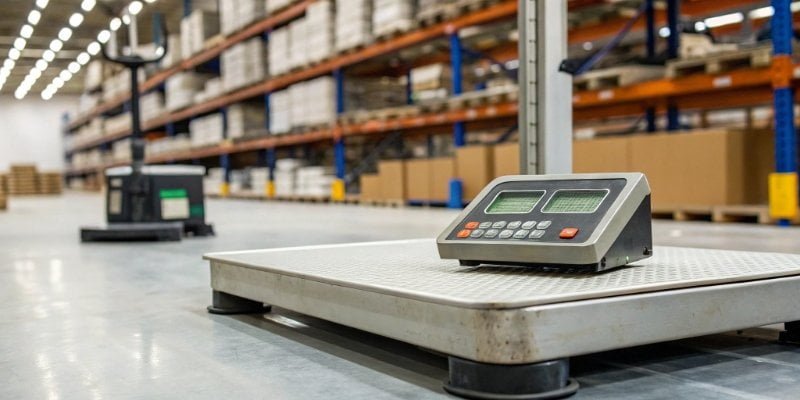
An industrial scale is a precision instrument, but its true value is in the functions that go beyond a simple weight reading. In my 18 years in this industry, I've seen these features transform workflows. Think of them as built-in applications that make your job easier.
Core Functions of a Modern Industrial Scale
- Tare/Zero: This is fundamental. The 'Zero' button sets the scale to zero when empty. The 'Tare' button also zeros the scale, but with a container on it. This allows you to measure only the net weight of the product you add, ignoring the container's weight.
- Parts Counting: This is a huge time-saver. You place a small sample of items on the scale (e.g., 10 screws), tell the scale that's the sample size, and it calculates the average piece weight. Then, you can pour a huge box of screws on the scale, and it will tell you the exact count.
- Checkweighing: This function is essential for quality control8. You set a target weight with upper and lower limits. The scale will then indicate if an item is underweight, overweight, or within the acceptable range, often with colored lights or a sound. This is perfect for packaging lines to ensure consistency.
As a software vendor, imagine creating an application that manages these functions, logs the results, and provides detailed reports. That's the power we can unlock together with our customizable systems.
Conclusion
Integrating your scale with a data system turns it from a simple tool into a smart device. This unlocks data, automates processes, and provides a platform for powerful software solutions.
-
Understand the capabilities of modern scales as data collection tools and their impact on productivity. ↩
-
Learn about RS-232's role in reliable data transfer and its applications in industrial settings. ↩
-
Discover the advantages of USB connections for modern industrial scales and their ease of use. ↩
-
Find out how Ethernet connectivity can enhance data access and monitoring in industrial environments. ↩
-
Understand the importance of data-driven decisions in enhancing operational efficiency. ↩
-
Explore the transformative benefits of IoT scales in automating data collection and analysis. ↩
-
Learn about the benefits of integrating a PC with a scale for improved efficiency and functionality. ↩
-
Explore how data logging enhances quality control processes and ensures product consistency. ↩

Comments (0)