
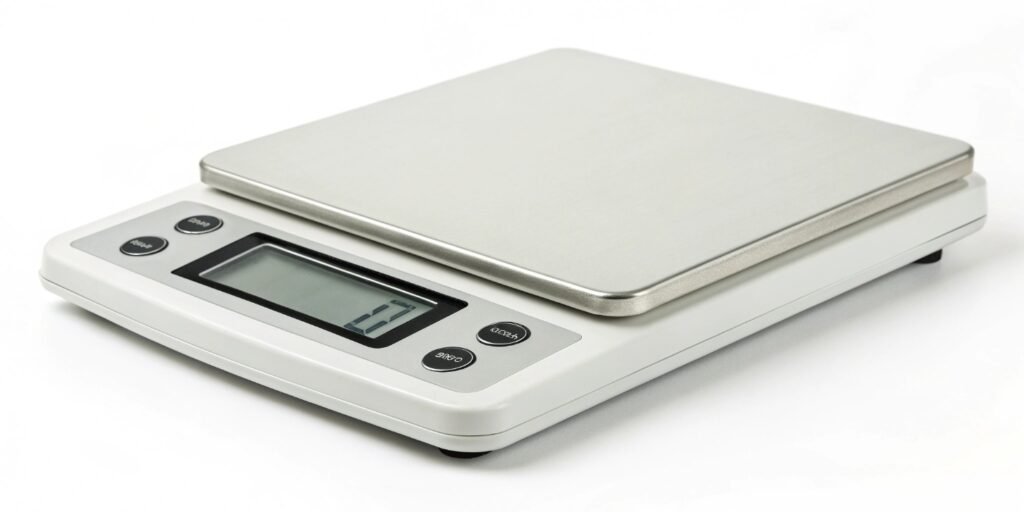
Are your measurements off? Inaccurate scales can cause serious problems in your business. This simple guide will show you how to ensure your readings are always right.
To calibrate a digital scale, you must first place it on a stable, level surface. Then, enter its calibration mode, which is usually detailed in the user manual. Place a known, certified calibration weight on the platform and wait for the scale to automatically adjust and confirm the calibration.
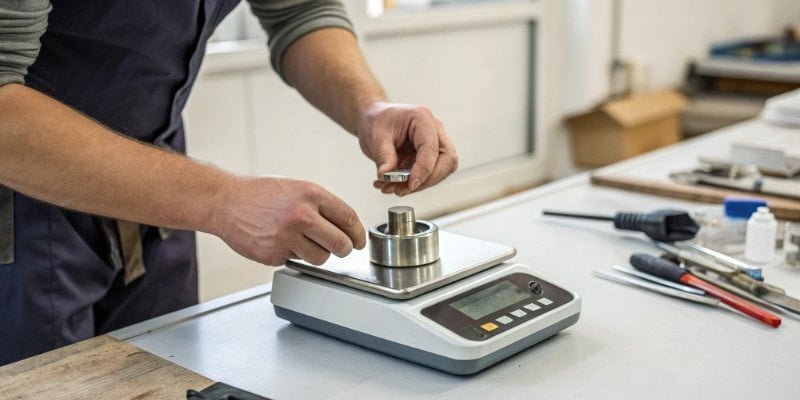
As a manufacturer with over 18 years of experience, we know that scale accuracy1 is not just a feature; it's the foundation of your operations. An incorrectly calibrated scale can lead to wasted materials, incorrect formulas, and unhappy customers. We’ve seen it happen, and it's a costly mistake to make. That's why understanding the calibration process is so important. It's a fundamental part of maintaining the quality and reliability of your work. Let’s walk through the steps to make sure your equipment is always performing at its best, so you can focus on growing your business.
How do you calibrate a digital weight scale?
Frustrated because your scale’s readings seem off? This can affect your product quality. We will show you the exact steps to get your scale back to perfect accuracy.
The process involves setting the scale to calibration mode and using a weight of a known mass. The scale's internal software then adjusts its reading to match this known mass. For high-precision industrial scales, some models feature automatic internal calibration, which handles this process without external weights.
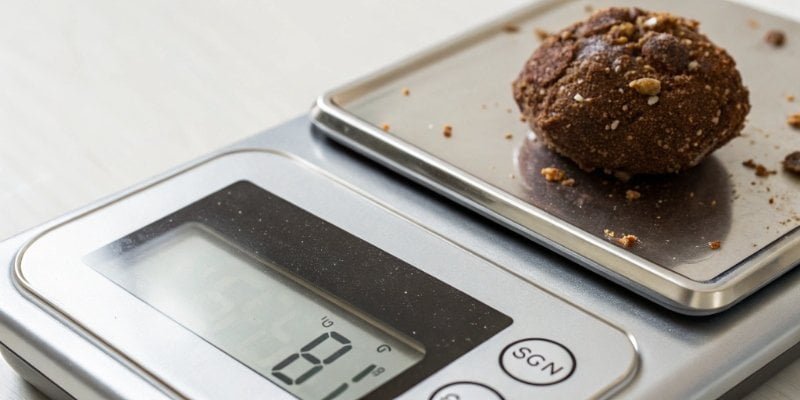
Let's dive deeper into the two main types of calibration. Most scales you encounter use what we call manual external calibration2. This is the classic method. Some high-end, precision scales that we produce come with automatic internal calibration3. This feature is very convenient for labs or industrial settings where time and precision are critical.
Here is a breakdown of the typical manual calibration process.
| Step | Action | Why It's Important |
|---|---|---|
| 1. Prepare | Place the scale on a flat, level surface away from vibrations or drafts. | An unstable environment can easily throw off the reading and ruin the calibration. |
| 2. Power On | Turn on the scale and let it warm up for a few minutes. | Electronic components need to reach a stable operating temperature for best accuracy. |
| 3. Enter Mode | Find and press the "CAL" or "Mode" button until the screen shows "CAL". | This tells the scale you're about to reset its reference point. Every model is different, so check your manual. |
| 4. Place Weight | The display will show a specific weight value. Gently place that exact calibration weight on the center of the platform. | The scale needs a precise, known standard to compare against. |
| 5. Confirm | The scale will register the weight and its display will usually show "END" or "PASS". | This confirms the internal adjustment is complete. You can now remove the weight and start using the scale. |
Automatic internal calibration is much simpler. The scale has built-in weights that it uses to calibrate itself at the push of a button or even automatically at set intervals.
Do digital scales need to be recalibrated?
Do you assume your scale is always accurate after you buy it? This is a big mistake. Over time, all scales drift, and this can compromise your results without you even knowing it.
Yes, absolutely. All digital scales need regular recalibration. Factors like temperature changes, humidity, frequent use, and even moving the scale can cause it to lose accuracy. We recommend calibrating on a set schedule, especially in professional environments, to ensure consistent and reliable measurements.
A brand-new scale from our factory is perfectly calibrated. We ensure this with our comprehensive quality checks before anything ships. But the real world is a tough place for precision instruments. Your work environment is constantly changing, and these changes affect your scale’s performance. Think of calibration not as a one-time fix, but as routine maintenance, just like changing the oil in a car.
Several factors can knock a scale out of calibration.
| Factor | How It Affects the Scale |
|---|---|
| Temperature & Humidity | Electronic components and the metal load cell can expand or contract with temperature and humidity changes, which slightly alters the readings. |
| Physical Shock | Dropping the scale or placing a heavy item on it too harshly can damage the delicate internal load cell. This is a very common cause of inaccuracy. |
| Heavy Use | Just like any machine, parts wear down over time. Frequent use can cause mechanical stress that leads to measurement drift. |
| Location Change | Moving a scale, especially to a different altitude, can affect it. Gravity is not the same everywhere on Earth, and sensitive scales will notice! |
For any business that relies on accurate weights, regular recalibration is a must. It protects your inventory, ensures product quality, and ultimately saves you money. How often should you do it? That depends on how you use it. For heavy industrial use, it might be daily or weekly. For less critical tasks, monthly or quarterly might be enough.
What can I use to calibrate my scale at home?
You need to calibrate your scale right now, but you don't have a certified weight. This is a common problem. There are household items you can use, but you must be careful.
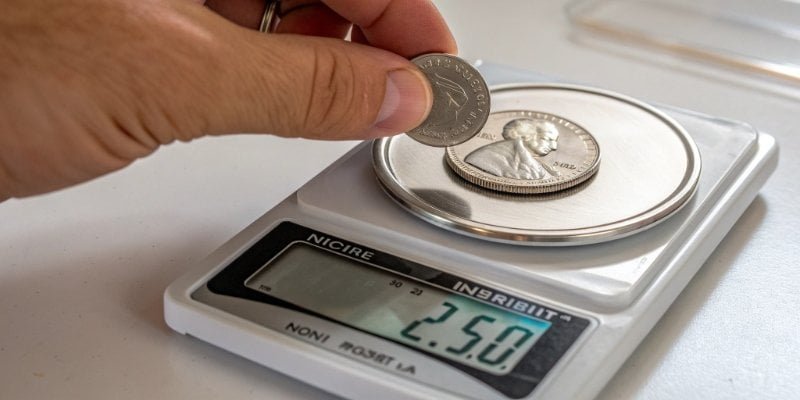
For non-critical home use, you can use items with a known weight, like coins or packaged food. For example, a US nickel weighs exactly 5 grams. However, for any professional application, you must use certified calibration weights. Using unverified items will lead to inaccurate results.
In our industry, precision is everything. That is why we always tell our clients to use certified calibration weight4s. These weights are manufactured to very strict standards and come with a certificate that guarantees their mass is accurate. They are made from stable materials that don't easily corrode or change. Using a certified weight is the only way to be 100% sure your scale is calibrated correctly.
But what if you are at home and just need a rough check for a kitchen scale? You can use some common items, but you must accept that this method is not precise. It's better than nothing, but it's not for business.
Here are some household items and their approximate weights.
| Item | Common Weight | Important Note |
|---|---|---|
| Coins | A US nickel is 5g. A US penny is 2.5g. | Use new, clean coins. Worn coins lose mass. |
| Water | 1 milliliter (ml) of water weighs 1 gram (g). | You need a precise measuring cup, and this is hard to measure perfectly. |
| Packaged Food | A bag of sugar or flour has the weight printed on it. | The printed weight is for the contents, not including the packaging. This is very imprecise. |
Again, we have to be clear. We provide these examples only for casual, non-professional situations. If your business depends on accurate measurements, investing in a proper set of calibration weights is essential. It's a small cost that protects you from much larger and more expensive errors down the line.
How do I know if my digital scale is calibrated?
Are you worried your scale is giving you bad data? An uncalibrated scale can silently cost you money. There is a very easy way to check if your scale is still accurate.
To know if your digital scale is calibrated, perform a simple test. Place an object with a verified, known weight on the scale. If the reading on the display perfectly matches the known weight of the object, your scale is accurate. For best results, use a certified calibration weight.
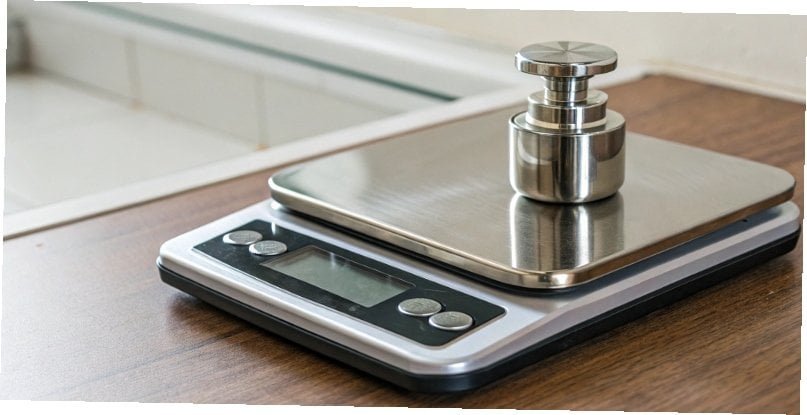
Checking for accuracy is a quick and simple process. You don't always need to perform a full recalibration routine. Sometimes, you just need a quick spot check to give you peace of mind. As part of our own quality control, we perform multiple tests on every single scale before it leaves our facility. You can use these same principles to check your own equipment.
The most important test is the known weight test. This is the one we described above. You take a weight you know is accurate, place it on the scale, and check the reading. If your 100g calibration weight reads as 100.00g on the scale, you are in good shape. If it reads 101.50g, it's time to recalibrate.
There are a couple of other smart tests you can do.
- The Repeatability Test: Place a weight on the scale and record the reading. Take it off. Place it on the scale again. Do this five times. Are all the readings exactly the same? They should be. If the numbers are jumping around (e.g., 100.1g, then 99.8g, then 100.3g), the scale is not stable and needs service or recalibration.
- The Linearity Test: This checks the scale's accuracy across its full weighing range. You need a few different calibration weights for this. For a 500g scale, you might test it with a 100g, 200g, and 500g weight. The scale should be accurate at all these points, not just at one.
Performing these quick checks regularly can help you catch problems before they impact your work.
Conclusion
Regularly calibrating your digital scale with certified weights is essential for accuracy. Simple tests can confirm its performance, ensuring your measurements are always reliable for your business needs.
-
Scale accuracy is vital for product quality and customer satisfaction, impacting your bottom line. ↩
-
Explore the classic method of calibration to understand its importance in achieving precise measurements. ↩
-
Discover the convenience of automatic calibration for high-precision scales in industrial settings. ↩
-
Using certified weights guarantees accuracy in your measurements, essential for professional applications. ↩


Comments (0)