

Your miniature model looks perfect but feels flimsy and unrealistic. The wrong weight ruins the illusion and performance. You need a way to weigh and scale it precisely to bring it to life.
To scale weight in a miniature model, use high-precision tools like an analytical balance or a miniature load cell. These devices provide the accuracy needed to measure small components and calculate the total weight, ensuring your model’s realism and proper performance.
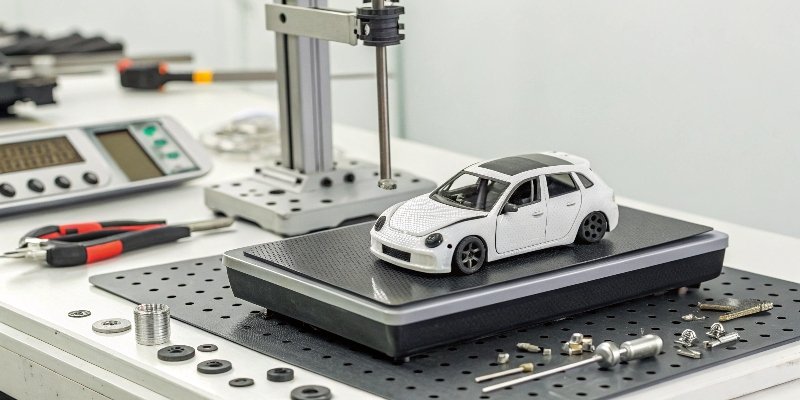
Getting the right tools is the first step. But how do you calculate the exact weight you need? And what materials should you use to achieve it? We have spent 18 years helping engineers with precision measurement, and these principles apply even to miniatures. This knowledge can transform your models from simple objects into realistic, functional works of art. Let's dive deeper into the specifics.
How do you accurately calculate the proportional weight for a scale model?
You know your model's scale, but guessing the weight feels like a shot in the dark. Incorrect calculations lead to an unbalanced and unrealistic model. There is a simple formula for this.
To calculate proportional weight, you need the real object's weight and the model's scale factor. The weight scales by the cube of the scale factor. For example, a 1:10 scale model should weigh 1/1000th (1/10³) of the real object, if made from identical materials.

The core principle behind scaling weight is the "cube law1." When you scale an object down, its surface area decreases by the square of the scale factor, but its volume (and thus weight) decreases by the cube of the scale factor. This is why small things are proportionally much stronger than large things. For model building, it means you can't just scale the weight linearly.
The Scaling Formula
The formula is straightforward:
Model Weight = Real Object Weight × (1 / Scale Factor)³
Let's say you are building a 1:24 scale model of a car that weighs 1,500 kg in real life.
The calculation would be: 1,500 kg × (1 / 24)³ = 1,500 kg / 13,824 = 0.1085 kg, or about 108.5 grams.
Adjusting for Materials
This formula assumes your model is made from the exact same materials as the real object, which is almost never the case. A real car is made of steel, glass, and rubber. Your model might be plastic, resin, and clear acrylic. You must adjust for the difference in material density. If your model's base material is lighter than the real object's, you will need to add dense materials to make up the difference. This is where accurate weighing of each component becomes critical.
| Scale Factor | Volume/Weight Multiplier | Example (1000kg Car) |
|---|---|---|
| 1:10 | 1/1,000 | 1.00 kg |
| 1:18 | 1/5,832 | 171 grams |
| 1:24 | 1/13,824 | 72 grams |
| 1:48 | 1/110,592 | 9 grams |
| 1:64 | 1/262,144 | 4 grams |
What are the best materials and techniques for adding weight to miniatures?
You need to add weight, but what should you use? Using the wrong material can be messy, difficult to work with, or even damage your model over time. You need safe and effective options.
The best materials for adding weight are dense and non-reactive, like tungsten putty, lead shot, or steel ball bearings. The best technique involves placing weights low and centered to maintain a stable center of gravity, securing them firmly inside the model.
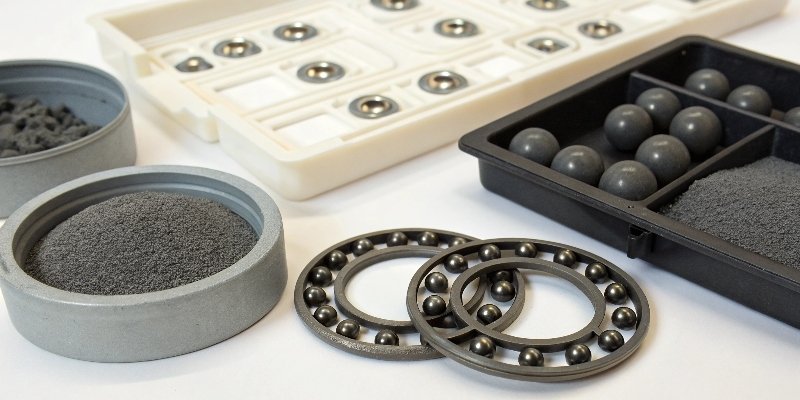
I once worked with a client who was building a large-scale architectural model of a suspension bridge. The model needed to have the correct tension and sag, which depended heavily on the weight of the road deck. We recommended small, precisely-molded tungsten cubes that could be embedded within the structure. The density of tungsten allowed them to add significant weight without altering the model's visual profile. The same principles apply to smaller models. Your choice of material and how you place it are both critical.
Choosing Your Weighting Material
Density is key. A denser material lets you add more weight in a smaller space. This is very important for small models with limited internal room.
| Material | Density (g/cm³) | Pros | Cons |
|---|---|---|---|
| Tungsten | 19.25 | Extremely dense, non-toxic | Expensive |
| Lead | 11.34 | Very dense, malleable, inexpensive | Toxic (handle with care), can react with plastics |
| Steel | ~7.85 | Inexpensive, readily available | Less dense, can rust if not sealed |
| Brass | ~8.73 | Denser than steel, non-corrosive | More expensive than steel |
| Tire Weights | Varies (Lead/Steel) | Pre-shaped with adhesive backing | Bulky, may not fit in small spaces |
Techniques for Placement
Where you put the weight is just as important as what you use. The goal is to lower the model's Center of Gravity (CG)2 to make it more stable.
- Add Weight Low: Place weights as low as possible in the model's chassis or base.
- Keep it Centered: Distribute the weight evenly from left to right to prevent tipping. For vehicles, a slight forward bias (around 60/40 front-to-rear) often improves realism.
- Secure Everything: Use strong epoxy or super glue to fix weights in place. Loose weights can rattle and shift, completely ruining the model's balance.
Why is correct weight scaling important for the realism and performance of models?
You have spent hours on visual details, but the model still feels wrong. It slides instead of rolls, or feels toy-like when handled. The missing piece is often correct weight and balance.
Correct weight scaling is crucial for realism and performance. It affects how a model interacts with its environment, like a car's suspension or a train's traction. Proper weight distribution also ensures stability and correct physical behavior, making the model believable and functional.
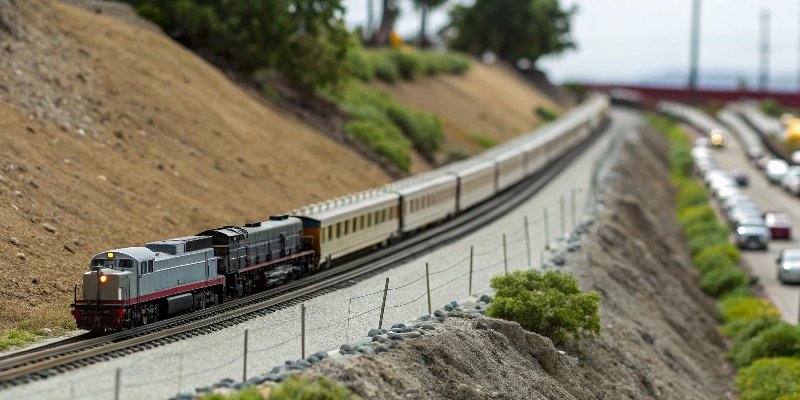
Think about how a real car behaves. When it stops, its nose dips. When it accelerates, the back squats down. This is all due to mass and inertia. A lightweight plastic model doesn't have enough mass to replicate these effects, which breaks the illusion. Adding the correctly scaled weight brings that physical presence back. It's not just about how it looks on the shelf; it's about how it behaves, and that's essential for both dynamic displays and operational models like RC cars or model trains.
Enhancing Realism
Proper weighting gives a model a sense of gravity and presence. For static models, this "heft" makes it feel like a quality item rather than a toy. For vehicle models, it allows for realistic suspension compression. If you have working suspension on a model car, it won't function visually unless the model is heavy enough to actually compress the springs. The weight provides the necessary force for these features to work as intended, adding a subtle but powerful layer of realism.
Improving Performance
For operational models, weight is a functional requirement.
- Model Trains: Locomotives need weight directly over the drive wheels to create traction. Without enough weight, the wheels will just spin on the track, especially when pulling a heavy train up an incline.
- RC Cars: Weight affects handling, traction, and balance. Adding weight low in the chassis can prevent rollovers during high-speed turns. In drift cars, weight distribution3 is tuned precisely to control how the car slides.
- Slot Cars: Magnets are one way to keep a car on the track, but many racers prefer adding lead or tungsten weights to improve grip and handling in a more realistic way.
What are the common mistakes to avoid when adding weight to a scale model?
You added weight, but now your model is lopsided, or the weights came loose and are rattling inside. These frustrating mistakes are all too common. Knowing what to avoid saves time and effort.
Common mistakes include guessing the weight instead of calculating, poor weight distribution that creates an unstable center of gravity, and not securing weights properly. Also, forgetting to account for the weight of paint and glue can throw off calculations on highly precise models.
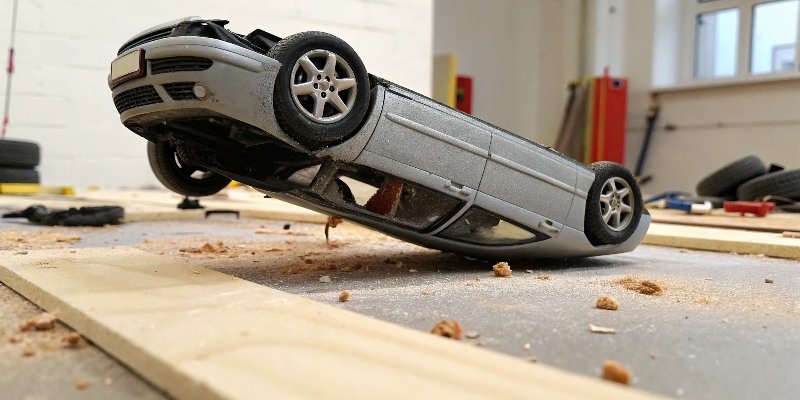
Over the years, we've supplied high-precision sensors for thousands of projects. A key lesson is that small errors add up. In model building, a few grams misplaced can be the difference between a stable model and one that tips over at the slightest touch. Precision is not just about the final weight, but also about the entire process.
Mistake 1: Ignoring the Center of Gravity (CG)
The biggest mistake is adding weight4 without thinking about where it goes. Placing weight too high or too far to one side will make the model unstable. Always aim to place weight low and centrally. You can test the CG by trying to balance the model on a narrow object, like a pencil. It should be stable and level.
Mistake 2: Insecure Mounting
A rattling sound from inside your finished model is a builder's nightmare. It means a weight has come loose. This can shift the CG unpredictably and even damage delicate internal parts. Always secure weights5 with strong adhesives like two-part epoxy. Create small compartments with scrap plastic to hold weights like lead shot6 in place before gluing.
Mistake 3: Forgetting to Calibrate Your Tools
Your measurements are only as good as your scale. Whether you're using a micro load cell or a digital kitchen scale, it needs to be calibrated. We advise our industrial clients to calibrate their equipment regularly, and the same applies here. Before starting a project, use a known standard weight to check your scale's accuracy. Also, ensure your work area is stable and free from drafts, which can affect readings on sensitive scales.
Mistake 4: Overlooking Small Weights
On a highly detailed model, the "small stuff" adds up. Coats of primer, paint, and clear coats add weight. The glue you use has weight. For most projects, this is negligible. But for high-precision competition models or very small-scale items, it's wise to weigh components after painting to get the most accurate final result.
Conclusion
Properly scaling weight is essential for any serious modeler. By using precise calculation, the right materials, and careful technique, you can elevate your model from a static display to a realistic miniature.
-
Understand the cube law and its significance in accurately scaling the weight of your models. ↩
-
Understand the concept of Center of Gravity and its critical role in model stability and performance. ↩
-
Explore the importance of weight distribution for stability and realism in your miniature models. ↩
-
Explore various methods and materials for effectively adding weight to your miniature models. ↩
-
Learn the best techniques for securing weights in your models to prevent rattling and instability. ↩
-
Discover the advantages and considerations of using lead shot for adding weight to your models. ↩



Comments (0)