
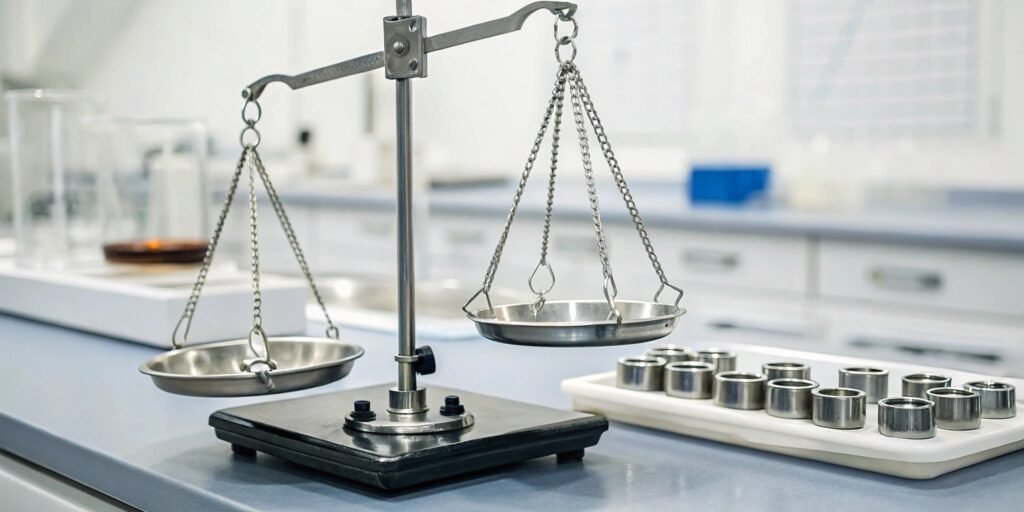
Struggling with inconsistent scale readings? These errors can disrupt your process and cost you money. Here’s how you can get reliable measurements every time you weigh.
To test a digital scale, use certified weights to check its capacity at key intervals up to its maximum limit. For precision, check repeatability with the same weight multiple times and test different areas of the pan. This ensures the scale is both accurate and consistent.
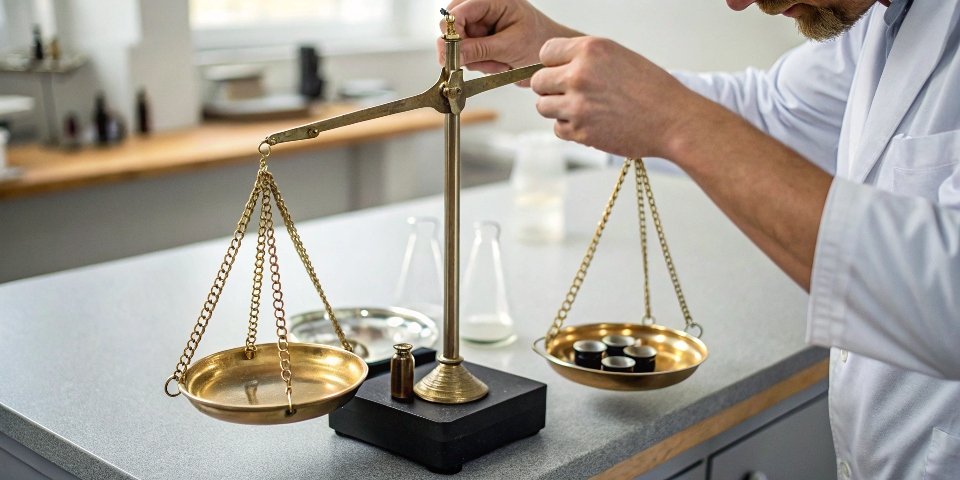
Getting accurate results is crucial for any operation. But before you can confidently test your scale, you must understand the foundation of accuracy: proper calibration. This process sets the standard that all your future measurements will be based on. Let's explore how to do that correctly so your tests are meaningful and your data is trustworthy.
How do you properly calibrate a digital scale for maximum accuracy?
Afraid your calibration is wrong, making every measurement unreliable? Don't let an incorrect setup compromise your data. Here is the right way to calibrate for perfect accuracy.
To properly calibrate, first let the scale warm up and stabilize. Enter its calibration mode, place the specified standard weight on the pan, and let the scale register it. Always use certified weights and perform calibration in a stable, vibration-free environment for best results.
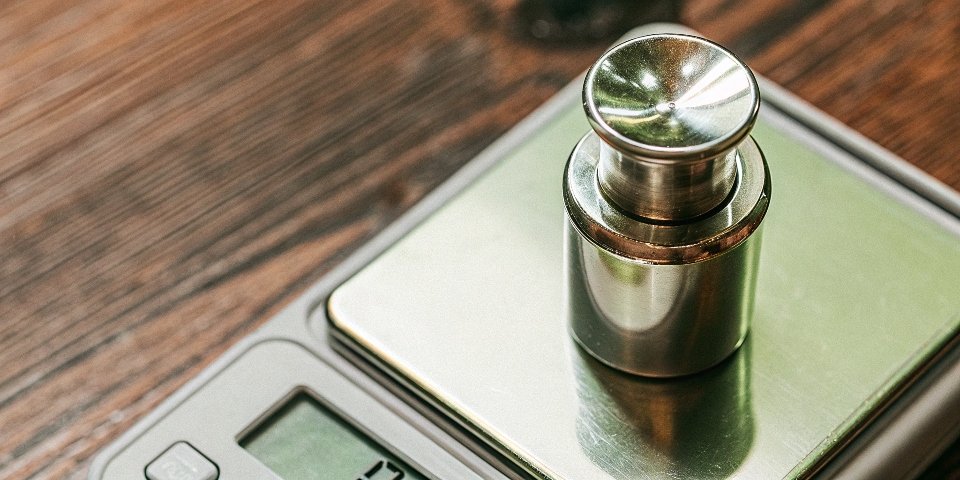
Proper calibration is more than just pressing a button. It is a methodical process. First, place your scale on a flat, level surface away from vibrations or air drafts. Turn it on and let it warm up for about 30 minutes. This allows the electronic components to reach a stable temperature. Next, start the calibration mode1, which you can usually find in the scale's menu. The screen will prompt you to place a specific calibration weight on the pan. Use a weight that is certified and traceable, as household items are not accurate enough for this step. After placing the weight, the scale will adjust itself. Some scales may require a zero-point calibration2 and a span calibration3 at its maximum capacity. I once helped a client whose production line was failing quality checks. The issue wasn't the product, but a scale placed next to an air conditioning vent. A simple relocation and recalibration solved everything.
What are some simple ways to check if my digital scale is accurate at home?
Don't have professional calibration weights? You might think you can't check your scale's accuracy at home. You can actually check it with simple items you already own.
You can use everyday items with known weights to check your scale. Unopened packages of sugar or flour, bottles of water, or even coins like a U.S. nickel (which weighs exactly 5g) are great for a quick accuracy test. Just place them on the scale.
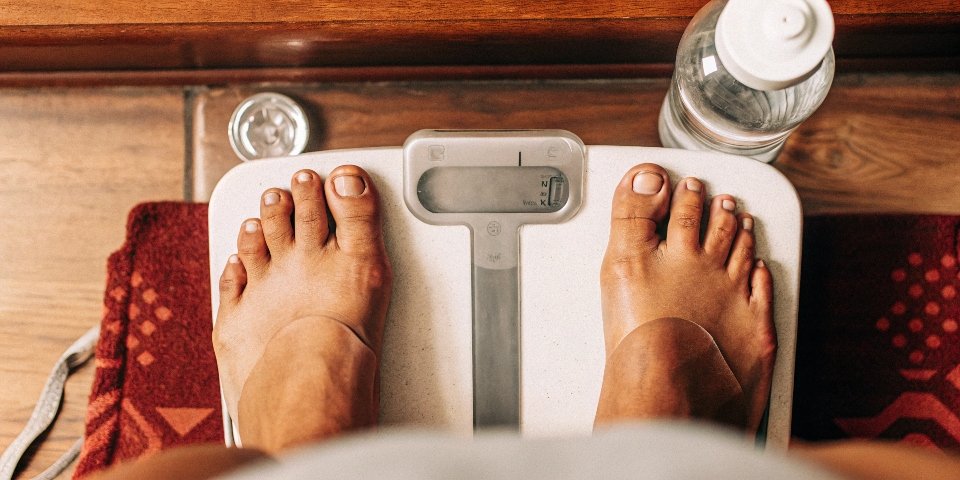
While not a substitute for professional calibration, a quick check can give you peace of mind. Coins are an excellent tool because their weights are standardized by governments. A U.S. nickel weighs 5 grams, and a penny weighs 2.5 grams. You can stack them to test different weights. Another good option is water. One milliliter of water weighs one gram. You can use a kitchen measuring cup to measure 100 ml of water, which should weigh 100g on your scale. You can also use unopened food packages, like a 1kg bag of sugar or flour, as the weight printed on the label is regulated. Remember to also test for repeatability4. Weigh the same item, like your smartphone, three or four times. The reading should be identical every time. If it fluctuates, your scale may have a problem. This is a great way to spot an issue before it affects your work.
What is the difference between a scale's accuracy, precision, and resolution?
Do the terms accuracy, precision, and resolution confuse you? Using them incorrectly can lead to buying the wrong scale for your needs. Let's make their meanings perfectly clear.
Accuracy is how close a measurement is to the true value. Precision is how consistent multiple measurements are with each other. Resolution is the smallest weight increment the scale can display. A scale can be very precise without being accurate.
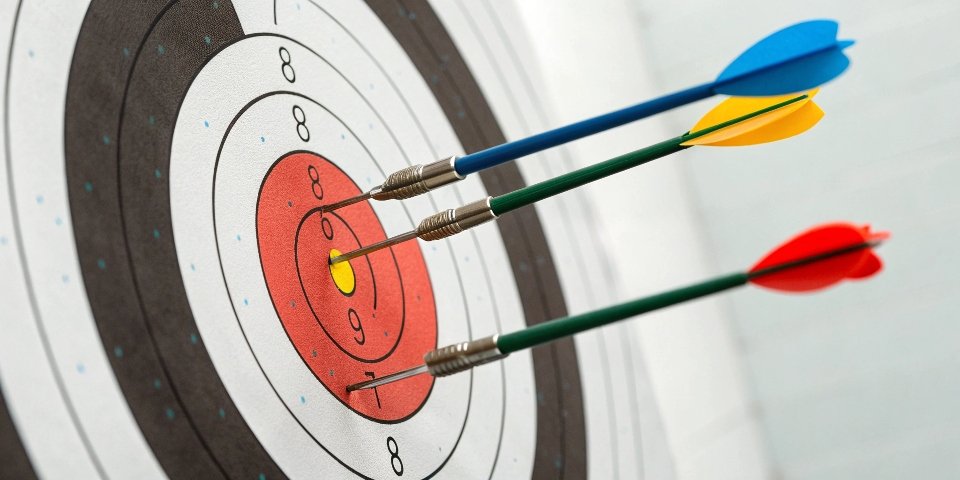
Imagine you are shooting at a target. Accuracy means you hit the bullseye. Precision means all your shots land in the same spot, even if that spot is not the bullseye. A precise but inaccurate scale will give you the same wrong weight every time. Resolution, on the other hand, is the smallest detail the scale can show you. For example, a scale with 1g resolution can't show you 0.5g. As manufacturers, we design scales to meet specific needs. A lab scale needs high resolution (0.001g), while a warehouse scale might only need a 0.1kg resolution. Understanding these terms helps you choose the right tool for the job.
Here is a simple table to help you remember:
| Term | Definition | Example |
|---|---|---|
| Accuracy | How close the reading is to the actual weight. | A 10kg weight reads 10.01kg. |
| Precision | How repeatable the measurements are. | Weighing a 10kg weight 5 times gives you 10.1kg each time. |
| Resolution | The smallest change in weight the scale can display. | A scale displays 10.0kg, 10.1kg, but not 10.05kg. |
How often should you test and calibrate a digital weighing scale?
Unsure when to recalibrate your scale? Waiting too long can lead to costly errors and bad data. Here's a simple guide to creating the right calibration schedule for you.
Calibration frequency depends on use. For critical industrial applications, test daily or weekly. For less frequent use, monthly or quarterly is often enough. Always recalibrate if the scale is moved, dropped, or shows inconsistent readings. Check your industry's specific regulations.
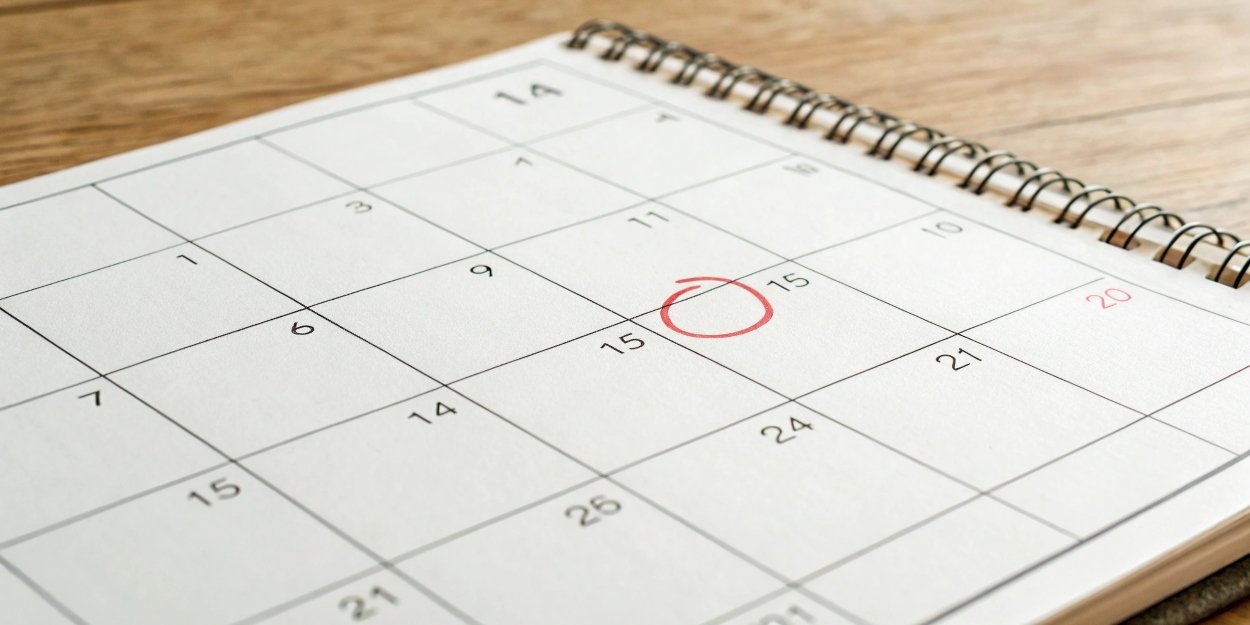
There is no single answer for how often to calibrate. The right schedule depends entirely on your situation. Several factors determine the best frequency.
Key Factors for Your Calibration Schedule
- High Usage: If a scale is used constantly throughout the day, it should be checked daily or weekly.
- Environment: Scales in harsh environments with vibrations, dust, or temperature swings need more frequent calibration than those in a stable lab.
- Application: If you are weighing high-value materials or your measurements are for legal trade, you must follow a strict and frequent calibration schedule5.
- Scale History: If a scale has a history of drift or needing adjustment, check it more often.
- Moving the Scale: Always recalibrate a scale after moving it to a new location.
Over my 18 years in this industry, I have seen that the most successful companies are those that create a clear schedule and stick to it. We even provide log sheets with our systems so our clients can maintain a perfect audit trail6 for quality control.
Conclusion
Regularly testing capacity and precision, and calibrating correctly, ensures your digital scale is a reliable tool. Understand these steps to maintain accuracy and trust in every measurement you make.
-
Find out how to access calibration mode on your scale for precise adjustments and accurate measurements. ↩
-
Understand the concept of zero-point calibration and its importance in ensuring accurate scale readings. ↩
-
Explore the necessity of span calibration for maintaining accuracy in digital scales. ↩
-
Check out methods to test repeatability, ensuring your scale provides consistent measurements. ↩
-
Discover how to establish an effective calibration schedule to ensure your scales remain accurate. ↩
-
Explore the importance of maintaining an audit trail for quality control in scale calibration. ↩


Comments (0)