
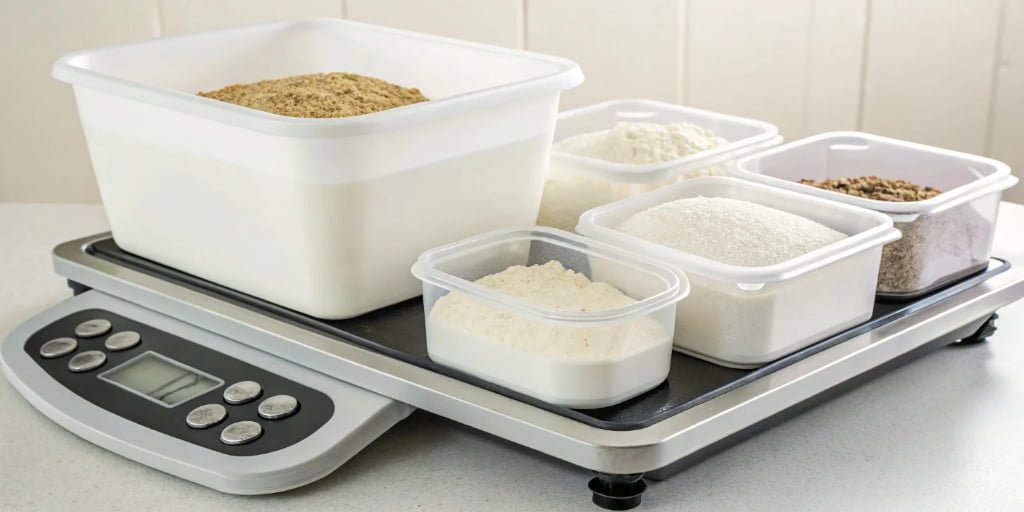
Struggling with slow, error-prone manual weighing? Inaccurate measurements waste resources and money. Mastering the tare function is your first step towards precision, efficiency, and savings.
Simply put, the tare function resets the scale to zero with a container on it. This allows you to measure only the net weight of the contents. For multiple containers, modern systems can store tare weights, automatically deducting them for faster, error-free formulation and production.
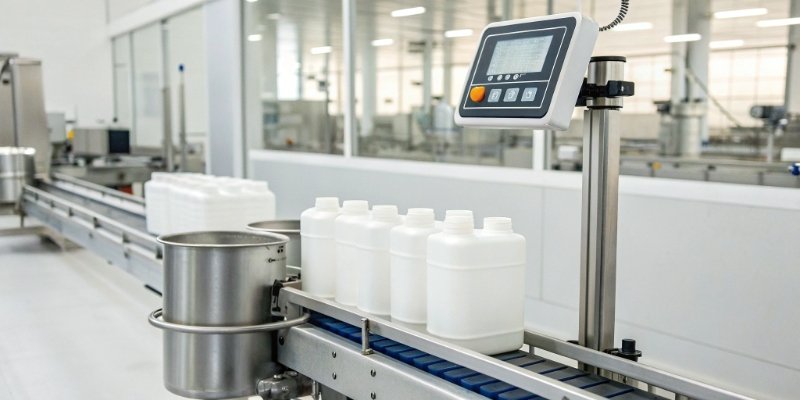
That's the basic idea, but the real power comes from understanding how this feature works and how modern technology can supercharge it. I've spent nearly two decades helping clients optimize their weighing processes, and the tare function1 is often the starting point for massive efficiency gains. You can unlock a new level of productivity once you move beyond just pressing a button. Let's break down the fundamentals to see how you can apply them to your operations.
What is the tare function on a weighing scale?
Ever see the 'Tare' button and wonder what it really does? Ignoring it leads to manual calculations and potential errors, slowing down your entire workflow. It’s a simple tool for precision.
The tare function subtracts the weight of a container, so the scale only displays the weight of the items added after taring. It zeros out the scale, allowing you to get an accurate net weight without any manual calculation. It essentially tells the scale to ignore the container's weight.
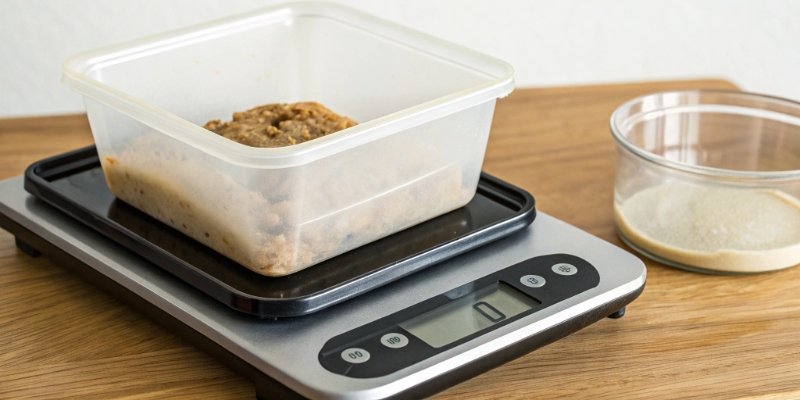
To really get it, you need to know three key terms. In my 18 years in the industrial scale2 business, I've seen countless errors happen simply because people mix these up. Understanding them is the foundation of accurate weighing.
Key Weighing Terminology
| Term | Definition | Example |
|---|---|---|
| Gross Weight | The total weight of the container and its contents combined. | A bucket of paint weighing 11 kg. |
| Tare Weight | The weight of the empty container. | The empty bucket weighing 1 kg. |
| Net Weight | The weight of the contents only. | The paint inside the bucket weighing 10 kg. |
The tare function is what makes calculating the net weight3 so easy. When you place the empty container on the scale and press 'Tare', the scale's software stores that tare weight (1 kg) in its memory. Then, it shows "0" on the display. As you add the paint, it only shows you the weight of the paint itself, the net weight. It’s doing the simple math—Gross Weight minus Tare Weight—so you don’t have to.
How to calculate container tare weight?
Manually noting container weights is tedious and risky. A single slip of the pen or a misread number can ruin an entire batch. Your scale can handle this for you.
You don't calculate it manually. To find a container's tare weight, you simply place the empty container on the scale and press the 'Tare' button. The scale records this weight internally and displays zero. The recorded weight is the tare weight, which is then automatically subtracted.

The simple press of a button is the standard way, but in a modern industrial setting, that manual step can still be a bottleneck. This is where we help our clients take a huge leap forward, especially those managing lots of different containers.
The Manual Method
This is the most basic process. You take one container, place it on the scale, press tare, and then fill it. If you use a different container, you have to repeat the process. It's simple and effective for one-off jobs, but it becomes slow and inefficient at scale.
The Automated Method
This is where things get interesting, especially for software-driven companies. Imagine you have 50 identical blue buckets and 30 identical red bins. Instead of taring each one, we can pre-program their standard tare weights into the system. As an OEM/ODM manufacturer, we build systems that can identify the container automatically. Using a barcode scanner4 or RFID reader5, the system instantly knows it's a "blue bucket" and pulls the saved tare weight from a database. I once helped a client in the food processing industry implement this. They reduced their batch preparation time by over 40% because their operators just had to scan and fill. No more taring each container.
What is the tare method of weighing?
Formulating a product with multiple ingredients is a challenge. Weighing each one separately and combining them later invites error. There is a much more direct and precise method.
The tare method, or sequential taring, is the process of adding an ingredient to a container, taring the scale back to zero, and then adding the next ingredient. This allows you to weigh each component individually and accurately within the same container, without any mental math.

This method is the backbone of almost any formulation process, from mixing paints to preparing food recipes. It eliminates cumulative errors and simplifies the workflow for the operator. Let’s walk through a simple example. Say you need to create a mix with 200g of powder A and 50g of liquid B.
Here’s the step-by-step process:
- Place your empty mixing container on the scale.
- Press the 'Tare' button. The display will show
0 g. - Add powder A until the display reads
200 g. You have now added the exact amount of your first ingredient. - Press the 'Tare' button again. The display will return to
0 g, ignoring the weight of the container and powder A. - Now, add liquid B until the display reads
50 g. - You are finished. Your container holds exactly 200g of A and 50g of B.
This is extremely powerful. As a software provider, you could design an interface that guides a user through this, prompting them for the next ingredient after each tare. Our IoT scales6 can connect to such systems, logging each step for quality control and batch tracking. This ensures perfect consistency every single time.
How to use a tare weight?
Knowing what the tare button does is one thing. Using it to truly speed up your workflow is another. Without a clear process, you're leaving efficiency on the table.
Place your empty container on the scale. Press the 'Tare' button to zero it out. Add your material until you reach the desired net weight. For sequential weighing, press 'Tare' again after each ingredient to measure the next one from zero. It’s a simple press-and-fill process.

Using a tare weight effectively is about integrating it into a smart workflow. At Weigherps, we help our clients move from manual taring to fully automated weighing systems7. This is how you unlock its true potential, especially for multi-container weighing8. By connecting our specialized IoT scales6 to your management software, you can create a seamless and error-proof system.
For example, a production order can be sent directly to the weighing terminal. The operator simply scans a container's barcode. Our system automatically identifies the container type, retrieves its pre-stored tare weight from your database, and sets the scale. The display then shows the operator which ingredient to add and exactly how much. This eliminates the guesswork and manual button presses.
Manual vs. Automated Tare Workflow
| Feature | Manual Tare Process | Automated Tare Process (with Weigherps) |
|---|---|---|
| Speed | Slow; requires taring for each container. | Fast; tare is applied instantly via barcode/RFID. |
| Accuracy | Prone to human error (forgetting to tare). | Eliminates human error; tare is applied automatically. |
| Data Logging | Manual or non-existent. | Every step is logged for traceability. |
| Flexibility | Poor for many different container types. | Excellent; database can hold thousands of tare weights. |
This automation is what we mean when we talk about empowering our customers. We provide the reliable hardware and technical expertise to connect with your software, helping you create a system that revolutionizes conventional weighing for your end-users.
Conclusion
Mastering the tare function, especially with automation, is key to boosting production efficiency and accuracy. It turns a simple scale into a powerful tool for growth and profitability.
-
Understanding the tare function is essential for accurate measurements and efficient workflows in various industries. ↩
-
Discover the advanced features of industrial scales that improve accuracy and efficiency. ↩
-
Learn how to accurately calculate net weight to avoid errors and improve your weighing processes. ↩
-
Find out how barcode scanners can automate and simplify the weighing process. ↩
-
Learn how RFID technology can enhance accuracy and speed in weighing operations. ↩
-
Discover the benefits of IoT scales in modernizing and automating weighing systems. ↩ ↩
-
Explore how automated systems can enhance efficiency and accuracy in weighing processes. ↩
-
Explore the advantages of multi-container weighing for improved productivity and accuracy. ↩



Comments (0)