
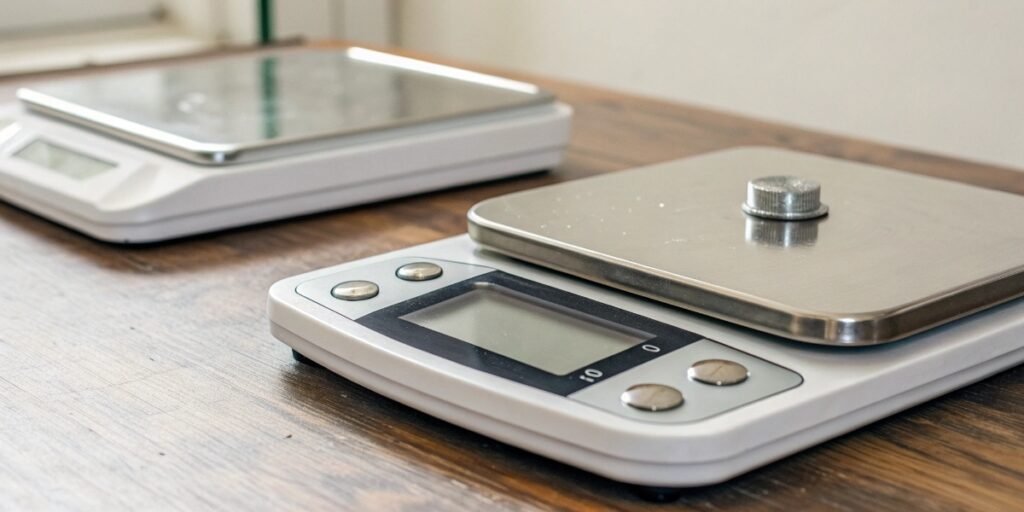
Struggling to measure a tiny "point" accurately? A small error can ruin your entire project. Follow our precise steps to get perfect, reliable results every single time.
Weighing a 'point' means measuring a small fraction, like 0.1g. To do this, you must first prepare your scale by leveling and calibrating it. Then, use the 'tare' function with a container before adding your small sample for an accurate reading.
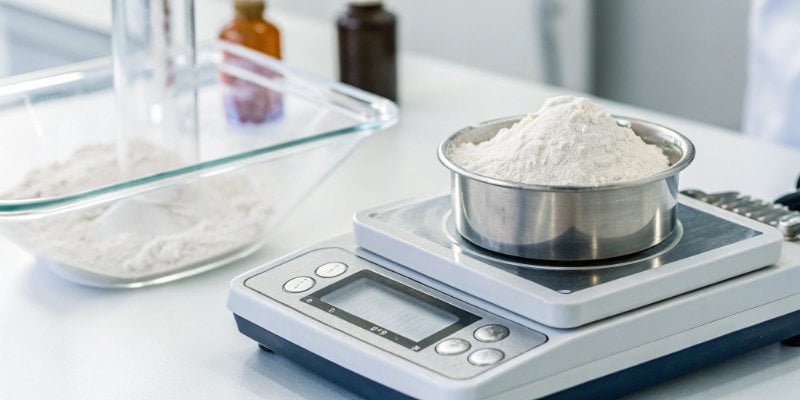
Getting that perfect measurement seems simple, but there is a science to it. I have spent 19 years in the weighing industry, and I have seen how tiny mistakes lead to big problems. Let's break down the process step-by-step. Proper technique is not just about getting the right number. It is about reliability and trust in your data. Are you ready to master your digital scale1?
How to weigh out a point on a scale?
Need to weigh a precise, small amount? It can feel like the scale is fighting you. We will show you the exact setup for flawless measurements every time.
To weigh out a 'point,' start by placing your scale on a stable surface and preheating it. Calibrate it, then place an empty container on the pan and press 'TARE' to zero it out. Finally, carefully add your substance.
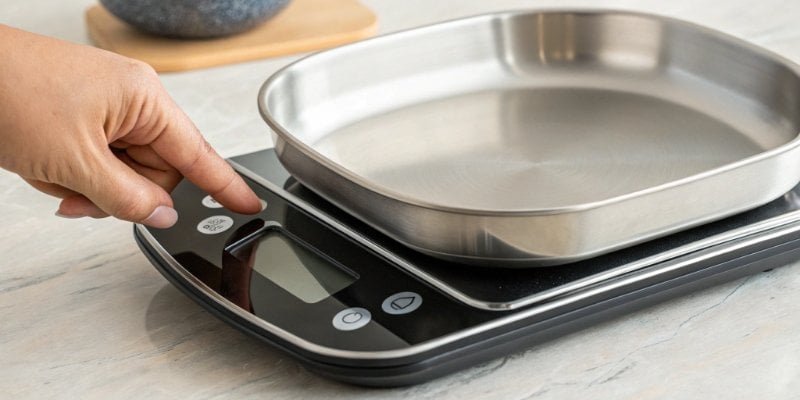
Before you even turn the scale on, preparation is key. In my experience at Weigherps, 90% of weighing errors2 come from a poor setup, not a bad scale. You need to control the environment to get a true reading3.
1. Create the Right Environment
First, find a good spot. Your scale needs a solid, stable, and level workbench. It should be free from any vibrations. Do not put it near heavy machinery or even a rattling air conditioner. Keep it away from direct sunlight, drafts from windows or vents, and strong magnetic fields from devices like microwaves or large motors. These outside forces can easily throw off the sensitive sensors inside a precision scale. A stable environment gives you a stable and trustworthy reading.
2. Prepare the Scale Itself
Once you have the right spot, you need to prepare the scale. Check the built-in level indicator4, which is a small bubble level on most high-precision scales. Adjust the feet of the scale until the bubble is perfectly in the center. Next, make sure the weighing pan5 is clean. Use a soft brush to remove any dust or residue. Then, plug in the scale and let it warm up for 15-30 minutes. This stabilizes the internal electronics. This step is critical for accuracy and is often skipped by new users.
How much does 1 point weigh?
Is 'a point' a real unit of measurement? This confusion can lead to costly errors. Let's clarify exactly what it means for your work and your projects.
A 'point' is not a standard unit of weight. It is slang for a small amount, usually 0.1 grams (a tenth of a gram). The exact value depends on the context and the precision of the scale being used.
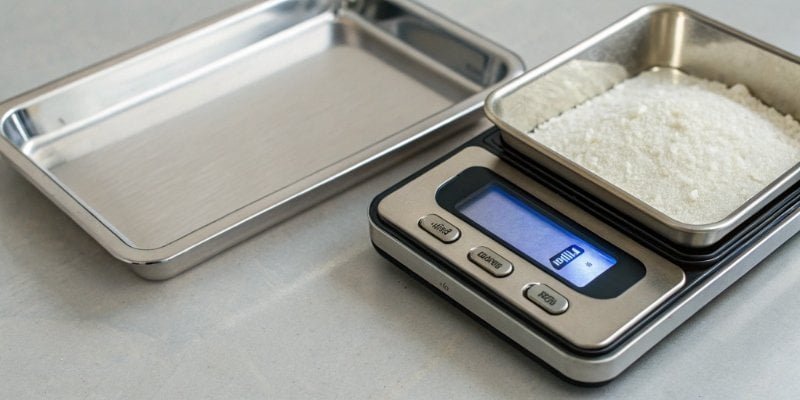
The term "point" can be confusing because its meaning changes depending on the industry. It simply refers to the smallest unit of interest in a specific context. As a software purchasing manager, you need to know the precision your projects require before you invest in hardware. At Weigherps, we help clients choose the right scale for their specific needs, because the wrong precision can be a costly mistake.
Understanding Precision
Precision is about the smallest difference a scale can detect. This is also called readability. A scale might weigh up to 5000g, but its precision could be 1g, 0.1g, or 0.01g. If someone says "a point," they usually mean one unit of the scale's precision.
Here is a simple table to show what this means:
| Scale Precision (Readability) | "One Point" Usually Means | Common Application |
|---|---|---|
| 1 g | 1 gram | Kitchen use, shipping packages |
| 0.1 g | 0.1 gram | Lab testing, mixing compounds, coffee brewing |
| 0.01 g | 0.01 gram | Pharmaceutical formulas, jewelry (carats) |
| 0.001 g | 0.001 gram (1 milligram) | High-precision scientific research, quality control |
So, when your team talks about needing to weigh "a point," you must first ask, "What precision do we need?" This determines the type of scale you need to purchase or integrate with your software.
How to weigh small amounts?
Measuring powders or liquids can be frustrating. So much material gets stuck to the container, and you wonder if the weight is correct. Let's look at the professional technique.
To weigh small amounts, always use a container. First, place the empty container on the scale and press the 'TARE' or 'ZERO' button. This resets the display to zero, so the scale only measures the substance you add.
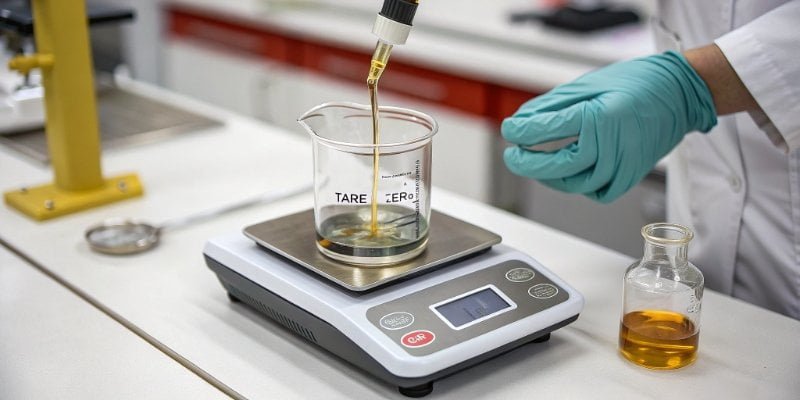
The TARE function is the most important tool for weighing small amounts. It tells the scale to ignore the weight of the container. This way, you are only measuring what you add. As a software provider, you can appreciate how a simple command can eliminate a variable and simplify a process. This is exactly what the TARE button does for weighing.
The Weighing Process Step-by-Step
- Turn On and Settle: Power on the scale and let the display stabilize at zero.
- Place Container: Put your empty, clean bowl or weighing paper on the center of the pan. The display will show the container's weight.
- Press TARE: Press the
TAREor0key. The display will return to0.00 g. The scale has now stored the container's weight in its memory. - Add Substance: Carefully add your powder, liquid, or small item into the container. Do this slowly to avoid overshooting your target weight.
- Read the Value: Wait for the stability indicator6 to show that the reading is final. The number on the display is the net weight of your substance alone.
Important Notes for Accuracy
Always place items in the center of the scale's pan for the most accurate reading7. Avoid spilling liquids or powders aroud the pan. For volatile or corrosive substances, always use a sealed container to protect both the sample and the scale's sensitive sensor. Following these simple rules will protect your equipment and ensure your data is always reliable.
How much is 1 g on a digital scale?
Does your scale show '1 g' correctly? Inaccurate calibration means all your weights are wrong. We will show you how to trust your scale's numbers without any doubt.
On a properly calibrated digital scale, '1 g' represents exactly one gram of mass. The scale measures the force exerted by the mass and converts it into a digital reading. Regular calibration ensures this reading is accurate.
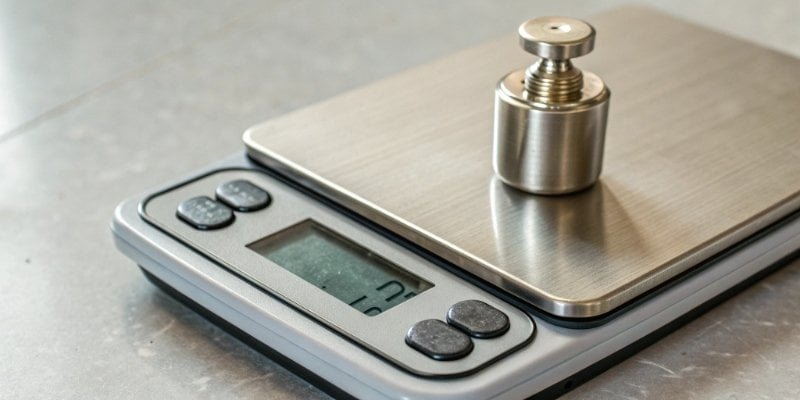
A scale is only as good as its last calibration. Over time, factors like temperature changes, movement, and regular use can cause a scale to drift from its true setting. You must calibrate your scale to ensure that when it displays "1.00 g," it is actually measuring one gram. We tell all our clients that calibration is not optional; it is a necessary part of professional weighing.
What is Calibration?
Calibration is the process of comparing the scale's reading against a known standard weight. It adjusts the scale's internal settings to correct for any inaccuracies. There are two main types:
- Internal Calibration: Higher-end scales often have this feature. You simply press a button (like
CAL), and the scale uses a built-in motor and weight to calibrate itself. - External Calibration: This requires you to manually place a certified calibration weight8 on the scale and follow on-screen prompts.
How to Perform External Calibration
- After preparing and warming up the scale, enter its calibration mode (check your manual).
- The scale will prompt you to place a specific weight on the pan (e.g., "100.00 g").
- Place the correct calibration weight in the center of the pan and wait.
- The scale will perform the adjustment and signal when calibration is complete.
- Remove the weight, and your scale is now ready to provide accurate measurements.
Regular calibration, at least once a year or after any move, is essential. After you finish using the scale, clean it and turn it off to preserve its lifespan and accuracy.
Conclusion
Mastering your digital scale is about precision. By preparing your environment, calibrating correctly, and using the tare function, you ensure every small measurement is perfectly accurate and reliable.
-
Explore the benefits of digital scales for precise and easy measurements. ↩
-
Identify common causes of weighing errors to improve your measurement accuracy. ↩
-
Explore how environmental factors can impact the accuracy of your scale readings. ↩
-
Learn about the built-in level indicator and its role in ensuring accurate measurements. ↩
-
Learn about the importance of the weighing pan in achieving accurate weight measurements. ↩
-
Understand the function of a stability indicator and how it ensures reliable readings. ↩
-
Learn about the key factors that influence the accuracy of scale readings. ↩
-
Explore the role of calibration weights in maintaining the accuracy of your scale. ↩



Comments (0)