
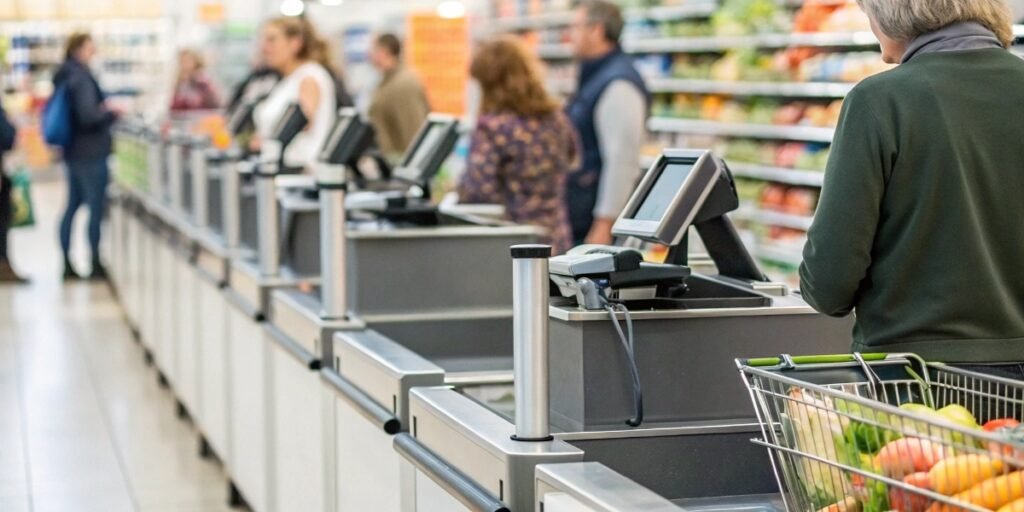
Worried your new scales won't work with your system? Integration headaches can cause downtime. We make it simple, ensuring a smooth connection from the start.
Yes, it's easy. You just connect the scale's software to your POS system through its settings. Use a data cable or Bluetooth for transfer. Then, have one scale "learn" all your products and send that data to all the other scales.
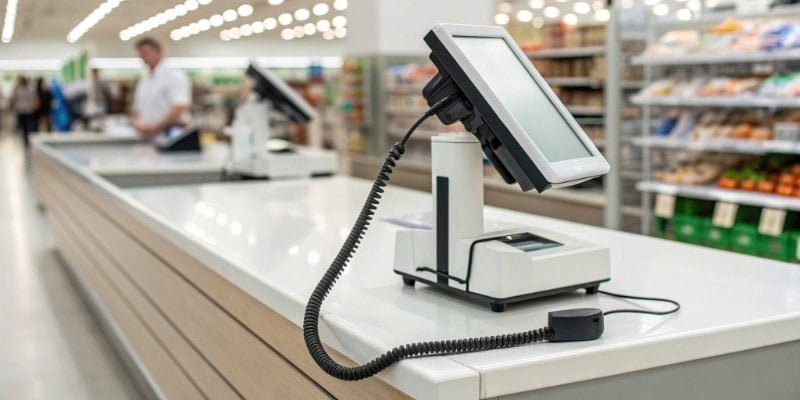
That’s the short version. But I know you need the full picture to make the right choice. As someone who has overseen hundreds of these setups, I can tell you that understanding how these systems work together is key to a painless transition. Let's dive deeper into the details so you can feel confident about your next purchase.
What is an integrated point of sale system?
Juggling separate tools for sales and inventory? This creates errors and wastes valuable time. An integrated point of sale (POS) system connects everything into one smart, seamless network.
An integrated POS system is a network where all your retail hardware and software work together. This includes your cash register, barcode scanner, scales, and inventory management. Everything communicates automatically, creating a single source for all your business data.
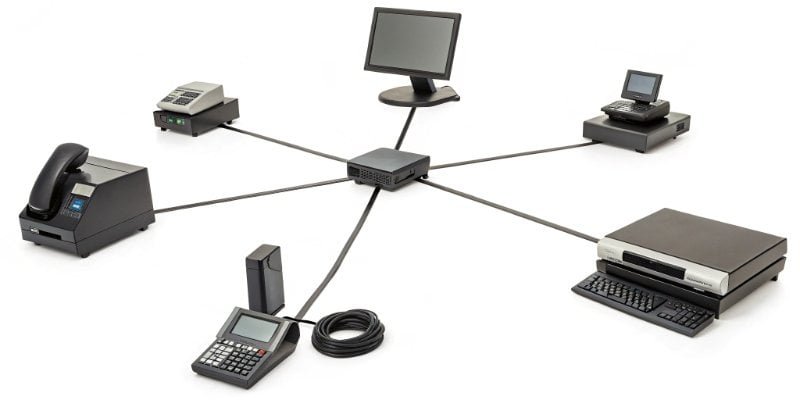
At its heart, an integrated system is about making different pieces of technology talk to each other without any extra work from you or your staff. Think of the POS software as the central brain. All the other devices, like our cash register scales1, payment terminals, and barcode scanners, are the arms and legs. When a customer buys apples, they place them on the scale. The scale instantly tells the POS brain the weight. The POS calculates the price and updates your inventory, all in one quick action. This removes the chance of a cashier typing in the wrong price or weight. It makes the entire checkout process2 faster and more accurate. This level of automation is what separates a modern, efficient store from one that constantly struggles with errors and slow service.
Core Components of an Integrated System
| Component | Function | Benefit of Integration |
|---|---|---|
| POS Software | The central hub for processing all transactions and data. | Creates a single point of control and reporting. |
| Cash Register Scale | Weighs items and sends price/weight data to the POS. | Eliminates manual entry, ensuring price accuracy. |
| Barcode Scanner | Scans UPC codes and sends product info to the POS. | Speeds up checkout for pre-packaged goods. |
| Payment Terminal | Processes credit/debit card and mobile payments securely. | Ensures secure, fast, and error-free payments. |
| Inventory System | Tracks stock levels in real-time. | Provides accurate data for reordering and sales analysis. |
What system is used in supermarkets?
Supermarkets are incredibly busy places. A simple tech glitch can bring everything to a stop. That’s why they use specialized retail management systems to handle the high volume and complexity.
Supermarkets use a Retail Management System (RMS), which is a powerful type of POS system. It handles sales, inventory tracking, customer management, and integrates with hardware like barcode scanners, payment terminals, and, most importantly, our electronic cash register scales.
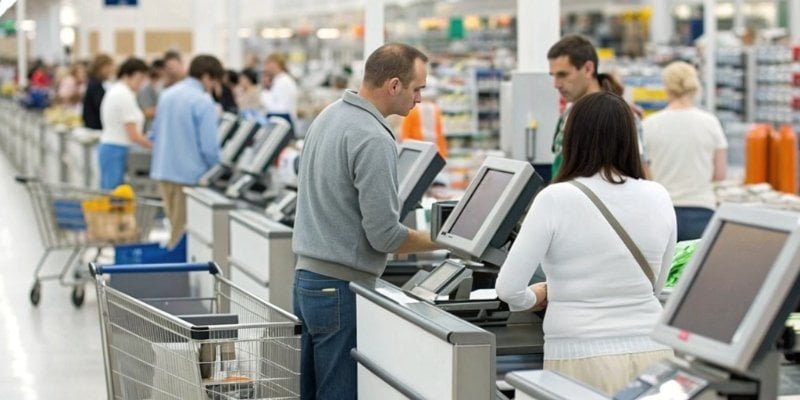
A standard POS might work for a small shop, but a supermarket's needs are on a different level. I've worked with many clients in this sector, and their systems have to manage thousands of products, known as PLUs (Price Look-Up codes3). This is especially true for fresh produce, where prices can change daily based on supply. A supermarket RMS is built to handle this. It allows managers to update the price of bananas across every single scale in the store from one central computer. It also tracks sales data in great detail, showing which products are selling well and when it's time to reorder. The system must be fast, reliable, and able to connect seamlessly with specialized hardware like our scales. This ensures that from the stockroom to the checkout, everything is perfectly coordinated.
Key Functions in a Supermarket System
A robust supermarket RMS needs to excel in several specific areas:
- PLU & Tare Management: It must store and easily manage thousands of codes for non-barcoded items like fruits, vegetables, and bulk goods. It also needs to handle tare weights for different containers.
- Real-Time Inventory Control: The system tracks every item sold and provides live updates. This is crucial for preventing stockouts of popular items.
- Advanced Promotions4: It can handle complex deals like "Buy One, Get One Free," loyalty points, and staff discounts automatically.
- Hardware Communication: This is the most critical part for us. The system must have stable, proven protocols to communicate instantly with scales, scanners, and payment devices without any lag.
How do you integrate cash register scales with a POS?
Thinking about integration probably brings up images of complex setups. You might worry about downtime and endless troubleshooting. But the process is actually straightforward and can be done quickly.
First, connect the scale to the POS system using its software settings via cable or Bluetooth. Next, "teach" one master scale all your product information (PLUs). Finally, this master scale automatically distributes the data to every other scale on your network.
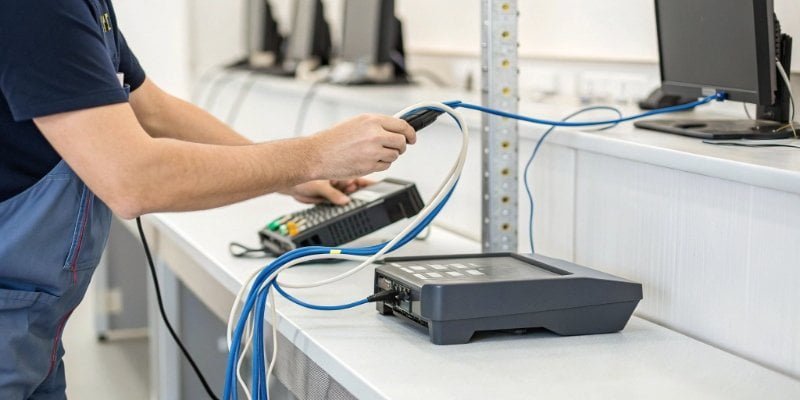
The beauty of modern weighing technology, like what we produce at Weigherps, is that we've designed it with easy integration in mind. We know you don't have time for complicated technical challenges. The core idea is based on a "master-slave" model, which is incredibly efficient. Instead of programming each of your ten checkout scales one by one, you only have to do it once. You designate one scale as the "master." You input all your product data—the PLUs, prices per pound or kilogram, and any tare weights—into this single device. Once that's done, you simply connect it to your network. The master scale5 then sends, or "pushes," this complete data package to all the other "slave" scales. Any future price updates follow the same process. This method saves an enormous amount of labor and, more importantly, it guarantees consistency across every checkout lane.
A Step-by-Step Integration Guide
- Establish a Connection: The first step is the physical or wireless link. You can connect the scale to the POS terminal using a traditional RS-232 serial cable, a USB cable, or through your network via an Ethernet cable. Many of our modern scales also support Bluetooth6 for a clean, wire-free setup. In the POS software, you simply select the correct communication port and protocol.
- Program the Master Scale: On one designated scale, you will enter all the necessary product data. This is typically done through a user-friendly interface on the scale itself or by connecting it to a PC. You'll create entries for items like "Organic Apples," assign it a PLU number, and set the price.
- Distribute the Data: Once the master scale is fully programmed, you initiate the data distribution7 command. The scale's embedded software communicates with the other scales on the same network and copies the entire database over to them. Within minutes, every scale in your store has the exact same, up-to-date information.
What is POS system integration really about?
You know connecting your devices is important. But what does "integration" truly mean for your business? It’s more than just a cable; it’s about unlocking new levels of efficiency.
POS system integration means creating a unified ecosystem where data flows freely between devices. It eliminates manual data entry, reduces human error, speeds up transactions, and provides real-time business insights. It turns separate tools into a single, powerful machine.
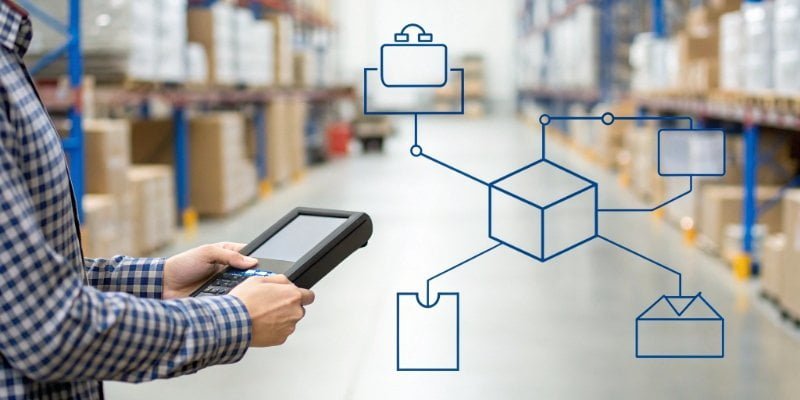
When I talk to technical directors and purchasing managers, their biggest concerns are often about return on investment. True POS integration delivers this by transforming how your business operates. It's the difference between having a collection of individual tools and having a fully automated system8. Without integration, a cashier weighs vegetables, reads the price, and manually types it into the register. This is slow and prone to mistakes. With integration, the scale instantly sends the exact price to the register. The transaction is faster, the price is always correct, and the inventory count for that vegetable is automatically updated. This single seamless action reduces checkout lines, eliminates pricing errors that hurt your profits, and gives you perfectly accurate sales data to make smarter business decisions. It’s about building a system where technology does the heavy lifting for you.
The Business Impact of True Integration
| Benefit | How It Works | Impact on Your Business |
|---|---|---|
| Increased Speed | Data transfers automatically from the scale to the POS. | Shorter checkout lines and higher customer satisfaction. |
| Enhanced Accuracy | Eliminates manual price and weight entry by cashiers. | Reduces profit loss from undercharging and prevents customer disputes from overcharging. |
| Real-Time Data | Every sale instantly updates inventory levels and sales reports. | Allows for smarter purchasing decisions and identifies sales trends as they happen. |
| Simplified Operations | Central management of pricing and product data. | Saves hours of labor and ensures price consistency across all stores and checkout lanes. |
Conclusion
Integrating new cash register scales is not a complex barrier. With the right hardware and a clear process, you can enhance your supermarket's efficiency and accuracy almost immediately.
- Explore the functionality of cash register scales and their impact on checkout efficiency. ↩
- Discover strategies to enhance the checkout experience for customers. ↩
- Gain insights into PLUs and their significance in retail pricing strategies. ↩
- Discover how advanced promotions can boost sales and customer engagement. ↩
- Learn about the role of a master scale in simplifying product data management. ↩
- Discover how Bluetooth technology simplifies device connections in modern retail. ↩
- Understanding data distribution can improve the efficiency of your retail operations. ↩
- Discover how automated systems can enhance efficiency and reduce errors. ↩

Comments (0)