
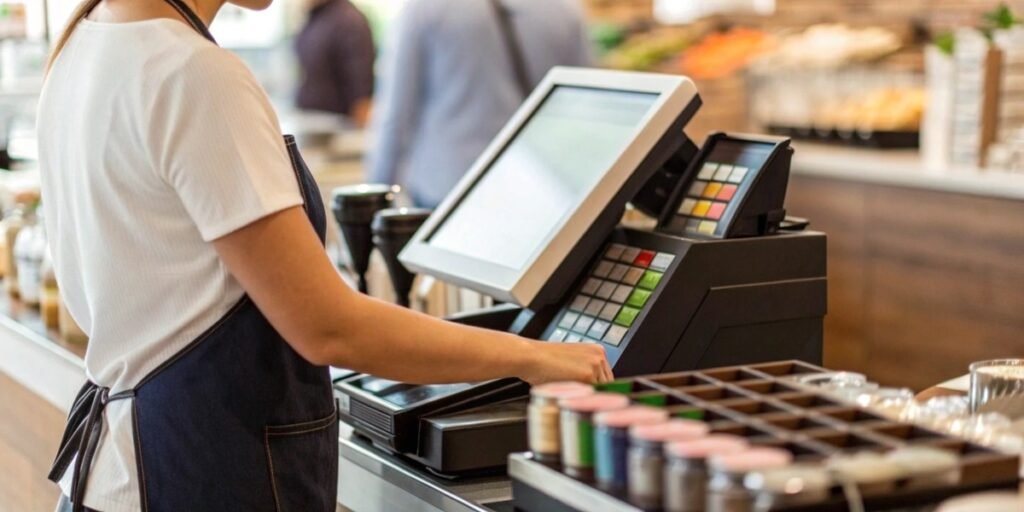
Are you worried that modern checkout systems are too complex? This complexity can lead to long training times and frustrated employees. But what if the opposite were true?
Yes, modern cash registers are very easy to operate. Especially when a store's POS software is connected to smart weighing scales. For cashiers, the process becomes almost automatic, making training fast and simple for everyone.
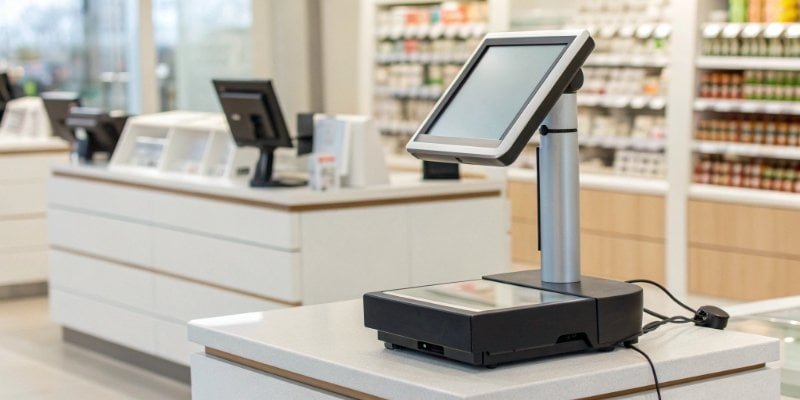
As someone who has spent 19 years manufacturing the hardware that powers these systems, I've seen firsthand how technology has transformed this job. The goal is no longer to test a cashier's memory but to make their work as smooth as possible. For you, the software vendor, this means your solution can offer incredible value by simplifying operations. Let's look at how this breaks down.
Is a cash register easy to work?
Do you find high employee turnover in retail a major problem? This means you are constantly training new people, which costs time and money. Modern systems make training almost unnecessary.
Yes, a modern cash register is designed to be easy to work. For the cashier, it's as simple as scanning items or tapping a picture on a screen. For software developers, our job is to make connecting your POS system to our scales straightforward.

I believe the ease of use comes from two different areas. One is for the person using it every day, the cashier. The other is for the technical team that sets it all up.
From my perspective as a hardware manufacturer, we focus on both. I recently worked with a software company on a big supermarket project. Their main worry was how their POS software1 would communicate with our scales. We provided our clear API documentation2. Their developers created a basic connection in just one day.
But the real magic was for the supermarket. Once their POS system was linked to our AI scale3, they only had to "teach" the scale about a new type of apple once. This information was then sent to every checkout scale in the store. The cashier just places the item on the scale. The system knows what it is and how much it costs. This reduces training time from days to just a few minutes.
Here is how things have changed:
| Feature | Old Cash Registers | Modern POS with AI Scales |
|---|---|---|
| Item Lookup | Manual PLU codes | Automatic AI recognition |
| Training Time | Days or weeks | Minutes or hours |
| Error Rate | High | Very low |
| Integration | Difficult, custom work | Simple, API-based |
Is operating a cash register a hard skill?
Do people think that working a till requires special technical skills? This idea can make new employees nervous. But today, it is more like using a tablet than operating complex machinery.
No, operating a cash register is no longer a hard skill. It has become a soft skill focused on customer service. The difficult technical part is managed by user-friendly software and intuitive hardware, which handles all the calculations automatically.
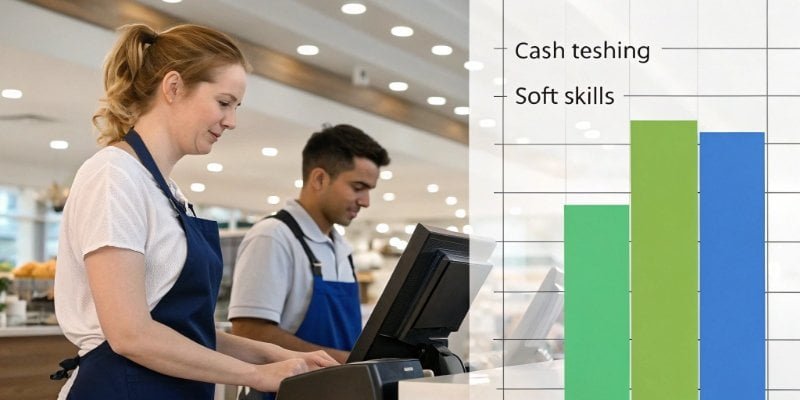
A "hard skill" is a technical ability that you can measure, like typing speed or knowing a programming language. A "soft skill" is about how you interact with people, like communication or customer service4. The job of a cashier has moved from the first category to the second.
The hard skills are now our responsibility as manufacturers and your responsibility as software developers. We build the reliable scales. You build the smart software. Together, we create a system that does the thinking for the user.
I remember visiting a large grocery chain that uses our scales. The technical director told me his biggest problem wasn't finding people who could do math. It was finding people who could give good customer service. They chose our integrated weighing solutions because the system was so automated. This freed up the cashier's focus. Instead of trying to remember the code for organic kale, they could talk to the customer. The technical task became a simple action. This allowed the cashier to work on the more important soft skill of helping customers.
- Skills Needed with Old Systems:
- Memorizing hundreds of product codes (PLUs)
- Manual price calculation
- Ability to troubleshoot basic hardware jams
- Skills Needed with Modern Systems:
- Friendly communication
- Basic computer literacy (like using a smartphone)
- Ability to follow on-screen instructions
Is working as a cashier hard?
Does the job of a cashier seem very stressful? Long lines and unhappy customers can be a real concern. But good technology can remove a lot of that pressure and make the job easier.
The difficulty of being a cashier now depends more on customer interactions than on the equipment. A modern, integrated system greatly reduces technical stress. It automates tasks and minimizes errors, making the job less demanding.
The "hardness" of the job can be broken down into three parts: physical, mental, and emotional. Technology helps a lot with the first two.
As a manufacturer, we think about this all the time. Our work is not just about getting an accurate weight. We study the entire checkout process5. For one software partner, we helped design a system where the scale and scanner are one unit. The cashier doesn't have to lift a heavy bag of potatoes, weigh it, remember a code, type it in, and then scan other items. They just place it on the scale. The AI camera identifies it, the weight is captured, and the price is added to the bill. This seamless action6 reduces physical movement and mental load.
This leads to faster checkouts. Faster checkouts lead to shorter lines. Shorter lines lead to happier customers, which reduces the emotional stress on the cashier. The job is still demanding, but our goal is to use smart hardware to remove as many pain points as possible, allowing your software to shine.
How to use a cash register for beginners?
Is the thought of using a cash register for the first time scary? New employees often worry about the unfamiliar technology. Luckily, modern systems are designed to be learned very quickly.
For a beginner, using a modern system is very simple. You log in, scan barcodes, and place produce on the integrated scale. The system usually identifies the item for you or gives you a simple menu to choose from.
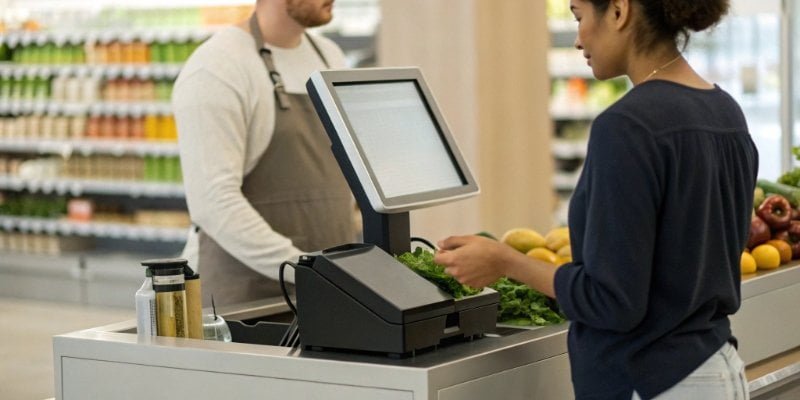
When we provide our hardware to software partners, we make sure the final experience is this simple. A new cashier should be fully trained in under 15 minutes. The system should guide them through every step.
Here is a typical process for a new cashier on a modern system:
- Log In: Start your shift by entering an employee ID or scanning a card. This is simple and secure.
- Scan Barcoded Items: Use the handheld or built-in scanner to scan barcodes. You will hear a beep, and the item will appear on the screen with its price. It's just point and shoot.
- Weigh Other Items: For items like fruits and vegetables, place them on the scale. An AI-powered system will identify the item automatically. Or, a simple menu with pictures will pop up on the screen for you to tap. The weight and price are calculated instantly.
- Total the Sale: Once all items are scanned, press the large "Total" or "Pay" button on the screen.
- Accept Payment: The system will prompt you for the payment type: cash, credit card, or mobile pay. Just follow the clear on-screen instructions to complete the sale.
This simple workflow is our goal. We want the hardware to be so reliable and smart that your software can create a user experience that feels like magic.
Conclusion
Modern cash registers are easy to use. Integrated with AI weighing scales, they simplify the checkout process for both software developers and the cashiers who use them every day.
- Learn how POS software streamlines processes and boosts productivity in retail environments. ↩
- Learn about the role of API documentation in software development and integration. ↩
- Discover how AI scales enhance accuracy and efficiency at checkout. ↩
- Explore the significance of customer service and its impact on retail success. ↩
- Understand the modern checkout process and how it enhances customer experience. ↩
- Discover how seamless action in technology enhances the retail experience. ↩

Comments (0)