

Your scale is getting dusty, but you're afraid to clean it. You worry you might break it. Here’s how to do it safely and keep it accurate.
Yes, it is safe to clean inside your weighing scale if you follow key steps. Always disconnect the power first. Use a soft, dry cloth and never spray liquids inside, as this can cause short circuits and damage to sensitive electronic components like the sensor.
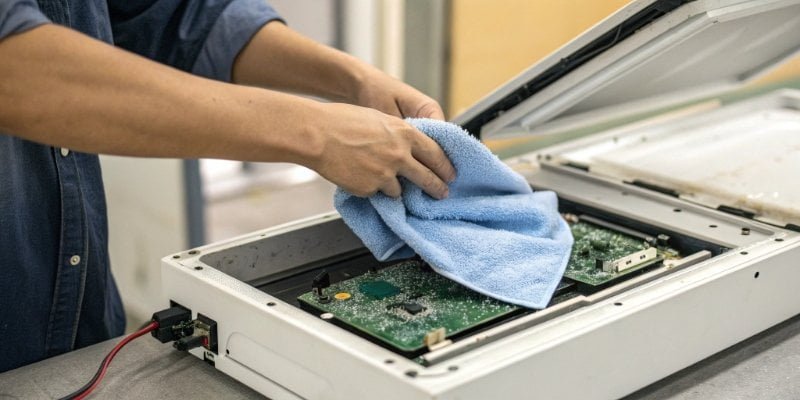
Keeping your scale clean is vital for accurate readings, but doing it wrong can cause more harm than good. I've been in the industrial scale business for 18 years, and I've seen it all. A simple mistake can lead to a costly repair. Let's walk through the right way to do it, step-by-step, so you can clean with confidence and protect your investment.
How do you clean a weighing scale?
You want a clean scale for accurate results. But one wrong move with a wet cloth could ruin it. We'll show you the correct, risk-free cleaning method.
First, disconnect all power. Use a soft, dry cloth or cotton swabs for internal parts like circuit boards and sensors. Never use liquid cleaners or a wet cloth inside the scale, as this can cause permanent damage to the electronics. Be gentle while cleaning.
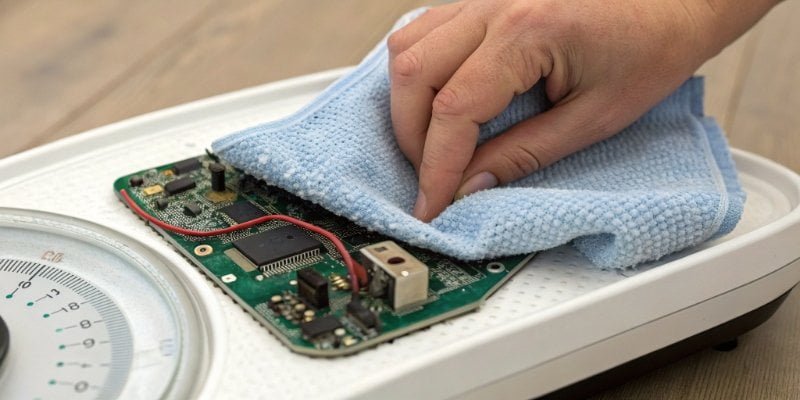
The most important rule I tell all our clients is about safety. Before you do anything else, completely unplug the scale from the electrical outlet. This simple step prevents any risk of electric shock and protects a lot of the electronic parts1. For the internal components, your motto should be "dry and gentle." A soft, dry cloth is usually all you need to wipe away dust from the circuit board and other surfaces. If you need to get into a tight spot, a cotton swab works perfectly. The most delicate part is the sensor, which is also called a load cell2. It's usually located under the weighing platform. You can gently dust it, but you must not apply force, move it, or bump it. If you do, you can easily knock it out of calibration, which means your readings will become inaccurate. Absolutely no liquids. Water and cleaning solutions will cause a short circuit and can ruin the electronics, leading to expensive repairs. A simple, dry approach is always the best and safest way.
What is inside a weight scale?
A scale just seems like a simple box. But not knowing what's inside makes cleaning it feel risky. Understanding its parts removes the fear and guesswork.
Inside, you'll find a sensor (load cell) that measures weight, a circuit board with a control chip, and a display. The sensor is the most sensitive part you'll encounter during cleaning. It is crucial to avoid touching or moving it to prevent calibration issues.
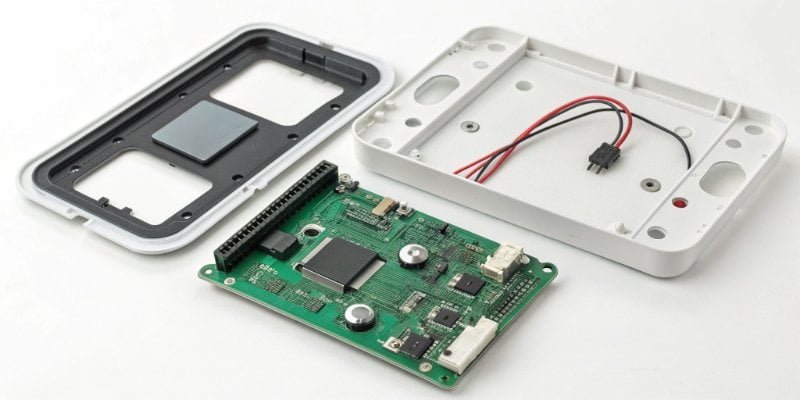
When you look inside one of our industrial scales, you'll see a few key components working together. It’s not as complex as you might think. As a manufacturer, we've designed and built thousands of them. The core part is the sensor, or load cell. This is the component that actually measures the force of the weight placed on the scale. You'll typically find it at the bottom of the scale or mounted on an internal bracket. It's extremely sensitive to force and movement. The other main parts are the brains of the operation: the control chip and the main circuit board. These parts take the signal from the sensor, process it, and send the final reading to the display screen. While you should gently clean any dust around these parts, we never recommend that non-professionals try to disassemble them. You could easily cause permanent damage or void the scale's calibration.
| Component | Function | Cleaning Note |
|---|---|---|
| Sensor (Load Cell) | Measures the weight. | Very sensitive. Dust gently; do not move or apply force. |
| Circuit Board | Processes signals from the sensor. | Dust with a dry cloth or compressed air3. No liquids. |
| Display & Chip | Shows the reading and controls functions. | Do not disassemble. Clean exterior screen only. |
How to clean a digital weight scale?
Digital scales seem more advanced than older models. You worry about damaging the electronics while cleaning. The process is almost the same, with a few key precautions.
After disconnecting the power, use a dry cloth or a can of compressed air to remove dust. Never use liquid. After cleaning, let the scale sit for about 10 minutes before powering it back on to ensure any microscopic moisture has evaporated completely.
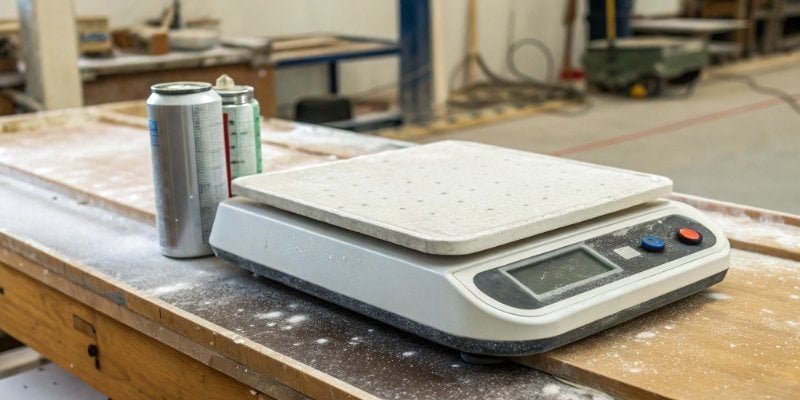
Cleaning a digital scale follows the same core rules: no power and no liquids. But we need to pay extra attention to the process because the electronics can be more sensitive. After you've finished dusting the inside with a dry cloth or a can of compressed air, don't plug it in right away. I always recommend letting the scale sit unplugged for at least 10 minutes. This gives any small amounts of airborne moisture time to dry out before electricity runs through the circuits. We also handle special situations differently based on the environment. This is the advice we give our clients to ensure their scales last for years.
| Environment | Recommended Cleaning Action |
|---|---|
| Humid or Wet Area | After each use, wipe down with a dry cloth. Store in a ventilated area to air dry. |
| Dusty Industrial Site | Once a month, use a can of compressed air to blow dust out of internal crevices. |
If your scale gives strange readings after you clean it, don't panic. The sensor may have been bumped slightly. The best thing to do is contact us or a professional technician for recalibration.
Why does my digital scale give different readings?
Your scale shows a different number every time. This inconsistency is frustrating and costs your business time and money. Let's find out why this happens and how to fix it.
Inconsistent readings are often caused by an unstable surface, a need for recalibration, or internal debris. Dust and dirt on the sensor can block its movement, leading to inaccurate measurements. Regular, proper cleaning helps prevent this common problem.
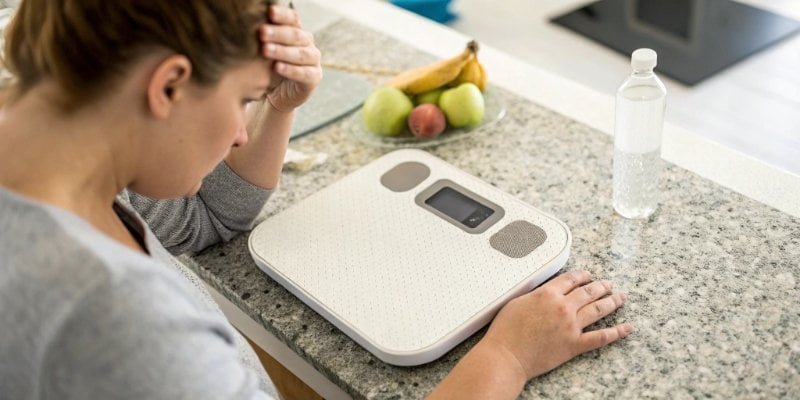
I get this question a lot from customers. When a scale gives you fluctuating readings, it's usually one of a few simple things. The first thing I always ask is, "Is it on a flat, stable surface?" An uneven floor or a shaky table is a common culprit. Another major cause is a loss of calibration. This happens naturally over time or if the scale is bumped or moved improperly, which can sometimes happen during careless cleaning. However, a very common and preventable issue is internal dirt. A small piece of debris or even just a thick buildup of dust can get lodged in the load cell mechanism. This physically stops the sensor from moving freely and measuring the full weight. This is exactly why the cleaning methods we've discussed are so important for your business. Keeping that sensor area clean ensures it can do its job correctly and give you the accurate readings you depend on.
| Problem | Simple Solution |
|---|---|
| Unstable Readings | Ensure the scale is on a flat, level, and vibration-free surface. |
| Gradual Inaccuracy | Have the scale professionally recalibrated on a regular schedule. |
| Sudden Errors After Moving | Check for and gently clean any internal debris4 around the sensor. |
| Low Battery Warning | Replace or fully recharge the batteries to ensure steady power. |
Conclusion
It is safe to clean inside your scale. Just remember to disconnect power, use only dry methods like a cloth or air, and be very gentle around the sensor.
-
Get familiar with the key electronic components that make up weighing scales. ↩
-
Gain insights into the critical role of load cells in weighing scales and their maintenance. ↩
-
Find out how to use compressed air effectively and safely for cleaning electronic devices. ↩
-
Understand the impact of internal debris on scale accuracy and how to prevent it. ↩


Comments (0)