
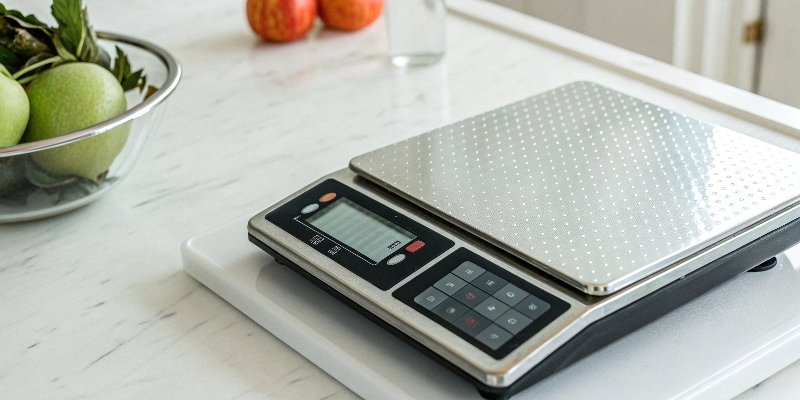
Your scale failed calibration, halting operations. Frustrated and worried about costs? I will show you a simple, step-by-step process to get your scale working accurately again.
First, check the basics. Ensure the scale is on a level, stable surface away from drafts. Clean the platform and check all cables. Then, try recalibrating carefully with certified standard weights according to the user manual. This often solves the problem without needing professional help.
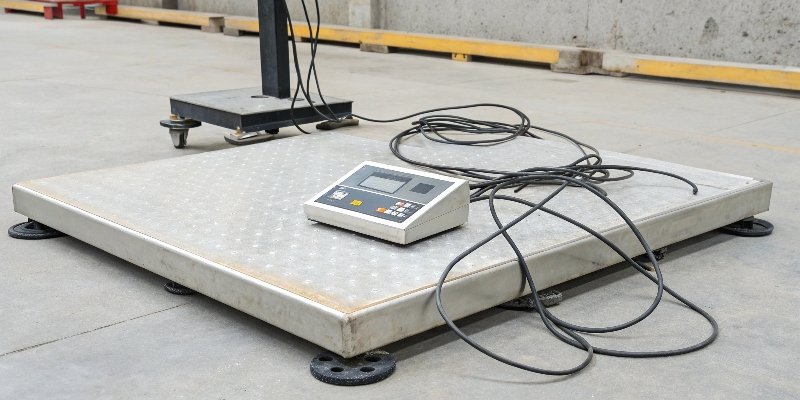
These initial steps resolve most common calibration1 failures. I have seen it countless times over my 18 years in this industry. A small oversight can lead to a big headache. But what if the problem is more stubborn, and these simple fixes don't work? To really solve this, we need to understand the root causes of why a scale might not calibrate correctly in the first place. Let's dig a little deeper to find the root of the problem.
Why won't my digital scale calibrate correctly?
You followed the instructions, but the scale still fails. Wondering what unseen factor is sabotaging your efforts? Let's uncover the common culprits behind stubborn calibration errors.
Calibration fails for several reasons: an unstable environment (vibrations, drafts), hardware issues (dirty sensors, loose cables), using incorrect weights, or internal damage to the sensor or mainboard. Identifying the specific cause is the key to fixing it.
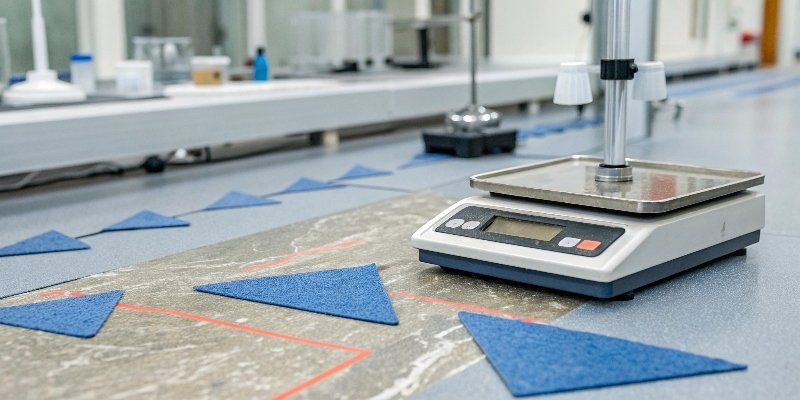
In my experience, the problem often isn't the scale itself but where and how it's being used. Before you assume the worst, let’s break down these factors. Think of it as a basic health checkup for your equipment.
The Unseen Enemies: Environment
Your scale is a sensitive instrument. I once had a client whose scale gave inconsistent readings every afternoon. We discovered an air conditioning vent turned on at the same time each day, creating a slight draft over the weighing platform. Minor environmental issues can cause major accuracy problems. You need to check for vibrations from nearby machinery, unstable surfaces, and sudden temperature changes.
The Physical Checkup: Hardware
Simple physical issues are also very common. Debris or dirt can get lodged under the weighing pan, restricting its movement and affecting the sensor. A loose power cable or a damaged data cord can also interrupt communication and cause calibration to fail. Take a moment to inspect these physical points carefully.
Here is a quick checklist to review your setup:
| Check Area | What to Look For | Action to Take |
|---|---|---|
| Location | Vibrations, drafts, unstable table | Move the scale to a solid, level, calm spot. |
| Temperature | Near heaters, vents, or direct sunlight | Keep the scale in a stable temperature room. |
| Debris | Dirt or objects under/around the weighing pan | Clean the scale's surface and sensor area. |
| Cables | Loose or damaged power/data cord2s | Securely plug in all cables or replace damaged ones. |
What are the first steps to troubleshoot a calibration failure?
Your scale is offline, and pressure is mounting. Need a clear, actionable checklist to get back on track fast? Here are the immediate steps you should take.
Start with a simple reboot. Then, inspect the environment for stability and the scale for debris or loose connections. Finally, perform the calibration process again, very carefully, using the correct standard weights and following the manufacturer's guide exactly. Document everything you do.
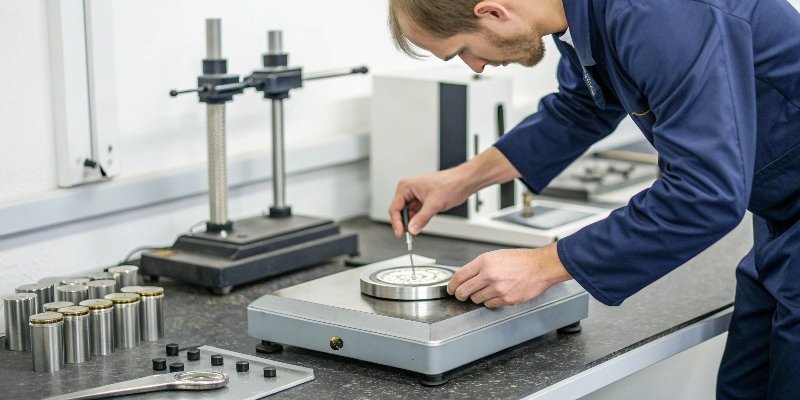
When a calibration fails, the first instinct might be to panic. Don't. Instead, approach it methodically. As an engineer, I learned that jumping to conclusions is the fastest way to waste time. Let's walk through the exact troubleshooting sequence we use here at Weigherps.
The Right Way to Recalibrate
First, you must use the right tools. I have seen customers try to calibrate a scale with a bottle of water or a bag of sugar. This will never work correctly. You must use a certified standard weight. The weight’s tolerance must be smaller than the scale’s acceptable error. When you perform the calibration, follow the manual precisely. This usually involves a two-step process. First is the "zero-point calibration," where you confirm the scale reads zero with nothing on it. Second is the "span calibration," where you place the standard weight on the center of the pan to set the upper range.
Patience and Repetition
If the first attempt fails, don't give up. Human error is common, especially when you are in a hurry. Maybe you didn't wait long enough for the scale to stabilize, or you placed the weight slightly off-center. Repeat the entire calibration process two or three more times. Be slow and deliberate. By repeating the steps, you can confidently rule out simple operational mistakes. If it still fails after three careful attempts, you can be more certain that the issue is not just a simple mistake. This step is critical before you decide to call for professional help.
How can you manually adjust a scale that is slightly out of tolerance?
The error is small, but it's there. You're tempted to just 'tweak' it. Is there a safe way to make minor adjustments without causing bigger problems?
Manual adjustment for scales means rerunning the built-in calibration procedure. Do not open the unit or adjust screws. Use the scale’s menu to perform a zero-point and span calibration with certified weights. This is the only safe way to correct minor inaccuracies yourself.
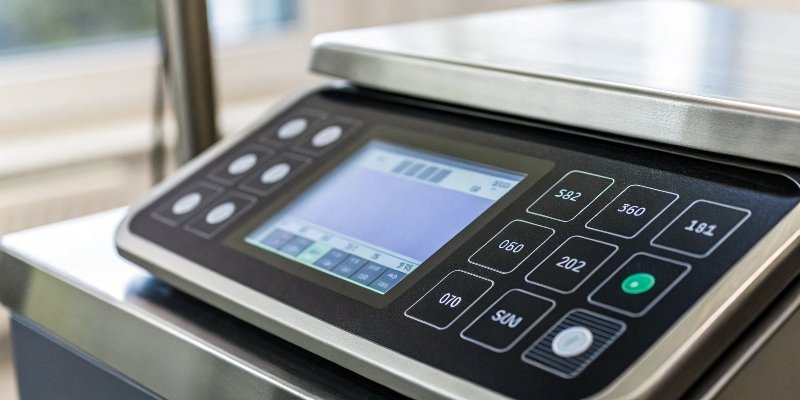
This question is important because the term "manual adjustment3" can be misleading. On older mechanical scales, you could turn a screw. On a modern digital industrial scale, doing so can cause permanent damage. As a manufacturer, I must be very clear: never open the scale’s housing to make a physical adjustment. You will likely void your warranty and could destroy the sensitive load cell4 inside.
Understanding "Manual Adjustment" in the Digital Age
For today's scales, all adjustments are handled through the internal software. The calibration routine is the only "manual adjustment" you should ever perform. This process corrects the electronic signals from the load cell to ensure they translate into an accurate weight reading on the display. Anything beyond this procedure is not an adjustment; it's a repair, and repairs are for trained technicians.
The Safe Adjustment Procedure
To safely "adjust" your scale back into tolerance, you must re-run the full calibration. Here is the process broken down into simple steps:
- Warm-Up: Turn the scale on and let it sit for about 30 minutes to reach a stable operating temperature.
- Enter Mode: Access the calibration mode through the user menu. Your manual will tell you how.
- Zero Calibration: With the platform completely empty, confirm the zero point.
- Span Calibration: Place your certified standard weight in the center of the platform and confirm the span.
- Save and Verify: Save the new calibration settings and then test the scale with a known weight to ensure it worked.
This is the only correct way.
When should a scale be professionally serviced instead of recalibrated?
You've tried everything, but the scale still fails. Wasting more time could be costly. How do you know when to stop troubleshooting and call in the experts?
Call a professional if the scale still fails after multiple careful recalibration attempts, shows large or inconsistent errors, or displays specific error codes. This usually points to internal problems like a faulty sensor or mainboard that require expert diagnosis and repair.
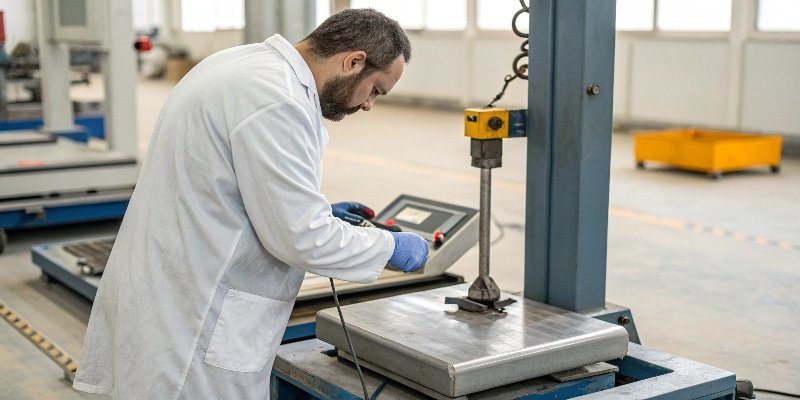
As a business, you can't afford extended downtime or inaccurate measurements. Knowing when to stop troubleshooting yourself and call for professional service is a crucial decision. After you have exhausted all the basic checks and careful recalibration attempts, continuing to tinker can do more harm than good. It's time to let a professional take over.
Signs of Deeper Trouble
Certain symptoms are clear indicators of a hardware failure that you cannot fix yourself. If the scale's readings drift randomly, or if it shows a large, non-linear error (e.g., accurate at 1kg but off by 50g at 5kg), the problem is likely internal. These issues often point to a damaged load cell, where the internal strain gauge has degraded, or a fault in the mainboard's A/D (analog-to-digital) converter. Trying to fix these parts without specialized tools and knowledge is impossible.
Who to Call and What to Tell Them
Your first call should be to the manufacturer's technical support department, especially if your product is under warranty. At Weigherps, for example, our products come with a 12-month after-sales service guarantee. Before you call, gather all the information you have. Note the error values you saw during the failed calibrations. Record any error codes5 on the display. Describe the environmental conditions. This information helps the service team diagnose the issue faster, saving you time and money. If the scale is out of warranty, a certified third-party metrology service can also diagnose and repair the unit.
Conclusion
Properly diagnosing a calibration failure saves time and money. Follow these steps methodically, and know when to call for professional help to ensure your scale's accuracy and reliability.
-
Understanding calibration techniques can help you maintain accuracy and avoid costly errors. ↩
-
Understanding the role of data cords can help you troubleshoot communication issues. ↩
-
Learn the safe methods for adjusting your scale without causing damage. ↩
-
Learn about load cells to understand their role in scale performance. ↩
-
Understanding error codes can help diagnose issues quickly and effectively. ↩

Comments (0)