

Struggling with inconsistent measurements that ruin your batches? These small errors create big problems in production. Understanding your scale's core functions is the key to perfect accuracy every time.
The Zero button calibrates the scale to its true empty reading, correcting for drift or dust. The Tare button subtracts the weight of a container, so you only measure the net weight of what you add. Using them correctly ensures every measurement is precise and reliable.
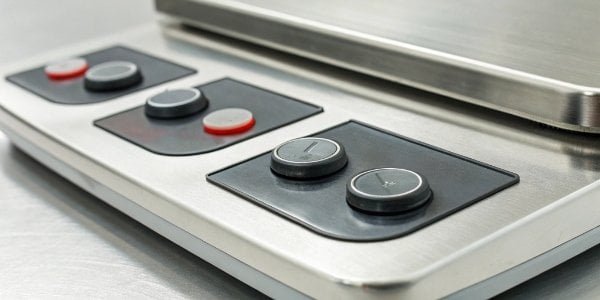
In my 18 years manufacturing industrial scales, I’ve seen how simple misunderstandings can lead to costly mistakes. The Zero and Tare button1s look similar, but they have very different jobs. Confusing them is one of the most common reasons for inaccurate weighing. Many clients come to us at Weigherps seeking solutions for precision, and often, the first step is mastering these basic functions. Let's break down exactly what each button does, so you can stop guessing and start weighing with confidence. It's the foundation for getting the most out of any professional-grade scale.
What is the difference between zeroing and taring?
Your scale shows a reading even when empty, causing doubt about its accuracy. This drift can throw off all your measurements. Using the right button to correct it is crucial.
Zeroing re-calibrates the scale's starting point to zero when the platform is completely empty. Taring electronically ignores the weight of a container, setting the display to zero so you can measure the net weight of its contents. Zero is for an empty scale, tare is for a container.
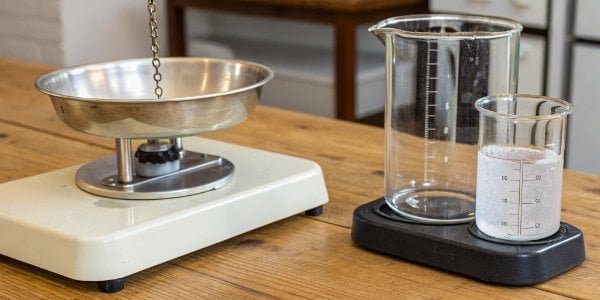
When you get right down to it, these two functions serve different masters of accuracy. The Zero function is about integrity, while the Tare function is about convenience. I often tell my clients to think of the Zero button2 as resetting the scale’s foundation. Over time, factors like temperature changes or even tiny vibrations can cause the internal sensors to show a slight weight, like 0.01g, even with nothing on the platform. Hitting "Zero" tells the scale, "This empty state is the new true zero." You should only do this when the pan is completely clear.
The Tare function, on the other hand, is for practical application. It’s what you use when you need to measure something inside a container. It allows the scale to perform a quick calculation.
Zero vs. Tare: A Quick Comparison
| Feature | Zero Function | Tare Function |
|---|---|---|
| Purpose | To correct minor drift and establish a true zero point. | To subtract the weight of a container or packaging. |
| When to Use | When the scale is empty but does not read "0". | When you place a container on the scale before adding product. |
| Result | The scale is calibrated to show 0 when unloaded. | The display returns to 0, ignoring the container's weight. |
What is the use of the tare button in a weighing balance?
You need to measure an ingredient, but you have to put it in a bowl. You don't want the bowl's weight included. How do you measure just the ingredient?
The tare button’s primary use is to find the net weight of an item, separate from its container. By pressing "Tare" after placing a container on the scale, the display resets to zero, ignoring the container’s weight and only showing the weight of what is added next.
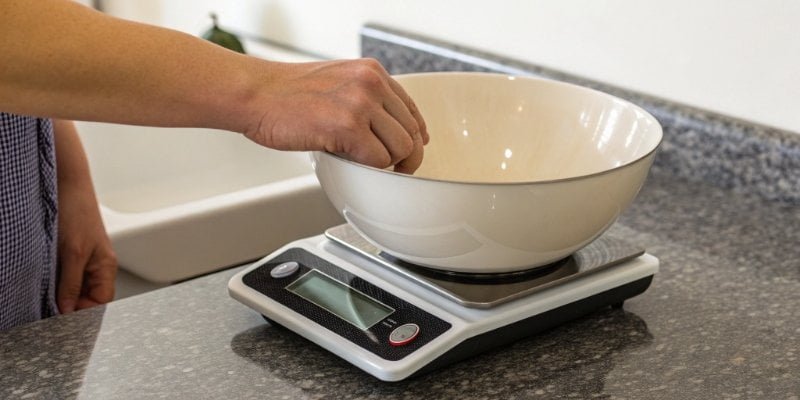
The tare function is a true workhorse in any setting, from a high-tech lab to a busy production floor. It’s all about efficiency. I remember working with a food processing client who was manually subtracting container weights for their spice blends. It was slow, and human error was causing inconsistent batches. By training their team to use the Tare function properly, we streamlined their whole process.
The magic of the tare button is most evident in recipe formulation or "additive weighing."
Step-by-Step Additive Weighing
- Place the empty container: Put your mixing bowl on the scale. Let's say it weighs 200g.
- Press Tare: The display will go from "200g" to "0.0g". The scale has now stored the 200g weight in its memory.
- Add your first ingredient: Pour in 150g of flour. The display will show "150g", which is the net weight3 of the flour. The total weight on the scale is actually 350g.
- Press Tare again: The display will return to "0.0g". The scale now holds the combined weight of the bowl and flour (350g) in its memory.
- Add your second ingredient: Pour in 50g of sugar. The display will show "50g".
This process ensures each component of a formula is measured precisely without any manual math. It's a simple feature that provides immense value and is built into every reliable industrial scale we produce.
Why is starting from zero so important for accurate measurements?
You don't zero your scale because it's "close enough." But this tiny initial error gets added to every measurement. This small mistake can compound into a major quality control failure.
Starting from a true zero is critical because any initial deviation, however small, becomes a systematic error. If a scale starts at 0.5g, every item you weigh will be 0.5g heavier than its actual weight. Zeroing ensures your baseline is accurate, preventing these compounding errors.
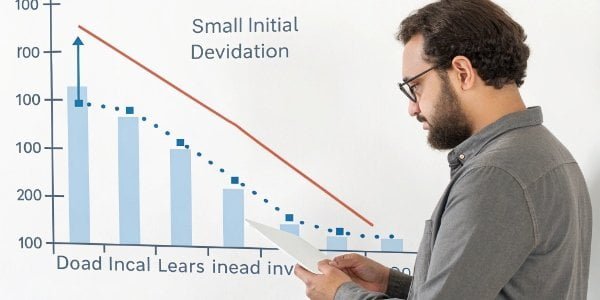
In my experience building weighing systems, the zero point is the single most important reference for every function the scale performs. It is the anchor of accuracy. Environmental factors constantly challenge this anchor. A small breeze from an open door, dust accumulation, or temperature fluctuations can affect the sensitive load cells4 inside a scale, causing "zero drift." This is why high-quality scales, like the ones we design for global brands, have robust firmware to maintain stability. But even the best scales need a manual check.
Key Reasons to Always Start at Zero
- Preventing Compounding Errors: In industrial batching, where you might add 20 ingredients using the tare function, an initial zero error of 0.1g becomes a 2g error by the end. This can affect chemical reactions, product taste, or structural integrity.
- Ensuring Traceability: In regulated industries, every measurement needs to be defensible. An un-zeroed scale provides flawed data, which can fail an audit. A simple press of the "Zero" button is part of good manufacturing practice5 (GMP).
- Maximizing Component Life: Regularly zeroing your scale forces you to check that the platform is clean and stable. This simple act of maintenance helps you spot issues before they become serious problems, extending the life of your equipment.
Think of it as setting your watch. If it's a minute fast in the morning, it will be a minute fast all day long. Zeroing your scale is like synchronizing it to the correct time before you start your day's work.
How does the tare button reset the display to zero with a container on the scale?
You place a heavy beaker on the scale and press a button. Magically, the weight disappears and the display shows zero. How does the scale accomplish this electronic disappearing act?
When you press Tare, the scale’s processor takes the current weight on the platform (the container's weight) and stores that value in its memory as an offset. From that moment on, it automatically subtracts this stored offset from the total weight measurement before showing the final result.
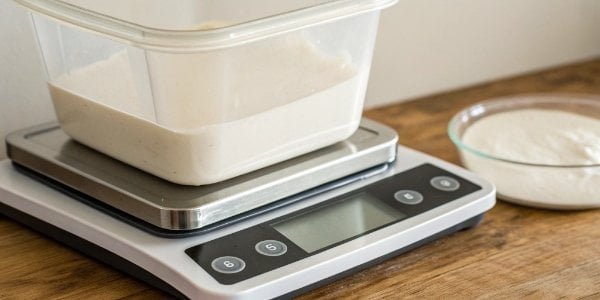
As a manufacturer working with technical directors and software vendors, this is where hardware and software meet. The tare function isn't magic; it's a simple but brilliant piece of programming. Let’s break it down from an engineering perspective.
Inside every digital scale is a load cell that converts force (weight) into an electrical signal. This signal is then sent to a microprocessor. The tare function is a command given to that processor.
The Tare Process Unpacked
- Initial Measurement: You place a 300g container on the scale. The load cell sends a signal corresponding to 300g to the processor. The display shows "300g".
- Tare Command: You press the "Tare" button. The processor receives this command and records the current value, "300g", into a specific memory register. Let's call this the "tare value."
- Real-Time Subtraction: You add your product, say 100g of powder. The load cell now detects a total weight of 400g (300g container + 100g powder). It sends the 400g signal to the processor.
- Display Calculation: Before displaying the result, the processor’s software performs a calculation:
Total Weight (400g) - Tare Value (300g) = 100g. It then sends the final result, "100g", to the display.
This process is why you can tare multiple times in one weighing session. Each time you press tare, the processor just updates the "tare value" in its memory. It’s an elegant solution that is fundamental to modern weighing technology and something we focus on perfecting in our custom weighing systems.
Conclusion
Mastering the independent Zero and Tare buttons transforms your scale from a simple tool into a precision instrument, ensuring accuracy, improving efficiency, and eliminating costly production errors for reliable results.
-
Learn how the Tare button simplifies measuring net weight, enhancing efficiency in your processes. ↩
-
Understanding the Zero button is crucial for calibrating your scale accurately, ensuring precise measurements. ↩
-
Understanding net weight is key for accurate ingredient measurement in various applications. ↩
-
Load cells are critical components in scales; learn how they contribute to accurate measurements. ↩
-
Good manufacturing practices are essential for quality control; learn how they apply to weighing. ↩



Comments (0)