
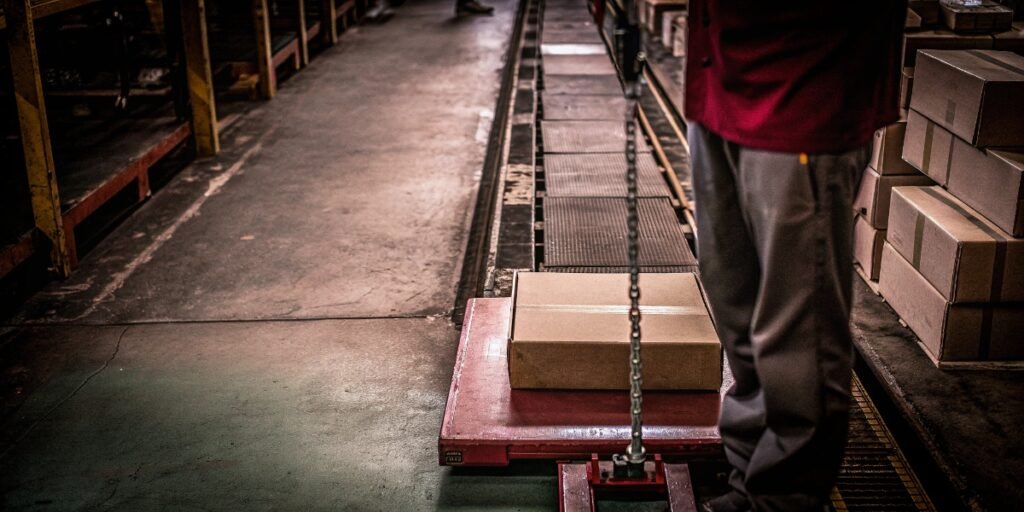
Tired of wasting time pressing "tare" for every box? This repetitive task slows down your workflow and opens the door for human error. There's a much more efficient way.
Yes, you can avoid pressing "tare" every time. Use a scale with an "auto-tare" or "preset tare memory" feature. These allow you to set the container weight once, streamlining repetitive weighing tasks and boosting your operational efficiency.

I’ve spent 18 years in the industrial scale1 business, and I see this question come up a lot. Companies have highly efficient production lines, but they get stuck with this small, manual step that adds up to a lot of lost time. You invest in automation and smart software, so your weighing process should be just as smart. The good news is that modern weighing technology has already solved this problem. Let's break down how you can get rid of that repetitive task for good and what you need to know about the weighing process.
What does tare mean on a weighing scale?
Are you confused by the "tare" button on your scale? It seems simple, but its function is critical for any business that relies on accurate measurements. It's the key to efficiency.
The tare function resets the scale's display to zero while a container is on it. This allows you to measure only the net weight of the contents you add, ignoring the weight of the box, pallet, or bowl.

When you place an item on a scale, it measures the total weight. In logistics and production, this total weight is often called the "gross weight." However, you usually only care about the weight of the product inside the container, which is the "net weight." The tare function2 is the bridge between these two numbers. By pressing "tare" with the empty container on the scale, you tell the machine to ignore that weight. From that point on, it only shows the weight of what you add.
For any business, from shipping software-loaded devices to packaging food, this is not just a convenience—it's essential for accurate operations.
Understanding Key Weighing Terms
| Term | Definition | Example |
|---|---|---|
| Gross Weight | The total weight of the container and its contents. | A box of apples weighing 10.5 kg. |
| Tare Weight | The weight of the empty container. | The empty box, which weighs 0.5 kg. |
| Net Weight | The weight of the contents only. (Gross Weight - Tare Weight) | The apples alone, which weigh 10.0 kg. |
Why is it important to press tare before weighing an object?
Skipping the tare step can lead to big problems. It might seem like a small oversight, but this error multiplies with every single item your team weighs, costing you money.
Taring is important because it ensures you are only measuring the product, not its packaging. This is essential for accurate inventory counts, correct customer billing, and maintaining consistent product quality. Inaccurate weights lead to financial losses.
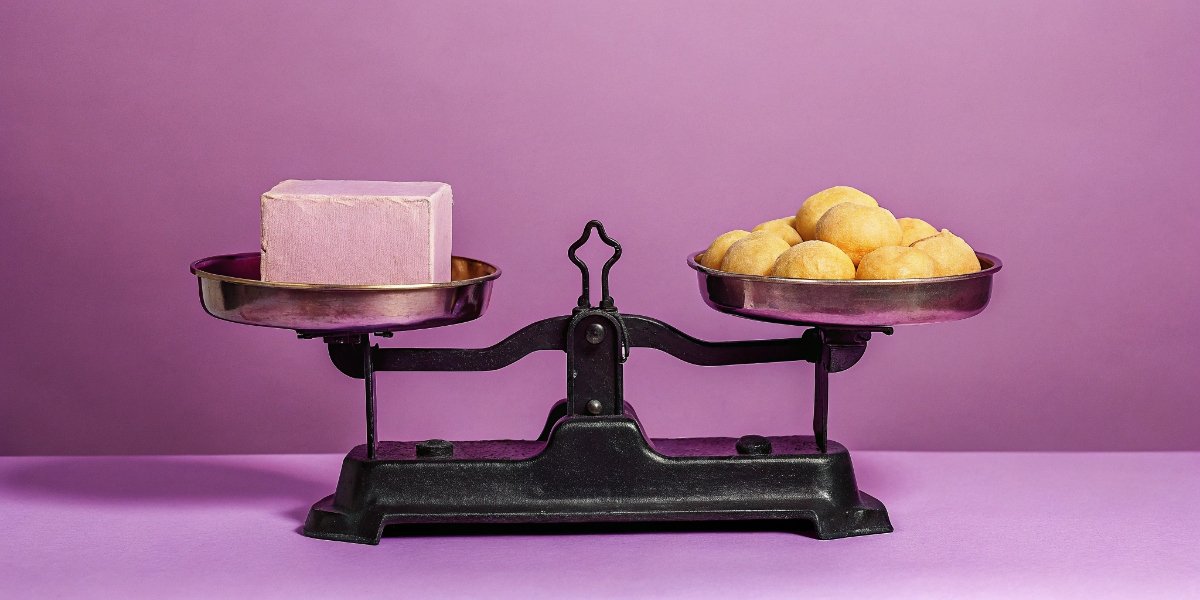
Imagine your company ships hardware components for which your clients install their software. You ship 1,000 units a day in boxes that each weigh 200 grams. If your operator forgets to tare the scale, you are calculating shipping costs on an extra 200 kg (1,000 x 0.2 kg) of weight every single day. Over a year, that adds up to a massive, unnecessary expense.
Beyond shipping costs, inconsistent taring creates chaos for quality control3 and inventory management4. If one operator tares correctly and another doesn't, your weight data becomes useless. You can't trust your stock levels, and you risk shipping products with incorrect quantities. Properly taring every single time ensures that your data is reliable, your billing is fair, and your customers receive exactly what they paid for. It's the foundation of a trustworthy weighing process.
Do digital scales need to be reset?
Your scale constantly gets new information. If you don't reset it between measurements, you are basing new calculations on old, irrelevant data. This leads to compounding errors in your workflow.
Yes, digital scales must be reset before a new measurement. This can be "zeroing" (for an empty platform) or "taring" (with a container). But for repetitive tasks, you don't have to press the button every single time.
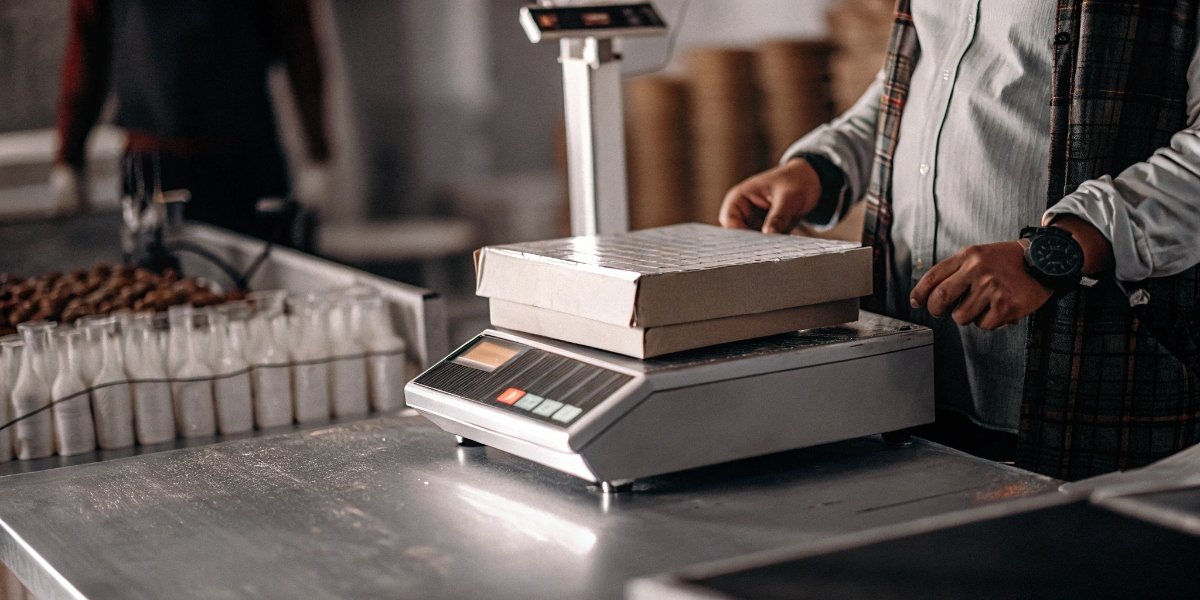
This is the solution to your original problem. While resetting is crucial, modern scales have made the process much smarter. I visited a client’s warehouse last year where an operator was manually taring a scale for every one of the 500 identical boxes they shipped daily. We introduced them to a scale with a preset tare function, and the manager told me later it saved them nearly an hour of labor each day.
Here are the ways you can avoid pressing that button every time.
Solution 1: Automate Taring with "Auto-Tare"
Some smart scales, especially our industrial platform scales, have an "auto-tare" function. You can program the scale in its settings menu. When it detects a stable weight within a predefined range (the weight of your empty box), it automatically tares to zero. The operator just places the empty box, waits a second, and it's ready to be filled.
Solution 2: Use Preset Tare Memory
This is the most common and effective solution. Most advanced scales have memory keys like "T1," "T2," etc. Here's how it works:
- Place your standard empty box on the scale.
- Press the "Tare" button.
- Press and hold a memory key (e.g., "T1") to store this tare weight.
For all future weighings of that box type, the operator simply places the box and presses "T1." The scale instantly subtracts the stored weight.
Solution 3: Custom Hardware and Software Solutions
For high-volume industrial lines, we can go even further. We can connect the weighing sensor to a PLC or a custom controller. Our R&D team writes a simple program that automatically deducts a fixed tare weight for every cycle on a conveyor belt. This is a fully hands-off solution perfect for manufacturers and software providers shipping thousands of devices.
What factors can affect the accuracy of weight measurements?
You bought a good scale and trained your team, but are the readings still inconsistent? Many hidden factors in your work environment can silently disrupt measurements, undermining your quality control efforts.
Beyond plain calibration, things like air drafts, vibrations, temperature changes, and an unlevel surface can all skew your scale's accuracy. Proper setup and environmental control are essential for reliable weight data, including the tare value.
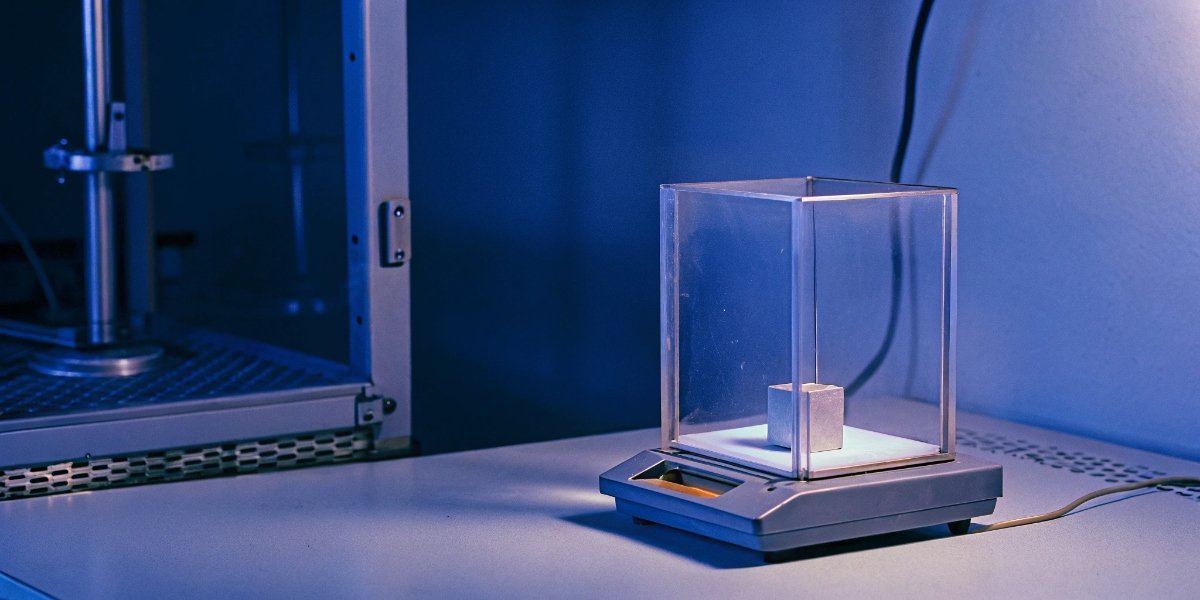
An accurate scale is a sensitive instrument. Its accuracy depends on a stable environment. I've seen clients place scales right next to heavy stamping machinery; the constant vibrations made it impossible to get a stable reading. Others had scales under air conditioning vents, where the gentle breeze was enough to throw off the weight of small components. These issues affect every measurement, including the initial tare weight. If your tare weight is wrong, all subsequent net weights will be wrong too.
Ensuring accuracy requires a holistic approach. It's not just about the scale itself, but also about where and how you use it. Using smart features like auto-tare also helps by removing the "user error" factor from the list of potential problems.
Common Factors That Disrupt Scale Accuracy
| Factor | Impact on Measurement | How to Mitigate It |
|---|---|---|
| Vibrations | Causes unstable, fluctuating readings, making it hard to get an accurate weight. | Use a dedicated anti-vibration table or move the scale away from generators, conveyors, and other machinery. |
| Air Drafts | Air movement from vents, fans, or open doors can push on the scale pan, adding or subtracting weight. | Use a scale with a draft shield, or position it in a calm corner of the room. |
| Temperature | Drastic temperature changes can cause electronic components and load cells to expand or contract. | Let the scale acclimate to the room's temperature for 30 minutes before use. Avoid direct sunlight or heat sources. |
| Unlevel Surface | If the scale isn't level, the load is not distributed correctly on the load cell, leading to errors. | Always use the scale on a solid, flat, and level surface. Check the built-in bubble level indicator and adjust the feet. |
| User Error | Taring incorrectly, rushing readings, or not waiting for the reading to stabilize. | Train all operators on proper procedure. Use scales with features like auto-tare and preset memory to reduce human error. |
Conclusion
Stop wasting time with repetitive taring. Smart industrial scales with auto-tare or preset memory functions offer a simple, effective solution to boost your team's efficiency, reduce errors, and improve data accuracy.
-
Discover essential features to consider when choosing an industrial scale for your business. ↩
-
Learn about the tare function and its significance in achieving accurate weight measurements. ↩
-
Explore the role of quality control in ensuring accurate and reliable weight measurements. ↩
-
Discover the link between accurate weighing and effective inventory management. ↩



Comments (0)