
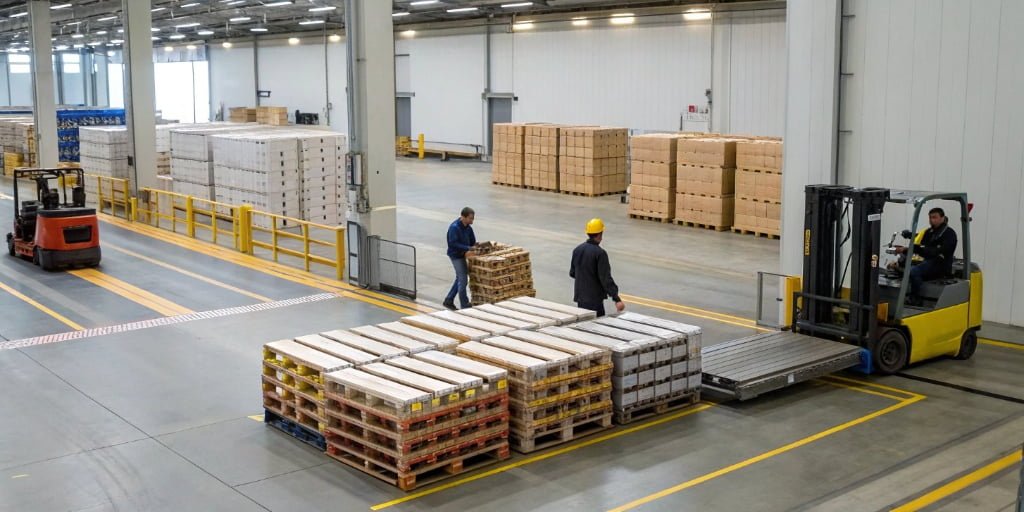
Inaccurate shipping scales are costing you money and delaying shipments. These tiny errors disrupt your entire workflow, leading to unhappy customers and logistical nightmares, but what if you could fix them?
To get your shipping operations back on track, you must first diagnose the problem, whether it's inaccurate weighing, display errors, or inconsistency. Then, implement quick recovery steps like calibration, simple troubleshooting, or using a backup device while you seek professional service from your supplier.

I’ve been in the industrial scale business for 18 years, and I've seen how a small scale error can snowball into a massive operational headache. Lost revenue from under-billing, extra carrier fees for overweight packages, and delayed shipments can kill your efficiency. The good news is that many of these problems are preventable or easily fixed. Let's break down the most common issues so you can get ahead of them and keep your operations running smoothly.
What are the most common causes of shipping scale errors?
Your scale is giving you strange readings, and you don't know why. This uncertainty can lead to costly mistakes and bring your whole operation to a standstill. Let's pinpoint the culprits.
The most common causes are inaccurate weighing due to sensor damage or failed calibration, display malfunctions from bad connections or power surges, and repeatability errors caused by mechanical wear or environmental changes. Regularly checking these areas can prevent most problems from ever happening.
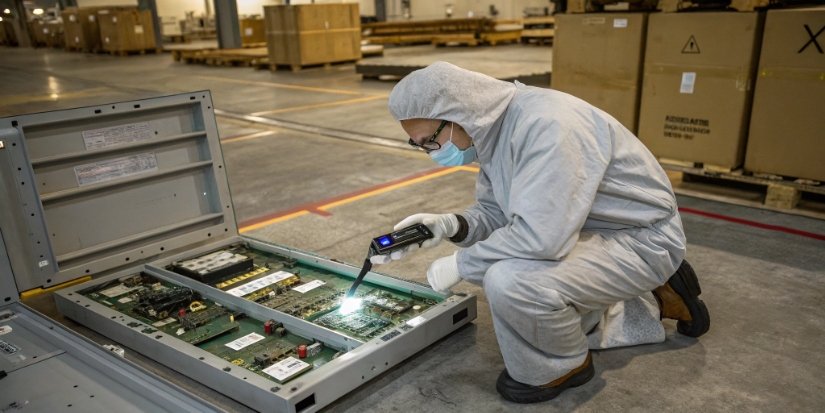
In my experience, almost all shipping scale errors fall into three categories. Understanding them is the first step to a quick solution. When a client calls me in a panic, we almost always trace the issue back to one of these root causes.
1. Inaccurate Weighing
This is the most critical error. It’s when the weight displayed is just plain wrong. This can be caused by aging sensors that have lost their sensitivity, a calibration that has drifted over time, or outside interference. That "interference" can be something as simple as a draft from an open door or vibrations from nearby machinery, which can throw off a sensitive load cell1.
2. Display Abnormalities
Sometimes the scale is weighing correctly, but you can't see it. The display might be blank, flickering, or showing characters that don't make sense. Usually, this points to a damaged screen, a loose cable connecting the display to the main unit, or unstable voltage from your power outlet. I once visited a warehouse where their scales went haywire every afternoon. It turned out they were on the same circuit as a massive cooling unit that caused a power dip every time it kicked on. A simple voltage stabilizer2 fixed it instantly.
3. Repeatability Errors
This is when you weigh the same item multiple times and get a different reading each time. It’s incredibly frustrating and erodes trust in your equipment. This error is often a sign of physical wear and tear on mechanical parts, electronic drift in the components over time, or dramatic changes in the temperature and humidity of your workspace. Precision electronics are sensitive, and environmental instability can affect their performance.
How do you properly calibrate an industrial or commercial shipping scale?
You know calibration is vital, but the process can seem complicated and intimidating. Doing it wrong is just as bad as not doing it at all. Let me guide you through it.
Proper calibration involves using certified standard weights. First, zero the scale without anything on it. Then, place the standard weight on the platform and adjust the scale’s settings until the displayed reading exactly matches the weight's certified value.
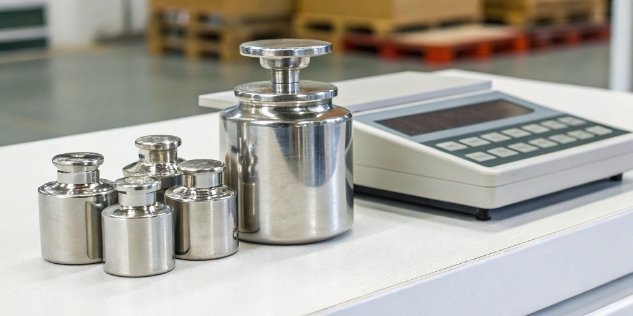
Calibration isn't just a suggestion; it's a fundamental part of maintaining accuracy and trust in your operations. Think of it as tuning an instrument. Over time, all scales drift. Regular calibration brings them back to perfect pitch. At Weigherps, we recommend our clients perform a quick check daily and a full calibration weekly, especially in high-volume environments.
The Importance of Certified Weights
You cannot calibrate a scale using a bag of sugar or an item you weighed once before. You must use standard weights that have been certified by an accredited body. These weights are manufactured to an extremely precise mass. Using anything else introduces guesswork, which defeats the entire purpose of calibration.
A Simple Calibration and Verification Guide
While every scale model is slightly different, the core process is universal.
| Step | Action | Why It's Important |
|---|---|---|
| 1. Preparation | Clean the scale and ensure it's on a level, stable surface, away from vibrations. | Debris and an unlevel surface are the top causes of calibration failure. |
| 2. Enter Mode | Turn the scale on and follow the manual's instructions to enter "Calibration Mode". | This tells the scale's software you are about to set a new baseline for accuracy. |
| 3. Zero Point | With nothing on the platform, confirm the zero point. The scale should read "0.00". | This establishes a true zero, ensuring you're not starting with an offset. |
| 4. Span Calibration | Place your certified weight on the center of the platform and enter its exact value. | This sets the scale's "span" or weighing range, teaching it what a known mass feels like. |
| 5. Verification | After saving, remove the weight and test. It should return to zero. Then, weigh the test weight 3+ times to ensure the result is consistent. | This confirms the calibration was successful and the scale is both accurate and repeatable. |
Why are my shipping scale weight readings inconsistent or inaccurate?
You weigh the same item twice and get two different numbers. It’s beyond frustrating. This inconsistency kills your confidence in your entire shipping process and makes your data useless.
Inconsistent readings often stem from environmental factors like drafts or vibrations, mechanical issues such as debris under the scale, or electronic problems like sensor drift. A systematic check of the scale's environment and physical condition usually reveals the cause.
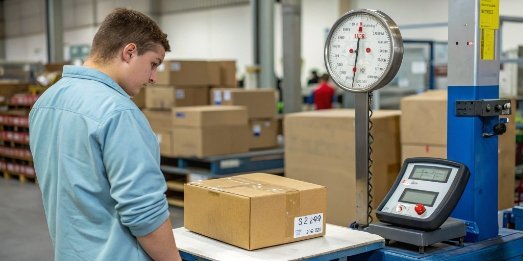
When a scale gives you fluctuating readings, it’s a symptom of an underlying problem. Don't just assume the scale is broken. Instead, become a detective and investigate the scene. I advise my clients to follow a simple checklist to diagnose the issue quickly before calling for service. It saves them time and money. Here’s a breakdown of what to look for, starting with the easiest fixes.
Check Your Environment First
The scale's surroundings have a huge impact on its performance.
- Air Movement: Is the scale near an open door, a fan, or an HVAC vent? Even a slight draft can apply pressure to the weighing platform and alter the reading. I've seen scales placed under air conditioning units that give faulty readings all summer.
- Vibrations: Is the scale on a flimsy table or near heavy machinery, a conveyor belt, or a high-traffic forklift path? Vibrations traveling through the floor can create "noise" that interferes with the sensitive load cell.
- Level Surface: Use a spirit level to check if the scale is perfectly flat. Most industrial scales have adjustable feet for this exact reason. An unlevel scale won't distribute weight properly, leading to inaccuracies.
Inspect the Scale's Physical Condition
If the environment is fine, look at the scale itself.
- Debris: Gently lift the weighing platform. Is there dirt, dust, a stray zip tie, or a piece of label backing stuck underneath? Anything that obstructs the platform's movement or touches the load cell can cause major problems.
- Damaged Parts: Look for any signs of wear or damage, such as a dented platform, frayed cables, or cracked housing. Physical damage can easily compromise the internal mechanics.
| Symptom | Common Cause | Quick Solution to Try |
|---|---|---|
| Readings Fluctuate | Air drafts or vibrations. | Move the scale or shield it from the disturbance. |
| Doesn't Return to 0.00 | Debris under the platform. | Power down and carefully clean under the platform. |
| Consistently Inaccurate | Calibration has drifted. | Perform a full calibration using certified weights. |
| Random, Ghost Readings | Electronic component drift. | Power cycle the scale. If it persists, contact support. |
What troubleshooting steps should I take when my shipping scale displays an error code?
Your scale's screen is flashing a cryptic error code instead of a weight. This message stops your workflow completely, leaving you feeling clueless and stressed out. Let's decode those messages.
When an error code appears, first check your scale's manual to identify the problem. Common steps include checking for overload/underload, ensuring the platform is clear and stable, and restarting the device by turning it off and on again.
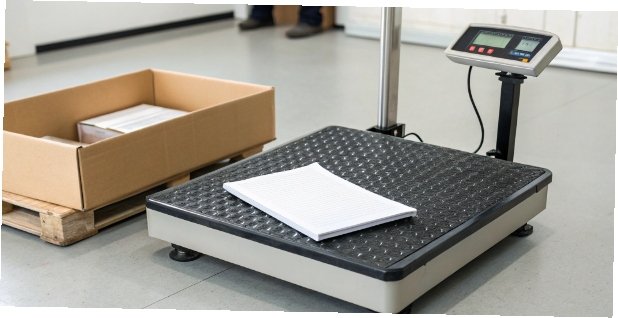
An error code feels like a dead end, but it’s actually the scale trying to tell you exactly what's wrong. Instead of guessing, you have a starting point. As a manufacturer, we program these codes to help you diagnose problems without needing a technician for every little thing. The key is to know how to interpret them.
Your First Response: The Manual and a Restart
Before you do anything else, find the user manual. Every manufacturer uses slightly different codes, and the manual is your decoder ring. It will turn a message like "Err 17" from a mystery into a clear instruction. If you can't find the physical manual, a quick search for the model online will almost always bring up a PDF version. After you identify the code's meaning, the simplest and most effective first step for many electronic issues is a power cycle. Unplug the scale, wait for 30 seconds to let the internal capacitors fully discharge, and then plug it back in. This simple reboot can resolve many temporary software glitches.
Common Error Codes and What to Do
| Error Code (Example) | Common Meaning | What to Do |
|---|---|---|
| O-Ld / EEEEE | Overload | Remove the excess weight from the platform immediately. |
| - - - - - | Underload / Unstable | The weight is too light for the scale's range, or the platform is moving. Ensure the platform is stable and the item meets the minimum weight. |
| Err C / CAL Err | Calibration Error | The last calibration attempt failed. Restart the scale and try the calibration process again, ensuring you use the correct weights. |
| Bat-Lo | Low Battery | The battery needs to be charged or replaced. Plug in the AC adapter. |
When these simple steps don't work, it's time to call in the professionals. Contact your equipment supplier's technical support team. With our clients, having a support team that already knows their product inside and out makes the process much faster. That's also why we often advise high-volume businesses to keep about 10% of their scales as backup units. Swapping in a replacement machine means you have zero downtime while the primary unit is being serviced.
Conclusion
Diagnosing issues, proper calibration, and preventative maintenance are the keys to keeping your shipping operations accurate, efficient, and reliable. With these steps, you can take control of your equipment.


Comments (0)