
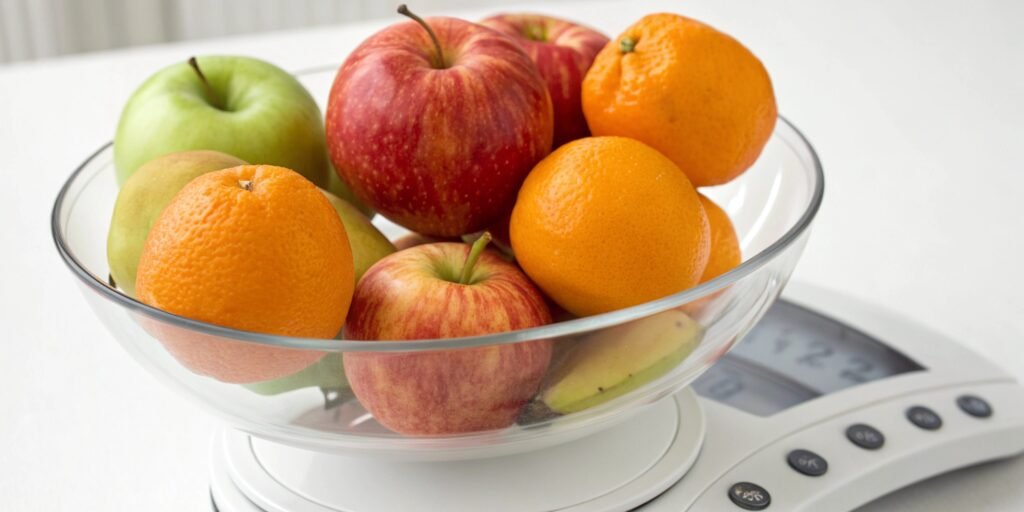
Is your 500g scale giving inaccurate readings? This can ruin precise recipes or projects. Luckily, you can use common household items to calibrate it without professional weights.
Yes, you can calibrate a 500g scale without weights by using items with a known, consistent weight. For example, 100 US nickels equal exactly 500 grams. Or, measure 500mL of water, which weighs approximately 500 grams. These are reliable substitutes for emergency calibrations.
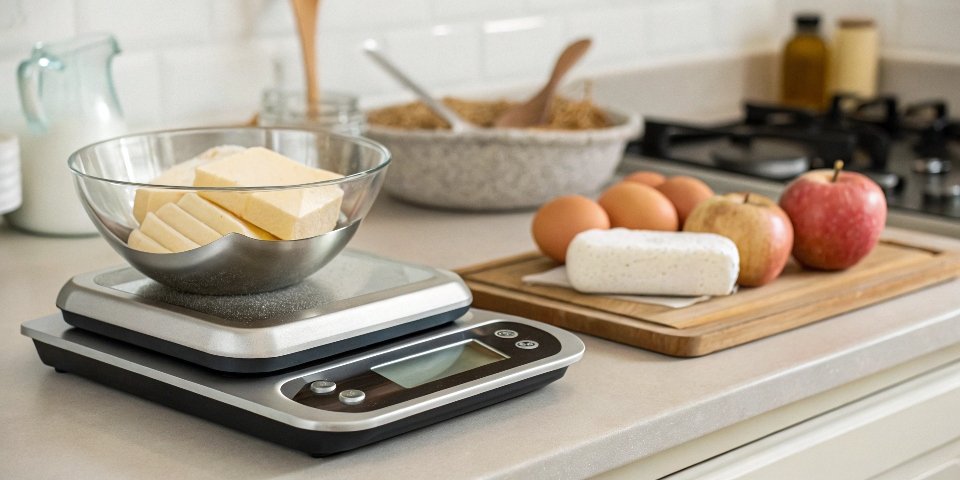
Using household items is a great trick. But how do you know which items are best? And what's the right way to do it? Over my 18 years in the industrial scale business, I've learned a few things about accuracy. Let's dive deeper into specific methods that work. This ensures your scale is as precise as possible, even without professional tools.
What common household items can be used to calibrate a kitchen scale?
Need to calibrate your kitchen scale now? Rummaging for something accurate is frustrating. Unopened food packages and clean coins are perfect for the job.
Use unopened, pre-packaged goods like a 500g bag of sugar or flour. The labeled weight is legally certified and very accurate. Alternatively, a stack of new, clean coins from your country can work, as their weight is standardized by the government.
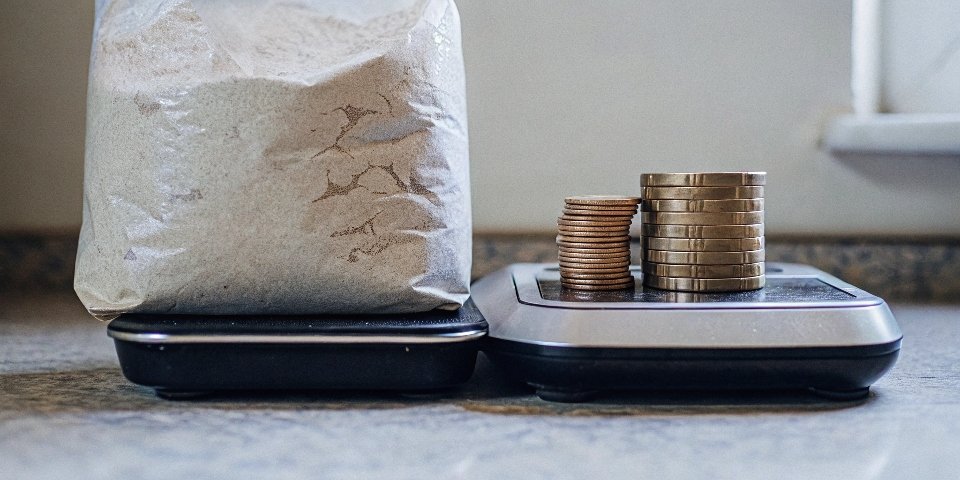
In our business, we rely on certified weights for ultimate precision. However, for home use, you need practical solutions. The two most reliable categories of household items are pre-packaged goods1 and legal tender coins.
Pre-packaged Goods
Unopened packages of items like flour, sugar, or coffee are excellent for a single-point calibration. Manufacturers are legally required to ensure the net weight on the package is accurate. Just be sure the package is intact and has not absorbed moisture, which would alter its weight. A 500g bag of flour should weigh very close to 500g.
Legal Tender Coins
Coins are minted to strict weight standards. This makes them fantastic for building up to a target weight or testing at various intervals. Make sure they are clean and not heavily worn.
Here is a quick reference table for common coins:
| Currency | Coin | Weight per Coin | Quantity for 500g |
|---|---|---|---|
| US Dollar | Nickel (5¢) | 5.0 g | 100 coins |
| US Dollar | Penny (since 1982) | 2.5 g | 200 coins |
| Euro | 1 Euro (€) | 7.5 g | 67 coins (502.5g) |
| Chinese Yuan | 1 Yuan (¥) | 6.05 g | 83 coins (502.15g) |
Choose the method that works best with what you have on hand.
How can I test the accuracy of my digital scale without calibration weights?
Do you doubt your scale's readings? It's stressful not knowing if you can trust your measurements. A simple nickel test can quickly reveal its accuracy.
To test accuracy, use an item with a universally known weight. A US nickel weighs exactly 5.0 grams. Place one on your scale. It should read 5g. Add another, it should read 10g. This "linearity test" checks accuracy across different weights.

Testing for accuracy is different from calibration, but it's the first step. You need to know if there's a problem before you try to fix it. I recommend a "linearity test2" to my clients. It checks if the scale is accurate not just at one point, but across its range.
The Step-by-Step Linearity Test
- Zero the Scale: Place the scale on a hard, flat surface and press the "TARE" or "ZERO" button. It must read 0.0g.
- Add a Known Weight: Place one US nickel (5.0g) on the scale. Note the reading.
- Add Incrementally: Add a second nickel. The total weight is 10.0g. Note the reading again.
- Continue Adding: Keep adding nickels one by one and record the reading at each step (15g, 20g, 25g, etc.).
This process shows you if the error is consistent. Here's what to look for:
| Expected Weight | Your Scale's Reading | Evaluation |
|---|---|---|
| 5.0 g | 5.0 g | Perfect |
| 10.0 g | 10.1 g | Minor deviation |
| 15.0 g | 15.1 g | Consistent deviation |
| 20.0 g | 21.5 g | Inconsistent, problem! |
If the scale is consistently off by a small amount (e.g., +0.1g each time), it likely just needs recalibration. If the error jumps around, there might be a more serious issue with the load cell3.
Can you use coins or water to calibrate a 500g scale?
You need 500g exactly but have no weights. Guessing with random items is a recipe for disaster. Yes, both coins and water are excellent, precise options.
Absolutely. You can use either coins or water. For water, measure exactly 500 milliliters (mL) using a kitchen measuring cup, as this weighs 500 grams. For coins, use a specific number of coins with a known weight, like 100 US nickels (5g each).
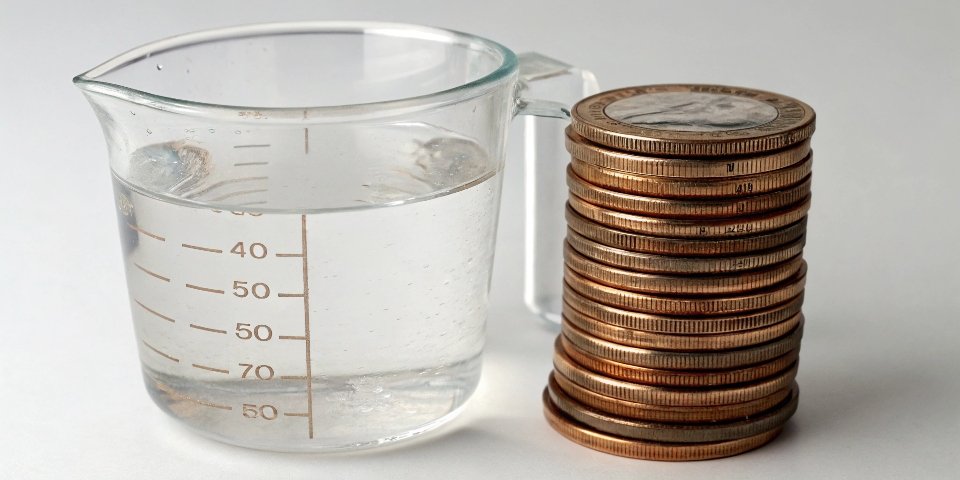
As a weighing expert, I can confirm both water and coins are reliable substitutes. Each has its own advantages for hitting that 500g target.
Using Water for Calibration
The science is simple: 1 milliliter (mL) of pure water at approximately 4°C weighs 1 gram (g). Room temperature water is close enough for most needs.
- Place an empty, lightweight container on your scale.
- Press the "TARE" button to zero out the container's weight.
- Using a precise measuring cup or syringe, add exactly 500mL of water to the container.
- The scale should read 500g. If not, you can now enter your scale's calibration mode4 (check the manual) and adjust it to this known 500g weight.
Using Coins for Calibration
This method uses the standardized weight of coins. As mentioned, 100 US nickels will weigh exactly 500g.
- Turn on the scale on a flat surface and let it zero out.
- Carefully stack 100 nickels on the center of the scale platform.
- The scale should read 500g. If it doesn't, use your scale's calibration function to set this as the new 500g reference point.
Here's a quick comparison:
| Feature | Water Method | Coin Method |
|---|---|---|
| Precision | High (if measured correctly) | Very High (with clean coins) |
| Accessibility | Excellent (water is everywhere) | Good (if you have enough coins) |
| Ease of Use | Can be messy; requires TARE | Clean and straightforward |
Both are solid choices for an emergency calibration. I personally prefer water if I have an accurate measuring cup, as it's a single, clean measurement.
Why is my digital scale giving inaccurate readings and how can I fix it?
Your scale is suddenly unreliable and frustrating you. You might think it's broken and needs replacing. Often, the fix is simple and just requires a quick check.
Inaccurate readings are often caused by four things: an unstable surface, low batteries, dirt under the platform, or needing recalibration. To fix it, move the scale to a hard, level surface, replace the batteries, clean it, and then perform a calibration.
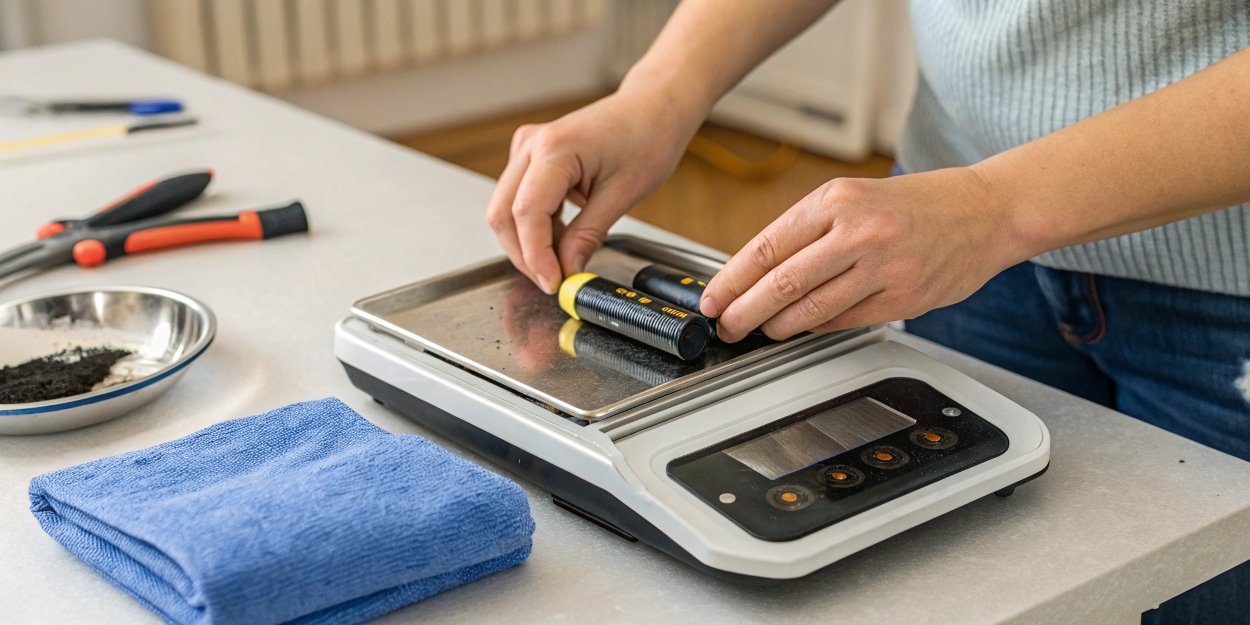
In our after-sales department, we handle these concerns daily. Before assuming a scale is defective, I always ask customers to run through a simple checklist. This checklist solves over 90% of accuracy issues.
Troubleshooting Checklist for Inaccurate Scales
| Problem Area | Common Cause | How to Fix |
|---|---|---|
| Environment | The scale is on a soft (carpet), uneven, or vibrating surface. | Move the scale to a hard, flat, and stable surface like a kitchen counter or solid floor. |
| Power Supply | Batteries are low or failing. This causes unstable electronic signals. | Replace the batteries with a fresh, new set. Do not mix old and new batteries. |
| Physical Obstruction | Debris, crumbs, or dirt are stuck under the weighing platform, preventing free movement. | Turn the scale off. Gently turn it upside down and tap it to dislodge debris. Use compressed air for a deeper clean. |
| Calibration Drift | Over time and with use, the electronic components can drift from their factory setting. | Perform a recalibration using the methods described in this article. Check your user manual for the specific button sequence. |
If you have gone through all these steps and the scale still provides inconsistent or wildly inaccurate readings, it may indicate a damaged load cell or internal component. At that point, it might be time to contact the manufacturer or consider a replacement. But most of the time, these simple fixes will get your scale working perfectly again.
Conclusion
Calibrating your 500g scale without weights is possible using items like water or coins. Following these steps ensures accuracy for your daily needs and keeps your measurements reliable.
-
This resource lists pre-packaged items that are ideal for calibrating your scale. ↩
-
Explore the concept of a linearity test and how it helps in checking scale accuracy. ↩
-
Learn about the role of the load cell in your scale's accuracy and functionality. ↩
-
This link provides instructions on how to access your scale's calibration mode. ↩



[…] you need a clean nickel1. Oils from your fingers and dirt can add tiny amounts of weight, which can throw off the […]
[…] Over time, coins lose tiny amounts of metal from wear and tear, changing their weight. For packaged goods3, the stated weight is the 'net weight' of the contents, not including the packaging. There is also […]