

Your digital scale is not givingyou the right numbers anymore. This can cause big problems in business and science. But you can fix this easily with the right tools.
To calibrate a 200g digital scale, the best tool is a certified 200g calibration weight. If you do not have one, you can use common items with a known weight, like certain coins, or use the scale's self-calibration function if it has one.
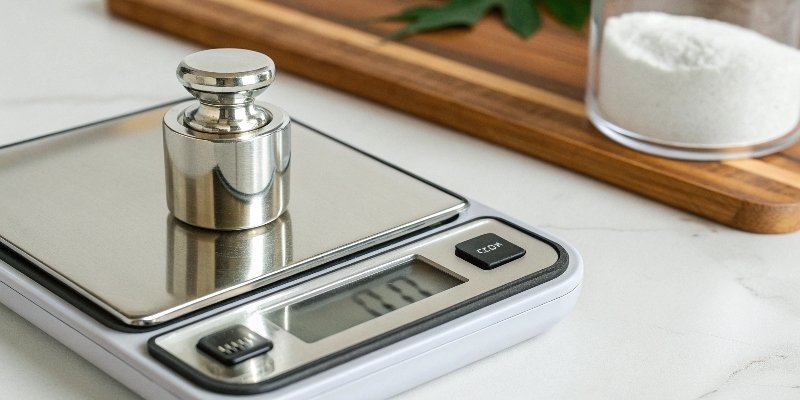
Getting an accurate measurement1 is very important for any serious work. An incorrect reading can cost you money or ruin a project. In my factory, if our scales are off by even a small amount, we could lose thousands of dollars in material. The good news is you do not need to be a scientist to make your scale accurate again. Let's look at the simple items you can use and the steps to get it right.
What can I use to calibrate my digital scale?
You need to calibrate your scale but you do not have special weights. You might feel stuck with wrong measurements. But you probably have several good options already available to you.
The best option is a set of certified calibration weights. For tasks that are not as critical, common items with a set weight, such as specific coins or a measured volume of water, can also work. Many scales also have a self-calibration feature.
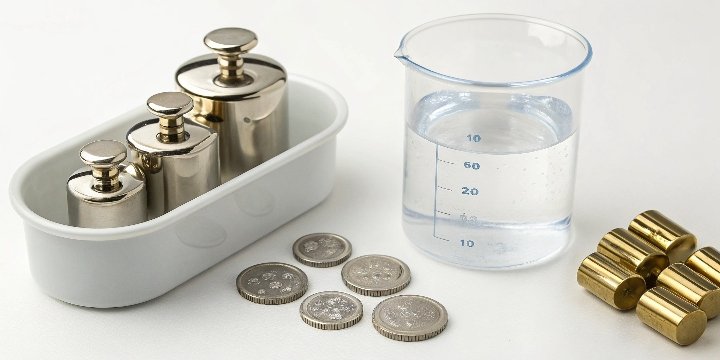
When you need the highest accuracy, nothing beats a proper calibration weight2. However, not everyone has these on hand. It is important to know your options so you can choose the right tool for your specific needs. What works for a kitchen scale might not be suitable for a laboratory scale where precision is everything. Let's compare these tools to help you decide.
Comparing Calibration Tools
The tool you choose depends on how accurate you need to be. In my line of work with aluminum hydroxide, we must use certified weights. For less serious uses, other items can work well.
- Standard Calibration Weights: These are the gold standard. They are made to be extremely accurate and come in different classes of precision. They are what professionals use because their weight is guaranteed. If you work in a lab or a field like pharmaceuticals, this is the only option you should really consider.
- Common Objects: You can use everyday items if you know their exact weight. For example, in the United States, a nickel coin weighs exactly 5.0 grams. You could use 40 nickels to get 200 grams. This is less accurate because the coins can have wear and dirt on them.
- Water: Science tells us that 1 milliliter (mL) of pure water at 4°C weighs exactly 1 gram. So, 200 mL of water would weigh 200 grams. You just have to be very careful when measuring the volume.
Here is a simple table to compare them:
| Calibration Tool | Accuracy | Availability | Best For |
|---|---|---|---|
| Certified Weights | Very High | Low (Specialized Stores) | Labs, Industry, High-Value Items |
| Common Coins | Medium | High | Home Use, Non-Critical Tasks |
| Measured Water | High | High | Hobbyists, Educational Settings |
How to calibrate a 200 g scale?
Your 200g scale is giving you different readings for the same object. This can be a problem when you are working with small amounts of expensive materials. Luckily, fixing this is a straightforward process.
To calibrate a 200g scale, first enter its calibration mode, usually by holding down a specific button like 'CAL' or 'MODE'. When the display asks for 200g, gently place a 200g calibration weight on the platform and wait for confirmation.

The process is designed to be simple, but you have to follow the steps correctly for it to work. Any mistake can lead to an incorrect calibration. I have seen people in our quality control lab rush the process and have to start over. Always take your time. Here are the steps to follow for a perfect calibration every time.
Step-by-Step 200g Scale Calibration
Following a clear procedure is key. A small detail, like an unstable table, can ruin the calibration.
- Prepare Your Space: First, put the scale on a perfectly flat and stable surface. Make sure there are no vibrations from other machines or even air drafts from a fan or window. Let the scale sit for a few minutes to adjust to the room's temperature.
- Enter Calibration Mode: Turn the scale on and let it show zero. Then, press and hold the calibration button3. This button is often marked ‘CAL’, ‘FUNC’, or ‘MODE’. You might need to check your scale's user manual to find the right one.
- Follow the Display: The screen will likely flash ‘CAL’ and then show a number. For a 200g scale, this number will almost always be '200.00'. This is the weight it needs you to place on it.
- Place the Weight: Carefully place your 200g calibration weight in the exact center of the scale's platform. Do not drop it.
- Let the Scale Work: The scale will take a moment to measure the weight. The display might flash. When it is done, it will usually show ‘PASS’ or go back to the normal weighing screen.
- Check Your Work: Remove the weight. The scale should read 0.00. Place the weight back on to confirm it reads 200.00g correctly. This final check ensures everything worked perfectly.
How to calibrate a 100g digital scale?
Your small 100g pocket scale is a handy tool, but its accuracy has started to drift. Doubting your measurements is frustrating and can cost you. You can restore its precision in just a few minutes.
To calibrate a 100g scale, you enter its calibration mode. The screen will tell you what weight to use, which is typically 100g. Place a 100g calibration weight on the scale and wait for it to confirm the process is finished.
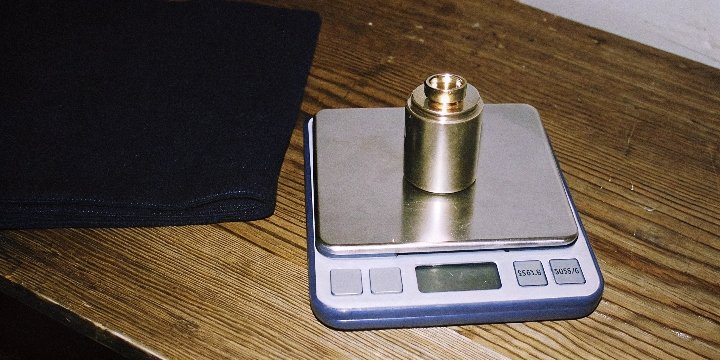
Calibrating a 100g scale is almost the same as calibrating a 200g one. The main difference is the specific weight you need to use. Using the wrong weight will not work and could make the scale even less accurate. It is very important to use the correct weight4 that the scale asks for.
Key Differences for a 100g Scale
While the steps are similar, the details matter. The most important thing for calibrating a 100g scale is using the correct mass. Most 100g scales will ask for a 100g weight during calibration. However, some models might require a different weight, like 50g, so always check the user manual first. The manual is your best guide.
If you are in a situation where you must calibrate a 100g scale but only have other weights, you must be careful. For example, if you have a set of smaller certified weights, you can combine them to make 100g. Using two 50g weights or five 20g weights works perfectly. Using alternatives like coins (e.g., 20 U.S. nickels) is possible but not recommended for professional work. Any dirt or wear on the coins will introduce errors. For my customer in Korea who deals with pharmaceutical materials, I would strongly advise against using anything but certified weights. The risk of an incorrect formula is simply too high.
Can a digital scale be recalibrated?
Your expensive digital scale is not accurate anymore. You might think you have to buy a new one, which is a waste of money. The great news is most digital scales are built to be easily recalibrated.
Yes, almost all modern digital scales can and should be recalibrated. They include a built-in calibration function that lets you reset their accuracy using a known weight. This feature helps maintain the scale's precision throughout its life.
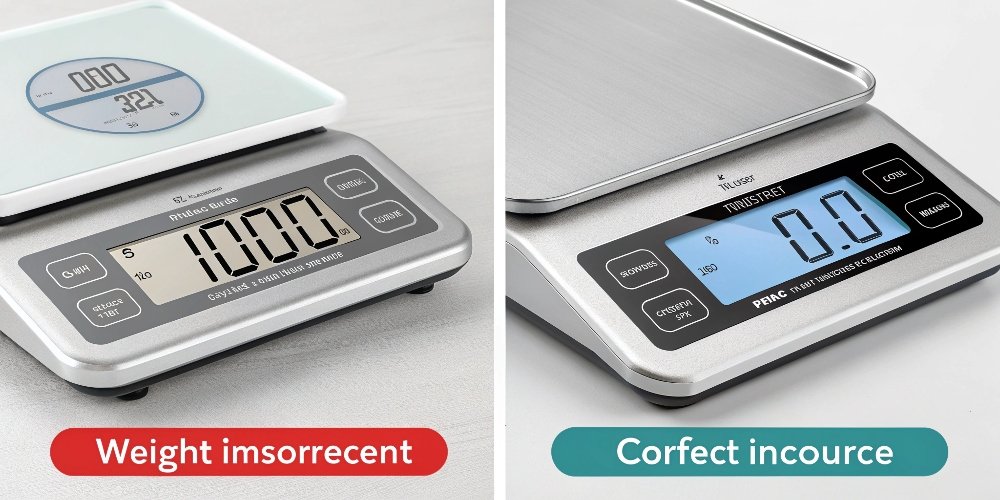
Thinking a scale is broken when it just needs calibration is a common mistake. In my factory, we view calibration as regular maintenance, just like changing the oil in a car. It is not a sign of a defect, but a necessary step to ensure continued performance. Understanding why this is a standard feature helps you trust your equipment more.
Why Recalibration is a Standard Feature
Scales need recalibration because their internal sensors, known as load cells5, can "drift." This drift is natural and happens because of changes in temperature, humidity, moving the scale, or even just from normal use over time. It is not a fault. Calibration is simply a way to re-teach the scale what a specific weight feels like. The scale's software then adjusts itself to make sure the electrical signal from the sensor matches the correct physical weight again.
However, calibration cannot fix a broken scale. If the load cell is physically damaged from being dropped or overloaded, calibrating it will not help. You need to know when to calibrate and when the scale needs repair.
| Scenario | Recommended Action |
|---|---|
| Readings are slightly off over time. | Recalibrate the scale. |
| You moved the scale to a new room. | Recalibrate in the new location. |
| Readings jump around and are unstable. | Check for vibrations or damage. May need Repair. |
| Scale shows a constant error message ('ERR'). | The load cell may be damaged. Likely needs Repair/Replace. |
Conclusion
Calibrating your digital scale is a simple but vital task. Using standard weights or reliable alternatives ensures your measurements remain accurate, protecting your work and your results.
-
Explore the critical role of accurate measurements in various professional fields. ↩
-
Discover the significance of calibration weights in achieving precise measurements. ↩
-
Understand the importance of the calibration button in the calibration process. ↩
-
Explore the significance of using the right weight for accurate calibration. ↩
-
Learn about load cells and their role in ensuring accurate weight measurements. ↩


Comments (0)