
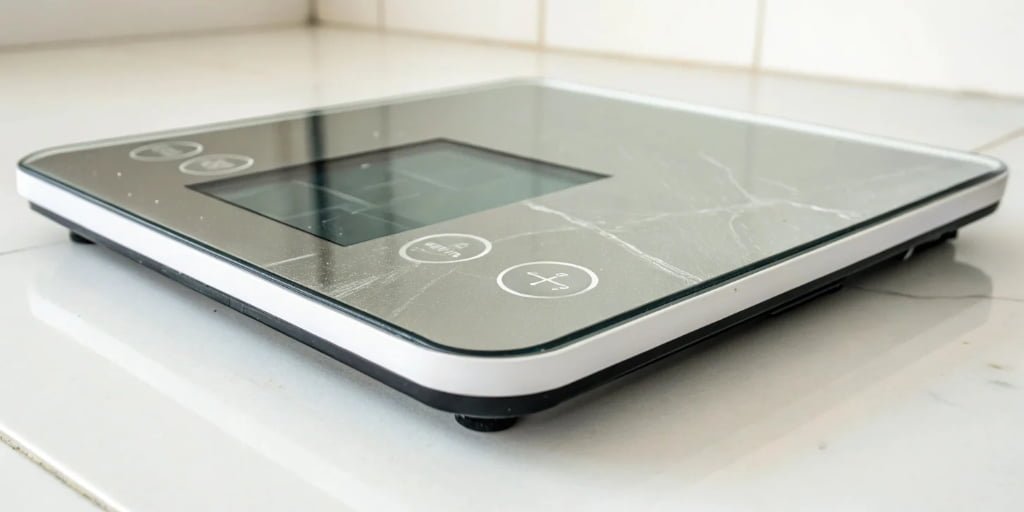
Your production is running smoothly, then suddenly your industrial scale flashes a cryptic error code. Everything stops. You need to get things moving, but the manual is nowhere to be found.
An error message on your scale is a diagnostic tool. It communicates a specific problem the scale has detected, such as being overloaded, unstable, uncalibrated, or having a sensor issue. Understanding these codes helps you quickly identify and fix the problem to resume operations.
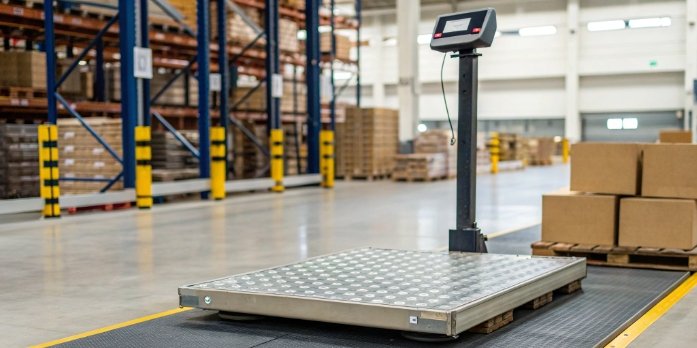
Seeing an error message1 can be frustrating, but it's actually your scale's way of telling you exactly what's wrong. Instead of guessing, you have a starting point for your troubleshooting2. In my 18 years of manufacturing industrial scales3, I’ve seen every error code imaginable. The good news is that most of them point to simple fixes that you can handle in minutes. Let's break down what these messages mean and how you can resolve them to keep your workflow from hitting a wall.
Why does my scale keep saying error?
A recurring error message halts your workflow and makes you question the scale's reliability. It’s a frustrating cycle. The cause is often a simple, overlooked issue you can fix permanently.
A scale repeatedly shows an error because the root cause hasn't been resolved. This could be an unstable environment, a loose sensor connection, consistently low battery power, or a persistent need for recalibration. Addressing the underlying problem will stop the error from returning.
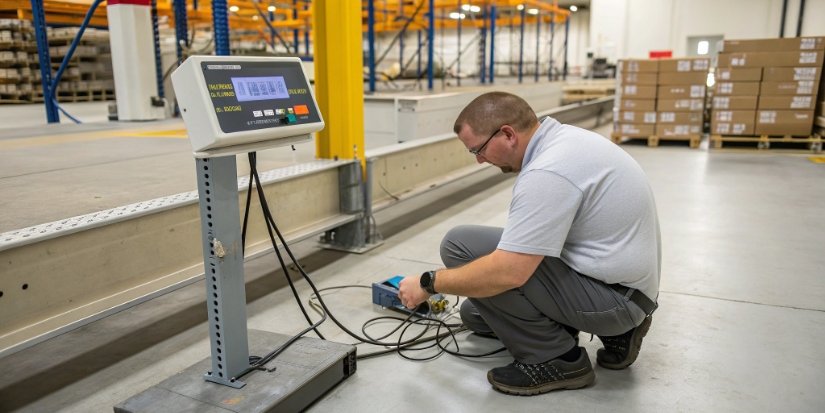
When an error just won't go away, it's tempting to blame the scale itself. But often, the problem is external. We have helped countless clients solve this, and the issue usually falls into one of a few categories. You need to think like a detective and look at the scale's entire operating environment. Is the surface perfectly level and free from vibration? Are there drafts from open doors or HVAC systems? These seemingly small things can cause persistent instability errors. I also recommend checking the hardware. Power fluctuations from a dying battery or a frayed power cable can cause random faults. A sensor cable that was slightly pulled during cleaning can also lead to intermittent connection errors. By systematically checking these external factors first, you can often find and fix the root cause for good.
| Potential Cause | Quick Check | Solution |
|---|---|---|
| Environmental Issues | Is the floor vibrating or uneven? | Move the scale to a stable, level surface. |
| Power Supply | Is the battery low or is the cable damaged? | Replace batteries or inspect the power cord. |
| Connectivity | Are all cables securely plugged in? | Unplug and securely reconnect all sensor and data cables. |
| Zero Point Issue | Is there debris on or under the scale? | Clean the weighing platform and the area underneath it. |
Why does a weighing machine show an error?
Seeing codes like "Err," "Over," or "Unst" on your display is confusing. These messages stop work and can feel difficult to diagnose, leaving your team unable to proceed.
A weighing machine shows an error to communicate a problem it can’t resolve automatically. These codes are specific diagnostic messages like "Over" for overload, "Unst" for instability, or "Err" for a sensor fault. They guide you toward the correct solution instead of leaving you guessing.

Think of an error code as a direct message from the machine’s internal system. As manufacturers, we program these codes to help you pinpoint issues without needing to be an electronics expert. Each code corresponds to a specific condition that prevents an accurate measurement. For example, the scale's software constantly checks if the sensor readings are within the expected range. If you load too much weight, it triggers the "Over" code to protect the sensitive load cell4 from damage. If the reading fluctuates wildly, it triggers an "Unst" (Unstable) code because it can't lock onto a steady weight. These built-in safety and diagnostic checks are essential for maintaining the scale's accuracy and long-term health. Below are some of the most common codes we see.
Common Error Codes Explained
| Error Code | Meaning | How to Solve It |
|---|---|---|
| "Err" or "+/-Err" | This often points to a sensor issue. The connection might be loose, or the sensor itself could be damaged. It can also mean the requested display range has been exceeded. | Power down the scale and check that the sensor cable is firmly connected. If the connection is secure but the error continues, the sensor may need to be replaced. |
| "Err2 / Unst" | The starting zero point is outside its acceptable range (usually ±10%). This is commonly caused by vibrations, wind, or an object left on the scale during startup. | Make sure the weighing platform is empty and stable. Shield the scale from strong drafts or floor vibrations, then restart it. If that doesn't work, perform a zero-point recalibration. |
| "Over" | The weight on the platform exceeds the scale's maximum rated capacity. This is a safety feature to prevent damage to the load cell. | Immediately remove the load from the scale. Check the scale's capacity plate to ensure you are not trying to weigh items that are too heavy. |
| "Cal" | This indicates an issue with calibration. Either the scale has not been calibrated, or the calibration process was interrupted or failed. | Follow the calibration procedure in your user manual. Ensure you are using accurate, certified calibration weights5 for the process. |
What is an example of a scale error?
You place a standard pallet on your floor scale, but instead of a weight, it just flashes "Over." The shipment is waiting, but your scale says it's too heavy.
A classic example of a scale error is the "Over" message. It appears when the load exceeds the scale's maximum capacity. The first step is to remove the weight. If the error remains even with a lighter load, it could indicate a deeper issue like a damaged sensor.
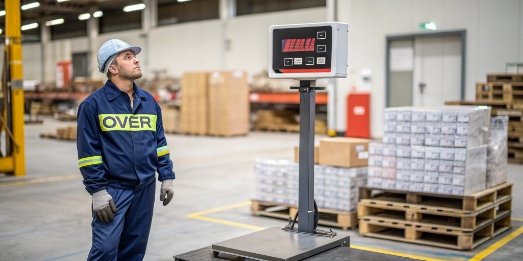
Let me share a story from one of our clients. A logistics company called us, completely frustrated. Their brand-new 5,000 kg floor scale kept showing an "Over" error with a pallet they knew was only 1,200 kg. They had already checked for debris under the scale and re-calibrated it, but the error persisted. When we sent a technician, we discovered the problem wasn't the load at all. A few days earlier, a forklift driver had accidentally bumped the corner of the scale platform. The impact, while minor, was enough to damage one of the internal load cells. This faulty sensor was sending a constant, high signal to the indicator, making the scale think it was perpetually overloaded6. Replacing the single damaged load cell fixed the issue immediately. This is a perfect example of how an error message is just the starting point of the diagnosis; the real cause can sometimes be unexpected.
How to tell if a scale is faulty?
Your scale gives you a different weight for the same box every time. There's no error code, but you can't trust the readings, threatening your entire quality control process.
A scale is likely faulty if it shows weight drift (unstable numbers), poor repeatability (different readings for the same item), or fails calibration. Inconsistent readings across the platform or persistent error codes that don't resolve with simple troubleshooting are also clear signs of a fault.
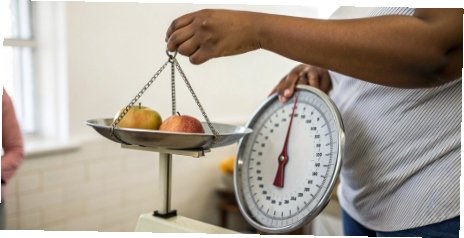
When you suspect a scale is faulty, you don't have to guess. There are a few simple tests you can perform that we use in our own quality control department before any product ships. These checks will help you determine if you have a real hardware problem or just a simple calibration issue. Think of it as a quick health check for your most important measurement tool. A healthy scale is repeatable, reliable, and consistent. If it fails any of the tests below, it's a strong sign that it needs professional service or repair. Before you call for support, running through this checklist can provide valuable information to the technician, helping them diagnose the problem much faster.
A Quick Health Check for Your Scale
- Check for Zero Drift: First, remove everything from the scale platform. The display should show a stable "0.00." If the numbers are slowly counting up or down, or if it won't settle at zero, you have "zero drift7." This can be caused by temperature changes, debris, or a failing sensor.
- Perform a Repeatability Test: Find an object with a known, stable weight, like a certified calibration weight if you have one. Place it on the center of the scale and record the reading. Remove it, let the scale return to zero, and repeat this process 5-10 times. If the readings vary, the scale has a repeatability problem.
- Run a Corner Load Test: Take that same weight and place it in the center of each corner (or quadrant) of the scale platform. A healthy scale should show the exact same reading no matter where the weight is placed. If the readings differ significantly, you likely have a damaged load cell or a leveling issue.
- Attempt Calibration: Try to run the scale's standard calibration procedure as outlined in the manual. If the process repeatedly fails or if the scale refuses to accept the calibration standard, this points to a more serious internal electronic or sensor-level fault.
Conclusion
Scale error messages are your guide to quick fixes. Understanding them helps you solve issues from overload to calibration, keeping your operations accurate and efficient without any major downtime.
-
Understanding error messages can help you troubleshoot issues quickly and efficiently. ↩
-
Effective troubleshooting can save time and money; learn the best practices. ↩
-
Understanding the types of industrial scales can help you choose the right one for your needs. ↩
-
Learn about load cells and their importance in accurate weight measurement. ↩
-
Using certified calibration weights is essential for accurate scale calibration. ↩
-
Discover the implications of an overloaded scale and how to prevent damage. ↩
-
Understanding zero drift can help you maintain the accuracy of your scale. ↩

[…] Check for physical damage or error codes2. […]