
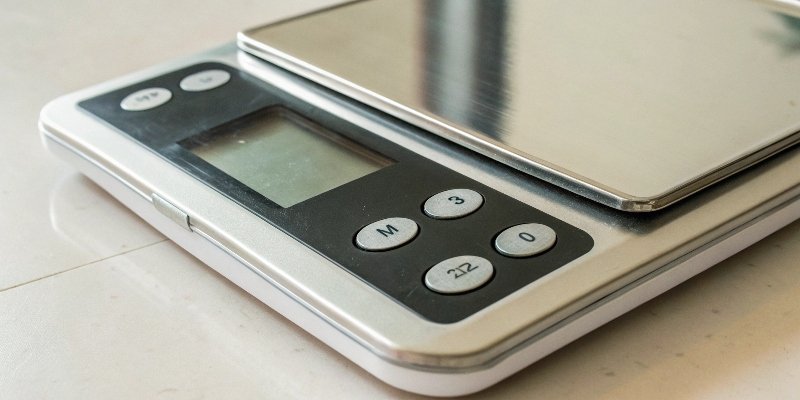
Your scale shows a small reading even when empty. You need perfect accuracy, but pressing the wrong button could cause errors. How do you ensure a true zero reading every time?
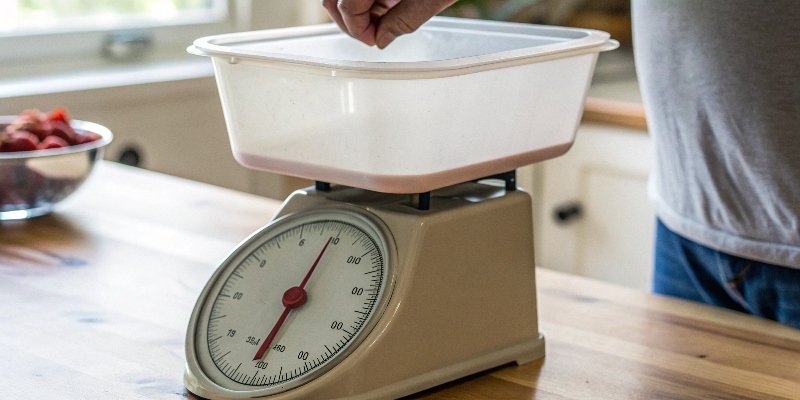
Pressing Tare on an empty scale temporarily removes any small, residual weight, similar to Zero. However, Tare is for container weights and is temporary. Zero corrects the scale's permanent zero point. While the immediate result is the same (0.00), their functions and data storage are different.
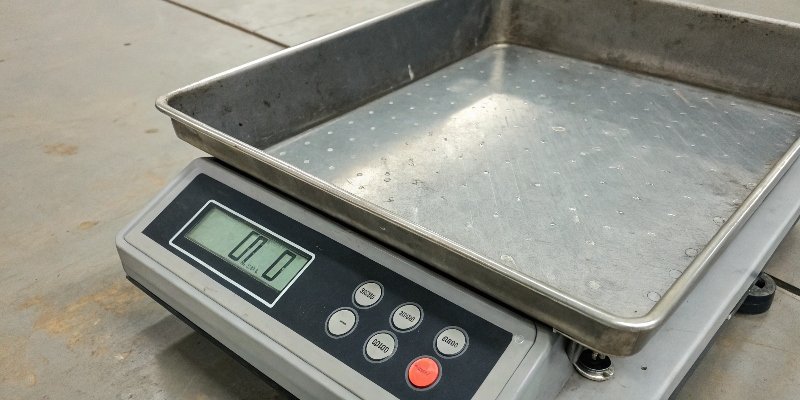
Understanding this small difference is key to accurate weighing. For over 18 years, my team at Weigherps has helped clients master these functions to avoid costly mistakes. Let's explore more specific scenarios you might face. These details can make a big difference in your daily operations.
Can I press the Zero button after taring a container?
You've tared your container, but the scale drifts slightly. Now you're wondering if pressing Zero will mess things up. You need to correct the drift without losing your tare weight.
Yes, you can press the Zero button after taring. Most modern industrial scales are designed for this. Pressing Zero will re-establish the zero point without clearing the stored tare value. This is useful for correcting minor drifts during a long weighing process.
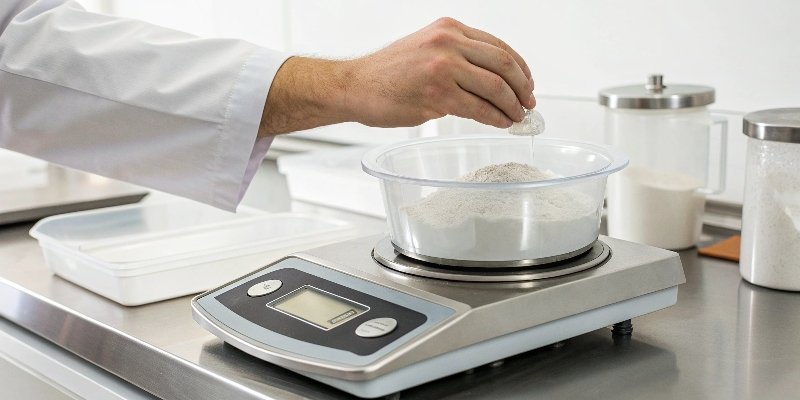
This function is crucial in industrial settings where precision is non-negotiable. Let's break down why this works and when you should use it. For my clients, especially those in software integration who need reliable data streams, this feature ensures data integrity1. The scale's software manages two separate values: the permanent zero point and the temporary tare weight2. When you press Zero3, it only adjusts the zero point reference. The tare value remains locked in its own memory register.
When to Re-Zero After Taring
- Temperature Changes: The scale's environment can cause minor sensor drift4 over time.
- Vibrations: Nearby machinery might slightly alter the reading during a process.
- Long-Term Weighing: For processes that take hours, a quick re-zero can maintain accuracy without restarting.
As a manufacturer, we build our firmware5 at Weigherps to handle these scenarios robustly. We know our partners rely on consistent, accurate data for their systems.
Are calibration and zeroing the same thing?
You think your scale is accurate because you zero it daily. But over time, measurements are slightly off, causing production issues. Is zeroing enough, or are you missing a critical step?
No, calibration and zeroing are very different. Zeroing simply sets the scale's starting point to "0". Calibration is a more complex process. It checks the scale's accuracy across its entire weighing range using certified weights and adjusts its internal programming to match.

I often explain this distinction to our OEM partners6. A misunderstanding here can lead to significant quality control problems. Zeroing is a daily user function, while calibration is a periodic technical procedure. Think of it like this: zeroing tells the scale where the "start line" is. Calibration makes sure the entire "ruler" is measured correctly from start to finish. This check is vital for compliance and product consistency.
Key Differences: Calibration vs. Zeroing
| Feature | Zeroing | Calibration |
|---|---|---|
| Purpose | Sets the zero point. | Verifies and adjusts full-range accuracy. |
| Frequency | Daily, or as needed. | Periodically (e.g., quarterly, annually). |
| Tools Used | None. Just press a button. | Certified, traceable weights are required. |
| Who Performs | Any trained user can do it. | A qualified technician should do it. |
At Weigherps, we provide comprehensive documentation for both procedures. We want to ensure the custom weighing systems we build for our clients deliver reliable data, and that starts with understanding these fundamental maintenance tasks.
Why does my scale only have one "On/Off/Tare" button? How does it work?
Your new compact scale has a single button for everything. It's confusing and you worry about pressing it incorrectly. How can one button reliably handle power, zeroing, and taring functions?
A single "On/Off/Tare" button uses press duration and context to differentiate actions. A quick press typically performs a Zero or Tare function. A long press (holding it down for a few seconds) will turn the scale on or off.
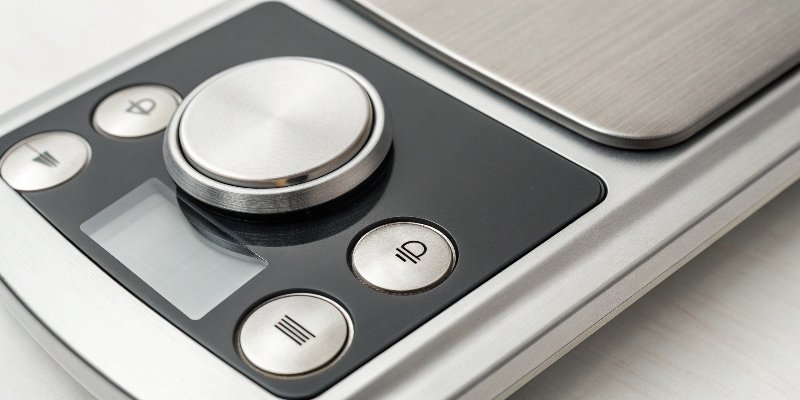
This design is common in portable or compact scales to save space and simplify the interface. I've worked on many such units for clients who need streamlined hardware for their operations. The internal logic is quite smart and context-aware. It knows what to do based on the scale's current state.
Single-Button Logic Explained
- From Off State: A long press powers the unit on.
- From On State (Empty Platform): A quick press performs the Zero function, setting the display to 0. It assumes you're correcting for minor drift.
- From On State (Weight Applied): A quick press performs the Tare function. The scale recognizes a stable weight is present and assumes it's a container. It stores this weight and displays 0.
- From On State (Anytime): A long press powers the unit off.
This programming makes the scale user-friendly once you understand the simple rules. For software developers integrating our scales, knowing this logic is key to writing effective control drivers.
If I turn the scale off and on again, will the tare weight be remembered?
You're in the middle of a batch weighing but need to pause. You turn the scale off to save power. When you turn it back on, will your tare weight still be there?
Generally, no. The Tare function uses volatile memory. This means the stored tare weight is lost when the scale is powered off. When you turn it back on, the scale will show the actual weight on the platform, including the container you previously tared.
This is a critical point for process efficiency. The Tare value is meant for immediate, short-term use. This contrasts with the Zero point, which is typically stored in non-volatile memory7y](https://www.britannica.com/technology/flash-memory)[^8] and is retained after a power cycle. This ensures the scale's fundamental zero reference remains stable.
Data Storage: Tare vs. Zero
| Function | Memory Type | Power Cycle Behavior | Primary Use Case |
|---|---|---|---|
| Tare | Volatile (like RAM) | Value is cleared | Temporary container weight |
| Zero | Non-Volatile (like flash) | Value is retained | Permanent zero-point correction |
Some advanced industrial weighing systems, which we can customize at Weigherps, may offer a feature to save tare values. However, for most standard scales, you should always plan to re-tare your container after a power cycle. This is an important detail for my software vendor clients when designing workflows that involve our weighing equipment.
Conclusion
Understanding Tare and Zero is simple but vital for accuracy. Tare is for temporary container weights, while Zero sets the scale's permanent starting point. Proper use guarantees reliable measurements.
-
Explore methods to maintain data integrity in weighing systems for reliable results. ↩
-
Understand the concept of temporary tare weight for effective short-term measurements. ↩
-
Learn about the Zero function to ensure your scale's permanent zero point is accurate. ↩
-
Learn about sensor drift to understand how environmental factors affect scale readings. ↩
-
Understand the role of firmware in enhancing the performance of weighing systems. ↩
-
Learn essential maintenance tips for OEM partners to ensure scale reliability. ↩
-
Discover how non-volatile memory ensures the stability of the zero reference in scales. ↩


[…] allows hardware behavior3 to match your software's specific […]