
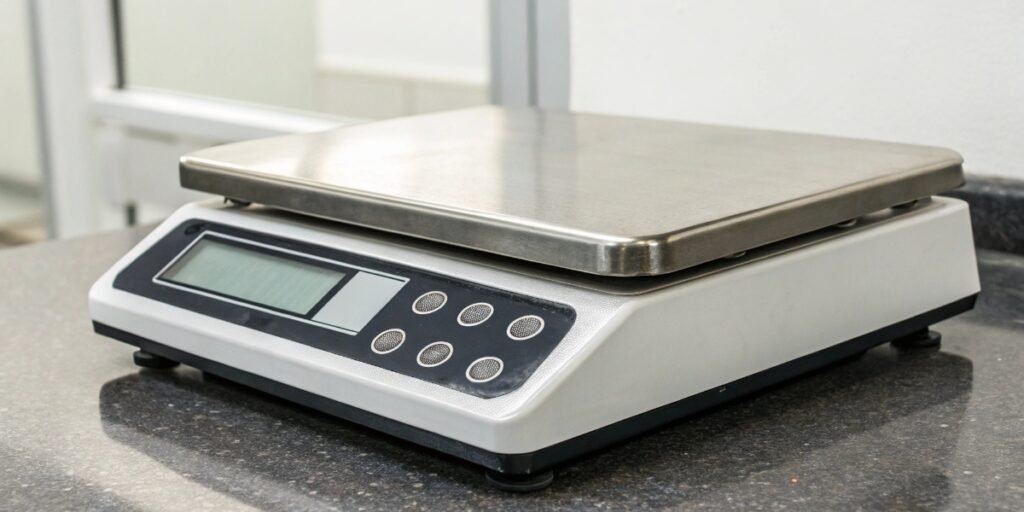
Are you struggling with inaccurate inventory and production data from your scales? This chaos can lead to costly errors and operational bottlenecks, making you feel constantly behind.
A PC-based scale is an industrial weighing device with the intelligence of a computer. It integrates weighing directly with your business software, automating data capture to streamline production, manage inventory, and monitor personnel without the risk of manual entry errors.
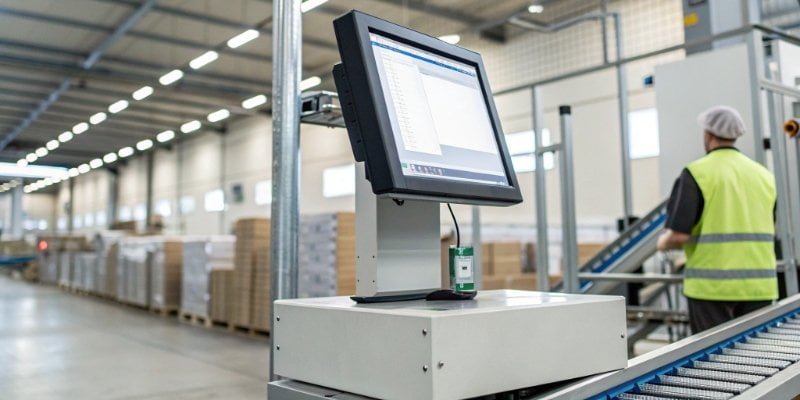
This technology is more than just a scale plugged into a computer. It's about building a smart, responsive, and data-driven ecosystem for your entire operation. A true PC-based scale acts as a central nervous system on your factory floor, collecting crucial data and turning it into actionable insights. It transforms a simple measurement into a powerful business tool. As we dive deeper, you will see how this integration can revolutionize your workflows, from controlling automated lines to managing thousands of small parts with perfect accuracy. Let’s explore what this technology really means for your business.
What is a PC Scale?
You hear "PC scale" and "smart scale" used together, causing confusion. Choosing the wrong one means getting a consumer gadget instead of a robust industrial tool, wasting time and money.
A PC scale is an industrial system with a built-in computer or direct PC link. Unlike consumer smart scales for health, it runs specialized software for tasks like parts counting or recipe formulation, sending data directly to your management systems.
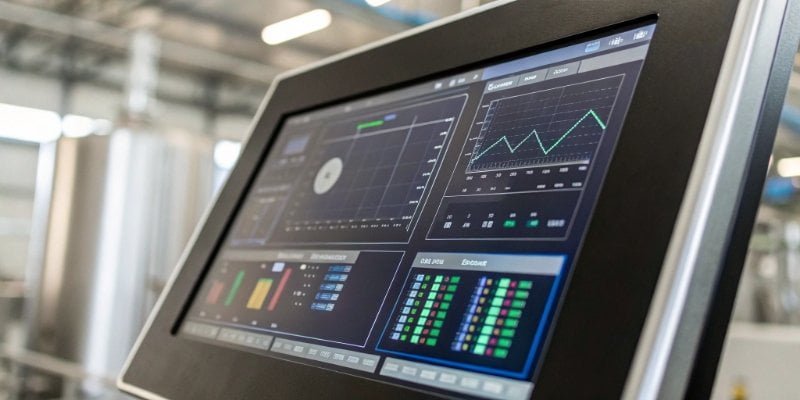
When we talk about PC scales in an industrial context, we are in a different world from the "smart scales" you find in a home. The latter are primarily designed for personal health, tracking metrics like body fat and syncing to a phone app. Our industrial PC scales are built for the harsh environment of a factory floor and designed to be the brains of a production process. I remember a client in the food processing industry who was using consumer scales and having employees manually log recipe ingredients. The number of errors from typos and missed entries was staggering. When we installed our PC scales, everything changed.
The Brains of the Operation
A true industrial PC scale is defined by its software capabilities. It's not just about displaying weight on a PC screen; it's about what the PC can do with that information. This is where we, as manufacturers, focus our efforts. The scale becomes a data input terminal1 for a much larger system.
- Direct ERP/WMS Integration2: The weight data is sent directly to your Enterprise Resource Planning (ERP) or Warehouse Management System (WMS).
- Process Control: The scale can control other machinery, such as starting or stopping a conveyor belt or opening a valve when a target weight is reached.
- Data Logging and Analysis: It records every weighment with a timestamp, operator ID, and other variables for quality control and traceability.
Beyond Simple Weighing
Think of the PC scale as a dedicated workstation. An operator can use its interface to select a work order, pull up a recipe, or log production batches. The system validates each step, ensuring the correct components are used in the correct amounts. This is how a PC scale prevents mistakes, improves consistency, and provides a complete digital record of your production.
| Feature | Consumer "Smart" Scale | Industrial PC Scale |
|---|---|---|
| Primary Use | Personal health tracking | Production, logistics, quality control |
| Environment | Home, clean environments | Factory, warehouse, harsh conditions |
| Software | Simple mobile app | Integrated ERP, WMS, custom software |
| Functionality | Weight, body fat % | Parts counting, checkweighing3, recipes |
| Connectivity | Bluetooth to one phone | Ethernet, RS-2324, Wi-Fi to network |
| Data Usage | Personal fitness goals | Business intelligence, process automation |
What is a PC-based control system?
Your production line has separate machines that don't talk to each other. This lack of communication creates bottlenecks and prevents you from getting a complete view of your operation.
A PC-based control system uses a computer with specialized software to manage industrial processes. In weighing, it means a PC doesn't just read weight; it actively controls filling, sorting, or checkweighing tasks based on that weight data.
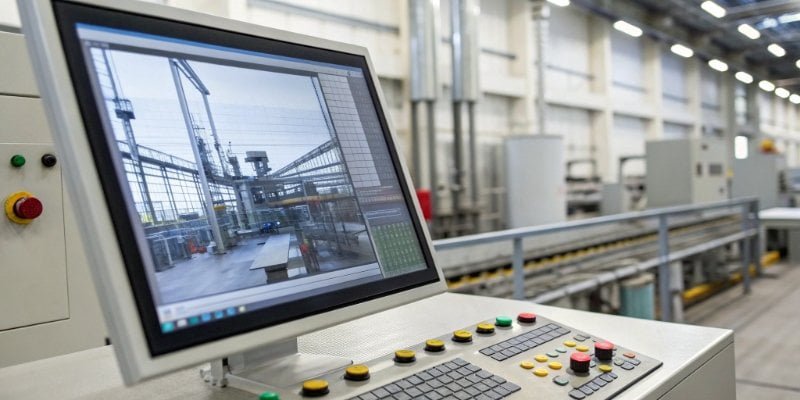
This is where the magic really happens. A scale on its own is a passive measurement tool. But when it becomes part of a PC-based control system5, it transforms into an active participant in your automation strategy6. We work closely with software vendors and system integrators to make this happen. Our role is to provide a reliable scale that delivers clean, fast data. Their role is to use that data to make intelligent decisions. The PC acts as the central command center, orchestrating a symphony of machinery based on the real-time information it receives from the scale.
From Data to Action
Imagine a checkweighing application on a fast-moving production line. Here’s how a PC-based control system works:
- A product moves onto the scale.
- The scale instantly sends the weight to the PC.
- The PC's control software compares the weight to a pre-defined acceptable range (e.g., 495g - 505g).
- If the weight is out of range, the PC sends a signal to a pneumatic pusher, which rejects the product into a separate bin.
- All this happens in a fraction of a second, without any human intervention.
The Central Command
The PC is not just a glorified calculator in this scenario; it's the decision-maker. This concept extends to many other applications. For a liquid filling system, the PC can tell a valve to close the instant the scale reports the target weight has been reached. For batching systems, the PC ensures each ingredient is added precisely according to the formula before allowing the process to continue. This is the core of modern industrial automation7—using data from sensors like scales to drive physical actions, improve efficiency, and guarantee quality.
What does PCs mean on a set of scales?
You see "PCs" on your scale's display and aren't sure what it means. Misinterpreting this can lead to huge inventory errors, shorting customers, or giving away free product.
On a digital scale, "PCs" stands for "pieces." This means the scale is in counting mode. Instead of showing weight, it displays the quantity of items on the platform, which is essential for inventory, packaging, and sorting tasks.
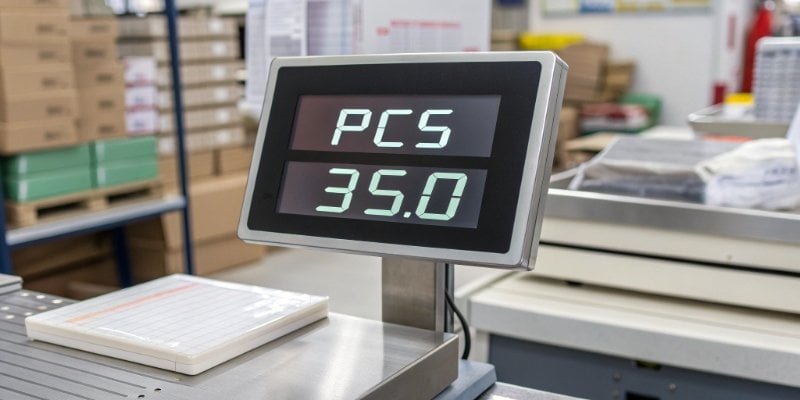
The piece counting8 function is one of the most powerful and time-saving features of a modern industrial scale. I've walked into countless stockrooms where employees were manually counting screws, bolts, or small electronic components by hand. It's a slow, tedious, and incredibly error-prone process. The "PCs" mode solves this problem with elegant simplicity. Once you understand how it works, you will never want to go back to manual counting. It moves you from guessing your inventory levels to knowing them with certainty.
How Piece Counting Works
The scale determines the count by first establishing an Average Piece Weight (APW)9. You do this by placing a small, known sample of the items on the scale.
- Enter Counting Mode: Press the "Mode" or "PCs" key until the display shows a counting indicator.
- Set Your Sample: The scale will prompt for a sample size (e.g., 10, 20, 50 pieces). You place that exact number of items on the platter.
- Confirm Sample: You press a key to confirm. The scale weighs the sample, divides the total weight by the number of pieces, and stores the resulting APW in its memory.
- Start Counting: Now, you can remove the sample and place any quantity of the same item on the scale. The display will instantly show the piece count instead of the weight.
Applications in Your Business
This function is critical for any business that handles large quantities of small, uniform items.
| Step | Action | Purpose |
|---|---|---|
| 1. Sampling | Place 10 screws on the scale and press a button. | The scale learns the weight of one screw. |
| 2. Bulk Counting | Pour a large scoop of screws onto the scale. | The scale divides the total weight by the APW. |
| 3. Result | The display shows the exact count, e.g., "5,482 PCs". | Eliminates manual counting errors and saves time. |
When this counting data is sent from a PC scale to an inventory management10 system, you get a live, perfectly accurate view of your stock levels.
How do I connect my weighing scale to my computer?
You have a great scale and a powerful computer, but they are two separate islands. Manually typing weight data is slow and a major source of expensive errors.
To connect a scale to a PC, you usually use an RS-232, USB, or Ethernet port. After the physical connection, you need a driver or software on the PC to capture and interpret the data stream from the scale for logging or integration.
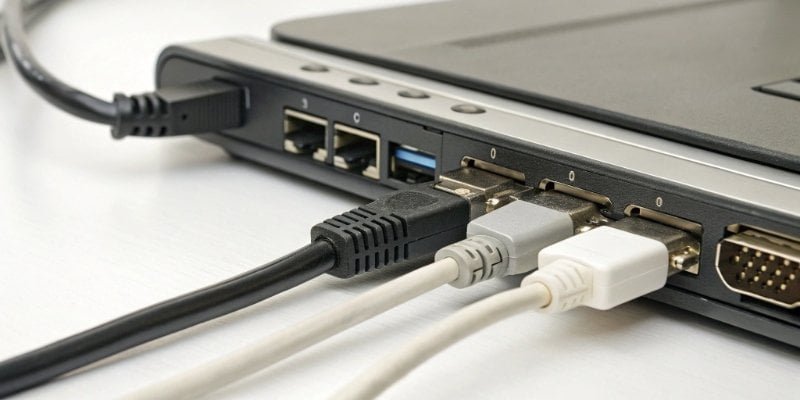
Getting data from your scale to your computer reliably is the foundation of a PC-based scale system. Fortunately, modern scales offer several ways to do this. The right choice depends on your specific environment and software needs. As a manufacturer, we ensure our scales are equipped with versatile communication options because we know that seamless integration is non-negotiable for our clients, especially software vendors who build systems around our hardware. For them, a difficult integration process is a deal-breaker. That's why we prioritize providing clear protocols and strong technical support.
Choosing Your Connection
Each connection type has its own strengths. Understanding them helps you build a more robust system.
| Connection | Pros | Cons | Best For |
|---|---|---|---|
| RS-232 | Very reliable, long cable runs, industry standard. | Older tech, may need a USB adapter for modern PCs. | Fixed industrial machinery, legacy systems. |
| USB | Simple plug-and-play, common on all PCs. | Shorter cable lengths (under 5 meters). | Lab balances, desktop scales, simple setups. |
| Ethernet | Integrates directly into your company network, very long distances. | More complex initial software configuration. | Factory-wide systems where scales are networked devices. |
| Wi-Fi | No cables, extremely flexible placement. | Potential for signal interference in industrial settings. | Mobile weighing carts, hard-to-wire locations. |
The Software Bridge
The physical cable is only half the story. You also need a "software bridge" to make sense of the data. This can be:
- A Keyboard Wedge: This simple software "wedges" the scale data into any active program. Wherever your cursor is blinking, the weight reading appears as if you typed it. It's great for populating forms or spreadsheets.
- A Manufacturer's Driver/SDK: For deeper integration, we provide drivers and Software Development Kits (SDKs). These give software developers direct control over the scale, allowing their applications to query weight, tare the scale, switch modes, and more. This is what enables the powerful PC-based control systems we discussed earlier.
Conclusion
A PC-based scale is more than a measurement device; it is a smart data hub for your business. It automates workflows, ensures accuracy, and delivers the insights for growth.
-
Explore the role of data input terminals in streamlining data collection and processing. ↩
-
Understand the significance of ERP/WMS integration in optimizing business processes and data flow. ↩
-
Learn about checkweighing processes and their importance in maintaining product quality. ↩
-
Learn about RS-232 connections and their relevance in industrial weighing systems. ↩
-
Discover how PC-based control systems enhance automation and efficiency in manufacturing. ↩
-
Learn about the essential elements of a successful automation strategy in industrial settings. ↩
-
Stay updated on the latest trends and technologies shaping the future of industrial automation. ↩
-
Explore the mechanics of piece counting and its benefits for inventory accuracy. ↩
-
Understand how APW is calculated and its role in efficient piece counting. ↩
-
Explore top inventory management systems that can integrate with PC-based scales for real-time tracking. ↩


Comments (0)