

Confusing scale functions can ruin your measurements. This small mistake costs time and money. I'll explain the simple difference between "tare" and "zero" to guarantee accuracy every time.
Use 'zero' to set the scale to its true zero point on an empty platform. Use 'tare' to subtract the weight of a container, so you only measure what you add next. Zero calibrates the starting point; tare finds the net weight.
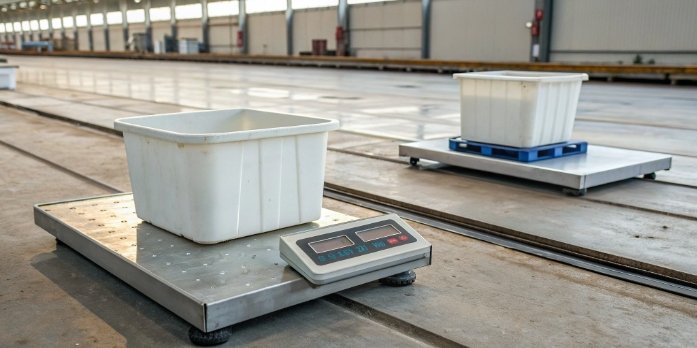
For years, I've seen clients struggle with this exact question. It seems simple, but getting it wrong can have big consequences for production accuracy. Once you master these two functions, you unlock the full power of your weighing equipment. Let’s explore how to use these functions correctly and avoid common pitfalls.
How do you properly calibrate a digital scale?
Is your scale giving inaccurate readings? This small error can affect quality control and compliance. I'll show you the straightforward process for calibrating it perfectly every time.
First, ensure the scale is on a flat, stable surface. Turn it on and enter its calibration mode, usually by holding a button. Place the specific calibration weight on the platform when prompted. The scale will then lock in this weight, ensuring future accuracy.
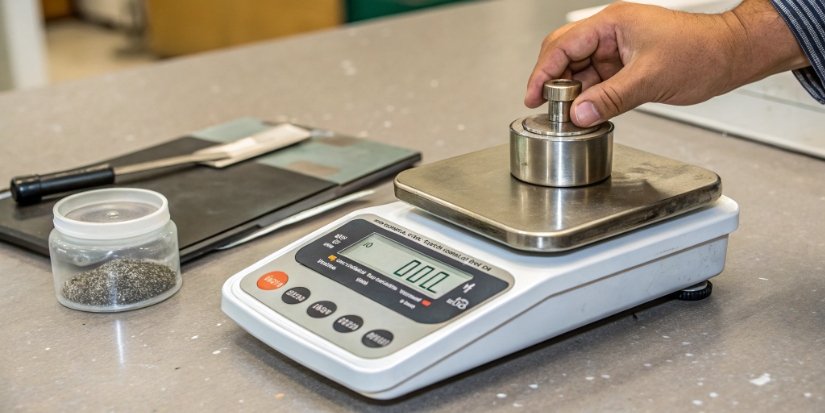
Calibration is not just about getting to zero1; it is about ensuring accuracy across the scale's entire capacity range. Think of it as teaching the scale what a kilogram actually feels like. A scale might show zero when empty, but drift significantly when weighing a 50kg load. This is why we use certified weights2. It's a fundamental step for quality assurance. As an industrial scale3 manufacturer, I often tell my team, "A measurement is only as good as the tool that made it." Regular calibration protects your processes and ensures compliance.
Step-by-Step Calibration
The exact steps can vary by model, but the principle is always the same.
- Preparation: Place the scale on a level, vibration-free surface away from drafts.
- Enter Mode: Turn the scale on and find the calibration function. This might involve holding the 'CAL' or 'MODE' button.
- Use Weight: The display will prompt you for a specific weight. Place the corresponding certified calibration weight in the center of the platform.
- Confirm: The scale will process for a moment and then display "Pass" or confirm the weight. Remove the weight, and your scale is ready.
Recommended Calibration Frequency
| Use Case | Recommended Frequency |
|---|---|
| High-Traffic Industrial | Daily or Weekly |
| Lab/Quality Control | Before each use session |
| General Warehouse | Monthly |
What are the most common mistakes when using a scale's tare function?
Are your batch weights inconsistent despite using tare? These subtle errors can spoil your final product. I'll highlight the most common mistakes so you can avoid them easily.
The biggest mistakes are pressing 'zero' by accident, which resets the scale's calibration, or moving the container after pressing 'tare'. Also, ensure the surface is stable and you're not taring out a weight that exceeds the scale’s capacity, which can cause an error.
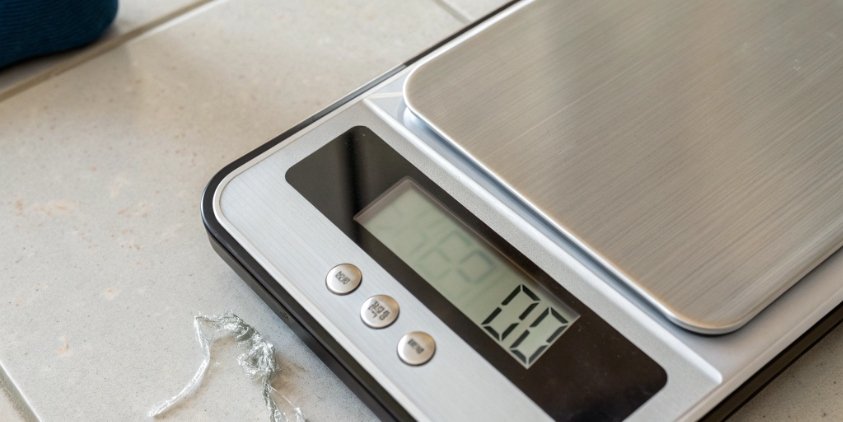
One of our clients, a software company integrating our IoT scales, kept getting batching errors. Their operators were pressing 'Zero' instead of 'Tare' between adding ingredients. This reset the scale's baseline each time, throwing off the cumulative weight. It’s a tiny button press with a huge impact. The tare4 function is designed for net weighing, not re-calibrating. Always remember: tare subtracts the container, zero resets the empty scale. Another critical point is stability. If you tare a container and then bump or move it, you’ve changed the conditions. The scale's reading will no longer be accurate because the original reference point is lost.
Common Taring Errors and Solutions
| Mistake | Consequence | How to Fix |
|---|---|---|
| Pressing 'Zero' instead of 'Tare' | Resets the scale's baseline, losing the container's weight from memory. | Only press 'Zero' when the platform is empty. Use 'Tare' for containers. |
| Moving the container post-tare | Disturbs the measurement, leading to inaccurate readings. | Keep the container still after pressing 'tare'. Re-tare if moved. |
| Taring an unstable container | The reading will fluctuate and be unreliable. | Ensure the container sits flat and securely on the platform before taring. |
How do you accurately weigh multiple ingredients in the same bowl?
Tired of using a dozen bowls just to weigh ingredients? It's slow and messy, and one wrong move can ruin your mix. Here’s how to use your scale's 'tare' function correctly.
Place your bowl on the scale and press 'tare' to zero it out. Add the required amount of your first ingredient. Press 'tare' again. The display will go back to zero, ignoring the weight already in the bowl. Now you can add your second ingredient.
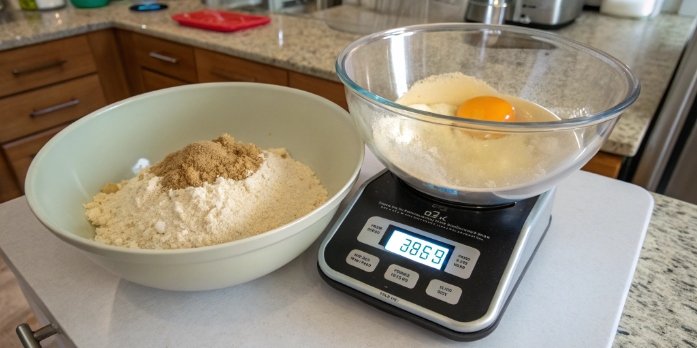
This technique, often called cumulative or sequential weighing, is a game-changer for efficiency. In our 18 years of manufacturing scales, we've seen this feature revolutionize workflows for clients in industries from food production to chemical mixing. Instead of a messy bench with dozens of containers, you have one-bowl precision. This method also reduces transfer loss—the small amounts of material left behind in each container. Over thousands of batches, this adds up to significant savings. It's a simple function that directly impacts your bottom line by saving time, reducing material waste, and minimizing cleanup. It empowers our clients to achieve step-by-step growth.
The Add-and-Weigh Method
- Place the empty mixing bowl on the scale. Press
TARE. The scale should read0. - Add Ingredient A until you reach the target weight.
- Press
TAREagain. The scale will display0, ready for the next ingredient. - Add Ingredient B until you reach its target weight.
- Repeat this process for all remaining ingredients. This ensures each item is weighed accurately, independent of what is already in the bowl.
It's a powerfully simple process for perfect batches.
Why won't my digital scale return to zero?
Is your scale stuck on a number and won't go to zero? This makes accurate weighing impossible. Before you assume it’s broken, I’ll share some common, easy fixes.
First, check if the scale is on a flat, stable surface with nothing touching the platform. Debris underneath can be a cause. If it's clean, the scale might just need to be re-calibrated. A simple power-off and on can sometimes reset it too.
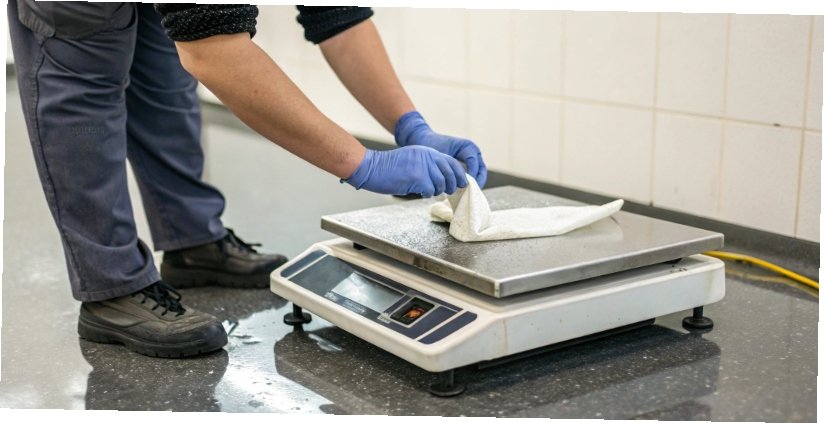
A scale that doesn't return to zero is one of the most common support calls we get. In my experience, ninety percent of the time, the fix is surprisingly simple. Your scale is a sensitive instrument. Even a small piece of debris or an uneven table can prevent the load cell5 from settling at zero. Another issue could be 'zero drift', where temperature changes or static electricity cause the reading to wander. That’s why starting with the basics—level surface, clean platform, stable environment—is so important. As a manufacturer, we build our scales to be robust, but you can't ignore the environment they operate in. Don't immediately assume the load cell is damaged. Walk through these simple checks first.
Troubleshooting a Drifting Zero
| Issue | Solution |
|---|---|
| Unstable Surface | Move the scale to a solid, level, and vibration-free table. Check the leveling bubble if your scale has one. |
| Debris or Obstruction | Turn the scale off, gently lift the platform, and clean underneath with compressed air or a soft brush. |
| Temperature Fluctuation | Let the scale acclimate to the room's temperature for 30 minutes before use, especially if it was moved from a hot or cold area. |
| Needs Recalibration | The zero point may have shifted over time. Perform a full calibration using a certified weight, as described earlier. |
If these steps fail, it could indicate a deeper hardware issue that requires professional service.
Conclusion
Mastering 'zero' and 'tare' transforms your scale from a simple tool into a precision instrument. This knowledge ensures accuracy, saves time, and boosts your operational efficiency and profits.
-
Learning about the zero function helps you calibrate your scale correctly, ensuring accurate measurements from the start. ↩
-
Using certified weights is key to achieving precise calibration, ensuring your scale provides accurate readings. ↩
-
Exploring the applications of industrial scales can enhance your understanding of their importance in various industries. ↩
-
Understanding the tare function is crucial for accurate net weighing, ensuring you only measure the contents without the container's weight. ↩
-
Learning about load cells enhances your understanding of how scales work and their importance in accurate measurements. ↩


[…] scales, I’ve seen how simple misunderstandings can lead to costly mistakes. The Zero and Tare button1s look similar, but they have very different jobs. Confusing them is one of the most common reasons […]
[…] Zero/Tare Confirmation3 […]