
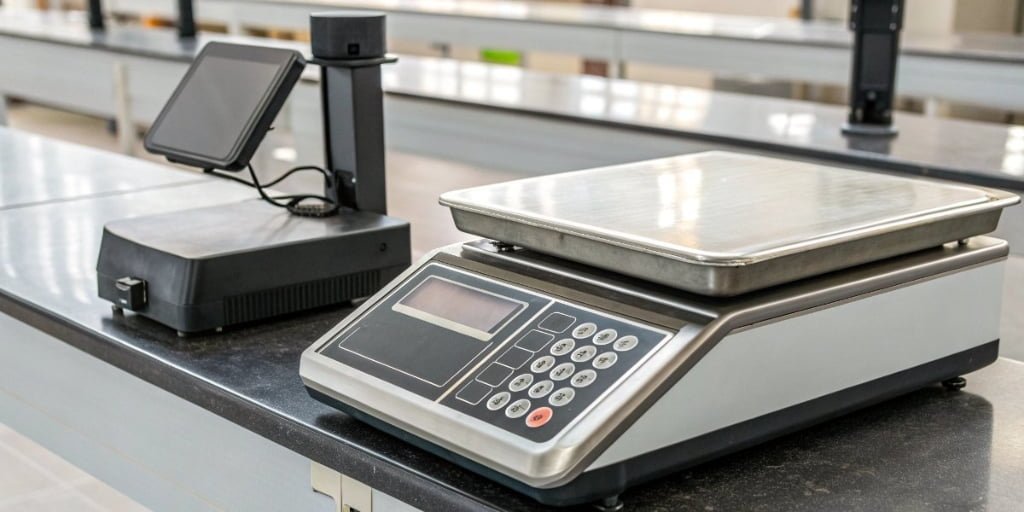
Are you tired of using separate scales, computers, and printers? This clumsy process slows you down and leads to costly errors. An all-in-one solution can streamline your entire workflow.
A label printing scale is the single device that handles everything. It integrates weighing, price calculation, and the printing of labels and receipts. This technology massively boosts efficiency and accuracy for any business that needs to weigh and label products, from food processing to logistics.
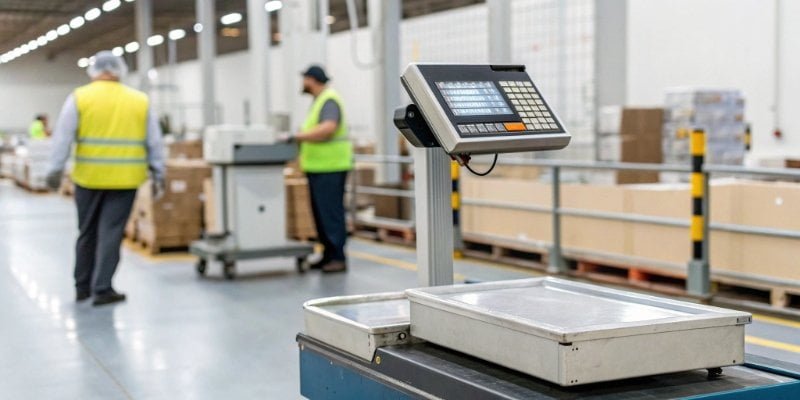
These scales are more than just a convenience. They represent a fundamental shift in how modern businesses manage their inventory and sales processes. In my 19 years of manufacturing industrial scales, I’ve seen firsthand how integrating these functions can transform an operation. It removes bottlenecks, reduces human error, and provides clean, traceable data that is essential for growth. Let's dive deeper into how these components work together and why they are so effective.
What is a label printing scale?
Do you struggle with manual data entry from a scale to a computer? This slow process is full of opportunities for mistakes. A label printing scale eliminates this problem entirely.
A label printing scale is an intelligent, integrated device. It weighs an item, communicates with internal or external software to get pricing and product data, and then prints a professional label or receipt with all the key information like weight, price, barcodes, and expiration dates.
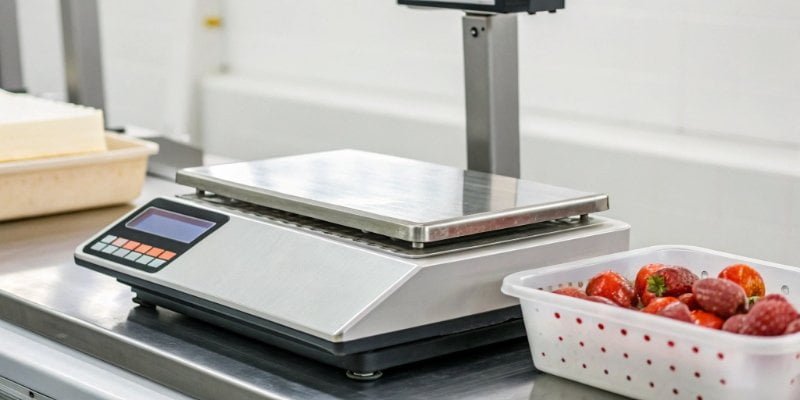
In my experience, modern businesses need more than just a number on a display. They need actionable data. A label printing scale1 is the bridge between the physical product and your digital management system. It's not just a scale with a printer attached; it's a smart terminal.
The Integrated System
A label printing scale combines three core functions into one seamless unit. This is how they create such a big impact on efficiency.
- Weighing: At its heart is a high-precision industrial scale2. It provides the accurate weight data that is the foundation for everything else. Our scales are built for tough industrial environments3.
- Computing: An onboard computer or a direct connection to your network runs specialized software. This software manages product information (PLUs), calculates pricing, and formats the label data. This is where we work with software vendors4 to ensure seamless integration.
- Printing: A built-in thermal printer instantly produces the label or receipt. This eliminates the need for a separate printing station.
This combination is what makes these scales indispensable in food processing, warehouse management, and retail.
Which type of printer is commonly used for printing receipts and labels?
Have you ever dealt with faded receipts or smudged labels? They look unprofessional and can cause scanning errors. Using the right printer technology is the solution to this common problem.
Thermal printers are the standard for receipts and labels. They use heat to create an image. For short-life receipts, direct thermal printers are used. For durable, long-lasting labels, thermal transfer printers are the preferred choice as they are much more resilient.
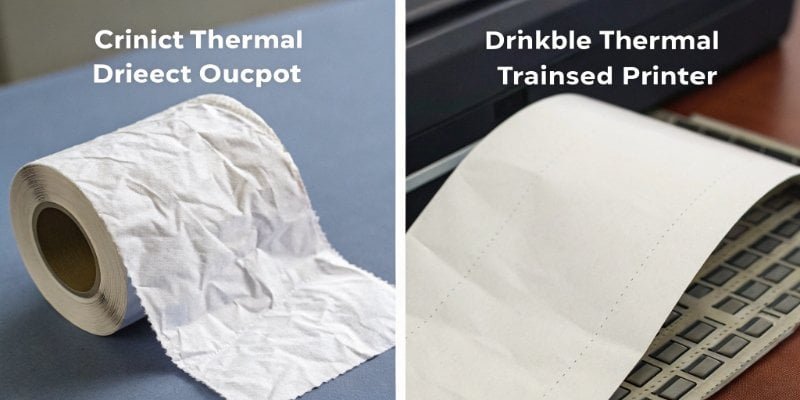
When we design our label printing scales, choosing the right print technology is critical. It depends entirely on the client's application. A receipt for a customer has very different requirements than a barcode label that needs to survive in a cold storage warehouse for six months. This is why we almost always recommend thermal transfer technology for industrial applications.
Direct Thermal vs. Thermal Transfer
Understanding the difference is key to choosing the right tool for the job.
| Feature | Direct Thermal | Thermal Transfer |
|---|---|---|
| Method | Uses heat-sensitive paper. | Uses a heated printhead to melt a ribbon onto the label. |
| Durability | Fades with time, heat, and light. | Very durable. Resists smudging, chemicals, and UV light. |
| Cost | Lower initial cost (no ribbon). | Higher cost (requires ribbons). |
| Best For | Short-life applications like shipping labels and receipts. | Long-term applications like asset tracking and product labels. |
For a software vendor's clients in logistics or manufacturing, barcode scannability5 is non-negotiable. A faded barcode from a direct thermal printer can halt a production line. A crisp, durable thermal transfer label ensures that never happens.
What type of printer is used to print labels?
Are your current labels peeling, smudging, or fading over time? This can lead to lost inventory and failed scans. You need a printing method designed for industrial-strength durability.
Thermal transfer printers are the best choice for printing high-quality, durable industrial labels. They use a ribbon to create a permanent image that resists moisture, temperature changes, and abrasion, ensuring the label remains readable throughout the product's lifecycle.
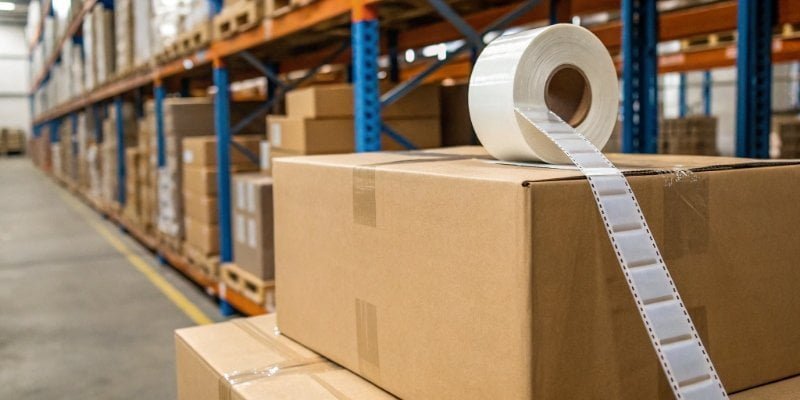
Over the years, our clients have come to us with countless stories of failed labels. A smudged barcode on a pallet in a freezer or a faded ingredient list on a food package can cause major problems. This is why we build our label printing scales with robust thermal transfer printers6. The small extra cost of a ribbon is tiny compared to the cost of a lost product or a compliance7 failure.
Why Durability Matters
The environment dictates the technology. A simple office label just won't work in most industrial settings.
- Food Processing: In wet and cold environments, labels must resist condensation. A thermal transfer label with a synthetic material (like polypropylene) remains intact and scannable, which is essential for traceability.
- Warehouse Logistics: Labels on boxes and pallets face dust, abrasion, and temperature swings. The resin ribbon used in thermal transfer printing creates a tough image that won't scratch off, ensuring barcodes are scannable for months or years.
- Compliance: In many industries, regulations require that information like batch numbers and expiration dates remain legible for a specific period. Thermal transfer printing is the only way to reliably meet these requirements.
Do I need a special printer to print labels?
Have you tried printing product labels on your standard office printer? It is often slow, wasteful, and the labels smudge easily. A dedicated tool is needed for a professional job.
Yes, you absolutely need a special printer, known as a label printer. These are typically thermal printers. They are designed to handle rolls of label stock efficiently and produce durable images that office inkjet or laser printers simply cannot match.
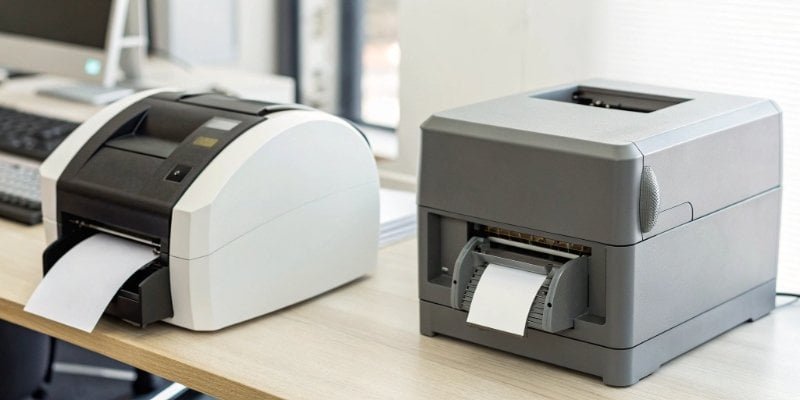
Trying to use an office printer for industrial labeling is a common mistake I see. It seems cheaper at first, but it quickly becomes a major headache. Office printers are designed for paper sheets, not thick label rolls. They jam, the ink or toner is expensive and not durable, and you waste entire sheets just to print one or two labels. A dedicated label printer8 solves all these problems.
Why an Office Printer Fails
Let's break down the key differences.
- Material Handling: An office printer struggles with the adhesive backing and varying thickness of label stock9. A label printer has a direct, simple path designed specifically for it, which prevents jams and peeling.
- Cost Per Label: With an office printer, you often waste the rest of an A4 sheet if you only need a few labels. A label printer prints one label at a time, so there is zero waste.
- Speed and Durability: Label printers are much faster, printing labels in seconds. As we've discussed, the thermal transfer method creates a durable, smudge-proof image that an office printer's ink or toner cannot replicate.
- Integration: This is critical for software providers. Our label printing scales and printers are designed to be integrated. We provide the necessary SDKs and support to connect them to your management software, creating a powerful, automated system10.
Conclusion
In short, a label printing scale is the definitive all-in-one solution for modern weighing needs, boosting efficiency and accuracy while ensuring data traceability for your business's success.
- Explore how a label printing scale can streamline your workflow and enhance efficiency. ↩
- Discover the importance of high-precision scales in various industries and their applications. ↩
- Understand the unique challenges of labeling in industrial settings and how to overcome them. ↩
- Understand the importance of software vendors in creating seamless labeling solutions. ↩
- Explore the significance of barcode scannability for efficient logistics and inventory management. ↩
- Learn about the durability and applications of thermal transfer printers. ↩
- Learn about the labeling compliance standards that businesses must adhere to. ↩
- Understand the advantages of using a dedicated label printer over a standard office printer. ↩
- Explore the different types of label stock and their applications in various industries. ↩
- Learn how automation can streamline operations and enhance productivity. ↩



Comments (0)