

Your digital scale won't turn on, halting production. You're worried about delays and lost revenue. Don't panic, the fix is often simpler than you think.
A digital scale often stops working due to simple power issues. Check the power cord, outlet, and batteries first. If these are fine, it could be the display, sensor, or internal software. Start with the easiest checks before calling for professional help.
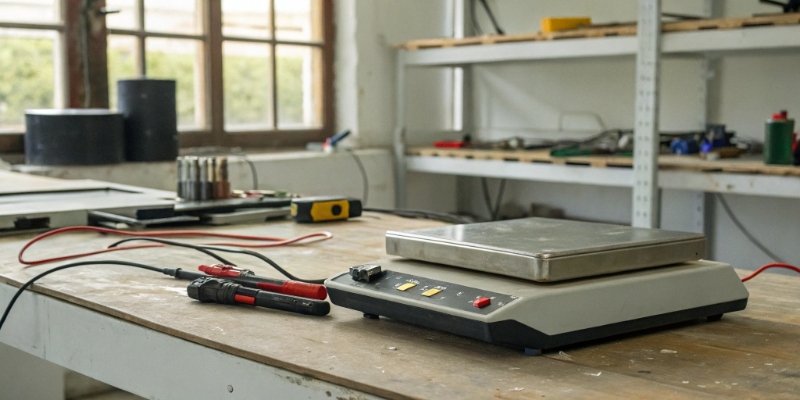
It's a frustrating moment when technology fails, especially when your operations depend on it. That sudden blank screen can cause a lot of stress. But before you assume the worst, let's break down the common reasons for this failure. You might be surprised to find the solution is right at your fingertips. By understanding the causes, you can quickly troubleshoot and get back to business.
Why have my digital scales stopped working?
Your scale has failed, and work has stopped. You're trying to figure out if it's a simple fix or a costly replacement. Let's look at the most common culprits.
Most failures trace back to power problems, display glitches, or sensor errors. Often, a loose cable, dead batteries, or a simple reboot is all that's needed. More serious issues involve hardware like the internal circuit board or the load cell sensor itself.

When a scale that's central to my clients' operations goes down, I always advise a step-by-step diagnostic approach. It saves time and money. We need to rule out the simple things before we assume a major hardware failure.
Power Supply Issues
This is the number one cause. Power issues can be deceptive. A cable might look plugged in but isn't making a solid connection. An outlet might have a tripped breaker. For battery-powered units, the batteries could be dead, or the contacts in the battery bay could be dirty or corroded, preventing a good connection. Always start here.
Display and Sensor Failures
If the power is fine but the screen is blank or frozen, the display itself or its connecting cable could be the problem. A more critical issue is a sensor failure. The load cell1 is the heart of the scale. If it's damaged from overloading or physical shock, it can't send accurate data. You might see wild fluctuations or just an error message.
Software and Internal Faults
Sometimes, the hardware is fine, but the software has a glitch. A simple restart can often clear these temporary errors. In more complex cases, the internal circuit board could be damaged by a power surge or component aging.
Here is a quick troubleshooting guide I share with our partners.
| Problem Area | What to Check First | Next Steps If Problem Persists |
|---|---|---|
| Power | Check power cord, outlet, and batteries. | Try a different power adapter or replace batteries. |
| Display | Restart the scale. | Check internal display cable connections. |
| Sensor | Remove weight and re-zero. | Check for physical damage or error codes2. |
| Software | Restart the scale. | Consult the manual for factory reset options. |
What is the lifespan of a digital scale?
You are investing in new equipment for your business. You need to know how long that investment will last to justify the cost and plan for the future.
A quality industrial digital scale can last anywhere from 5 to 15 years, or even longer. Lifespan is heavily influenced by build quality, usage intensity, operating environment, and regular maintenance. A well-cared-for scale will always outlast one that is not.

Over my 18 years in this industry, I've seen scales that last for decades and others that fail within a year. The difference always comes down to a few key factors. It's not just about the upfront price; it's about the total cost of ownership. A cheap scale that needs frequent replacement is far more expensive in the long run.
Build Quality and Materials
The quality of the internal components, like the load cell and the circuit board, is critical. We insist on using robust materials for the housing and platform. A scale built with high-grade stainless steel will withstand a harsh industrial environment much better than one made with cheap plastic.
Usage and Environment
A scale used once a day in a clean office will last longer than one used 24/7 in a dusty, wet factory. Factors like overloading, extreme temperatures, humidity, and exposure to corrosive chemicals will significantly shorten a scale's life.
The Role of Maintenance
Regular calibration and cleaning are not optional; they are essential. Keeping the scale clean prevents buildup that can interfere with the weighing mechanism. Calibration ensures it remains accurate and can help spot developing problems early.
| Factor | Contributes to Short Lifespan | Contributes to Long Lifespan |
|---|---|---|
| Build | Plastic housing, low-grade sensors | Stainless steel, high-quality components |
| Use | Constant overloading, high-volume use | Used within capacity limits |
| Environment | Dusty, wet, temperature swings | Clean, dry, stable temperature |
| Maintenance | No calibration, infrequent cleaning | Regular calibration and cleaning |
How do I know if my digital scale is broken?
Your scale is giving strange readings. You can't trust the data, which puts your product quality and customer billing at risk. There are clear signs that point to a broken scale.
You know your scale is likely broken if it shows fluctuating readings, won't hold zero, displays error codes, or fails to power on after checking the power source. Inconsistent weigh-ins of the same object are another major red flag pointing to a hardware failure.
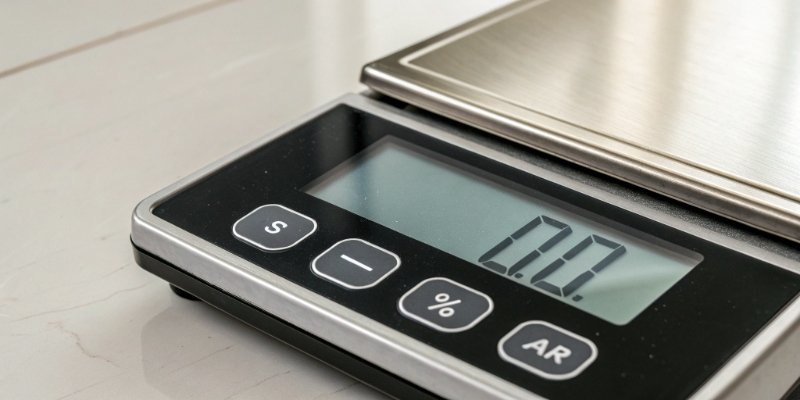
Distinguishing between a scale that needs a simple adjustment and one that's truly broken is key to avoiding unnecessary downtime. We design our scales to be reliable, but all equipment can eventually fail. Recognizing the symptoms is the first step toward a solution.
Unstable or Inaccurate Readings
If you place an item on the scale and the numbers keep jumping around, that's a problem. The same goes for drift, where the reading slowly creeps up or down. And if you weigh the same known object multiple times and get different results each time, you cannot trust that scale. This often points to a failing load cell.
Display Errors and Codes
Modern digital scale3s have self-diagnostic features. They will often display specific error codes like "Err," "O-Ld" (overload), or others. These codes are your first clue. Your user manual should tell you what they mean. A persistent error code that won't clear after a restart usually indicates a hardware issue.
Physical and Power Issues
The most obvious sign of a broken scale is one that won't turn on at all, even after you've confirmed the power source is working. Physical damage, like a crack in the housing or a dent in the platform, can also point to internal damage that affects performance.
| Symptom | Likely Needs Calibration | Likely Needs Repair |
|---|---|---|
| Slightly off reading | Yes | No |
| Wildly fluctuating numbers | No | Yes |
| Won't return to zero | Yes (if minor) | Yes (if major or persistent) |
| Showing an error code | No | Yes |
| Won't power on | No | Yes |
Can scales be wrong if the battery is low?
Your battery-powered scale is acting up. You're wondering if a simple battery change can fix the inaccurate readings you're getting. The answer is yes, it absolutely can.
A low battery can cause a digital scale to give inaccurate or unstable readings. The electronic components, especially the load cell sensor, require a consistent voltage to function correctly. When power drops, their performance becomes unreliable, leading to measurement errors.
I have received countless support calls that ended with a very simple solution: "change the batteries." It seems too easy, but the electronics inside a digital scale are very sensitive to power levels. Before assuming the worst, a low battery should always be your first suspect for any portable scale that is malfunctioning.
How Low Voltage Affects Components
The brain of the scale is the analog-to-digital converter. It takes the tiny electrical signal from the load cell and turns it into a weight reading. This process requires a stable reference voltage. When the battery is low, this voltage drops, and the conversion becomes inaccurate. The result is readings that can be off, inconsistent, or jumpy.
Common Symptoms of Low Battery
Besides the obvious low battery indicator on the display, other signs include a dim or flickering screen, the scale turning itself off randomly, or a failure to complete its startup sequence. You might also notice that the scale takes longer to stabilize or that the readings drift.
Best Practices for Battery Management
To avoid these issues, always use the high-quality batteries recommended by the manufacturer. If your scale will be stored for a long time, remove the batteries to prevent leakage and corrosion. Pay attention to the low battery indicator. At Weigherps, every one of our products undergoes extensive battery testing to ensure our indicators are reliable and give you plenty of warning.
| Low Battery Symptom | What's Happening Internally | Solution |
|---|---|---|
| Inaccurate readings | Incorrect voltage for the A/D converter. | Replace batteries. |
| Dim or flickering display | Insufficient power for the backlight. | Replace batteries. |
| Scale turns off randomly | Voltage drops below the operational minimum. | Replace batteries. |
| Fails to zero out | Unstable power causes signal drift. | Replace batteries. |
Conclusion
Most scale failures are simple to fix starting with power and battery checks. For long-term reliability and complex issues, partnering with an expert manufacturer is your best strategy.



[…] not working correctly, the problem is likely internal. This could be a failed load cell, a damaged circuit board3, or a software fault. At this point, opening the scale yourself could void your warranty and lead […]
[…] a partner who deeply understands both, we can help troubleshoot effectively3. We don't just ship you a "black box" and wish you good luck. We understand the code […]