
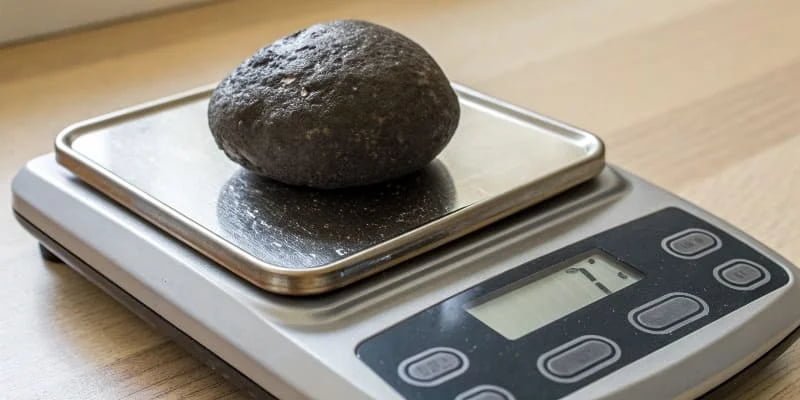
Your digital scale is showing double the weight, and it's causing serious problems. This error can ruin your inventory, production, and profits. I will show you why it happens.
A digital scale might weigh double due to a major calibration error, a damaged load cell sensor, or incorrect display settings. You can often fix it by recalibrating with standard weights or resetting the scale to factory defaults. If that fails, the sensor likely needs to be replaced.
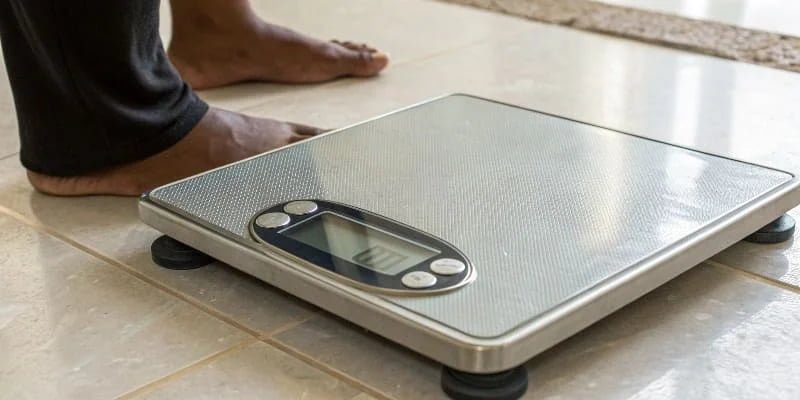
It’s a strange problem when a scale reads exactly double. But this specific error points to a few clear issues that we can troubleshoot. A scale isn't just a tool for us; it's a core part of a business's health. When it's wrong, everything else can go wrong too. Let's dig deeper to find the source of your problem and get your measurements back on track.
Why is my scale weighing double?
You place an item on your scale and the number is exactly twice what it should be. This makes you second-guess the reliability of your equipment. Let's explore the main reasons.
Your scale likely weighs double because of a critical calibration error where the sensor's sensitivity has drifted. Other common causes include a damaged sensor from an overload or physical shock, or a simple mistake in the scale's display division value setting.

When a scale consistently shows a double reading, it's not a random glitch. It points to a systematic problem1 that needs a specific solution. Over my 18 years in this industry, I've seen this happen a few times. One client had a forklift accidentally bump a pallet scale. The impact didn't break it completely, but it damaged the load cell just enough to throw every reading off by a factor of two. It was a clear sign of internal damage. We can break down the causes into three main categories.
Key Causes for Double Readings
Here is a breakdown of the three most common culprits.
| Cause | Description | Solution |
|---|---|---|
| Calibration Error | The sensor's sensitivity has shifted over time or after impact. | Recalibrate the scale using certified standard weights. |
| Sensor Damage | The internal load cell is bent or damaged from overload/shock. | Contact the manufacturer to replace the sensor. |
| Setting Error | The scale's division value or another setting is wrong. | Check settings and perform a factory reset. |
Fixing this problem starts with understanding its source. Trying a simple factory reset or checking the settings is always the first step. If the problem continues, recalibration is next. If calibration fails, you are almost certainly looking at a hardware problem that requires professional service.
How do I know if my digital weight scale is accurate?
You are not sure if you can trust your scale's measurements. Inaccurate readings lead to costly mistakes in production and shipping, hurting your bottom line. I'll show you simple steps to verify accuracy.
To check your scale's accuracy, place it on a level, stable surface and zero it out. Then, use an object with a known weight, like a calibration weight. The reading must match the known weight. Perform this test with different weights to check consistency across its range.

Verifying accuracy doesn't have to be complicated. It's about creating a controlled test to see if the scale performs as expected. Before you even use a test weight, start with the basics. I once visited a client who had constant issues with a high-precision scale2. We discovered it was placed next to a large industrial motor. The vibrations, though small, were enough to make the readings unreliable. Simple checks can save you a lot of trouble.
Simple Steps for an Accuracy Check
Here is a quick process you can follow to test your scale.
1. Basic Environmental Check
First, make sure your scale is on a solid, level surface. Also, keep it away from vibrations, air drafts, and any sources of electromagnetic interference like large motors or microwaves. It's also a good practice to clean the weighing pan and the area around the sensor. Debris can sometimes interfere with the weighing mechanism and cause errors.
2. The Known Weight Test
This is the most important step. First, turn the scale on and press the "Zero" or "Tare" button to ensure it starts from zero. Then, place a weight you know is accurate on the scale. For industrial scale3s, you should use certified calibration weight4s. If a 1 kg test weight shows a reading of 2 kg, you have confirmed a serious problem like the ones we discussed earlier. If it's just slightly off, a simple user recalibration will likely fix it.
3. Software Reset
If the basic tests fail and you suspect a software glitch5, a factory reset is a good final step before calling for service. This process will restore the scale to its original settings, which can often clear up strange errors. You will need to check your user manual for the specific instructions on how to do this for your model.
Why am I heavier on digital scales?
You step on a scale and the number is higher than you expected. You start to wonder if the scale is broken or if you've made a mistake. Let's look at why scales might read high.
A digital scale might show a heavier weight if it is on an uneven or soft surface like a carpet, as this affects the sensors. It could also be out of calibration, have a low battery, or simply reflect your body's natural weight fluctuations.
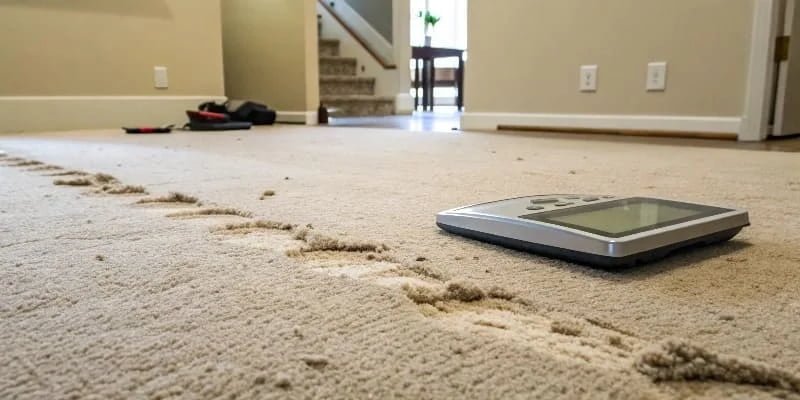
While this question often relates to personal bathroom scales, the principles are the same for industrial scales measuring products. If your products suddenly seem "heavier," the scale is the first thing to check. The accuracy of a scale depends heavily on its environment and condition. A reading that is consistently high, even if it's not doubled, points toward a problem that needs attention. Getting to the root of the issue is key to trusting your measurements again.
Factors That Cause High Readings
1. Unstable Surface and Environment
A digital scale must be on a hard, completely flat surface. If the surface is uneven, more pressure can be put on one or two of the load cells, leading to an incorrect, often higher, reading. For highly sensitive scales, even a strong draft from an air conditioner or heater can push down on the weighing pan and add extra weight to the reading.
2. Calibration Drift
Over time, all scales can drift from their perfect calibration. This is normal wear and tear. Temperature changes, humidity, and regular use can cause the internal components to respond differently. We advise all our clients at Weigherps to establish a regular calibration schedule. This preventative maintenance ensures their scales remain accurate and reliable day after day.
3. Low Battery Power
This is a simple one that is easy to forget. When the batteries in a digital scale are low, the electronics can start to malfunction. This might lead to fluctuating readings, faded displays, or measurements that are consistently high or low. Before you assume the scale is broken, try replacing the batteries with a fresh set.
How far off can a digital scale be?
You need precise measurements but you are not sure what your scale's margin of error is. A small inaccuracy can become a huge problem when you multiply it across thousands of units. So, let’s talk about scale accuracy.
A digital scale's acceptable error depends on its class and capacity. A typical industrial scale might be off by a few divisions, for example, ±10g for a 30kg scale. The manufacturer's specifications will always define its accuracy and acceptable tolerance.
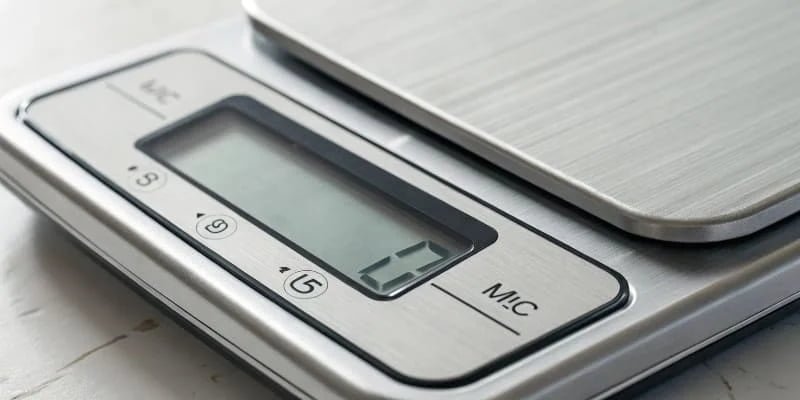
It is important to understand the difference between readability and accuracy6. Readability is the smallest increment a scale can display, like 0.1g. Accuracy is how close the scale's reading is to the true weight. A scale can have high readability but poor accuracy. As an OEM/ODM manufacturer, our team at Weigherps designs and tests every scale to meet international standards, like CE certification. Our quality control department verifies that each unit performs within its stated tolerance before it ever leaves our factory.
Understanding Scale Accuracy and Tolerance
The acceptable error margin is not random; it's defined by the scale's design and purpose.
| Scale Type | Typical Capacity | Typical Readability | Acceptable Error (Example) |
|---|---|---|---|
| Lab Balance | 200 g | 0.001 g | ±0.002 g |
| Bench Scale | 30 kg | 5 g | ±10 g |
| Floor Scale | 1500 kg | 0.5 kg | ±1 kg |
Many factors can influence a scale's final accuracy in your facility. Temperature, humidity, and even altitude can affect how a load cell performs. This is why on-site calibration is so critical. A scale that was perfectly accurate in our factory might need a minor adjustment to be perfectly accurate in your environment. Understanding your scale's limits is the first step toward achieving reliable measurements.
Conclusion
A scale weighing double is usually due to calibration, sensor, or setting issues. Regular checks and proper maintenance ensure your equipment remains accurate, protecting your business from costly errors.
-
Learn about systematic problems to better troubleshoot and maintain your scales. ↩
-
Learn about high-precision scales to understand their importance in various industries. ↩
-
Explore the features of industrial scales to choose the right one for your needs. ↩
-
Using calibration weights correctly is essential for ensuring your scale's accuracy. ↩
-
Understanding software glitches can help you troubleshoot issues effectively. ↩
-
Understanding this difference is key to evaluating your scale's performance. ↩



Comments (0)