
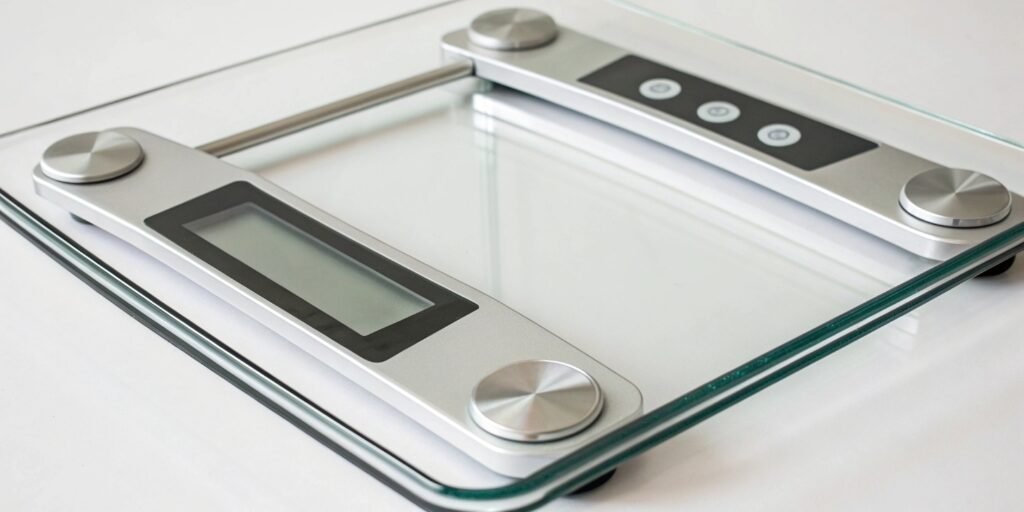
Are you frustrated because your digital scale gives you a different number every single time? This makes it impossible to trust the data, turning your tracking efforts into a guessing game.
Unstable readings on a digital scale are often caused by an uneven surface, low batteries, or external interference. Also, check for internal calibration issues. For accurate results, always place your scale on a hard, flat surface and ensure it is properly calibrated before use.
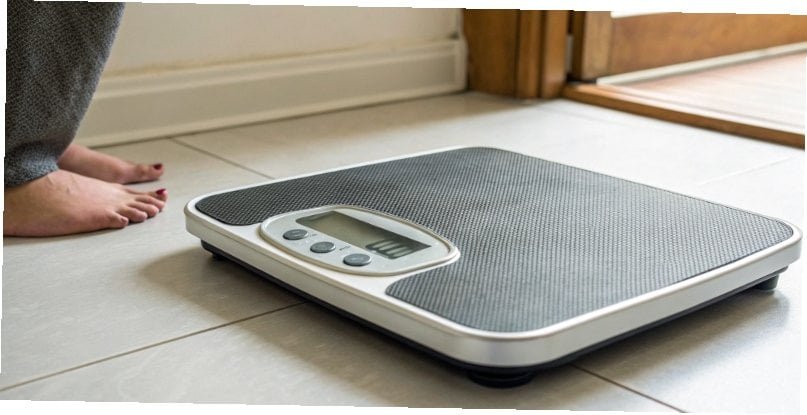
Seeing those numbers jump around is really frustrating. It makes you question if the scale is broken or if you're doing something wrong. But don't worry, there are usually simple explanations for this. In my 18 years in the industrial scale1 business, I've seen it all. Let's dig into the common causes and how you can get a stable, accurate reading every time you weigh. Understanding these issues is key to trusting your equipment, whether it's at home or in a high-stakes industrial setting.
How to tell if a digital scale is accurate?
You rely on your scale for precise data, but how can you be sure it's correct? Inaccurate measurements can lead to costly mistakes in production or completely flawed data analysis.
To check a digital scale's accuracy, use an object with a known weight, like a calibration weight. Place it on the scale. If the reading matches the object's weight, it's accurate. Repeating this test a few times ensures the scale is also consistent.
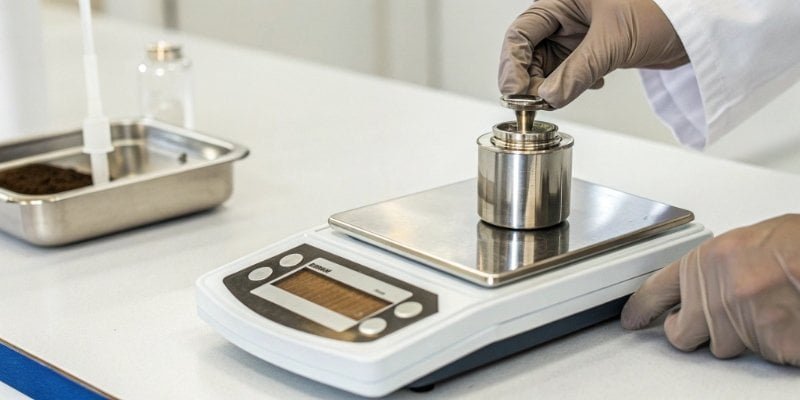
Testing for accuracy is fundamental, especially for our clients who integrate software with weighing hardware. Data integrity starts with reliable hardware. You can perform a few simple tests to check your scale. The right method depends on how much precision you need.
The Professional Method: Calibration Weights
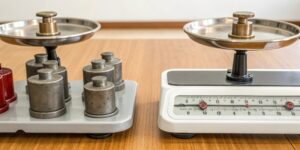
For the highest level of certainty, nothing beats using certified calibration weight2s. These are manufactured to an exact weight standard. In our production facility, we use these to test every scale before it ships. This process ensures the scale is accurate across its entire weighing range. For businesses that need verifiable accuracy, this is the only way to go.
The Quick Check: Everyday Objects
If you just need a quick check for a home or office scale, you can use common items with a fairly consistent weight. For example, a new coin from the mint has a specified weight. An unopened can of soda or a bag of sugar from the store also works well. This won't be as precise as a calibration weight, but it can quickly tell you if your scale is way off.
| Test Method | Precision Level | Best For |
|---|---|---|
| Calibration Weights | Very High | Industrial, Lab, Commercial Use |
| New Coins | Medium | Quick office or home check |
| Packaged Food | Low to Medium | General home use, quick check |
Why does my scale change weight every time I step on it?
You step on your scale, then step on it again a minute later, only to get a different result. This makes it impossible to track anything, causing total confusion and frustration.
Your scale gives different readings because of an unstable surface or how you place your feet. The floor must be hard and level, not carpeted. Also, place your feet in the exact same spot each time for consistent results from the internal sensors.
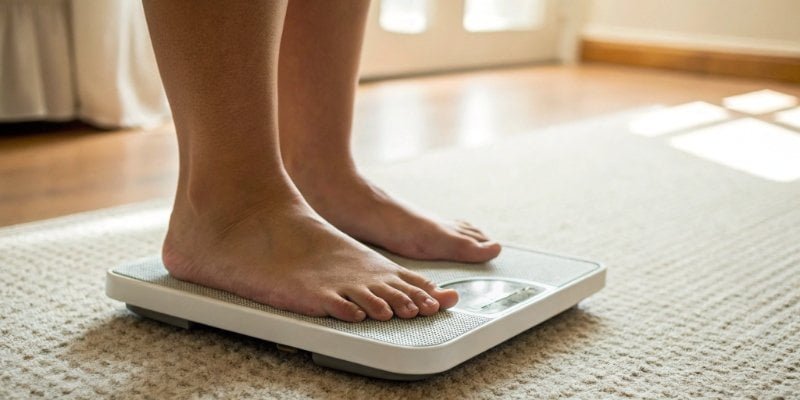
The secret to a consistent reading lies in two things: the ground beneath the scale and your position on top of it. Most modern scales use four small sensors called load cells3, one in each corner. To get an accurate reading, the pressure on these sensors must be stable and evenly distributed.
The Importance of a Solid Foundation
The single biggest mistake I see is people putting scales on carpet or a rug. A soft surface like a carpet absorbs some of the downward force. This means the load cells don't feel your full weight, leading to a lower and inconsistent reading. The scale needs a completely rigid base to work correctly. A tiled floor or solid hardwood is ideal. Even on a hard floor, make sure the scale isn't rocking on uneven tiles.
Consistent Placement is Key
Where you stand on the scale matters a lot. If you shift your weight forward, backward, or to the side, you change the amount of pressure on each of the four load cells. I often tell my clients to imagine an "X" on their scale and to place their feet an equal distance from the center every time. In my work, I once visited a warehouse where inventory counts were always slightly off. The problem was a small shipping scale placed on a wobbly cart. Once we moved it to a solid, level table, the problem disappeared.
What time of day is your true weight?
Your weight seems to go up and down throughout the day. This makes it hard to know if you're seeing real progress or just normal daily changes, which can be very discouraging.
For the most consistent and true baseline weight, weigh yourself first thing in the morning. This should be after using the restroom but before you eat or drink anything. This minimizes fluctuations from food, water, and daily activity, giving you a stable reading to compare day after day.

The concept of a "true weight4" is really about finding a "consistent weight." In any form of data collection, whether it's for personal health or an industrial process, the key is to control as many variables as possible. This ensures that the changes you see are real, not just noise.
The Principle of Consistency
In our industry, we design weighing systems that follow strict procedures. For example, a system might require the operator to zero the scale before every measurement. This removes the variable of any leftover material on the platform. The same principle applies to personal weighing. By weighing yourself under the same conditions each day, you create a reliable baseline. This allows you to track trends over time, which is much more valuable than a single, random measurement.
Why Mornings Provide the Best Baseline
Weighing yourself in the morning works best for a few reasons. First, after a night's sleep, your body has had hours to process the previous day's food and drink. Second, you are in a relatively dehydrated state. Finally, you haven't yet consumed anything that will add temporary mass. This gives you your most stable "dry weight." For our software clients, we emphasize the importance of guiding users to create these kinds of repeatable processes to ensure their applications collect high-quality, trustworthy data from our hardware.
Why is my digital scale jumping numbers?
You look at your scale's display, and the numbers are jumping around like crazy. This happens even with nothing on it, making the scale totally useless and signaling a real problem.
Jumping numbers are often caused by low batteries, radio frequency interference (RFI) from other electronics, or a damaged internal sensor. Always try replacing the batteries first. Then, move the scale away from devices like routers or microwaves to check for interference.

When a scale's display becomes erratic, it's usually because of an external disturbance or an internal fault. The load cells inside a digital scale5 are extremely sensitive, which is great for accuracy but also makes them vulnerable to things in the environment.
Environmental Factors
Modern environments are full of electronic signals. Radio Frequency Interference (RFI) from Wi-Fi routers, cell phones, and even fluorescent lights can sometimes disrupt the scale's electronics, causing fluctuating readings. I've also seen issues caused by simple physical forces. A draft from an HVAC vent or vibrations from nearby heavy machinery can be enough to make the numbers jump. The first step is to move the scale to a quiet, stable location away from other electronics.
Hardware and Power Issues
The most common hardware problem is simply low batteries. When the power supply is inconsistent, the scale's electronic brain can't get a stable reading from the load cells. If new batteries don't fix it, there might be a more serious internal issue. I mentioned in my insight that an unstable connection between the weighing platform and the base can cause this. Over my career, I've seen scales damaged by being dropped or overloaded. This can permanently damage a load cell or the frame, causing the kind of erratic behavior you're seeing. This is why our industrial scales at Weigherps are built with robust materials to withstand tough environments.
Conclusion
To get an accurate weight, use a stable surface, be consistent, and check for weak batteries or interference. These simple steps solve most issues and ensure you can trust your scale.
-
Explore best practices for using industrial scales to ensure accuracy and reliability. ↩
-
Find out how to properly use calibration weights to ensure your scale is accurate. ↩
-
Explore the technology behind load cells and their role in providing accurate weight measurements. ↩
-
Discover the optimal time to weigh yourself for the most accurate and consistent results. ↩
-
Explore this link to find top-rated digital scales that ensure accuracy and reliability for your weighing needs. ↩


Comments (0)