

Your high-precision scale shows many decimal places, but the numbers won't stop fluctuating. This instability undermines trust in your measurements and can impact your production quality.
A scale with high readability but jumping numbers often points to issues unrelated to its precision. The main causes are environmental interference like vibrations or drafts, sensor instability, power supply fluctuations, or even the way an item is placed on the scale. High readability doesn't guarantee stability.

It’s a common frustration. You invest in a scale that promises high precision, only to find the readings are too erratic to be useful. But don't worry, this problem is usually solvable. Understanding the root causes is the first step toward getting the stable, reliable measurements you need. Let’s break down what might be happening.
Why is my digital scale jumping numbers?
You place an item on your scale and the numbers jump all over the place. This makes it impossible to get a consistent reading, causing frustration and delays.
Your scale's jumping numbers are likely caused by sensor problems or environmental interference. The sensor might be experiencing zero drift, or vibrations, air currents, and electromagnetic fields from nearby equipment could be disrupting the sensitive internal components. These external factors are a frequent cause of instability.
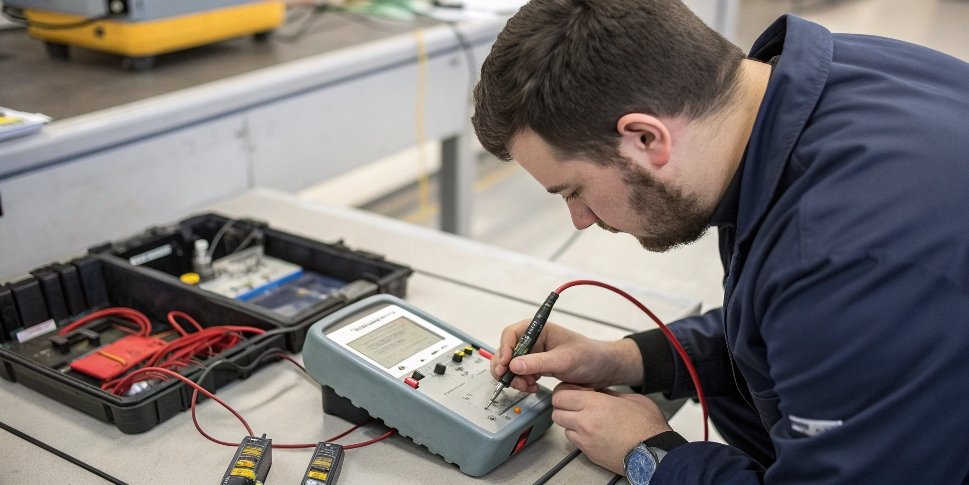
In my 18 years of manufacturing industrial scales, I’ve seen this countless times. A high-tech scale is only as good as its environment and its core components. Let's look closer at the two biggest culprits.
Sensor Issues
The load cell, or sensor, is the heart of your scale. If it's not working perfectly, your readings won't be stable.
- Zero Drift: This happens when the sensor doesn't return to a perfect zero reading even with nothing on it. It can be due to an aging elastic body or poor damping inside the sensor. This causes the baseline to shift constantly, making stable measurements impossible.
- Internal Faults: Sometimes, a component inside the sensor is damaged, or the wiring has become loose. This might happen from an impact or just from wear over time. This kind of fault requires professional diagnosis and often a replacement of the sensor.
Environmental Interference
| Your scale is incredibly sensitive. Even small disturbances in its operating environment can cause big fluctuations in the readings. | Interference Type | Source Example | How it Affects the Scale |
|---|---|---|---|
| Mechanical Vibration | Nearby machinery, forklifts, foot traffic | Shakes the scale platform, causing the sensor to register constant movement that isn't from the object being weighed. | |
| Air Currents | HVAC vents, open doors, fans | Pushes on the weighing pan, creating unstable force on the sensor. For high-precision scales, even breathing on it can cause numbers to jump. | |
| Electromagnetic (EMI) | Motors, radios, large power lines, cell phones | Disrupts the sensitive electronic signals that travel between the sensor and the display indicator, causing electronic "noise." |
Why does my digital scale keep fluctuating?
Your scale's display flickers between numbers, never settling on a final weight. This constant fluctuation makes your weighing process unreliable and inefficient, costing you time and money.
Constant fluctuations are often caused by unstable power or aging internal components. An inconsistent power supply can make the scale's internal circuits behave erratically. Similarly, old display modules, circuit boards, or damaged signal cables can lead to unstable data transmission and flickering readings on the screen.
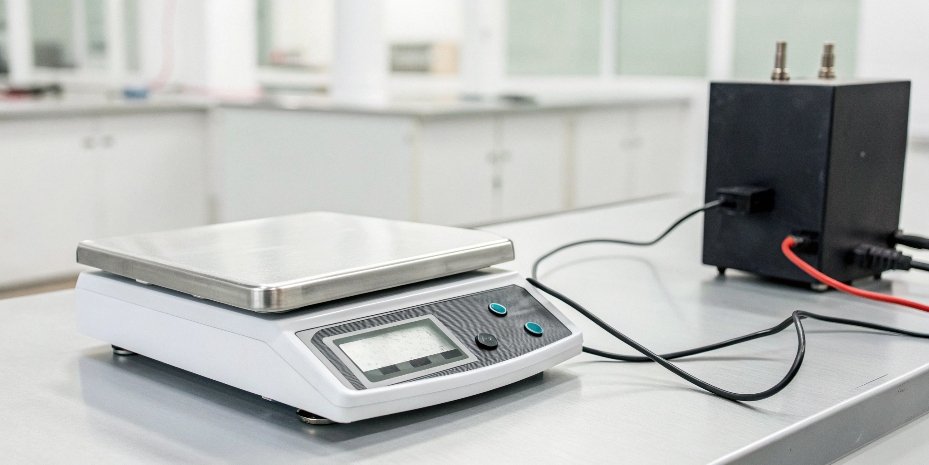
When we design our scales at Weigherps, we pay close attention to power management and component longevity because they are critical for long-term stability. If you've already ruled out environmental issues, it's time to look at the scale itself and the power it's connected to.
Power Supply Problems
The electronic components in a digital scale require a clean, stable source of electricity to function correctly.
- Voltage Fluctuations: If your building's power supply is unstable, it can cause the scale's processor and display driver to malfunction. This is common in industrial settings with heavy machinery starting and stopping. Using a dedicated power conditioner1 or a voltage stabilizer can provide a clean power source and solve this problem.
- Battery Issues: If your scale is battery-powered, low or poor-quality batteries can provide inconsistent voltage, leading to fluctuations. Always use fresh, high-quality batteries and check the battery contacts for corrosion.
Equipment Aging
Over years of continuous use, electronic components can degrade. This is normal wear and tear but can lead to performance issues like fluctuating readings.
- Component Degradation: The display module itself or the main circuit board can develop faults. Microscopic cracks in solder joints or corroded connectors can interrupt signals.
- Cable Damage: The signal cable2 connecting the weighing platform to the indicator is often the most vulnerable part. If it becomes loose, frayed, or oxidized, the data signal will be interrupted. This creates an effect similar to a loose headphone jack, where the signal cuts in and out, causing the numbers to jump. A thorough inspection of all cables and connections is a good maintenance step3.
How do you tell if your scale is accurate?
Your scale gives you a number, but can you trust it? Inaccurate measurements can lead to compliance failures, wasted product, and unhappy customers, posing a serious business risk.
To check your scale's accuracy, use a certified calibration weight. Place the weight on the scale and see if the reading matches the weight's value. Repeat this test several times. Also, check for repeatability (same reading every time) and stability (reading doesn't drift).
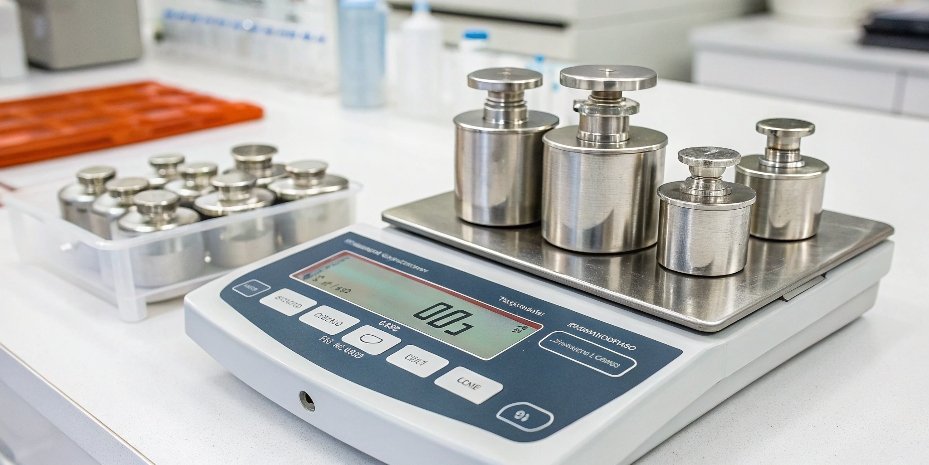
Accuracy and readability are not the same thing. A scale can display many decimal places (high readability) but still be inaccurate. As a manufacturer, we define performance by a few key metrics. Understanding these will help you assess your own equipment and determine if it's truly performing as needed.
Simple Accuracy Test
You don't always need a technician to do a quick check on your scale's performance.
- Zero the Scale: Make sure the scale reads exactly zero with nothing on the platform. Press the "Zero" or "Tare" button.
- Use a Known Weight: Place an object with a known, verified weight on the center of the platform. A certified calibration weight is best, but for a quick check, a new, unopened item with its weight printed on it can work.
- Check the Reading: Does the display reading match the known weight? If not, it may need calibration.
- Repeatability Test: Remove the weight, let the scale return to zero, and then place the weight back on the platform. Do you get the exact same reading? Do this 5-10 times. Inconsistent readings point to a problem.
Key Performance Indicators
| Metric | What it Means | Why it Matters |
|---|---|---|
| Accuracy | How close the displayed reading is to the true weight. | This is the fundamental measure of a scale's correctness. Without it, the weight is just a meaningless number. |
| Repeatability | Getting the same result when weighing the same item multiple times. | Shows the scale's consistency. Poor repeatability makes your process unreliable. |
| Stability | The reading stays fixed and doesn't drift or jump over a short period. | Jumping numbers are a direct sign of poor stability, which prevents you from getting any usable measurement at all. |
Why are my scales inconsistent?
One moment your scale gives one reading, the next it's completely different for the same item. This inconsistency undermines process control and makes it impossible to maintain quality standards.
Inconsistent scale readings are most often caused by operational factors or a combination of the issues we've discussed. How the object is placed, weighing unstable items like liquids, or accidental overloading can all lead to different results. Check your weighing procedure first before troubleshooting the hardware.

After 18 years in this business, I can tell you that sometimes the problem isn't the scale, but how it's being used. We often design custom IoT weighing systems to automate processes and minimize user error, but good practices are always essential. If your scale is giving inconsistent results, start by reviewing your team's operational procedures.
Operational Factors
Simple changes in how you weigh an object can cause surprisingly large inconsistencies in the readings.
- Unstable Items: Trying to weigh liquids that are sloshing, powders that are still settling, or hot items that create convection air currents will cause the reading to jump and never settle. Always allow items to become physically and thermally stable before recording the weight.
- Object Placement: Always place the item in the center of the weighing pan. Placing it on a corner can put uneven stress on the load cells, producing a different and often inaccurate reading. This is known as "corner load error4."
- Overloading: Even a brief overload that exceeds the scale's maximum capacity can permanently damage the sensitive sensor. This can lead to long-term inconsistency and a loss of accuracy that can only be fixed by replacing the load cell.
A Troubleshooting Checklist
| Step | Action to Take | What It Solves |
|---|---|---|
| 1. Check Environment | Ensure there are no air drafts, vibrations, or strong EMI nearby. Use a draft shield5 if necessary. | Eliminates the most common cause of jumping numbers: environmental interference. |
| 2. Check Power | Use a dedicated, stable power source or fresh, high-quality batteries. | Rules out erratic behavior caused by a poor power supply. |
| 3. Check Operation | Standardize your weighing procedure. Use stable items and place them centrally on the platform every time. | Corrects for common user-related inconsistencies and improves repeatability. |
| 4. Perform Test | Use a known calibration weight to check for accuracy and repeatability issues. | Identifies if the problem is with the hardware or its calibration state, not the user or environment. |
If you go through these steps and the problem persists, it's a strong sign of a hardware fault. At that point, it is best to contact our after-sales service or a qualified technician for professional repair.
Conclusion
Jumping readings on a high-readability scale point to solvable issues with environment, power, age, or use. Regular checks and proper maintenance will ensure your scale remains a reliable tool.
-
Using a power conditioner can stabilize your scale's power supply, enhancing performance. ↩
-
Inspecting signal cables is crucial for maintaining accurate data transmission in scales. ↩
-
Regular maintenance is key to ensuring your scale remains reliable; discover essential steps. ↩
-
Understanding corner load error can help you avoid inaccuracies in your measurements. ↩
-
A draft shield can significantly improve measurement stability; find out how it works. ↩



[…] unstable power can all affect accuracy. Placing the scale on a sturdy, dedicated table and using a voltage stabilizer4 are simple fixes that make a huge […]