
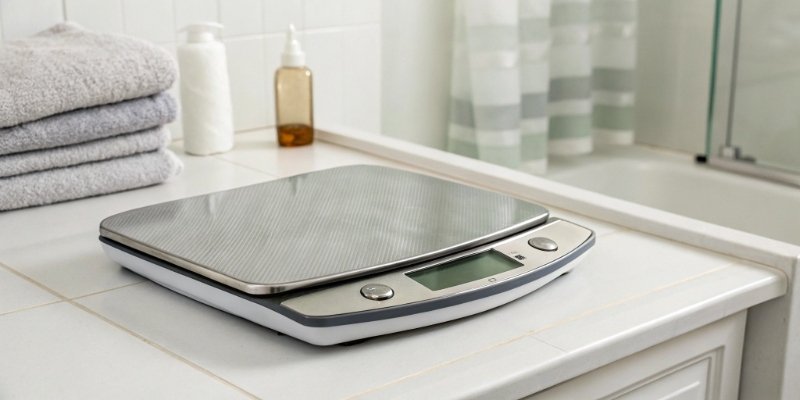
Production is halted because a crucial scale won't power on. This simple problem can cause major delays. I will show you how to fix it quickly.
First, check the power source. Ensure the cord is plugged in, the outlet works, or replace the batteries. If it's rechargeable, charge it. This simple check solves most issues.

Those first steps are crucial, and they often get the scale working again. But what if they don't? To really solve the problem, you need to understand the potential causes behind the failure. Let's look deeper into why your scale isn't turning on and what specific actions you can take. This knowledge will help you get back online faster and prevent future issues.
Why is my scale not turning on?
You press the power button, but nothing happens. It's frustrating when technology fails without an obvious reason. Let's explore the common culprits behind a lifeless scale.
Your scale likely isn't turning on due to power issues, a faulty switch, or internal circuit problems. It could be a dead battery, a loose power cord, or even physical damage. Identifying the root cause is the first step to finding the right solution.
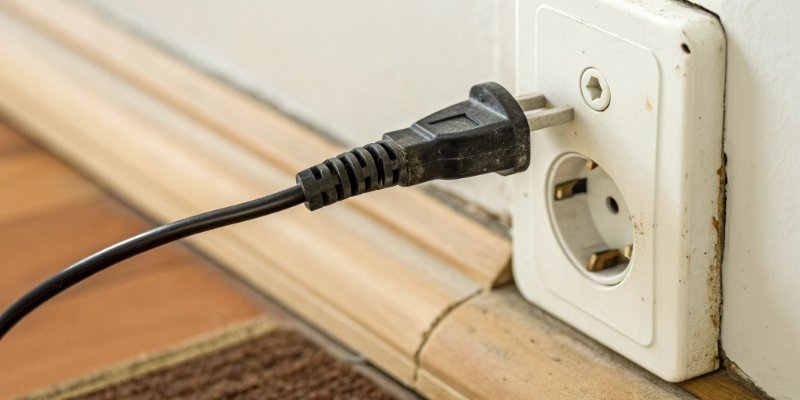
In my 18 years as an industrial scale manufacturer, a non-starting scale is the most common call we get. The good news is that the fix is usually very simple. The problem almost always falls into one of three categories: power supply, component failure1, or environmental factors. Before you assume the scale is broken, we need to methodically check each one. Power supply issues are the easiest to fix. This includes everything from the wall outlet to the battery. Component failures might involve a faulty switch2 or an internal fuse. Environmental factors like extreme temperature or moisture can also prevent a scale from starting. As a manufacturer, we build our scales to be tough, but even the best equipment needs the right conditions and proper connections to work. Let's break down how to diagnose these issues.
| Potential Cause | How to Check | Simple Solution |
|---|---|---|
| No Power from Outlet | Plug another device into the same outlet. | Use a different, working outlet. |
| Dead Batteries | Replace with a new, fresh set of batteries. | Keep spare batteries on hand for your models. |
| Faulty Power Cord | Inspect the cord for frays or damage. Wiggle the ends. | Replace the power cord. We can supply OEM parts. |
| Internal Fuse Blown | This requires opening the unit. | Replace with a fuse of the same rating. Contact us first. |
What to do if your scale isn't working?
An unresponsive scale is a dead end for your workflow. You need a clear, step-by-step process to follow. Don't just guess; let's troubleshoot it methodically.
Start with the basics: check the power cord and outlet. Then, inspect and replace batteries if needed. If it's a rechargeable model, let it charge. Finally, try resetting the scale. These steps will resolve the most common issues without needing a technician.
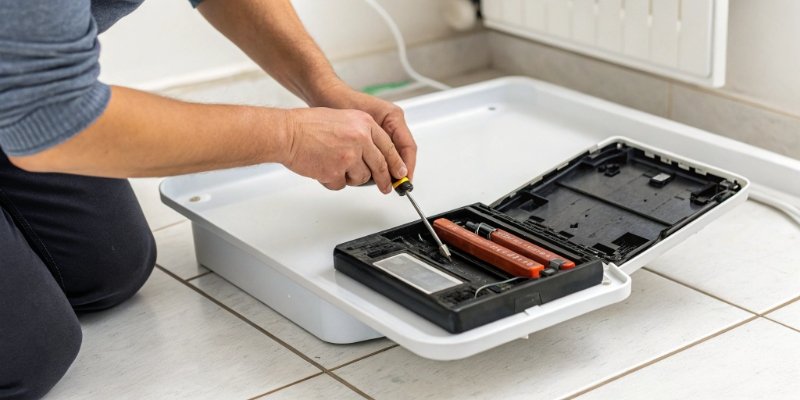
Let's walk through the exact troubleshooting sequence our technicians use. We design our scales to be robust, but sometimes simple things get overlooked in a busy environment. Following these steps in order will help you isolate the problem quickly and safely.
Step 1: Power Source Verification
This is the most critical step. First, confirm the wall outlet is providing power by plugging in another device you know works, like a lamp or a phone charger. If the outlet is fine, inspect the scale's power cord for any visible damage, kinks, or frayed wires. Make sure it's plugged firmly into both the wall and the scale itself. For battery-powered units, open the compartment and install a fresh set of batteries. Pay attention to the polarity (+ and -). For rechargeable models, connect the charger and let it charge for at least 30 minutes before trying to turn it on again.
Step 2: Switch and Button Inspection
Look closely at the power switch or button. Is it physically damaged, stuck in the "off" position, or does it feel loose? Press it a few times to see if it clicks or responds. Some of our larger industrial scales have a master power switch on the back or underneath, separate from the main power button on the front panel. Make sure this master switch is also in the "ON" position.
How do I reset a weighing scale?
Sometimes the scale's internal software just gets stuck. A simple reset can fix it, but how do you do it? Let's cover the simple and safe process.
To reset a scale, first look for a dedicated reset button, often in a small hole you press with a paperclip. If there isn't one, perform a power cycle: unplug it, remove the batteries, wait a minute, then reconnect everything and turn it on.
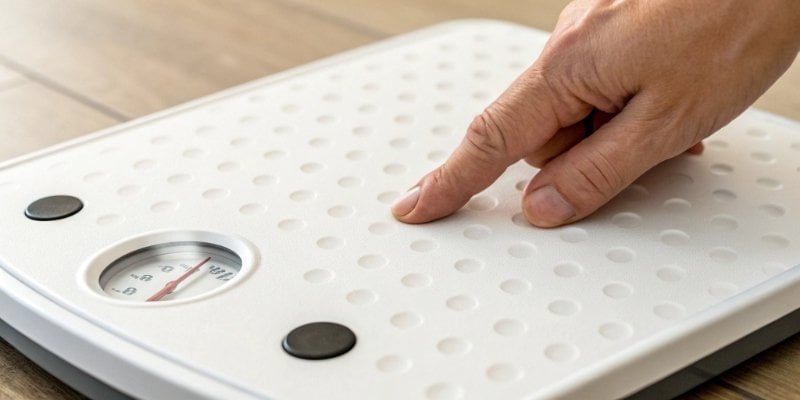
A reset is a powerful tool for fixing electronic devices, and scales are no exception. It's the best thing to try after you have confirmed the power supply is working correctly but before you assume there's a serious hardware failure. A reset can clear up temporary software glitch3es or memory errors that might prevent the scale from starting up properly. There are generally two ways to do this.
The Hard Reset: Using a Reset Button
Many modern scales, especially our IoT-enabled models, have a dedicated reset button. It's usually a tiny button located inside a small hole to prevent it from being pressed accidentally. You can typically find it on the back or bottom of the unit, sometimes near the battery compartment. To perform the reset, unplug the scale, then use a paperclip or a pen tip to press and hold this button for about 5-10 seconds. After releasing the button, plug the scale back in and try to power it on.
The Soft Reset: Power Cycling
If your scale doesn't have a reset button, you can perform a "soft reset" by power cycling4 it. This process clears the device's temporary memory. First, unplug the scale from the wall outlet. Then, if it has batteries, remove them. This is a crucial step. Let the scale sit with no power source for at least 60 seconds. This allows the internal capacitors to fully discharge. After a minute, put the batteries back in, plug the power cord in, and turn it on.
Why is the display of my weighing scale not working?
The scale seems to be on, but the screen is blank. You can't get a reading, which makes the scale useless. Let's diagnose why your display is dead.
A blank display, even with power, often points to a loose internal connection, a failed display component, or a software glitch. Try resetting the scale first. If that doesn't work, the display or its connection to the mainboard may need professional repair.
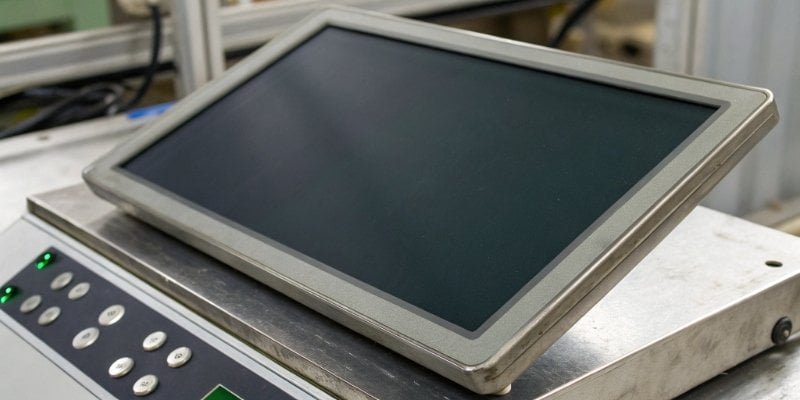
I've often had clients call us about this specific issue. The power indicator light is on, but the screen shows nothing. It's a frustrating situation because you know the scale has power, but you can't get any information from it. This problem is different from a scale that won't turn on at all. It points to a failure between the main circuit board and the operator. The most common cause is a software freeze, where the scale's processor gets stuck before it can send information to the screen. A loose internal cable, often from vibration or a small drop, is another likely culprit. Less often, the display's backlight may have failed, or the display itself might be damaged from moisture or impact. Here is how you can troubleshoot it.
| Symptom | Possible Cause | Action to Take |
|---|---|---|
| Power light ON, display blank | Software Freeze | Perform a full power cycle reset as described before. |
| Dim numbers visible with a light | Backlight Failure | The unit likely needs repair. Contact the manufacturer. |
| Display is cracked or shows black blotches | Physical Damage | The display needs to be replaced. Contact us for service. |
| Display flickers or shows random lines | Loose Internal Connection | This requires technical service to open the unit and inspect. |
Conclusion
Power issues are common. By following these simple troubleshooting steps, you can often fix your scale yourself. If not, professional support is your most reliable next step.
-
Understanding component failure can help you identify the root cause of your scale's issues. ↩
-
Learning about faulty switches can help you troubleshoot and fix your scale effectively. ↩
-
Identifying software glitches can help you troubleshoot and restore your scale's functionality. ↩
-
Learning about power cycling can help you reset devices and resolve temporary issues. ↩


[…] power cycle1 is the most basic reset. I always tell my clients to try this first. It’s like restarting your […]