
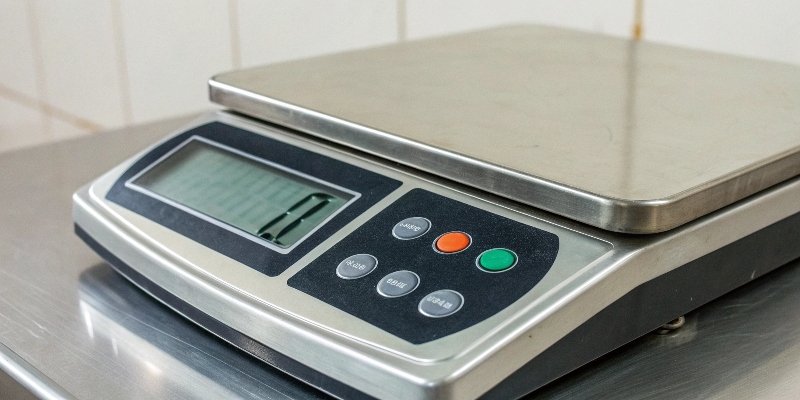
Struggling with unreliable weight readings from your system? Inaccurate data hurts your bottom line. The digital scale indicator is the brain that ensures precision, making it work for you.
A digital scale indicator is the brain of a weighing system. It takes the weak electrical signal from a load cell, converts it into a digital value, processes it for accuracy, and displays the final weight. It ensures you see a clear, stable, and correct measurement.
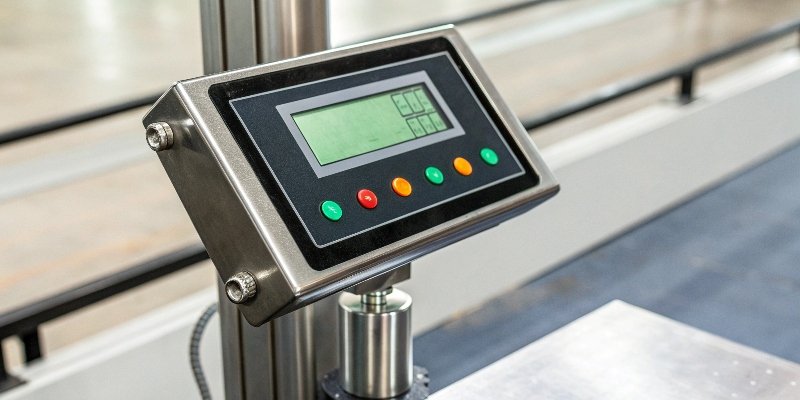
You see the final number on the screen, but a lot happens behind the scenes to get you that result. As a manufacturer with 18 years of experience, we've seen how understanding this process is key to choosing the right equipment and making sure your operations run smoothly. Let's break down exactly what this crucial device does.
What is the primary function of an indicator in a weighing system?
Your weighing platform collects force, but that raw data is useless alone. This creates confusion and stops production. The indicator's main job is to translate that force into weight.
The primary function is to be the central processing unit. It translates the analog signal from the load cell into a readable digital weight. It then displays this weight and often communicates it to other systems like printers, computers, or controllers for further data management.
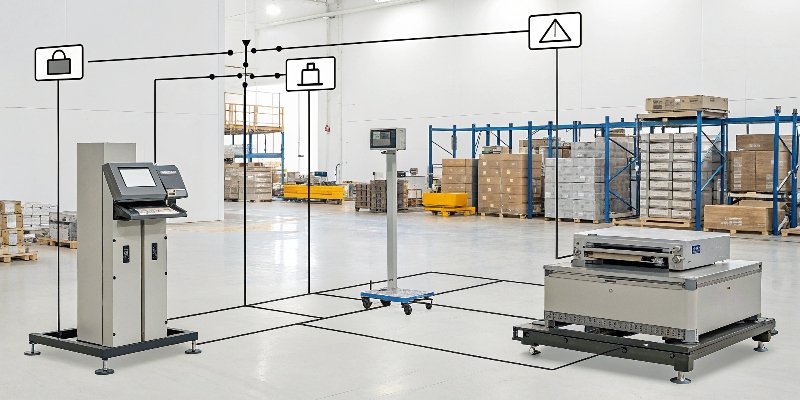
At its heart, the indicator serves three main roles. We design every unit to excel at all three, because we know our clients, especially software vendors, rely on this flawless performance for their own products.
The Interpreter
The indicator's first job is to interpret the tiny electrical signal sent by the load cell1. This signal is an analog voltage that changes based on the weight applied. The indicator translates this abstract electrical language into a clear, understandable digital number that represents weight. Without this interpretation, the measurement is just meaningless electrical noise.
The Controller
Next, the indicator acts as the system's controller. It provides the user interface2 for essential functions. Think of the "Tare" button that removes the container's weight or the "Zero" button that resets the scale. The indicator houses the microprocessor3 that executes these commands, giving you control over the weighing process and ensuring each measurement is accurate from the start.
The Communicator
Finally, the indicator communicates the weight data to the outside world. This is crucial for modern industrial and retail environments. Whether it's sending data to a printer for a label, a PC for record-keeping, or a central server via a network, the indicator is the gateway. For our software developer clients, this is the most critical part. Reliable communication ports and protocols ensure their software integrates seamlessly.
How does a digital indicator convert a load cell's signal into weight?
A load cell produces a tiny electrical signal, not a weight. This abstract signal is confusing. The indicator performs a critical multi-step conversion process to give you an accurate number.
The indicator first amplifies the load cell's weak analog signal. Then, an Analog-to-Digital Converter (A/D) changes it into a digital format. A microprocessor cleans up this data, applies calibration settings, and calculates the final weight to be displayed on the screen.
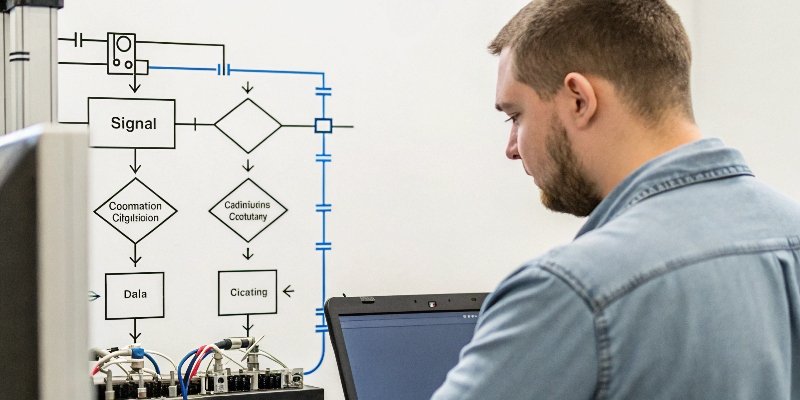
This conversion is a precise engineering process that determines the accuracy of the entire system. We've spent years perfecting it. The process can be broken down into a few key steps. High-quality components at each stage are essential for the stable software functionality that our technical clients demand.
| Step | Description |
|---|---|
| 1. Signal Acquisition | The journey begins when the indicator receives the raw, weak analog signal (usually in millivolts) from the load cell via a cable. |
| 2. Amplification | This weak signal is too small to be processed accurately. An internal amplifier boosts it to a more suitable and stable voltage level. |
| 3. A/D Conversion | An Analog-to-Digital (A/D) converter takes the amplified analog signal4 and changes it into a binary digital value. The quality of this converter is critical for precision. |
| 4. Digital Processing | A microprocessor takes over. It applies filters to remove electrical noise, uses calibration data to ensure accuracy, and performs calculations for features like tare or unit conversion. |
| 5. Display & Output | The final, processed weight value is sent to the digital display for the user to see and transmitted through output ports if needed. |
In our R&D department, we focus heavily on the A/D converter and the microprocessor's filtering algorithms. A high-bit A/D converter provides greater resolution5, meaning it can detect much smaller changes in weight. This ensures that the data sent to your software is clean, reliable, and precise from the very beginning.
What are the key features to look for when choosing a scale indicator?
Choosing an indicator feels overwhelming with so many options. The wrong choice leads to integration problems and downtime. We'll show you the key features to focus on for success.
Look for high resolution and accuracy for precision. Check for connectivity options like RS232, USB, or Ethernet for data integration. Ensure it has a durable enclosure (IP rating) for your environment and a user-friendly interface for easy operation. Data management features are also crucial.
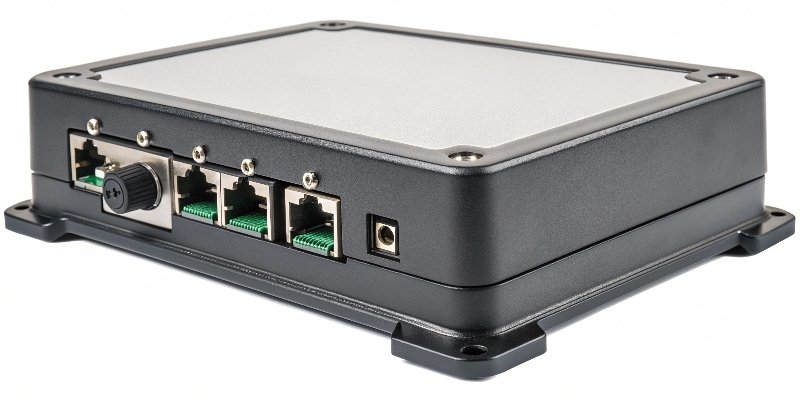
Over our 18 years as an OEM/ODM manufacturer, we've learned that a great indicator balances performance, durability, and usability. When advising our clients, especially those in software development who need to integrate devices into their ecosystems, we tell them to focus on these areas.
Accuracy and Resolution
This is the most fundamental feature. The indicator's resolution determines the smallest weight increment it can display. High resolution is essential for applications in laboratories or pharmaceuticals. Always check that the indicator's specifications meet or exceed the precision your application requires.
Connectivity and Integration
For any smart system, this is a deal-breaker. An indicator must be able to communicate. Look for standard ports like RS-232, USB, or Ethernet. For more advanced integration, check for support for industrial protocols or if the manufacturer provides an SDK or API. This flexibility is key for connecting to PCs, PLCs, and custom software, a major concern for technical directors. We make sure our products offer a range of options to simplify this process.
Durability and Certifications
Industrial environments can be harsh. An indicator's enclosure should be tough enough to handle dust, moisture, and impact. Look for an IP (Ingress Protection) rating, like IP65 or IP68, which tells you how well it is sealed against contaminants. Also, ensure it has international certifications, like CE, which guarantee it meets safety and quality standards.
How do you calibrate a weighing system using the digital indicator?
Your scale can drift over time, giving bad readings. This costs you money and creates quality issues. Calibrating it through the indicator is the simple, necessary step to restore accuracy.
Calibration involves teaching the indicator what zero weight and a known weight look like. You enter calibration mode, establish a zero point with an empty scale, then place a certified test weight on it. You enter the test weight's value, and the indicator saves these points.

Calibration is a routine but essential maintenance task. It ensures that the digital value displayed by the indicator correctly corresponds to the physical mass on the scale. We design our indicators with straightforward calibration menus because we know easy maintenance reduces long-term costs and support headaches for our clients. Here is a simple breakdown of the process.
Step 1: Enter Calibration Mode
First, you need to access the calibration settings. This is usually done by pressing a specific key combination during startup or selecting an option from the setup menu. Your indicator's user manual will provide the exact steps. The goal is to tell the indicator that you are about to teach it new reference points.
Step 2: Establish the Zero Point
With the scale platform completely empty and stable, you will confirm the zero point. The indicator records the tiny electrical signal from the load cell at this stage and understands that this signal equals "zero" weight. It is crucial that there is no draft or vibration during this step.
Step 3: Apply the Span Weight
Next, you place a known, certified test weight on the scale platform. It's very important to use a precise and reliable test weight. You then enter the exact value of this test weight into the indicator. The indicator now measures the new electrical signal and associates it with the weight value you just entered.
Step 4: Confirm and Save
Once you confirm the span weight, the indicator saves both the zero and span points. It now has two reference points and can accurately calculate any weight placed between them by creating a linear map. Afterward, you should test the scale with a few different weights to verify that the calibration was successful.
Conclusion
The digital indicator is the vital brain of any weighing system. Understanding its function, features, and calibration helps you choose the right tool and ensure consistent, accurate results for your business.
-
Discover the role of load cells in weighing systems and their significance in accurate measurements. ↩
-
Discover the key features of user interfaces that improve usability in digital scales. ↩
-
Explore the function of microprocessors in digital scales and their impact on measurement accuracy. ↩
-
Gain insights into analog signals and their conversion processes in digital weighing systems. ↩
-
Find out why resolution is crucial for precision in weighing applications and how it affects measurements. ↩



[…] connections like RS2322 and USB are the workhorses. RS232 is an industrial favorite because it is very reliable over long […]
[…] you know an RS232 scale1 is about connection. But what does "RS-232" actually mean, and why does this decades-old […]