
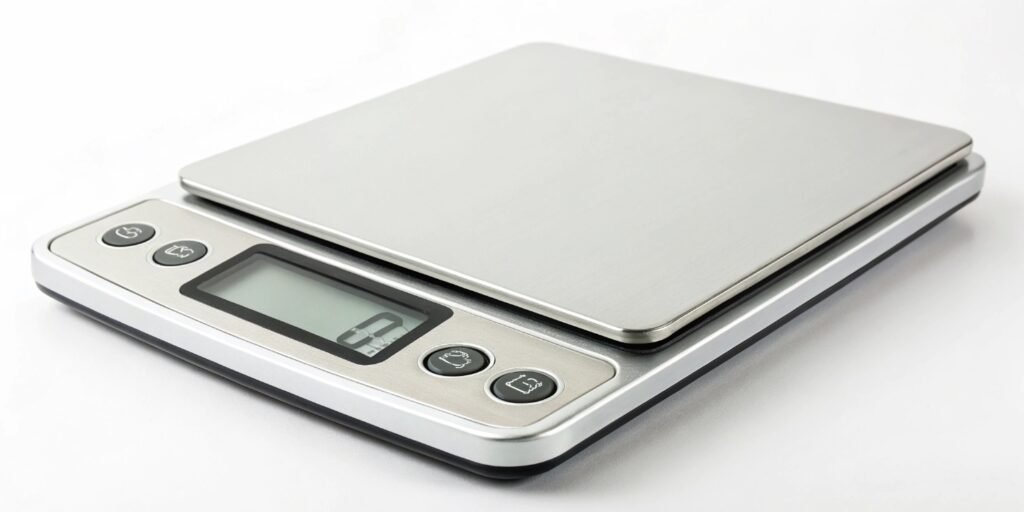
Your digital scale gives inconsistent readings, causing frustration. This inaccuracy can ruin projects and cost you money. Understanding the simple causes can quickly restore its accuracy.
The most common reasons for an inaccurate digital scale are calibration errors, low battery power, or placement on an uneven, unstable surface. Environmental factors like temperature changes and air drafts can also affect the sensitive sensors, leading to incorrect readings. Checking these things first usually solves the problem.
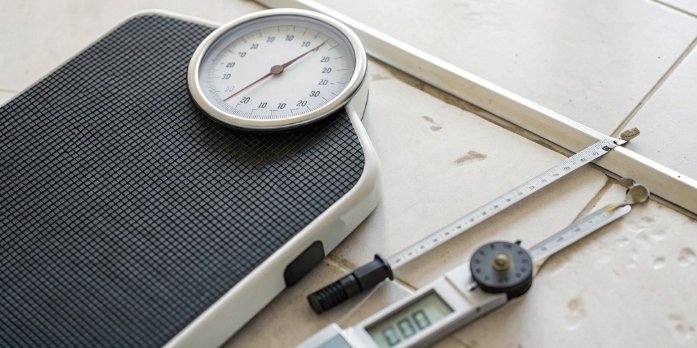
It's a frustrating moment when you rely on a measurement and you just can't trust the number you see. But don't throw away that scale just yet. In my 18 years of manufacturing industrial scales1 at Weigherps, I have seen almost every possible issue. Most of the time, the fix is much simpler and cheaper than you might expect. Let’s break down exactly what might be going wrong and how you can get your scale back to giving you the correct weight.
How do you fix an inaccurate digital weighing scale?
An inaccurate scale is useless when you need reliable data. Guessing weights on your projects wastes time and hurts your professional credibility. You can fix most issues yourself with a simple process.
Start by replacing the batteries and putting the scale on a hard, level surface. Then, perform a calibration using a standard weight according to the manufacturer's manual. This simple sequence of steps will resolve the vast majority of accuracy issues you might encounter.
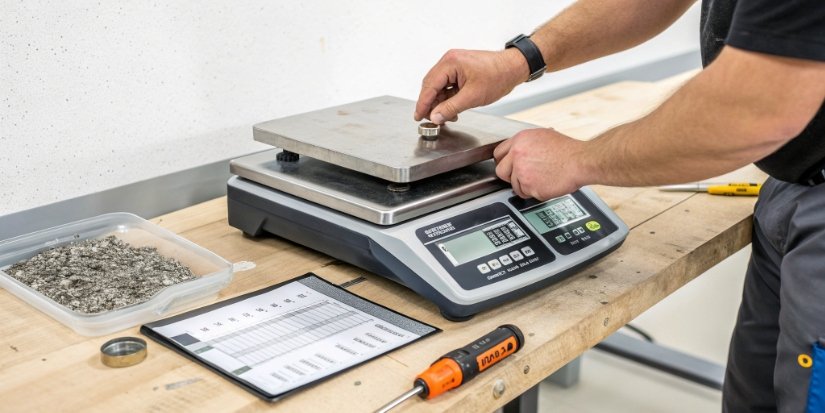
I always tell our clients to follow a logical process instead of assuming the scale is broken. You should always start with the easiest fixes first. This method saves a lot of time and prevents unnecessary service calls. We use this exact order of operations at Weigherps for our industrial clients, but it works for almost any digital scale. The goal is to eliminate variables one by one. This is the best way to find the true source of the problem.
Quick Fix Checklist
Here’s a simple table to guide you through the troubleshooting process.
| Step | Action | Why It Works |
|---|---|---|
| 1. Power Check | Replace the batteries with a fresh set. Make sure the battery contacts are clean and making a good connection. | Low or fluctuating voltage from a weak battery is a primary cause of unstable digital readouts. |
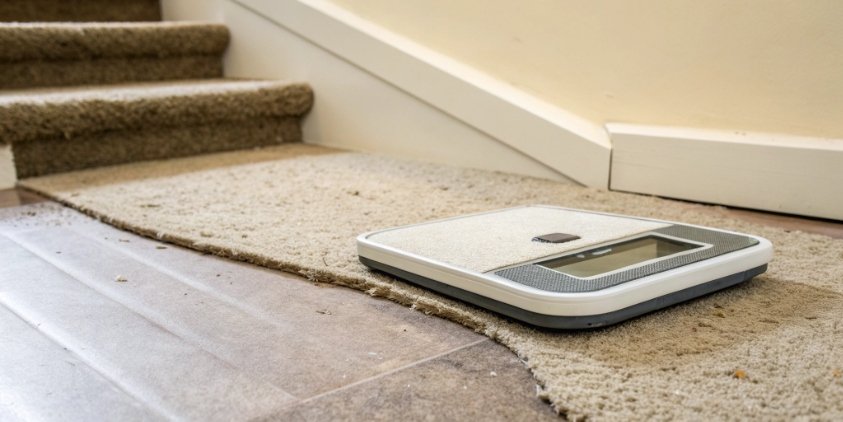
| 2. Environment | Move the scale to a hard, level, and stable surface. Keep it away from vibrations and air drafts. | An unstable base, like a carpet, or airflow from a vent directly interferes with the sensitive load sensor. |
| 3. Calibration | Use a known standard weight2 to recalibrate the scale. You must follow the steps in its user manual. | This process resets the scale's internal measurement baseline to a known and correct standard. |
| 4. Cleanliness | Gently wipe the scale platform and sensor area with a soft, dry cloth. Do not let liquid get inside. | Dust, debris, or sticky residue can block moving parts or interfere with the sensor’s function. |
| 5. Get Help | If the problem continues after these steps, it is time to contact the manufacturer for support. | Some issues, like a permanently damaged sensor from being overloaded, need expert repair or replacement. |
Why are digital scales so inaccurate?
You bought a digital scale expecting perfect precision, but it often disappoints. This supposed inaccuracy can make you question if the technology is reliable at all. The problem isn't the scale's technology, but common external factors and misuse.
Digital scales are actually very precise instruments. Their perceived "inaccuracy" almost always comes from external factors they are sensitive to. Issues like temperature shifts, tiny vibrations, unstable surfaces, and incorrect calibration are the true causes, not a flaw in the core technology itself.
People often blame the scale, but I’ve learned over the years that the environment is usually the real villain. A high-quality industrial scale, like the ones we build and test at Weigherps, contains an incredibly sensitive load cell sensor3. This sensitivity is what gives you precision down to the gram. But, it also means the scale can detect small forces you might not notice. Think of it like a professional studio microphone that picks up faint background noise. Your scale is picking up physical "noise" from its surroundings. An unstable environment creates unstable readings.
Common Environmental and Operational Errors
Here are the main issues we see every day.
| Factor | The Problem | The Fix |
|---|---|---|
| Uneven Surfaces | Putting a scale on carpet or uneven floor tiles means its feet do not bear weight equally. This causes errors. | Always use a hard, flat, and level surface. A sturdy table or a solid concrete floor is ideal. |
| Temperature | Big temperature shifts or high humidity can cause the metal in the sensor to slightly expand or contract. This alters readings. | Keep the scale in a stable indoor room. Place it away from heat vents, AC units, or direct sunlight. |
| Airflow & Vibration | A strong draft from a fan or vibrations from nearby machinery can create "ghost" weight readings that fluctuate. | Find a calm, stable spot for your scale. It should be away from heavy equipment, doors, or open windows. |
| Improper Use | Placing an item off-center or letting it touch the edges can lead to incorrect readings. Overloading the scale can cause permanent damage. | Place items in the center of the platform. Always respect the scale's maximum weight capacity listed in the manual. |
Why am I heavier on digital scales?
You step on a new digital scale and the number is higher than you expect. It's a disheartening experience that makes you question both scales. This is often due to calibration differences, not actual weight gain.
You might seem heavier on a new digital scale because it is more accurate than your old one. This is especially true if your old scale was a mechanical type or was never calibrated. Different brands can also be calibrated with slight variations at the factory.
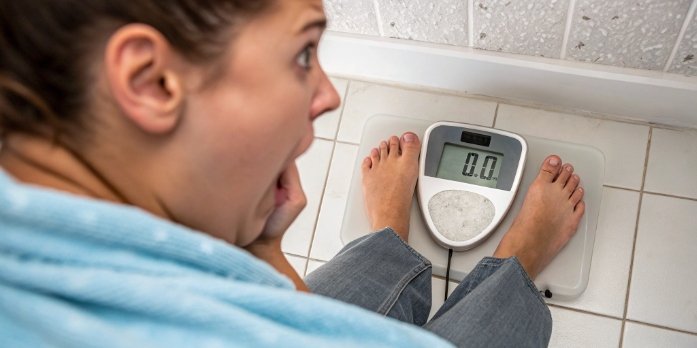
This is a very common question, and our sales team hears it all the time, even from industrial clients weighing raw materials. A customer will switch to a new, higher-precision system from us and suddenly all their old measurements seem wrong. The reality is that the old scale was likely the one that was inaccurate. Over time, especially with older spring-based analog scales, the internal components wear out and stretch. This wear and tear causes them to show a lower weight than what is actually there. A new, properly calibrated digital scale simply reveals the true, accurate weight. This can be a surprise, but it means you now have better data.
Understanding Scale Accuracy and Precision
The issue is also about precision. A new digital scale might measure in smaller increments, like 0.1 pounds, compared to an older one that only shows whole pounds. This higher resolution captures smaller fluctuations and doesn't round down as much. So, if your old scale was rounding down, the new digital one gives you the more accurate, and sometimes slightly higher, number. The most important thing is consistency. A good scale will give you the same number again and again.
How do I know if my digital scale is accurate?
You rely on your scale for correct measurements, but can you trust the data it gives you? Doubting your scale's accuracy creates uncertainty in your project or process. There are simple, reliable tests you can do to verify its accuracy.
To test a scale's accuracy, use an object with a known and verified weight, like an official calibration weight. For a simpler test at home, weigh a common object with a printed weight, like a new bag of sugar or flour, to get a reliable benchmark.
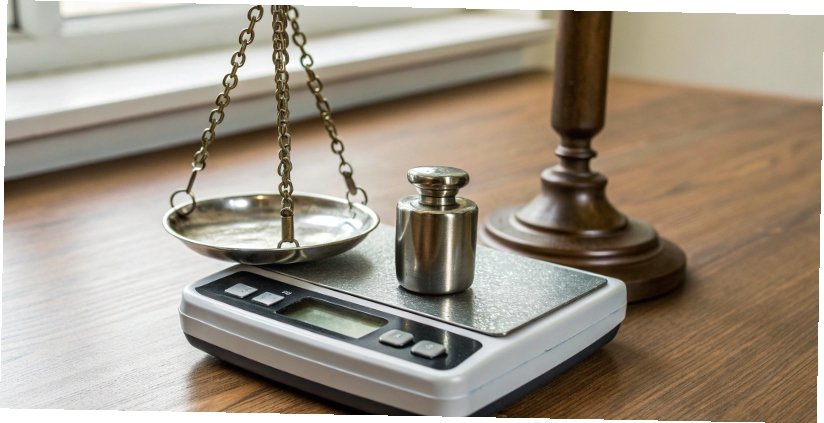
At Weigherps, every single scale we produce is thoroughly tested with certified weights before it leaves our quality control department. You can perform a version of this test yourself without expensive equipment. The goal is to check for two things: accuracy and repeatability. Accuracy is how close the scale's reading is to the object's true weight. Repeatability is the scale's ability to give the exact same result every time you weigh the same object. If a scale is not repeatable, it is not reliable.
Two Key Accuracy Tests
Here is how we advise our clients to do a quick spot-check on their equipment.
- The Known Weight Test: Find an object with a weight you can trust. Official calibration weight4s are the best tool for this. If you don't have one, a new an unopened bag of sugar (e.g., 1kg or 2lb) or a dumbbell with the weight stamped on it works well. Place it in the center of the scale. Is the reading correct and within the manufacturer's stated tolerance?
- The Repeatability Test: Place your test object on the scale and write down the weight. Remove it. Wait for the scale to return to zero, then place the object back on the platform. Do this three to five times. A reliable scale will show the exact same weight each time. If the numbers jump around, you likely have a sensor problem or an unstable surface.
Conclusion
Most scale inaccuracies come from simple issues like bad batteries, improper placement, or lost calibration. Following these basic checks will help you maintain a reliable and accurate scale.
-
Explore the unique features of industrial scales that enhance their accuracy and reliability. ↩
-
Learn the importance of using standard weights for accurate calibration. ↩
-
Understanding load cell sensors can help you appreciate the technology behind your scale. ↩
-
Explore the role of calibration weights in ensuring accurate scale measurements. ↩



[…] the environment. Is there a draft from a fan or an open door? Is the table wobbling? An unstable reading2 will cause the calibration to […]