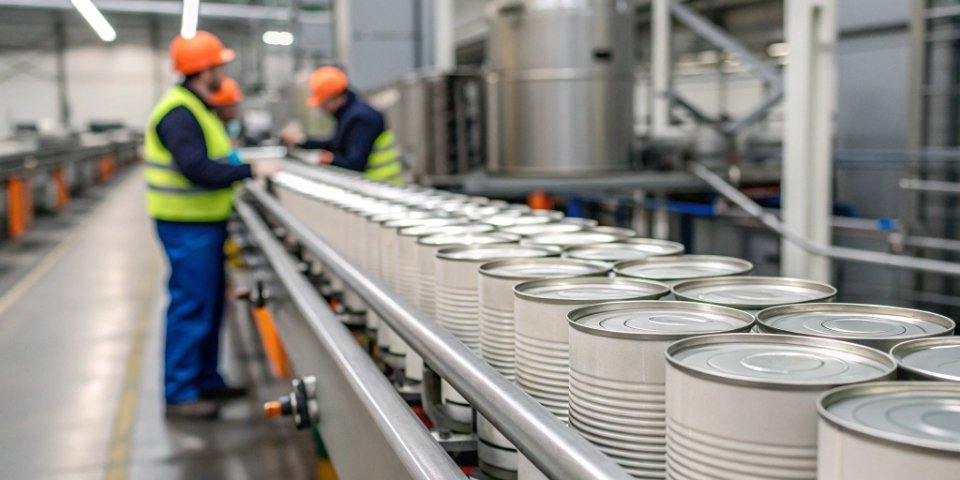
Struggling with rigid, one-size-fits-all traceability labels? You need a format that fits your product and supply chain perfectly, but off-the-shelf solutions often fall short, causing production headaches.
Of course. Professional manufacturers provide powerful label editing software, allowing you to fully customize the printing format. You can adjust fields like QR codes, batch numbers, and dates, and support both single-item and multi-item printing to meet your exact needs.
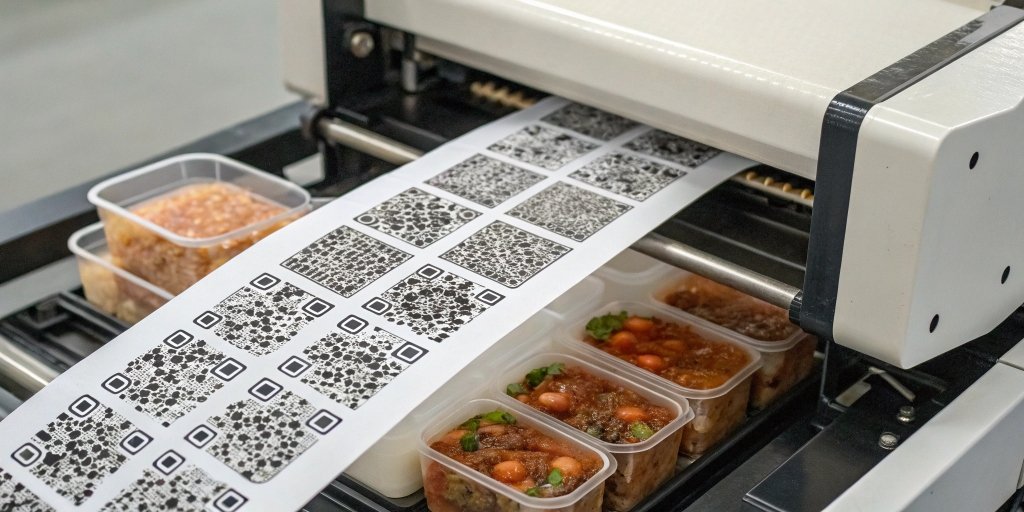
This level of customization is a game-changer for any software vendor looking to provide top-tier solutions to their clients in the food production industry. As a manufacturer with 19 years of experience, I've seen firsthand how crucial tailored labeling is. It’s not just about printing a code; it’s about creating an efficient, error-free system that scales with the business. Let's dive deeper into how you can make this happen.
What Are the Best Practices for Designing Traceability QR Code Labels in Food Production?
Getting your label design wrong can lead to chaos. A code that fails to scan creates shipment delays, recall gaps, and ultimately, a loss of trust and money.
The best practice is to design a label that is both scannable and informative. This means ensuring a clear layout, using high-contrast colors, choosing a durable material, and including essential data like the GTIN, batch number, and expiration date for complete traceability.
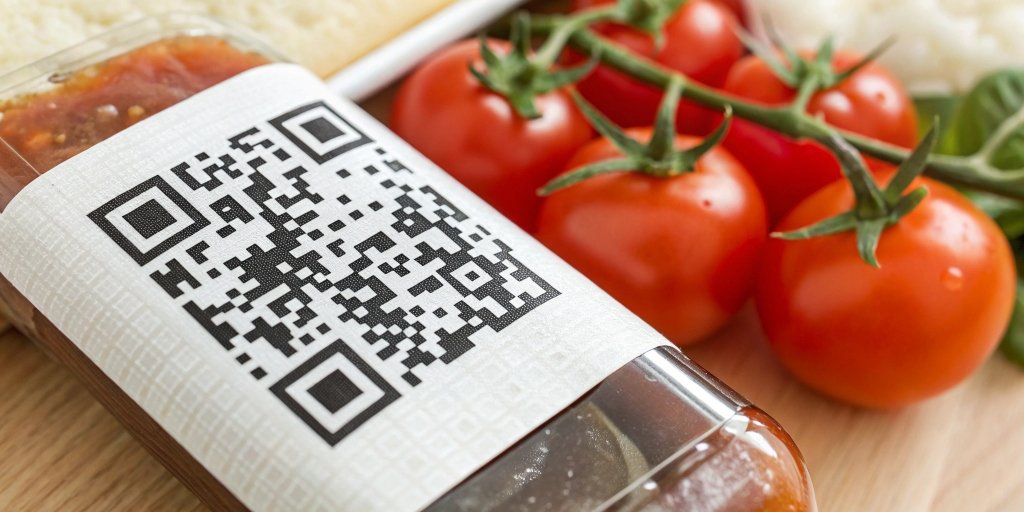
As a weighing solutions provider, we often integrate our systems with labeling software, so we know that a perfect label is the critical final step. A label that fails is a weak link in the entire traceability chain. To prevent this, we need to focus on a few core areas.
Key Information to Include
Not every code on a package is a traceability code. [11] A marketing QR code might link to a website, but a traceability code must contain specific, machine-readable data connecting the physical product to its digital record. [1, 11] According to GS1 standards, which are widely used in the food industry, certain data fields are crucial. [3, 9]
| Data Field | Purpose | Example |
|---|---|---|
| GTIN (Global Trade Item Number) | Uniquely identifies the product itself. [9] | 0095420123456788 |
| Batch/Lot Number | Connects the item to a specific production run. [9, 12] | L24219A |
| Expiration Date | Essential for managing shelf life and food safety. [9] | Best Before: 03-2027 |
| Serial Number (Optional) | Identifies a single, unique unit for granular tracking. [12] | SN: 1A2B3C4D5E |
Design and Layout for Scannability
A code that can't be scanned is useless. The most common failure point I've seen isn't the data, but the physical design of the label. Follow these rules to ensure reliability:
- High Contrast: Use a black code on a white background for the best results. [1] Avoid placing codes on busy patterns or dark colors.
- Quiet Zone: Always leave a blank margin around the QR code. This "quiet zone" helps scanners distinguish the code from its surroundings. [4]
- Size and Placement: The code must be large enough to be scanned easily by any device, from a warehouse scanner to a consumer's phone. [1] Place it on a flat, visible part of the packaging. [1]
Material and Durability
Food products face tough environments—condensation, refrigeration, and handling can quickly degrade a poor-quality label1. [4] The material an d print quality are just as important as the code itself. [2] A paper label might smudge in a refrigerated environment, while a synthetic material like BOPP or polyester will resist moisture and wear, ensuring the code remains scannable throughout the product's lifecycle. [4, 5]
How Can Food Producers Work with Suppliers to Create Customizable QR Code Labels?
You know you need custom labels, but starting the conversation with a supplier can feel overwhelming. Any miscommunication can lead to costly delays and labels that just don't work.
To ensure success, producers should provide suppliers with clear specifications on data, design, and material. [2] The process should involve technical consultation, digital mockups for approval, and discussions on software integration to ensure the final label meets all requirements.

In my role at Weigherps, I work closely with software vendors who act as the bridge to food producers. This collaborative process is where we turn a client's needs into a functional, reliable product. Open communication from the start is non-negotiable.
Step 1: Defining Your Needs with All Stakeholders
Before you even talk to a supplier, get your internal teams together. Your marketing team knows the branding requirements, your engineering team understands the physical constraints of the production line and packaging, and your quality assurance team knows the regulatory standards. [19] Involving all stakeholders prevents costly mistakes, like ordering labels that don't stick or don't comply with regulations. [19] Your supplier can then offer better insights when they understand the complete picture. [19]
Step 2: Providing Clear Technical Specifications
Once you know what you need, you must translate it into technical terms for the manufacturer. Simply asking for a "QR code label" isn't enough. We need details to give you an accurate and effective solution.
Here is a simple checklist of what to provide:
- Label Dimensions: What is the exact size of the label?
- Material & Adhesive: Will the product be refrigerated, frozen, or exposed to moisture? [2] This determines the right material and adhesive.
- Variable Data Fields: What information needs to be on each label (e.g., lot number, date, weight)? Do you need serialized, unique QR codes for each item? [4]
- Printer & Software Compatibility: What printing hardware and software do you currently use? We need to ensure the labels and our systems are compatible.
Step 3: The Proofing and Approval Process
Never go straight to a full production run. Always start with a proofing process. A good manufacturer will provide digital mockups showing the layout and data fields. For my clients, I insist on this step. It allows them to see exactly what the final label will look like and test the QR code to ensure it links to the correct data. Once the digital proof is approved, we can produce a small test run. This allows the client to test the labels on their actual production line, checking for adhesive performance, scannability, and durability before committing to a large order.
Are There Flexible Solutions for Generating Product Labels with Traceability QR Codes?
Your production environment is dynamic, with different products and batches requiring different label information. A rigid, hard-coded labeling system just can't keep up with these demands.
Yes, flexible solutions are readily available. Professional manufacturers provide label editing software that empowers users to customize templates, define data fields, and print on demand. This supports both single-label and batch-printing workflows to match specific production needs.

The era of static, pre-printed labels is over, especially in traceability. As a provider of weighing systems, we recognized early on that our customers—especially software vendors—need agility. Their end-users on the factory floor can't wait for IT to redesign a label. They need control.
The Power of Label Editing Software
Modern label editing software is designed for ease of use. At Weigherps, we provide solutions that feature a drag-and-drop interface, similar to design tools like Canva. [10] This allows a production manager, not just a developer, to make changes.
Key features of flexible software include:
- Customizable Templates: Create and save multiple label designs for different products or customers.
- Dynamic Data Fields: Link fields on the label (like weight, batch number, or date) directly to your production database or our weighing scales. The information is pulled automatically, reducing manual entry errors. [22]
- Variable Data Printing: Generate unique, serialized QR codes for every single product unit, not just the batch. [4] This is crucial for high-value items or for meeting strict traceability regulations. [12]
Integration with Existing Systems
A flexible solution shouldn't force you to discard your current infrastructure. The best label generation tools are designed to integrate with existing Enterprise Resource Planning (ERP) and supply chain management systems. [1] Dynamic QR codes are especially powerful here, as the data linked to a code can be updated in the backend system without needing to reprint a single label. [6, 20] For a software vendor, this means you can offer a solution that enhances, rather than replaces, your client's current setup.
On-Demand and Offline Printing Capabilities
Flexibility also means printing where and when you need it. Modern systems support both mobile and desktop printers, allowing for printing directly on the production line, in the warehouse, or even in the field. [22] Some advanced platforms even offer offline printing support; a technician can generate and print labels in a location without Wi-Fi, and the data will automatically sync once a connection is re-established. [22] This capability is invaluable for field operations or in large facilities with spotty network coverage.
Conclusion
Ultimately, customizing traceability QR code labels is not only possible but essential. With the right manufacturer, collaborative process, and flexible software, you can create a labeling system that is truly your own.
-
"Guidance on Labeling of Foods That Need Refrigeration by ...", https://www.fda.gov/media/134845/download. Food packaging and cold-chain guidance notes that refrigerated and frozen distribution exposes packaging to moisture, condensation, abrasion, and temperature variation, supporting the need for durable labels in these environments. Evidence role: general_support; source type: government. Supports: Food labels may degrade when exposed to condensation, refrigeration, and handling during distribution.. Scope note: The source may support environmental exposure generally rather than testing a specific label material or adhesive. ↩


Comments (0)